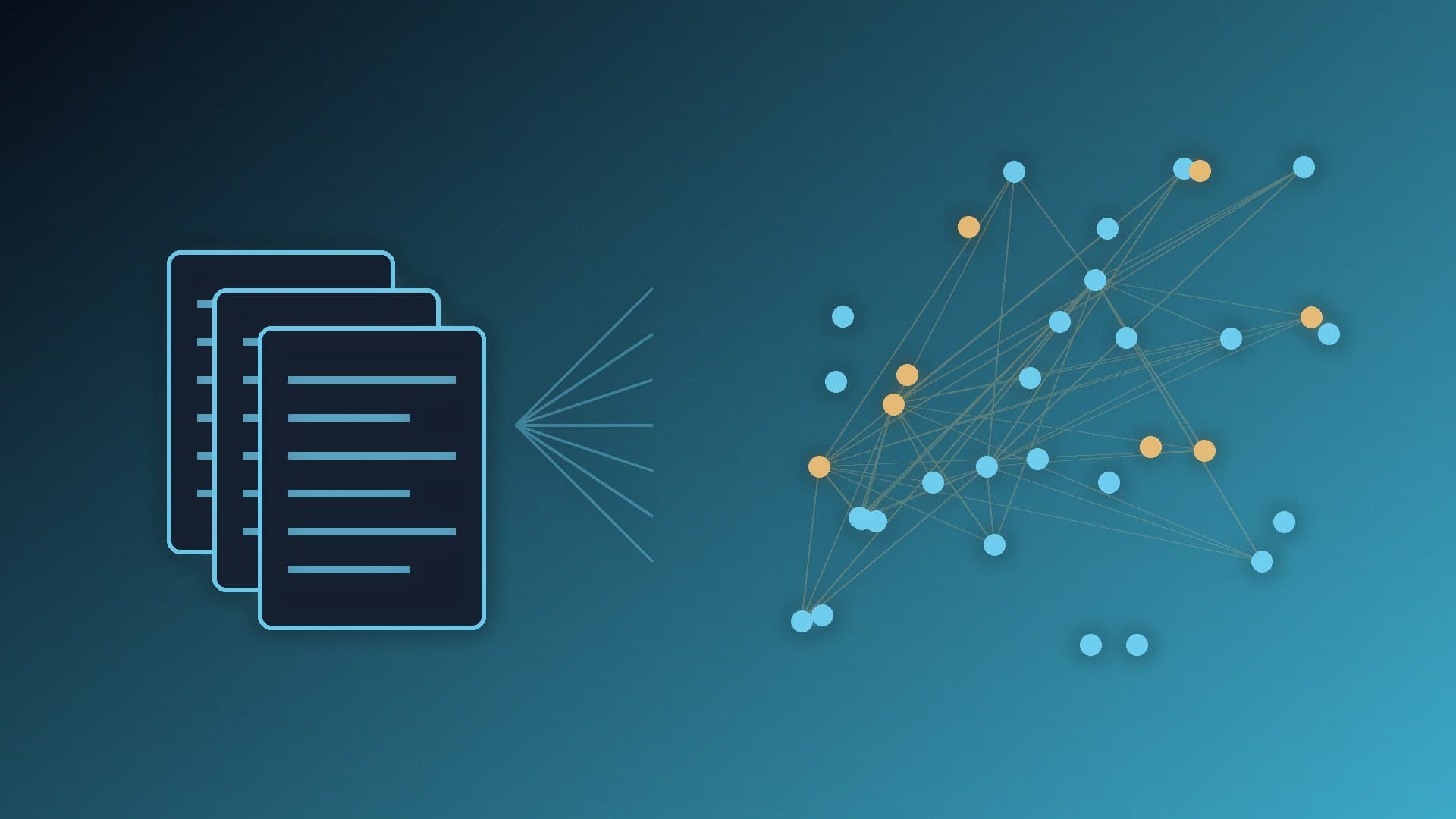
If you want a local AI app to answer questions about your own documents, notes or photos, the chat model is only half the job. The other half is the embedding model, which turns each chunk of text into a list of numbers (a vector) so the app can find the passages most relevant to your question. Pick a weak one and even a big chat model gets fed the wrong context. Pick one that's too large and it wastes memory you'd rather give to the chat model.
This guide picks the best embedding models you can run locally through Ollama, based on the official Ollama library pages and the model makers' own descriptions. Download sizes and context windows are as listed on Ollama's library pages on 27 November 2026.
New to embeddings? Our guide to how to use embedding models with Ollama covers the commands, and RAG vs fine-tuning explains why retrieval is usually the better way to teach a local model about your files.
Quick picks
Model (Ollama name) | Best for | Download size | Context window |
|---|
embeddinggemma-2
| Best overall, and text plus images | 304MB to 1.3GB depending on size | 8K tokens (Google's model description) |
nomic-embed-text
| Best lightweight default | 274MB | 2K tokens |
qwen3-embedding
| Best for maximum quality on a GPU | 639MB (0.6B) to 4.7GB (8B) | 32K to 40K tokens |
bge-m3
| Best for multilingual and long documents | 1.2GB | 8K tokens |
mxbai-embed-large
| Best for English-only search | 670MB | 512 tokens |
all-minilm
| Best for very low-end hardware | 46MB to 67MB | 512 tokens |
One rule before you choose
Vectors from different embedding models aren't interchangeable. If you index your documents with one model and later switch to another, you need to re-embed (re-index) everything. So it's worth choosing carefully at the start, and noting which model each knowledge base uses. Ollama's embeddings documentation notes that the vector length depends on the model, typically 384 to 1,024 dimensions, and your vector database has to match it.
Best overall: EmbeddingGemma 2
Google DeepMind's EmbeddingGemma 2 (embeddinggemma-2) is the newest model here (Ollama's library page shows it as updated a month ago), and it's our first choice for a new setup. According to its description on Ollama, it maps text (including code), images, video and audio into a single 768-dimensional vector space. The full model has 740M parameters: a 270M-parameter text model plus vision (170M) and audio (300M) encoders that can be loaded only when you need them.
Ollama offers several sizes. The 270m tag is text-only and is a 304MB to 378MB download, while the 740m tag (the default latest) is 1.3GB and accepts text and images. Google says it understands more than 100 languages, improves on its predecessor at code tasks, and supports shorter vectors of 128, 256 or 512 dimensions as well as the full 768, which cuts storage for large collections. Google's description gives an 8K-token context window.
Why pick it: one small model that covers text and images, many languages, and flexible vector sizes. If you only need text, start with the 270m tag.
The original EmbeddingGemma (embeddinggemma, 300M parameters, 622MB, 2K context) is still available and is the model Ollama's own embeddings documentation uses in its examples. It needs Ollama v0.11.10 or later.
Best lightweight default: nomic-embed-text
nomic-embed-text is the most downloaded embedding model in Ollama's library, with 99.5 million downloads shown on its page. It's a 274MB download with a 2K-token context window and is text-only. Nomic says it beats OpenAI's text-embedding-ada-002 and text-embedding-3-small on short and long context tasks.
Why pick it: tiny, widely used and a safe choice if you're following an older RAG guide written for it. Its 2K context is enough for typical document chunks.
Nomic's newer nomic-embed-text-v2-moe (958MB) adds support for about 100 languages using a mixture-of-experts design (475M total, 305M active parameters), but its maximum input is 512 tokens, and Nomic recommends adding search_query: and search_document: prefixes to your text. Choose it if you need multilingual search and your app lets you set those prefixes.
Best for maximum quality: Qwen3 Embedding
Alibaba's Qwen3 Embedding (qwen3-embedding) comes in three sizes: 0.6B (639MB, 32K context), 4B (2.5GB, 40K context) and 8B (4.7GB, 40K context). Qwen says the 8B model ranked first on the MTEB multilingual leaderboard as of 5 June 2025 with a score of 70.58, and that the series supports over 100 languages, including programming languages, plus custom instructions to tune results for a task.
Why pick it: if you have a graphics card with spare memory and care most about retrieval quality, the 4B or 8B model is the one to try, given its maker's leaderboard result. Remember that the embedding model and your chat model may both need to be loaded at once, so check your VRAM first; our guide to how much RAM you need for local AI helps.
The 0.6B model is a good middle ground for laptops: a 639MB download with a 32K-token context window.
Best for multilingual and long documents: BGE-M3
BAAI's bge-m3 (567M parameters, 1.2GB) handles more than 100 languages and inputs of up to 8,192 tokens, according to its model description. BAAI says it can perform three kinds of retrieval: dense, multi-vector and sparse.
Why pick it: long chunks and mixed-language document collections. Snowflake's snowflake-arctic-embed2 (568M, 1.2GB, 8K context) is a close alternative; Snowflake says Arctic Embed 2.0 adds multilingual support without giving up English performance.
Best for English-only search: mxbai-embed-large
Mixedbread's mxbai-embed-large (335M parameters, 670MB) was, according to its makers, the best-performing BERT-large-sized model on the MTEB leaderboard as of March 2024. Its 512-token context means you need to keep document chunks short. For queries, Mixedbread's example adds the prefix Represent this sentence for searching relevant passages: before your question.
Why pick it: a proven, mid-sized English model that many RAG tools support.
Best for very low-end hardware: all-minilm
all-minilm is a sentence-transformers model in 22M (46MB) and 33M (67MB) sizes with a 512-token context. It's much older and smaller than the other picks, but it will run on almost anything, including a mini PC or a PC without a graphics card.
Why pick it: quick experiments, or very large collections on weak hardware where speed matters more than quality.
How to choose
Just starting out: nomic-embed-text or the 270m tag of embeddinggemma-2.
Photos and documents in one index: embeddinggemma-2 with an image-capable tag (440m or 740m).
Non-English or mixed-language files: embeddinggemma-2, bge-m3, qwen3-embedding or snowflake-arctic-embed2.
Best quality with several gigabytes of spare VRAM: qwen3-embedding:4b or qwen3-embedding:8b.
Long chunks: avoid the 512-token models (mxbai-embed-large, all-minilm, nomic-embed-text-v2-moe).
Most document chat apps let you pick the embedding model in their settings. Our round-up of the best local AI document chat apps and the guide to using Open WebUI's knowledge base show where.
Our verdict
For a new local RAG or search setup, start with EmbeddingGemma 2: it's small, multilingual, handles images as well as text, and offers shorter vectors to save space. nomic-embed-text remains the easiest, best-supported lightweight default, Qwen3 Embedding 4B or 8B is the pick if you have spare GPU memory and want the model its maker ranks highest, and BGE-M3 suits long, multilingual documents. Whichever you choose, stick with it, because switching models means re-indexing your files.