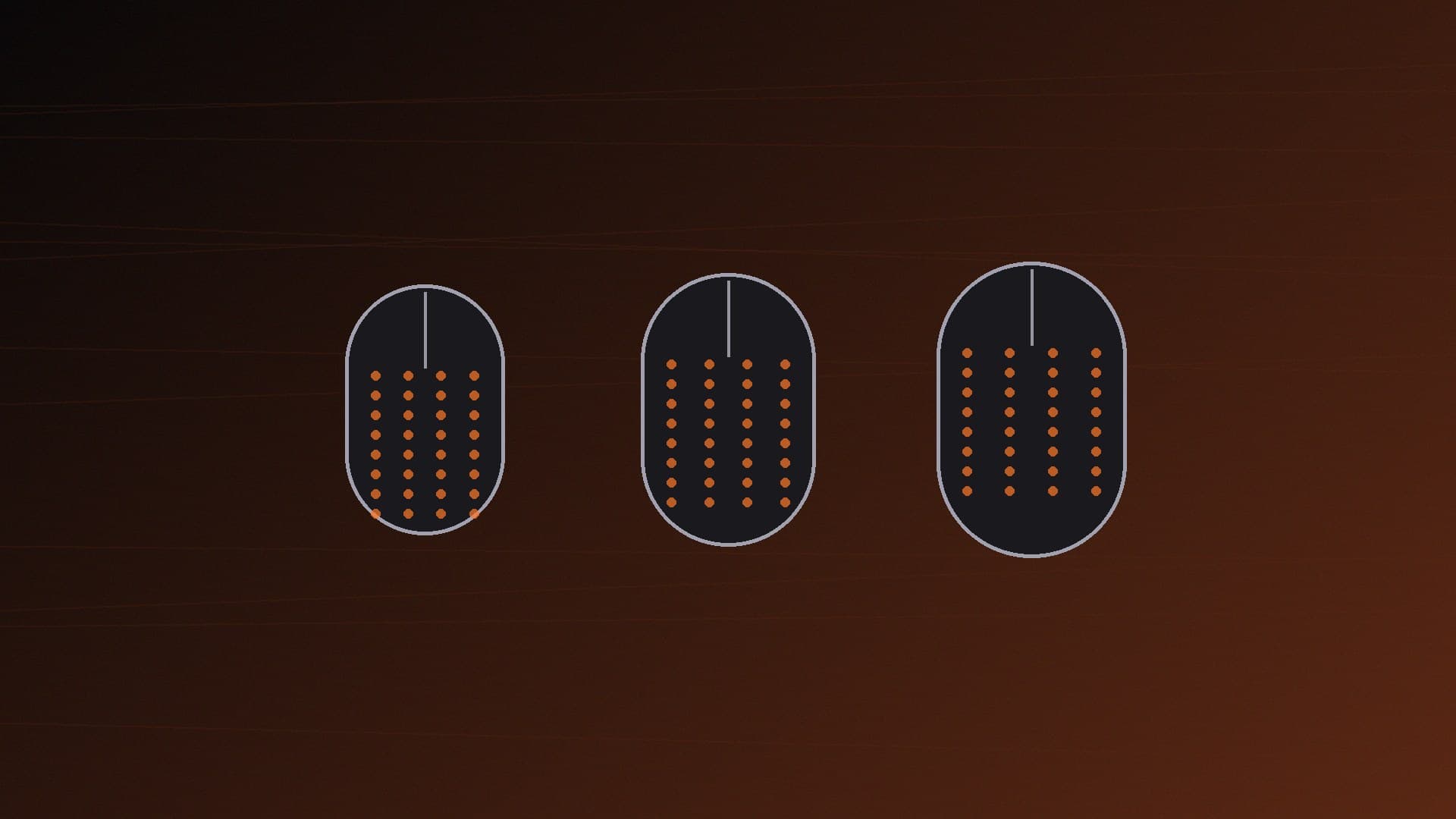
SteelSeries' Aerox Wireless family is its main line of lightweight wireless gaming mice, and the three models share most of their technology. They differ in weight, button count and the type of game they're designed for. We've compared them using SteelSeries' official product pages, read on 27 November 2026.
Quick picks
| Aerox 3 Wireless | Aerox 5 Wireless | Aerox 9 Wireless |
|---|
Best for | FPS and all-round use | Multi-genre gaming | MMO and MOBA |
Weight (SteelSeries) | 68g | 74g (66g in other copy on the same page) | 89g |
Programmable buttons | Not listed in the features we read | 9, including a side panel and an up/down flick switch | 18, including a 12-button side panel |
Battery life (SteelSeries) | Up to 200 hours | Up to 180 hours | Up to 180 hours |
Sensor | TrueMove Air, co-developed with PixArt | TrueMove Air | TrueMove Air |
Wireless | Quantum 2.0 2.4GHz and Bluetooth 5.0 | Quantum 2.0 2.4GHz and Bluetooth 5.0 | Quantum 2.0 2.4GHz and Bluetooth 5.0 |
Dust and water | AquaBarrier, IP54 | AquaBarrier, IP54 | AquaBarrier, IP54 |
Switches | Golden Micro IP54 | Golden Micro IP54 | Golden Micro IP54 |
Lighting | 3-zone PrismSync RGB | 3-zone PrismSync RGB | 3-zone PrismSync RGB |
All figures are SteelSeries' own. Battery life depends on settings such as lighting and connection type.
Best overall: SteelSeries Aerox 3 Wireless
The SteelSeries Aerox 3 Wireless is the lightest of the three at 68g, according to SteelSeries, and has the longest quoted battery life at up to 200 hours. SteelSeries says its low-profile shape suits any grip style, which makes it the safest choice if you're not sure what you want. Like the others, it has a perforated shell, the TrueMove Air optical sensor, Quantum 2.0 2.4GHz wireless for gaming, Bluetooth 5.0 for laptops and other devices without a dongle, and a USB-C port for charging or wired use.
Choose it for shooters and general gaming.
Best for multi-genre gaming: SteelSeries Aerox 5 Wireless
The SteelSeries Aerox 5 Wireless adds buttons without adding much weight. SteelSeries lists nine programmable buttons, including a side panel and an up/down flick switch, at 74g in its feature list, although another part of the same page says 66g, so check the box or retailer listing if weight matters to you. SteelSeries says its right-handed shape is designed for claw or palm grips, so it isn't for left-handed users, and SteelSeries quotes up to 180 hours of battery life. It comes with a detachable USB-C Super Mesh cable for wired play and charging.
It's the one to pick if you play a mix of shooters, battle royales and other games where extra buttons are handy for things like crouching or abilities.
Best for MMO and MOBA: SteelSeries Aerox 9 Wireless
The SteelSeries Aerox 9 Wireless is the one for games with lots of abilities, with 18 programmable buttons including a 12-button side panel. That makes it the heaviest of the three at 89g, although SteelSeries still lists its perforated shell as ultra lightweight. Battery life is quoted at up to 180 hours.
Pick it if you play MMOs or MOBAs and want abilities and items under your thumb. If you mainly play shooters, the extra side buttons are more likely to get in the way.
How to set up any Aerox mouse
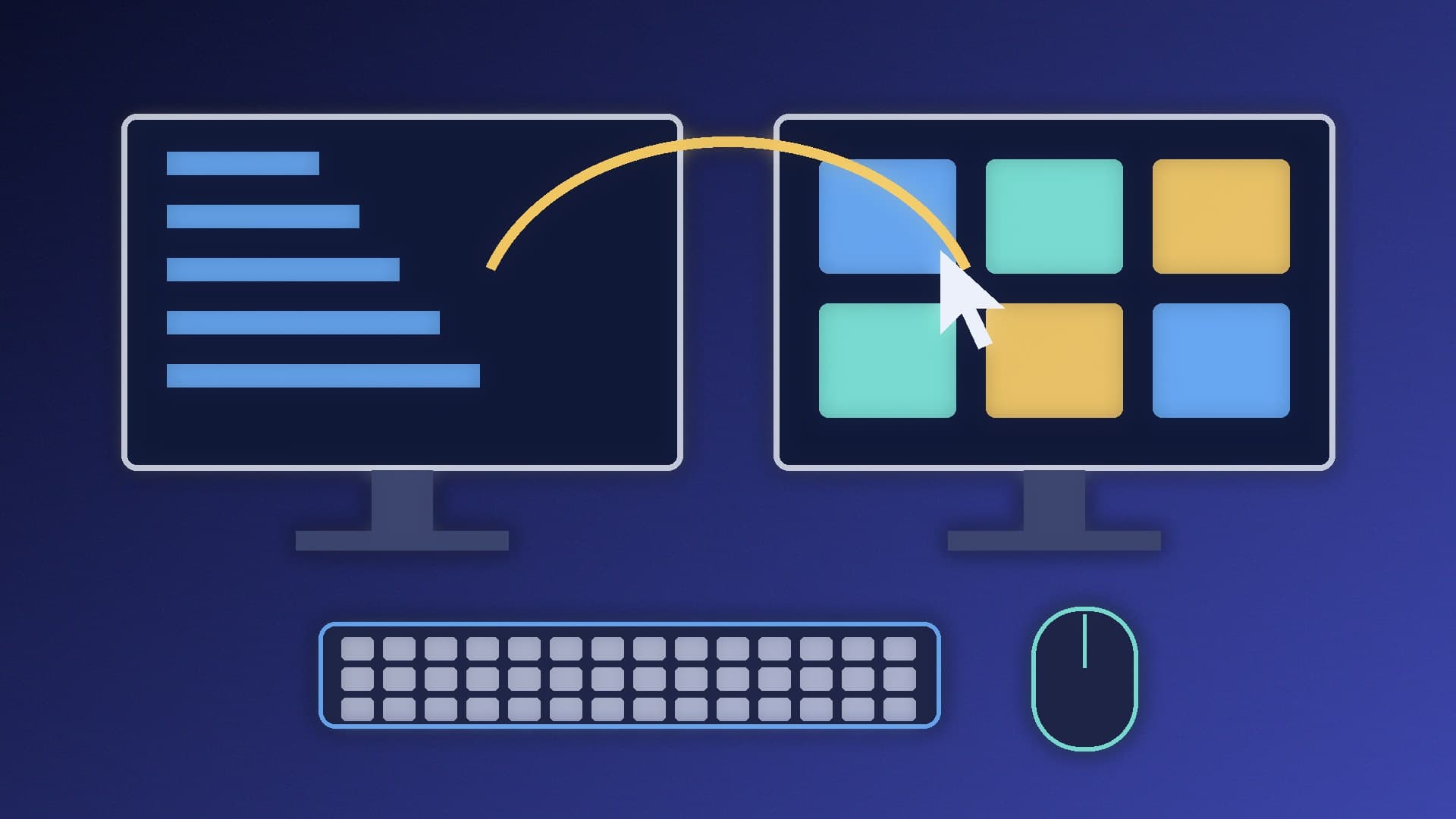
Use the 2.4GHz receiver for gaming and keep Bluetooth for laptops and travel.
Set your sensitivity and polling rate in SteelSeries' software, then check them in Windows. Our guides to changing mouse DPI and changing polling rate explain how.
The perforated shell is IP54-rated against dust and splashes, but that doesn't make it waterproof, so don't wash it or submerge it.
A good mouse mat helps any optical sensor. See our best mouse pad guide.
Other brands to consider
If you're not set on SteelSeries, compare our best gaming mouse, best wireless gaming mouse, best Logitech G gaming mouse and best Razer gaming mouse guides.
Our verdict
The SteelSeries Aerox 3 Wireless is the best SteelSeries gaming mouse for most people: at 68g with up to 200 hours of battery life, Quantum 2.0 2.4GHz and Bluetooth 5.0, it's the lightest and longest-lasting Aerox. Choose the 74g Aerox 5 Wireless if you want nine programmable buttons for multi-genre gaming, or the 89g Aerox 9 Wireless and its 12-button side panel for MMOs and MOBAs.