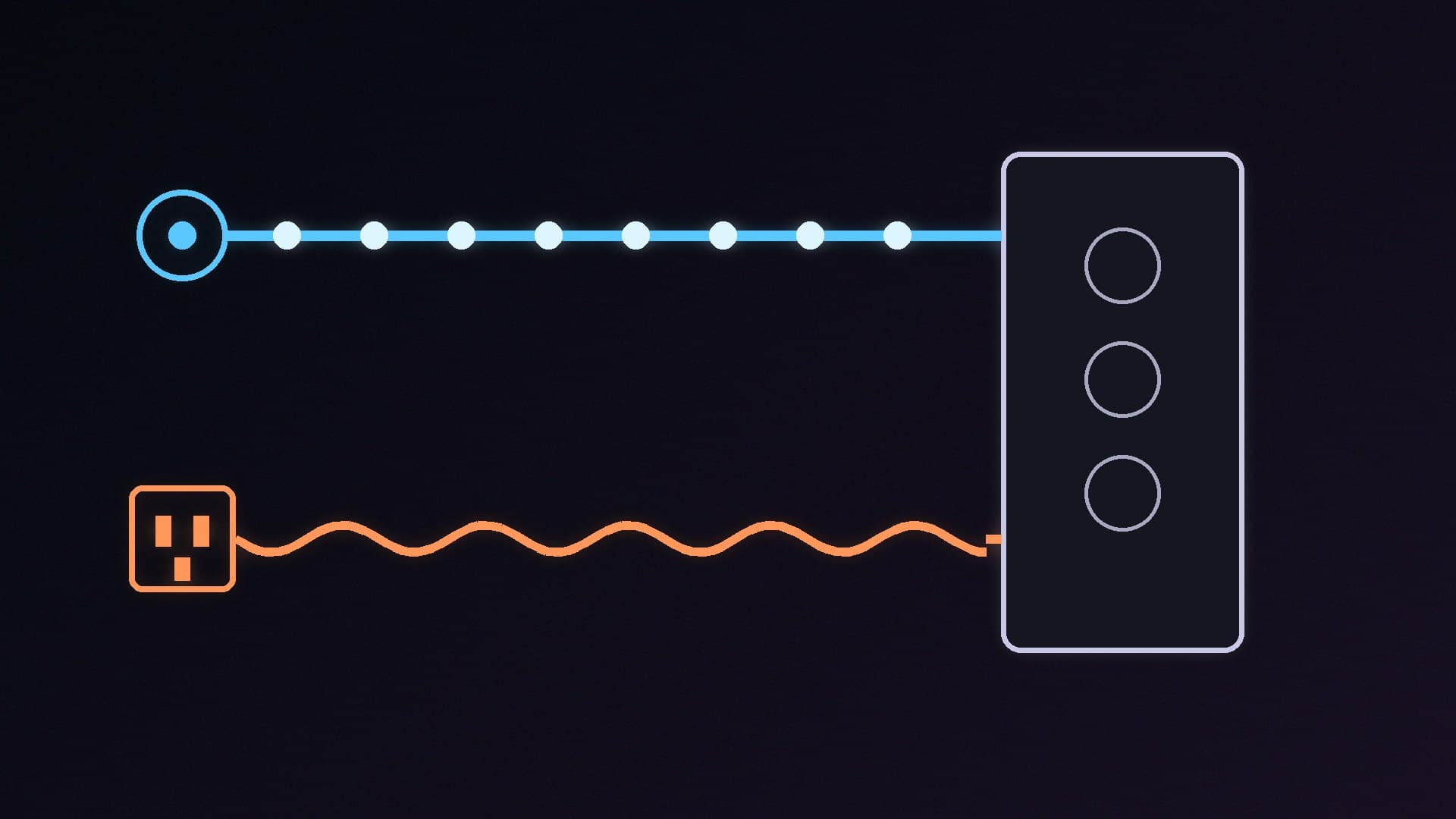
If you can't run an Ethernet cable to your PC and Wi-Fi isn't stable enough, there are two common ways to reuse wiring that's already in your home: MoCA, which sends network traffic over coaxial (TV aerial or cable) cable, and powerline, which uses your mains electrical wiring. This guide compares them using the MoCA Alliance's published specifications and TP-Link's UK powerline specs.
The short answer
Choose MoCA if you already have coaxial cable running to (or near) both your router and your PC, and want the closest thing to a real Ethernet run.
Choose powerline if you don't have suitable coax, which is the case in many UK homes, or want something you can plug into any wall socket today.
Choose a proper Ethernet cable whenever you can run one. Our Wi-Fi vs Ethernet vs powerline guide explains why it's still the gold standard for gaming.
Specs at a glance
| MoCA Home 2.5 (standard) | Powerline: TP-Link TL-PA7017P KIT (AV1000) |
|---|
Wiring used | Coaxial cable | Mains electrical wiring |
Headline rate | 2.5Gbps MAC throughput | Up to 1,000Mbps physical rate (HomePlug AV2) |
Latency claim | Under 2.5ms one-way average | Not stated |
Ports on adapter | Varies by product | 1 x Gigabit Ethernet + pass-through UK socket |
Security | MoCASec link security, privacy mode | 128-bit AES |
Range | Depends on coax network | 300m over the electrical circuit (TP-Link rating) |
How MoCA works
MoCA (Multimedia over Coax Alliance) is a networking standard that reuses existing coaxial cable. The MoCA Alliance says its MoCA Home 2.5 standard delivers 2.5Gbps of actual MAC throughput, under 2.5ms one-way average latency, quality of service and MoCASec peer-to-peer link security. It uses the 400-1,675MHz part of the spectrum and, according to the Alliance, is designed to co-exist with TV, DOCSIS cable broadband and 4G/5G services on the same cable.
You need one MoCA adapter near your router and another near your PC, both connected to the same coax network, then an Ethernet cable from each adapter to the router and PC. The MoCA Alliance says the technology has been adopted by cable, telco/IPTV and satellite operators worldwide, so check whether your provider's equipment already supports it.
The catch for UK readers is availability of coax in the right places. The MoCA Alliance's material centres on cable, fibre and satellite operators and notes that MoCA has been deployed in homes since 2007 and used across the United States by major cable providers. In a UK home, coax is often limited to a TV aerial point in the living room or a cable or satellite connection, which may not be near your router or PC. Before you buy, check the adapter maker's guidance on whether the splitters, amplifiers or satellite equipment already on your coax are compatible.
How powerline works
Powerline adapters send data over your home's mains wiring. TP-Link's UK TL-PA7017P KIT is a typical example: two adapters using the HomePlug AV2 standard, each with a Gigabit Ethernet port and a pass-through UK socket so you don't lose an outlet. TP-Link rates it at up to 1,000Mbps and a range of 300m over the electrical circuit, with 128-bit AES encryption and a pair button for setup.
TP-Link is clear that these are physical rates, not real speeds: its footnote says actual throughput and range aren't guaranteed and will vary with electrical interference, traffic, network overhead and whether the adapters are on separate circuits. In practice, the age and layout of your wiring decides how well powerline works, so the same kit can perform very differently in two homes. As a general rule, plug adapters straight into a wall socket rather than an extension lead. TP-Link says the kit's built-in noise filter helps prevent electrical signal noise from affecting powerline performance.
Speed and latency
On paper MoCA has the edge. The MoCA Alliance quotes 2.5Gbps actual MAC throughput and a latency target, while powerline kits quote a maximum physical rate that TP-Link itself says won't be reached in practice. The useful takeaway is that MoCA's figure describes delivered throughput, whereas powerline's headline number is a link rate. Neither tells you exactly what your home will get, so treat both as ceilings, not promises.
If you do get multi-gigabit speeds from MoCA, a 2.5GbE network card is needed to use more than 1Gbps on your PC; most powerline adapters, including the TP-Link kit above, have Gigabit ports.
Setup and cost of entry
Powerline is simpler for most UK homes: plug one adapter in near the router, one near the PC, press the pair buttons and connect Ethernet cables. MoCA is just as simple once you have coax at both ends, but if you don't, you'd need to run new coax, at which point running Ethernet instead is usually the better option.
Alternatives worth considering
Our verdict
MoCA is the better technology on paper: the MoCA Home 2.5 standard promises 2.5Gbps of actual throughput and under 2.5ms one-way average latency over coaxial cable, and it's designed to share the cable with TV and broadband signals. But it only makes sense if you already have coax at both your router and your PC, which many UK homes don't. Powerline works from any wall socket and is easy to set up, though its real speed depends on your wiring and TP-Link says headline rates aren't guaranteed. If you can run an Ethernet cable, do that instead of either.