MSI's MAG X870 Tomahawk WiFi and MAG B850 Tomahawk Max WiFi II look like the same AM5 motherboard on paper: both are ATX boards with four DDR5 slots, a PCIe 5.0 graphics slot, four M.2 slots, 5G LAN and Wi-Fi 7. So what does the X870 chipset actually add on these two boards? We've compared them line by line using MSI's specification pages.
The specs side by side
MAG X870 Tomahawk WiFi | MAG B850 Tomahawk Max WiFi II | |
|---|---|---|
Chipset | AMD X870 | AMD B850 |
Socket and CPUs | AM5, Ryzen 9000/8000/7000 | AM5, Ryzen 9000/8000/7000 |
Form factor | ATX, 304.8 x 243.84mm | ATX, 304.8 x 243.84mm |
Memory | 4x DDR5, up to 256GB, up to 8400+ MT/s (OC) | 4x DDR5, up to 256GB, up to 8400+ MT/s (OC) |
Graphics slot | PCIe 5.0 x16 | PCIe 5.0 x16 |
M.2 slots | 4 (two PCIe 5.0 x4 from CPU, two PCIe 4.0 from chipset) | 4 (two PCIe 5.0 x4 from CPU, two PCIe 4.0 from chipset) |
SATA | 4 | 4 |
Rear USB-C | 2x USB 40Gbps (USB4), 1x USB 10Gbps | 3x USB 10Gbps |
Rear USB-A | 2x 10Gbps, 3x 5Gbps, 4x USB 2.0 | 2x 10Gbps, 1x 5Gbps, 4x USB 2.0 |
Front USB-C header | 1x USB 20Gbps | 1x USB 20Gbps |
Display outputs | HDMI, plus DisplayPort over the USB4 ports | HDMI |
LAN | Realtek 8126-CG 5G | Realtek 8126VB 5G |
Wireless | Wi-Fi 7, Bluetooth 5.4 | Wi-Fi 7, Bluetooth 5.4 |
Audio | Realtek ALC4080 | Realtek ALC4080, plus optical S/PDIF out |
NVMe RAID | 0, 1, 5, 10 | 0, 1, 10 |
Diagnostics | 4x EZ Debug LED, EZ Digit Debug LED | 4x EZ Debug LED, EZ Memory Detection LED |
What's the same
A lot. Both boards support Ryzen 9000, 8000 and 7000 processors, take up to 256GB of DDR5 across four slots and list the same memory overclocking ceilings for Ryzen 9000: up to 8400+ MT/s with one single-rank module per channel, and up to 6400+ MT/s for dual-rank modules or with all four slots filled. Both support AMD EXPO, and CUDIMMs in clock driver bypass mode only. If you're buying memory for either, our DDR5-5600 vs DDR5-6000 comparison and XMP and EXPO guide apply equally.
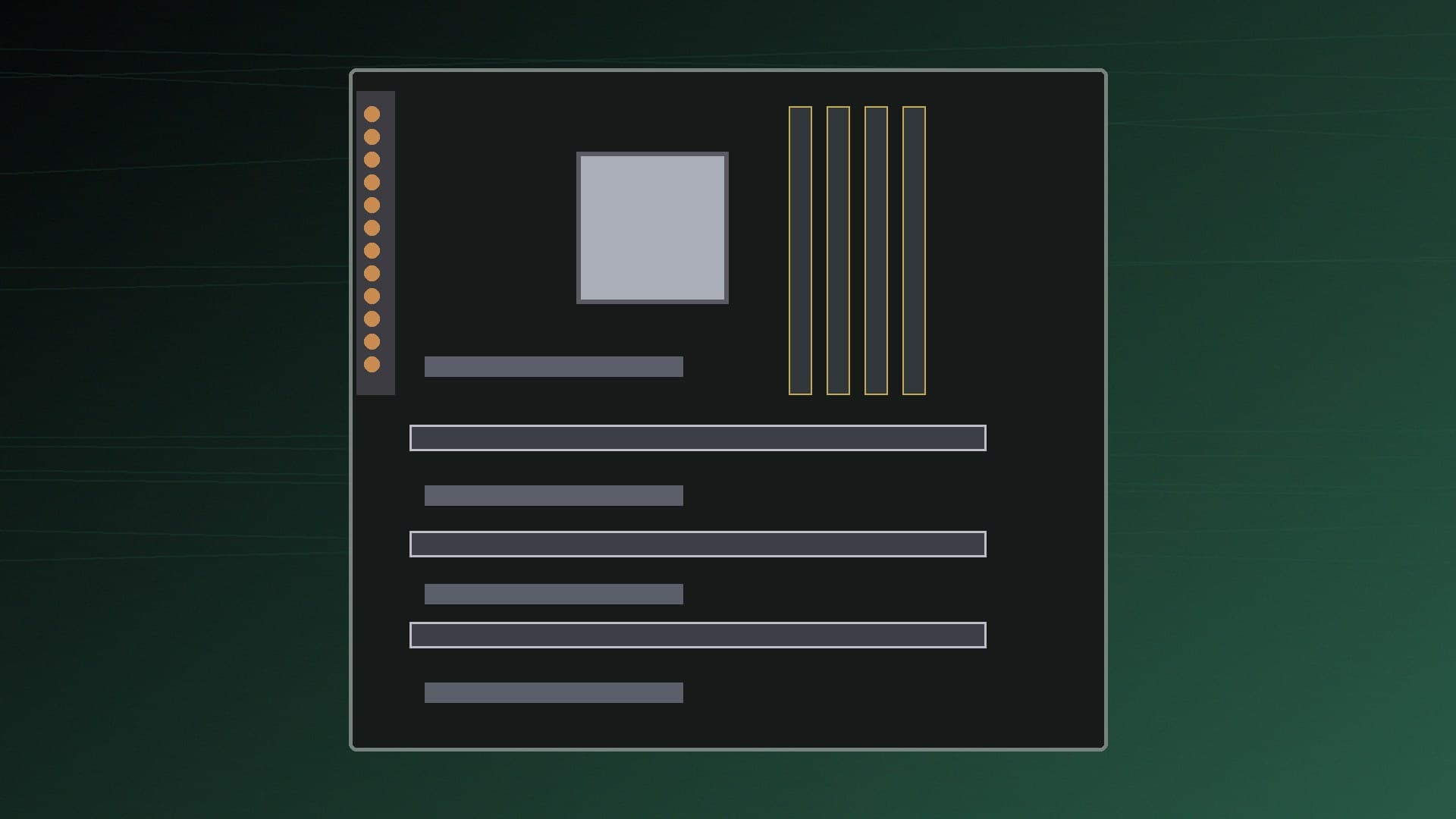
Expansion is identical too. The main x16 slot runs at PCIe 5.0 x16 with Ryzen 9000 and 7000 chips, and both boards have the same two extra slots (PCIe 3.0 x1 and PCIe 4.0 x4 from the chipset). Each has four M.2 slots: M.2_1 and M.2_2 at up to PCIe 5.0 x4 from the CPU, M.2_3 at PCIe 4.0 x2 and M.2_4 at PCIe 4.0 x4. On both, filling M.2_3 drops the third PCIe slot to x2, or you can switch that slot to x4 in the BIOS and lose M.2_3. Our guide to checking M.2 lane sharing explains why this happens.
Both boards also share 5G LAN, Wi-Fi 7 with Bluetooth 5.4, Realtek ALC4080 audio, six system fan headers plus CPU and pump headers, three addressable V2 RGB headers, and rear Clear CMOS and Flash BIOS buttons. MSI's pages list Windows 11 64-bit as the supported operating system for both. See how to use BIOS Flashback for that button.