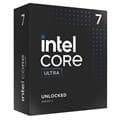
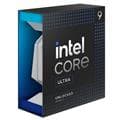
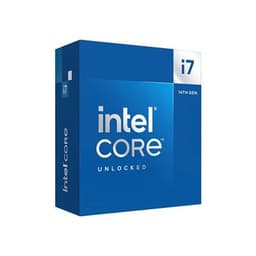
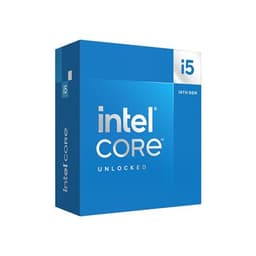
Intel's desktop line-up is split across two sockets: the Core Ultra 200S and 200S Plus chips use LGA 1851, while 14th Gen Core processors still use LGA 1700. That matters more than the model number, because it decides which motherboard and memory you can use. This guide picks the best Intel desktop CPU for each type of build using Intel's official specification pages: cores and threads, boost clocks, cache, power ratings, memory support and socket. Prices change daily, so we haven't listed any.
Quick picks
All figures are from Intel's specification pages. Every chip in the table has a 125W Processor Base Power except the Core i3-14100F, which is rated at 58W.
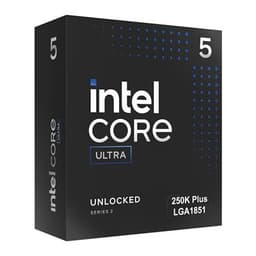
Best for most people: Core Ultra 5 250K Plus
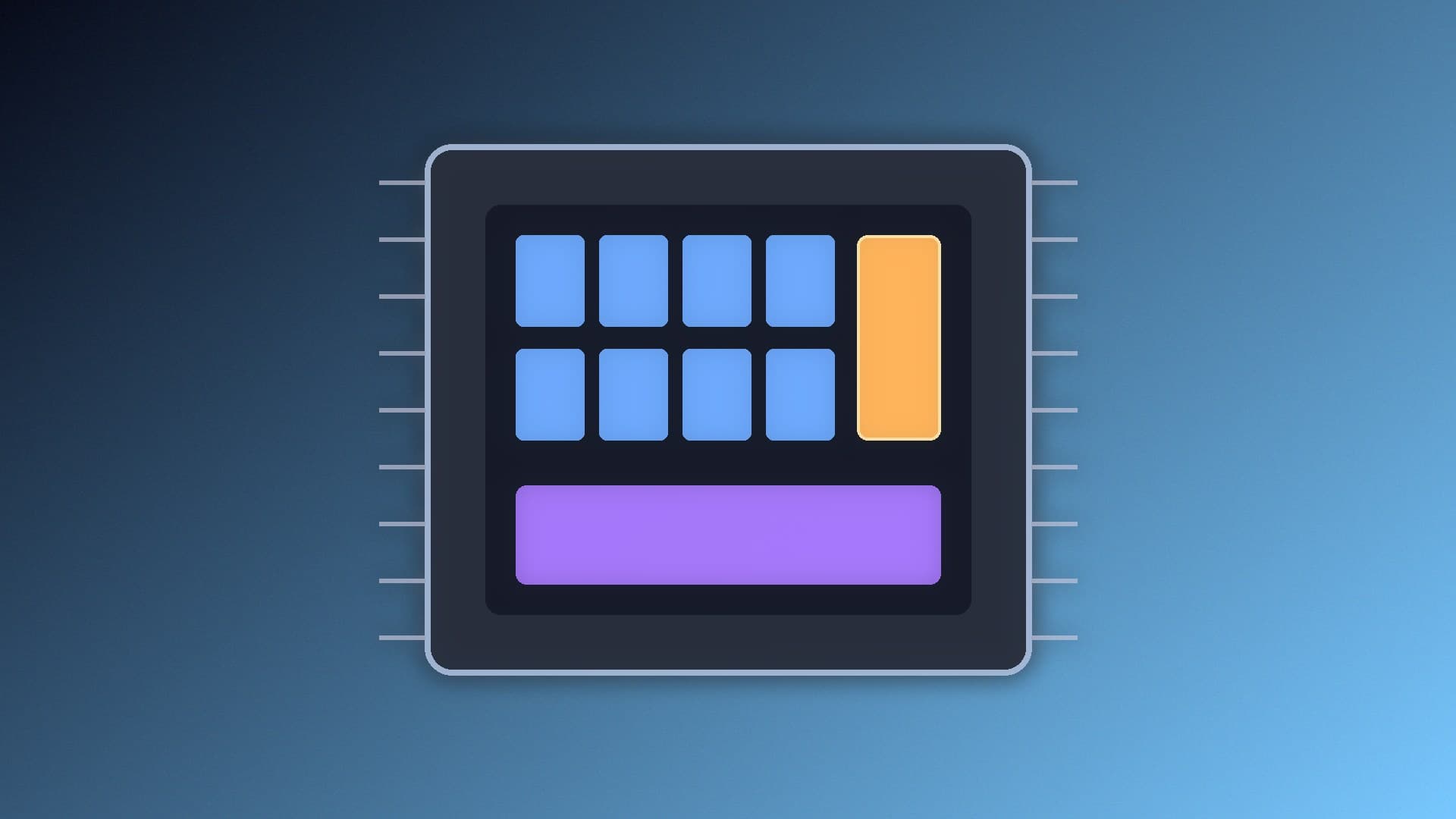
The Intel Core Ultra 5 250K Plus 1851 is the newest mid-range Core Ultra chip, launched in Q1 2026. On paper it's a clear step up from the older Core Ultra 5 245K: Intel lists 18 cores (6 Performance-cores and 12 Efficient-cores) rather than 14, 30MB of cache rather than 24MB, a 5.3GHz maximum turbo rather than 5.2GHz, and official DDR5 support up to 7200 MT/s rather than 6400 MT/s. Its Maximum Turbo Power is 159W, the same as the 245K, so it shouldn't need a bigger cooler or power supply than the older chip.
It's unlocked (the K suffix), and unlike the KF versions it has integrated graphics, so you can run it without a graphics card while you wait for one; Intel also lists a 13 TOPS NPU. It needs an LGA 1851 motherboard and DDR5 memory; see our best LGA 1851 motherboard and best B860 motherboard guides. For a direct spec comparison with the chip it replaces, read Core Ultra 5 250K Plus vs Core Ultra 5 245K.
Consider instead: the Intel Core Ultra 5 245KF 1851 if you can find it noticeably cheaper and will always use a graphics card. The F means no integrated graphics; Intel's page still lists the NPU.
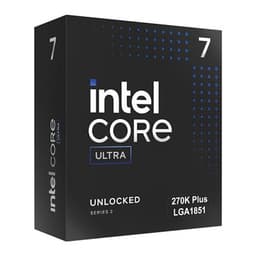
Best high-end all-rounder: Core Ultra 7 270K Plus
The Intel Core Ultra 7 270K Plus is the chip to look at if you stream, edit video or compile code as well as game. Intel lists 24 cores (8P + 16E), 36MB of cache, a 5.5GHz maximum turbo and DDR5 support up to 7200 MT/s. That's the same core count and cache as the flagship Core Ultra 9 285K, with a lower maximum turbo (5.5GHz vs 5.7GHz) and the newer chip's faster official memory support.
It's rated at up to 250W Maximum Turbo Power, so pair it with a capable cooler and a decent power supply. We compare it with the Core Ultra 5 250K Plus in Core Ultra 7 270K Plus vs Core Ultra 5 250K Plus, and with the older Core Ultra 7 in Core Ultra 7 265K vs Core Ultra 9 285K.
Consider instead: the Intel Core Ultra 7 265K 1851, which Intel lists with 20 cores (8P + 12E), 30MB of cache and DDR5-6400 support, if it's a lot cheaper where you shop.
Best flagship: Core Ultra 9 285K
The Intel Core Ultra 9 285K 1851 has Intel's highest maximum turbo in the Core Ultra 200S desktop range at 5.7GHz, with 24 cores (8P + 16E) and 36MB of cache. Its official DDR5 support tops out at 6400 MT/s, lower than the 270K Plus. On specs alone, the 270K Plus gets very close for most buyers, so the 285K makes most sense if you want the highest clocks Intel sells on LGA 1851 and the price gap is small. Independent reviews are the best place to judge how much the extra clock speed is worth in your apps.
Best if you already own an LGA 1700 board: Core i7-14700K
If you have a Z690, Z790, B660 or B760 motherboard, a 14th Gen chip is the cheapest way to get more cores without changing your board or memory. Intel lists the Intel Core i7-14700K 1700 with 20 cores (8P + 12E) and 28 threads, 33MB of cache and a 5.6GHz maximum turbo. Unlike Core Ultra, Intel's page lists support for both DDR5 (up to 5600 MT/s) and DDR4 (up to 3200 MT/s), so it works with whichever type your board takes.
Two cautions. First, check your board's CPU support list and update the BIOS before you swap chips (see how to update your BIOS safely). Second, 13th and 14th Gen desktop chips have been the subject of widely reported instability problems; our Intel 13th and 14th Gen instability guide explains what to check and why a current BIOS matters. Its 253W Maximum Turbo Power also needs a strong cooler.
Consider instead: the Intel Core i5-14600K 1700: 14 cores (6P + 8E), 20 threads, 24MB of cache, a 5.3GHz maximum turbo and a 181W Maximum Turbo Power on Intel's page. For more LGA 1700 options see best LGA 1700 CPU upgrade.
Best budget LGA 1700 chip: Core i3-14100F
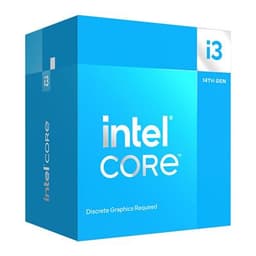
The Intel Core i3-14100F 1700 is a simple four-core, eight-thread processor with 12MB of cache, a 4.7GHz maximum turbo, a 58W base power and a 110W Maximum Turbo Power. It's a sensible chip for a cheap gaming PC built around a mid-range graphics card, or for replacing a failed CPU in an older LGA 1700 system. There's no integrated graphics (the F suffix), so you need a graphics card to get a picture. It also supports DDR4, which keeps a budget build cheaper. Four cores is the minimum we'd consider for gaming in 2026; if you can stretch, more cores will last longer. See best budget CPU for AMD alternatives too.
How to choose an Intel CPU
Pick the socket first. LGA 1851 (Core Ultra 200S and 200S Plus) needs an 800-series board such as Z890 or B860 and DDR5 only. LGA 1700 (12th to 14th Gen) works with 600- and 700-series boards and either DDR4 or DDR5, depending on the board. Our CPU and motherboard compatibility guide explains how to check.
K, KF and F. K chips are unlocked for overclocking; F chips have no integrated graphics. Our Intel K vs KF vs F explainer covers the trade-offs.
Plan cooling for the turbo power, not the base power. Every K chip here has a 125W base power, but their Maximum Turbo Power ranges from 159W to 253W. Our best CPU cooler guide covers coolers for every budget.
Compare with AMD. For gaming-first builds, AMD's X3D chips are strong rivals; see best CPU and Ryzen 7 9800X3D vs Core Ultra 7 265K.