Researchers at the Institute of Science and Technology Austria (ISTA) have published a new set of compressed GGUF files for Thinking Machines' Inkling-2-Mini that put the model's GPU-resident weights at between 8.05GB and 10.50GB. That brings a 26B-class model with vision and long-context support into range of mainstream 12GB and 16GB graphics cards, without having to offload model layers into slower system RAM. The repository from ISTA's Deep Algorithms and Systems Lab (DASLab) went up on Hugging Face on 26 November 2026. Every quality figure below is DASLab's own.
What's been released
Inkling-2-Mini is a looped sparse mixture-of-experts (MoE) model with 26.4B parameters. According to the model card, it has 24 layers, the middle 12 of which run three times with the same weights, 128 routed experts per layer with 8 active per token, and a 1M-token context window. We covered its launch and memory needs in Inkling 2 Mini: what you need to run it.
The new repository, ISTA-DASLab/Inkling-2-Mini-GSQ-RCO-GGUF, contains four builds:
Build | Average bits per weight | Weights on GPU | Token embedding (system RAM) | File size |
|---|
IQ2_S | 2.75 | 8.05GB | 0.93GB | 8.98GB |
Q2_K_XL | 3.00 | 8.86GB | 0.93GB | 9.79GB |
IQ3_XXS | 3.25 | 9.68GB | 0.93GB | 10.61GB |
IQ3_S (recommended) | 3.50 | 10.50GB | 0.93GB | 11.43GB |
The repository also includes a 0.64GB vision projector for image input and two versions of a DSpark draft model for speculative decoding: 0.40GB at Q8_0 and 0.75GB at BF16. All files inherit the base model's Apache 2.0 licence.
What's different about these files
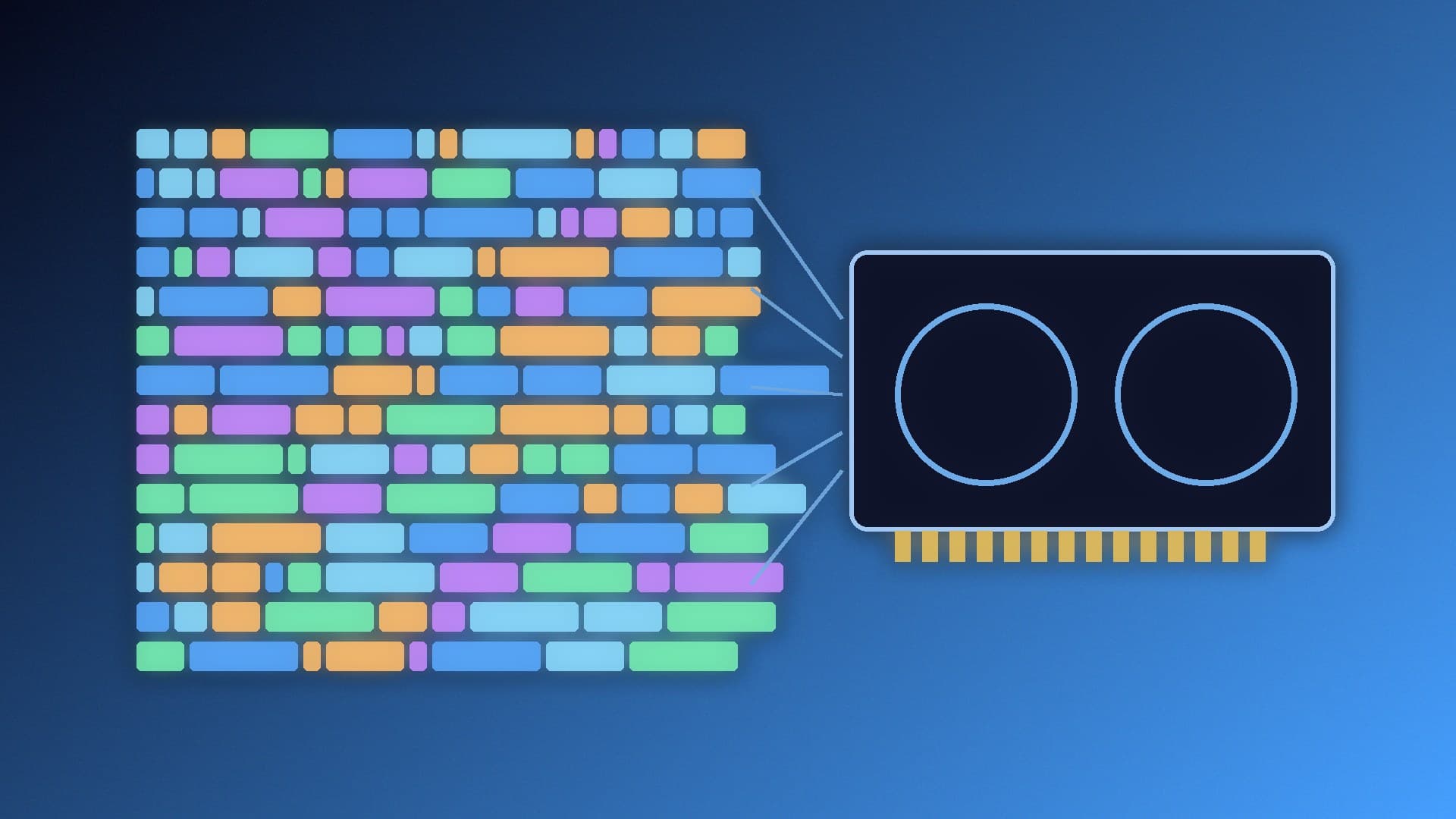
Most GGUF files apply one quantisation type to nearly every weight tensor. DASLab's builds are non-uniform: each tensor gets its own quantisation type, chosen by a search that gives more bits to the tensors that matter most to the model's output while keeping to a fixed file-size budget. The lab uses two of its own methods for this:
GSQ (Gumbel-Softmax Quantization) does the low-bit compression of each tensor. DASLab says it closes most of the gap between simple scalar quantisation and more complex vector quantisation at 2 to 3 bits per weight, while staying in standard formats such as GGUF.
RCO (Riemannian Constrained Optimization) decides which quantisation type each tensor gets so the whole file hits the target size exactly.
In practice, the routed experts, which make up most of the model, are squeezed hardest. In the recommended IQ3_S build, the expert matrices use types from IQ1_S up to IQ4_NL, while the attention tensors and output head mostly sit between Q4_K and Q8_0. The result is still a standard GGUF file, so it doesn't need a special runtime, only a recent one. If the quantisation names are unfamiliar, our GGUF quantisation explainer covers them, and our guide to quantising a GGUF to a target size shows the standard, uniform approach for comparison.
Why the 0.93GB embedding doesn't count against VRAM
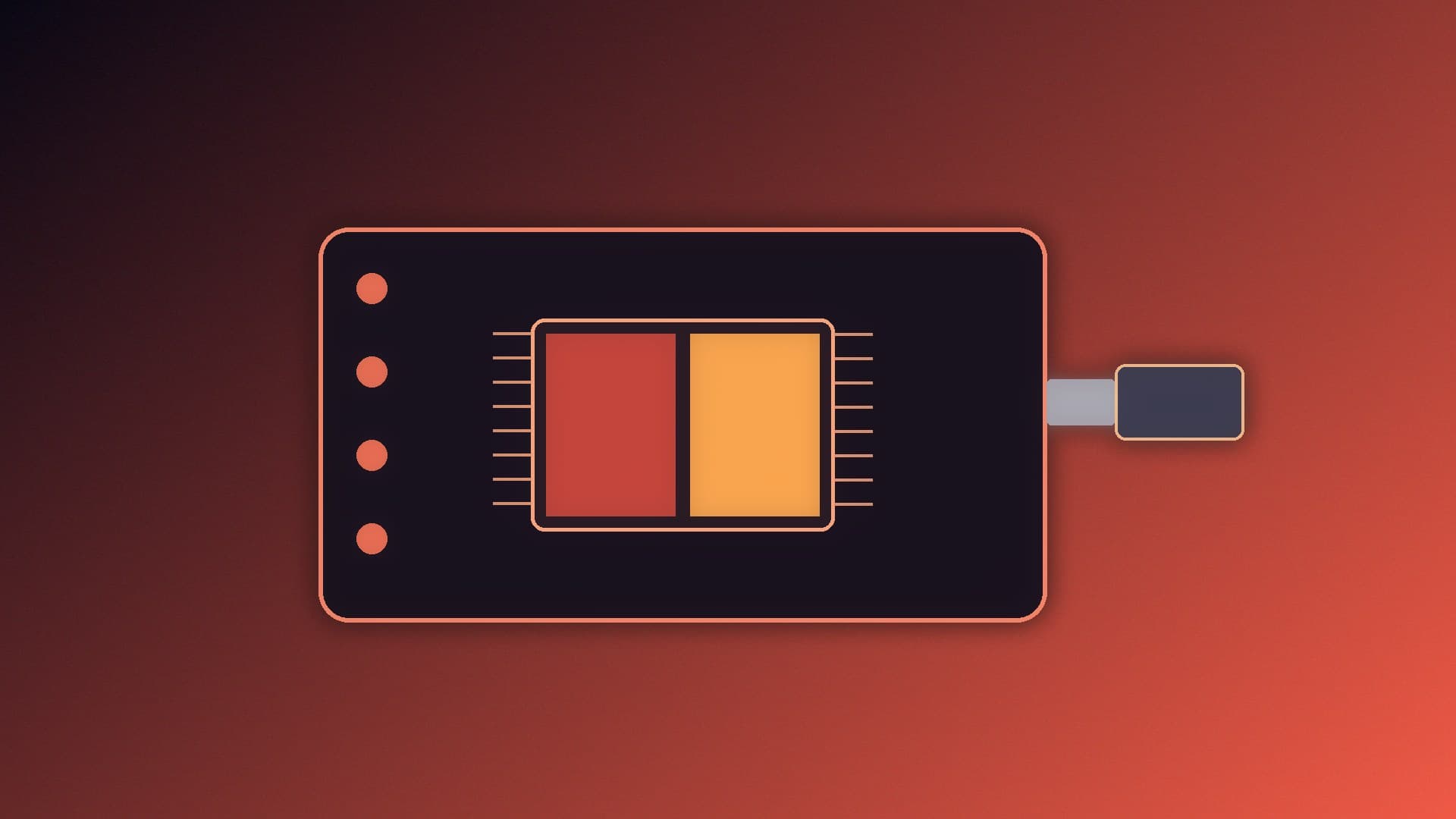
One detail matters for anyone counting gigabytes. The token embedding table, about 0.46B parameters, is left at full BF16 precision in every build. DASLab explains that it's a lookup table rather than a matrix multiplication, and that llama.cpp always places this input layer on the CPU whatever -ngl is set to, so it sits in system memory rather than on the graphics card. Shrinking it would make the download about 0.7GB smaller but would free no VRAM.
That's why the "Weights on GPU" column above is the figure to compare with your card's memory, not the file size.
How much quality is lost?
DASLab compared each build with the original release, whose routed experts are stored in NVFP4 and MXFP8, on three reasoning and coding benchmarks, all run at the model's xhigh reasoning effort. These are DASLab's own results and haven't been independently checked.
Version | AIME25 | GPQA-Diamond | LiveCodeBench v6 | Share of base task average |
|---|
Base model (NVFP4/MXFP8) | 99.33 | 86.87 | 79.62 | 100% |
IQ3_S (3.50 bpw) | 98.33 | 86.20 | 79.05 | 99.2% |
IQ3_XXS (3.25 bpw) | 96.00 | 85.86 | 77.90 | 97.7% |
Q2_K_XL (3.00 bpw) | 97.00 | 86.53 | 76.95 | 98.0% |
IQ2_S (2.75 bpw) | 92.33 | 84.34 | 73.90 | 94.3% |
According to DASLab, IQ3_S stays within 1.0 point of the base model on all three benchmarks, and Q2_K_XL gives up 1.0 point of task average compared with IQ3_S in exchange for a file 1.6GB smaller. IQ2_S is the clearest step down. Bear in mind that three benchmarks don't cover everything, and that DASLab's tests used the xhigh reasoning effort, one of the model's highest settings, which typically generates many more tokens than everyday chat.
What it means for 12GB and 16GB graphics cards
The weights are only part of what a graphics card has to hold. The context (KV cache), the runtime's working buffers and, if you use them, the vision projector and draft model all need memory too, and your desktop takes some VRAM as well. Our explainer on context length and VRAM shows how fast the cache grows. With that in mind, here's how the builds line up. This is our arithmetic from DASLab's file sizes, not a tested result:
12GB cards, such as the ASUS RTX 3060 12GB Dual Gaming OC V2: IQ3_S's 10.50GB leaves only about 1.5GB for everything else, so expect to run a short context or fall back to Q2_K_XL (8.86GB) or IQ2_S (8.05GB) for more breathing room. Adding the draft model and vision projector makes things tighter still.
16GB cards, such as the MSI RTX 5060 Ti 16GB Ventus 2X OC Plus: IQ3_S fits with around 5.5GB to spare, which leaves room for a useful context window and the extras.
The 1M-token context window is a model capability, not something these cards can use in full. Long contexts need far more memory than the weights alone.
Other low-bit Inkling-2-Mini builds already exist, including Unsloth's, which our how-to guide for Inkling 2 Mini walks through. DASLab's pitch is not that its files are the smallest, but that its per-tensor approach keeps more quality at a given size. Only independent tests comparing the builds at the same size will show whether that holds. If you're choosing a card for models like this, see our picks of the best 12GB and best 16GB graphics cards for local AI.
What you need to run it
The model card says the files need llama.cpp build b12611 (21 November 2026) or newer, and the DSpark draft model needs b12720 (25 November 2026) or newer. Apps that bundle their own copy of llama.cpp, such as LM Studio and Ollama, may not load the files until their engines are updated to at least that build, so check the version before you download around 10GB. Our guide to running llama.cpp on Windows covers installing a current build.
The card's basic llama.cpp command loads the recommended build fully onto the GPU:
llama-cli -m Inkling-2-Mini-GSQ-RCO-IQ3_S.gguf -p "Explain mixed-precision quantization." -ngl 99
For image input, add the vision projector to llama-server with --mmproj mmproj-Inkling-2-Mini-BF16.gguf. For speculative decoding, load the draft with -md dspark-Inkling-2-Mini-Q8_0.gguf -ngld 99. DASLab says the draft is optional, and in a short two-prompt test with IQ3_S, the Q8_0 and BF16 drafts had the same acceptance rates on the two prompts, 65% and 36% of drafted tokens. That's a very small sample, so don't read it as a speed promise. Our guide to speculative decoding in LM Studio explains how draft models work.
Reasoning effort can be set from none to max, or as a number from 0.0 to 0.99, with high as the default. According to the base model's card, as quoted by DASLab, the lowest setting doesn't fully switch reasoning off.