Skip to content

Author / Systems & Technical Editor / 247 articles

Marcus Thorne

Marcus writes Forge PC's step-by-step build, troubleshooting and system optimisation guides. His background spans Windows kernel and power-state diagnostics, UEFI/BIOS configuration, NVMe storage arrays, ATX 3.1 power delivery and running local AI and LLM workloads on consumer graphics cards.

  • How to Install and Use Krita AI Diffusion for Local AI Art

    How-To

    How to Install and Use Krita AI Diffusion for Local AI Art

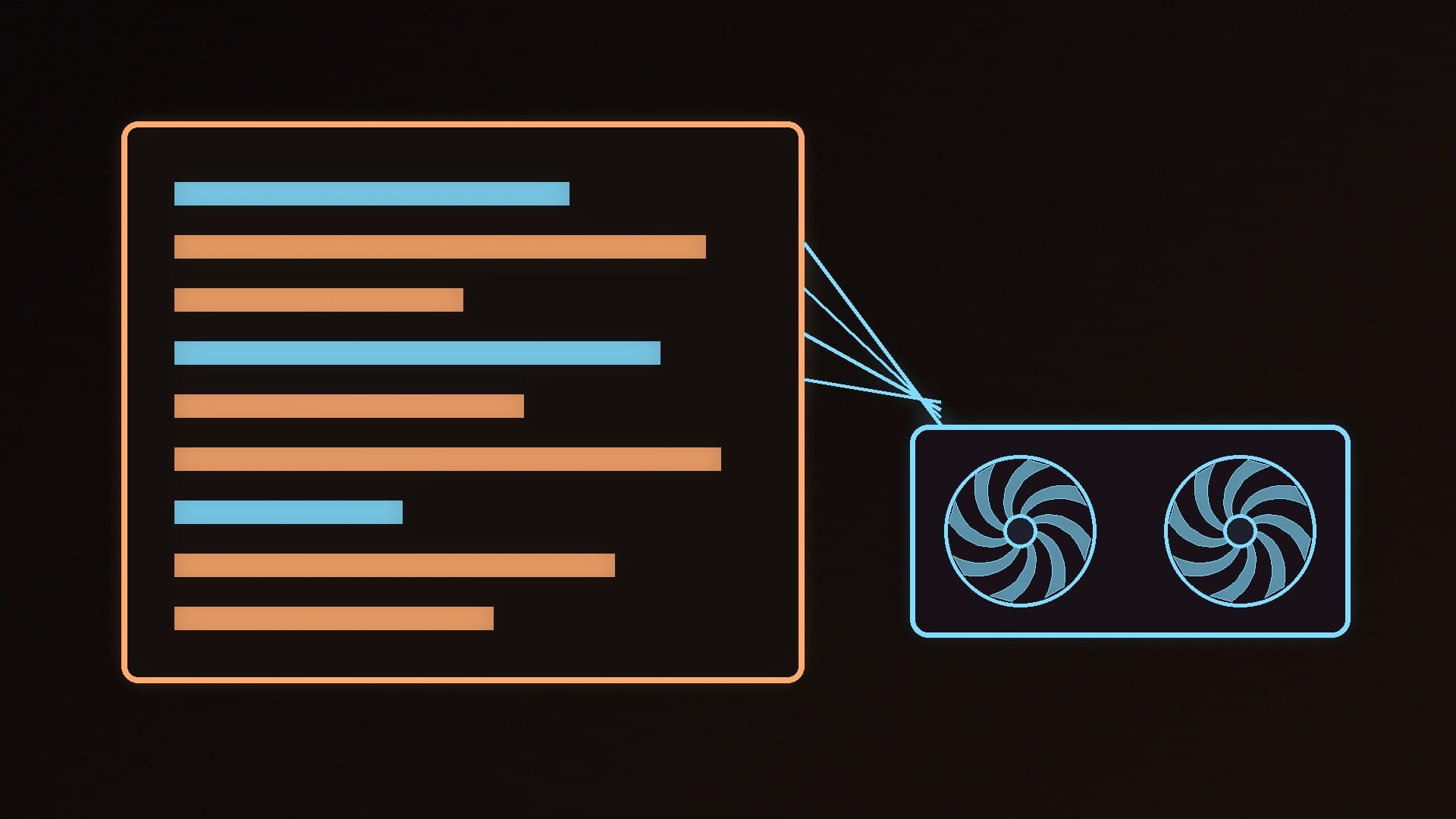
    Krita AI Diffusion is a free plugin that adds AI image generation, inpainting and live painting to Krita. Install Krita 5.2 or later from krita.org, import the plugin ZIP, open the AI Image Generation docker and let it install a local server on an NVIDIA card with 6GB or more of video memory, or a supported AMD or Intel card.

    Marcus Thorne4 min
  • How to Cable Manage a PC: A Step-by-Step Guide for Tidy Builds

    How-To

    How to Cable Manage a PC: A Step-by-Step Guide for Tidy Builds

    A step-by-step guide to PC cable management: plan routes, connect CPU power and front panel cables first, use the nearest cut-out for each connector, tidy the back of the case and avoid common mistakes such as mixing modular PSU cables. Includes tips from Corsair's 3500X guide.

    Marcus Thorne4 min

  • How to Upscale Videos Locally with AI Using Video2X

    How-To

    How to Upscale Videos Locally with AI Using Video2X

    Video2X is a free, open-source tool that upscales videos and adds frames on your own PC using Real-ESRGAN, Real-CUGAN, Anime4K and RIFE. It needs an AVX2 CPU and a Vulkan GPU; this guide covers installing it on Windows and getting good results. Its latest release, 6.4.0, dates from January 2025.

    Marcus Thorne3 min

  • How to Run Text-to-Speech Locally on Your PC with Kokoro and Piper

    How-To

    How to Run Text-to-Speech Locally on Your PC with Kokoro and Piper

    Kokoro and Piper are free, open-source text-to-speech tools that run on your own PC, with British English voices. This guide shows how to install each with pip on Windows 11, generate speech, choose a voice and avoid fake Kokoro websites.

    Marcus Thorne4 min

  • How to Set Up Dual Monitors in Windows 11

    How-To

    How to Set Up Dual Monitors in Windows 11

    How to connect two monitors to a desktop PC and set them up in Windows 11: plug both into the graphics card, choose Extend with Windows key + P, arrange the displays, pick your main screen, set each refresh rate and fix a monitor that isn't detected. Based on Microsoft's official support guides.

    Marcus Thorne4 min

  • How to Run Xiaomi's MiMo-V2.6 Coding Model Locally With Ollama

    How-To

    How to Run Xiaomi's MiMo-V2.6 Coding Model Locally With Ollama

    Xiaomi's MiMo-V2.6-Distill-Qwen-9B is an MIT-licensed 9B coding and agent model with image input and a 256K context window. Run it with `ollama run mimo-v2.6`: the 4-bit build is 6.6GB and suits 8GB-plus graphics cards, while the 8-bit build is 10GB. Raise the context length for agent work. Xiaomi's benchmark gains are its own figures.

    Marcus Thorne3 min

  • How to Use Claude Code With Local AI Models in Ollama

    How-To

    How to Use Claude Code With Local AI Models in Ollama

    Run `ollama launch claude` to connect Anthropic's Claude Code to a local model, or install Claude Code and set ANTHROPIC_BASE_URL to http://localhost:11434 with the token 'ollama'. Raise Ollama's context length to at least 64k tokens, since it defaults to 4k on GPUs under 24GiB, and note hosted web search and some tool controls aren't fully supported.

    Marcus Thorne4 min

  • How to Fix High Ping and Packet Loss on a Gaming PC

    How-To

    How to Fix High Ping and Packet Loss on a Gaming PC

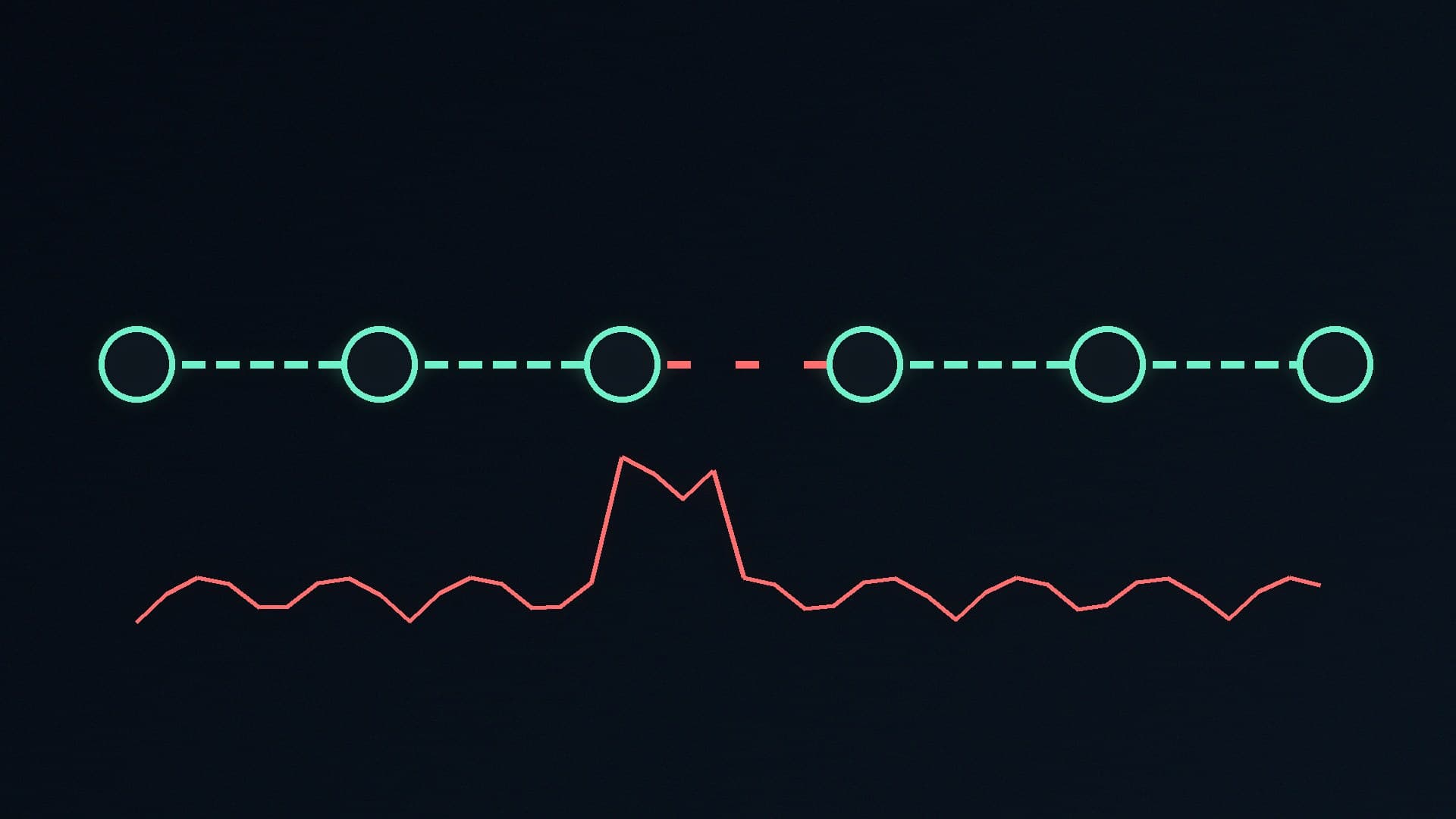
    Fix lag by finding where it starts: test on Ethernet, ping your router and then an internet site with -n 100, and run pathping to see the hop where packet loss begins. Loss inside your home points to Wi-Fi, cables, the router or drivers, which Microsoft's reset commands can help with; loss beyond your router is for your provider, and pathping results give you the evidence.

    Marcus Thorne5 min

  • How to Stop Apps Opening at Startup in Windows 11 (and Which Ones to Keep)

    How-To

    How to Stop Apps Opening at Startup in Windows 11 (and Which Ones to Keep)

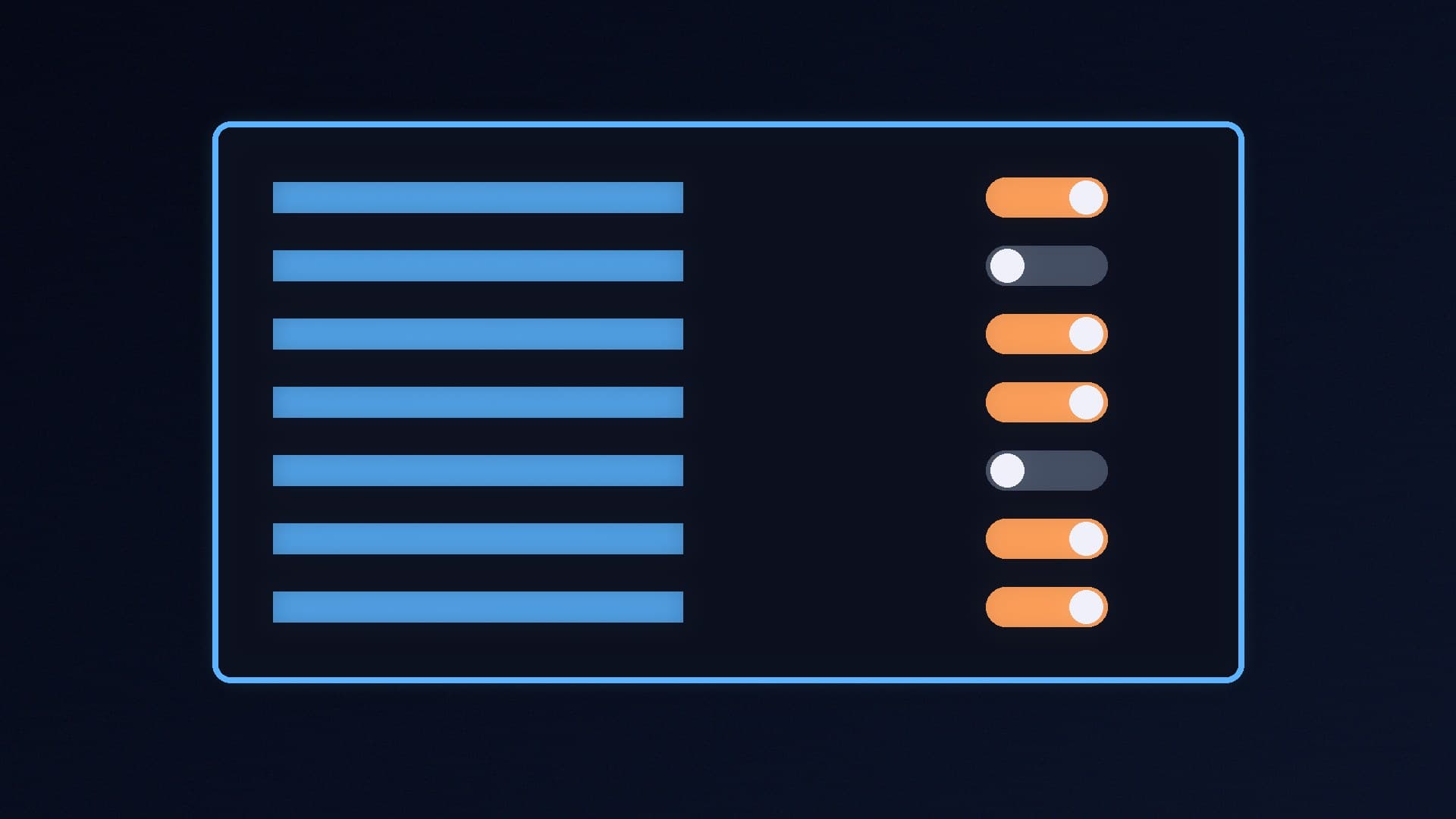
    Windows 11 lets you turn off startup apps in Task Manager's Startup apps page or Settings > Apps > Startup, and the shell:startup folder holds shortcuts that may not appear there. Sort by Startup impact, disable launchers, chat apps and updaters you don't need, and keep security software and driver components. Disabling doesn't uninstall anything.

    Marcus Thorne4 min

  • How to Run Qwen3.8 Locally on Your PC With Ollama or LM Studio

    How-To

    How to Run Qwen3.8 Locally on Your PC With Ollama or LM Studio

    Qwen3.8-27B runs locally with `ollama run qwen3.8` or as a GGUF download in LM Studio. Ollama's default build is 18GB, so it fits a 24GB graphics card with a moderate context, while 16GB cards spill into system RAM and need 32GB to 64GB of memory or a smaller quantisation. Set the context length deliberately and check `ollama ps`.

    Marcus Thorne4 min

  • How to Give Local AI Models Tools in LM Studio Using MCP Servers

    How-To

    How to Give Local AI Models Tools in LM Studio Using MCP Servers

    LM Studio 0.3.17 and later can connect local AI models to MCP servers, letting a model read files, search or call other tools. Add servers by editing mcp.json from the Program tab, start with the official filesystem server in read-only mode on a test folder, and keep tool-call confirmations on, because LM Studio warns servers can run code and access files.

    Marcus Thorne4 min

  • How to Tell If a Black Friday PC Deal Is Real: A UK Buyer's Checklist for 2026

    How-To

    How to Tell If a Black Friday PC Deal Is Real: A UK Buyer's Checklist for 2026

    Black Friday falls on 27 November 2026. Which? found 83% of 175 products it tracked in 2024 were the same price or cheaper at least once outside Black Friday. Check price history, ignore 'was' prices and RRPs, match exact part numbers and set a budget. GOV.UK gives 14 days after delivery to cancel most online orders.

    Marcus Thorne5 min

  • How to Install RAM in a Desktop PC: Which Slots to Use and What to Do After

    How-To

    How to Install RAM in a Desktop PC: Which Slots to Use and What to Do After

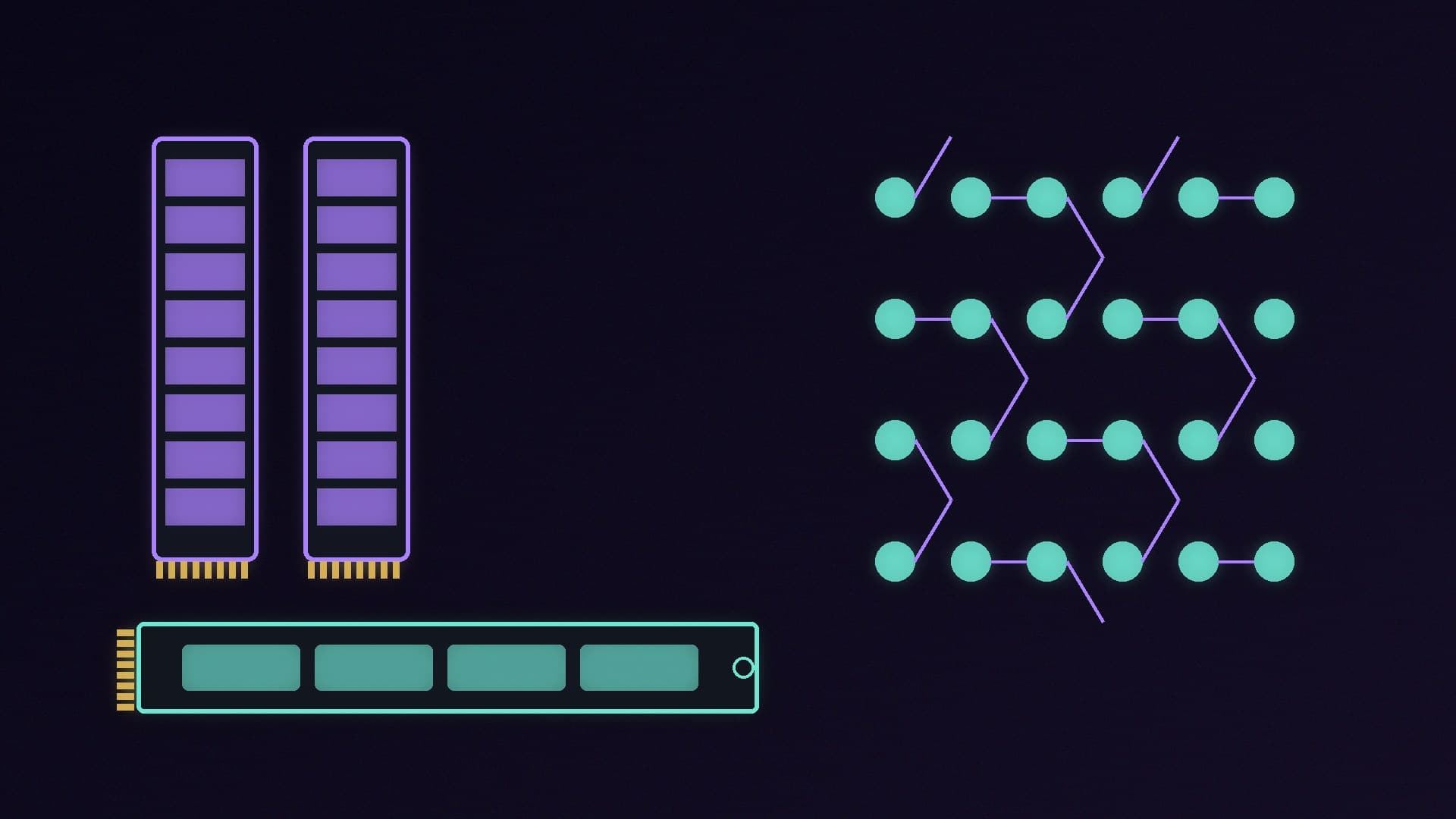
    To install RAM, unplug the PC, ground yourself, use the slots your manual specifies (A2 and B2 for two modules on ASUS's four-slot boards) and press each module down firmly; Crucial says it takes about 30 pounds of pressure. Then turn on XMP or EXPO, because kits boot at a slower JEDEC default, and run a memory test.

    Marcus Thorne3 min

  • How to Use Click to Do and Recall on a Copilot+ PC (and How to Turn Them Off)

    How-To

    How to Use Click to Do and Recall on a Copilot+ PC (and How to Turn Them Off)

    Click to Do (Windows key + Q) lets a Copilot+ PC summarise, rewrite or act on anything on screen, with analysis done locally on the NPU. Recall is an opt-in timeline of snapshots that needs 50GB free to turn on, is encrypted and locked behind Windows Hello, and can filter apps and websites. Both only work on Copilot+ PCs with a 40+ TOPS NPU and can be turned off in Settings.

    Marcus Thorne4 min

  • How to Set Up WSL 2 for Local AI on Windows 11: GPU Acceleration for NVIDIA and AMD

    How-To

    How to Set Up WSL 2 for Local AI on Windows 11: GPU Acceleration for NVIDIA and AMD

    WSL 2 lets you run Linux-first AI tools on a Windows gaming PC with GPU acceleration. Install the latest graphics driver in Windows, run wsl --install, and check the GPU with nvidia-smi on NVIDIA or follow AMD's ROCm on WSL steps on Radeon. NVIDIA says never to install a Linux display driver inside WSL. Ollama's Linux installer then works as normal.

    Marcus Thorne3 min

  • How to Run ComfyUI on a Low-VRAM Graphics Card: The Settings That Actually Matter

    How-To

    How to Run ComfyUI on a Low-VRAM Graphics Card: The Settings That Actually Matter

    ComfyUI now manages graphics memory itself with dynamic VRAM and async offloading, and its documentation says --lowvram does nothing while dynamic VRAM is on. On a 6GB or 8GB card, start with no flags, then use --reserve-vram or --vram-headroom if the rest of the PC struggles and --novram as a last resort. Smaller, FP8 or quantised models and lower resolutions save the most memory. Forge PC has no

    Marcus Thorne4 min

  • How to Set Up Case Fans for the Best Airflow: Intake, Exhaust and How Many You Need

    How-To

    How to Set Up Case Fans for the Best Airflow: Intake, Exhaust and How Many You Need

    For most PCs, set up front-to-back airflow: front intakes, a rear exhaust and top exhausts if you have more fans. Corsair says three front intakes and one rear exhaust are typically enough for a mid-tower, and Noctua suggests a top exhaust as a five-fan baseline. Aim for slightly positive pressure with dust filters, and check each fan's direction first.

    Marcus Thorne4 min