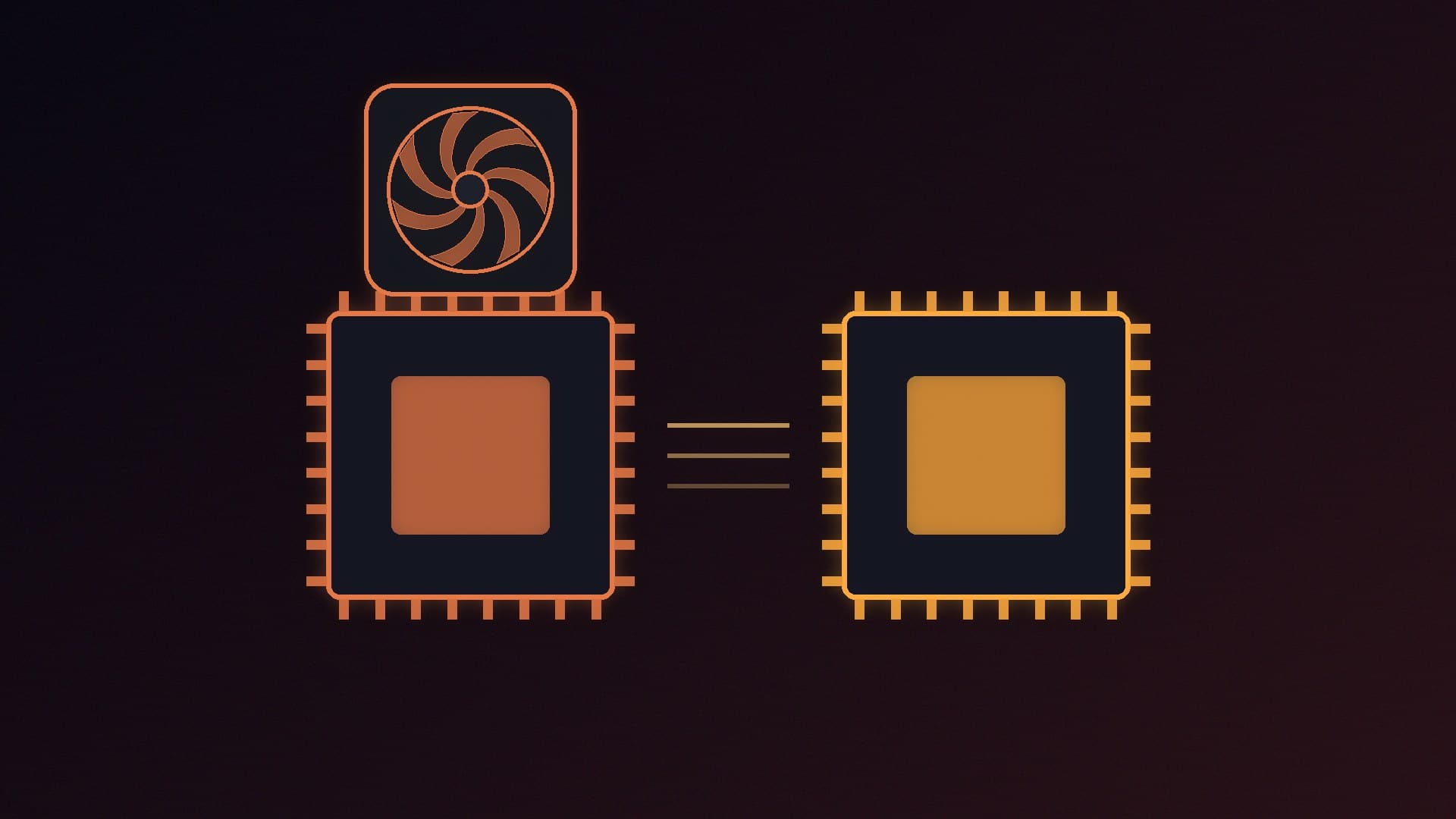
On paper these two AMD chips look almost identical. Both have 8 cores and 16 threads, 32MB of L3 cache, a 65W default TDP and the AM5 socket. The Ryzen 7 9700X is a generation newer, though, and with Black Friday on 27 November it's worth knowing what that extra generation actually changes before you pay for it. This comparison uses AMD's official specification pages and AMD's announced 105W mode for the 9700X.
Specs side by side
| Ryzen 7 7700 | Ryzen 7 9700X |
|---|
Architecture | Zen 4 | Zen 5 |
Cores / threads | 8 / 16 | 8 / 16 |
Max boost clock | Up to 5.3GHz | Up to 5.5GHz |
Base clock | 3.8GHz | 3.8GHz |
L2 / L3 cache | 8MB / 32MB | 8MB / 32MB |
Default TDP | 65W | 65W (105W cTDP option) |
Core process | TSMC 5nm | TSMC 4nm |
Official memory (2 sticks) | DDR5-5200 | DDR5-5600 |
Official memory (4 sticks) | DDR5-3600 | DDR5-3600 |
PCIe | PCIe 5.0, 24 usable lanes | PCIe 5.0, 24 usable lanes |
Integrated graphics | Radeon Graphics, 2 cores | Radeon Graphics, 2 cores |
Cooler in the box | Yes, Wraith Prism | No |
Launched | January 2023 | August 2024 |
Both are unlocked for overclocking, both have a 95°C maximum operating temperature and both list the same chipset support on AMD's pages: A620, B650, B650E, X670, X670E, B840, B850, X870 and X870E.
What Zen 5 changes
The 9700X uses AMD's newer Zen 5 cores and a 200MHz higher maximum boost clock. Core count, cache and default power are the same, so any difference comes from the newer architecture and clock behaviour rather than from extra hardware. That's why independent reviews matter more than usual here: the spec sheet alone can't tell you how much faster one is than the other in your games or apps.
If you mostly game at 1440p or 4K with a mid-range graphics card, your GPU is likely to set the limit long before either CPU does. Our guide to CPU vs GPU bottlenecks explains how to check which part is holding your PC back.
The 105W mode
AMD launched the 9700X at 65W, with a package power limit (PPT) of 88W. TechPowerUp reported in September 2024 that AMD then added a 105W configurable TDP mode for the 9700X and Ryzen 5 9600X with full warranty coverage. It needs a motherboard BIOS that includes AGESA ComboAM5 PI 1.2.0.2 or later, and it raises the PPT to 140W. TechPowerUp noted that reviewers had found unlocking power improves performance because the chip can hold its boost clocks for longer.
AMD hasn't announced an equivalent warrantied 105W mode for the 7700, so this gives the 9700X a choice: stay at 65W for a quiet, cool build, or switch to 105W for heavier workloads. More power means more heat, so the 105W mode only makes sense with a decent cooler. You can monitor power and temperatures with AMD Ryzen Master.
Coolers and the real cost
This is the detail that often decides it. AMD says the Ryzen 7 7700 includes the Wraith Prism cooler. The 9700X has no cooler in the box, and AMD's page recommends a "premium air cooler" for optimal performance.
So when you compare Black Friday prices, add the cost of a cooler to the 9700X. If the 7700's bundled cooler is good enough for you, the real gap between the two is bigger than the CPU prices alone suggest. If you planned to buy an aftermarket cooler anyway, for lower noise or to run the 9700X in 105W mode, that advantage disappears. Our best CPU coolers guide covers options at different budgets.
Memory support
AMD officially lists DDR5-5200 for the 7700 and DDR5-5600 for the 9700X with two sticks. With four sticks, both drop to DDR5-3600. Faster kits run using AMD EXPO memory overclocking profiles; AMD's EXPO page notes that running memory outside its published specifications voids AMD's product warranty. Most builders use two sticks and EXPO on either chip; our guide to DDR5-5600 vs DDR5-6000 explains the trade-offs, and how to enable XMP or EXPO walks you through the BIOS setting.
Both CPUs drop into the same AM5 motherboards and work with the same DDR5 memory, so neither locks you out of a later upgrade. If you're buying a board too, our B650 vs B850 comparison helps you decide whether a newer chipset is worth it. On an older B650 or X670 board, update the BIOS before fitting a 9700X, and you'll need a recent BIOS anyway to get the 105W option.
If you might want more gaming performance later, our best AM5 CPU upgrade guide covers the drop-in options. And if you're torn between the 9700X and AMD's 3D V-Cache chip, see Ryzen 7 9800X3D vs Ryzen 7 9700X.
Which should you buy?
Choose the Ryzen 7 7700 if you want 8 cores on AM5 for the lowest total outlay, you're happy with the bundled Wraith Prism cooler, and your graphics card is the main limit on your frame rates.
Choose the Ryzen 7 9700X if the price gap is small once you've counted the cooler, you want the newer Zen 5 cores and higher boost clock, or you'd use the warrantied 105W mode for longer heavy workloads.
Our verdict
The Ryzen 7 7700 and Ryzen 7 9700X share the same core count, cache, socket and default 65W TDP. The 9700X adds Zen 5, a 5.5GHz boost, official DDR5-5600 support and an optional warrantied 105W mode, but no cooler in the box. Compare the full cost, CPU plus cooler, during Black Friday: if the 9700X is only a little more, it's the better long-term pick; if the gap is large, the 7700 with its Wraith Prism is the sensible 8-core buy.