Specifications come from NVIDIA's official pages, the speed figures quoted below come from LMSYS's published review, and UK prices were read on 25 November 2026.
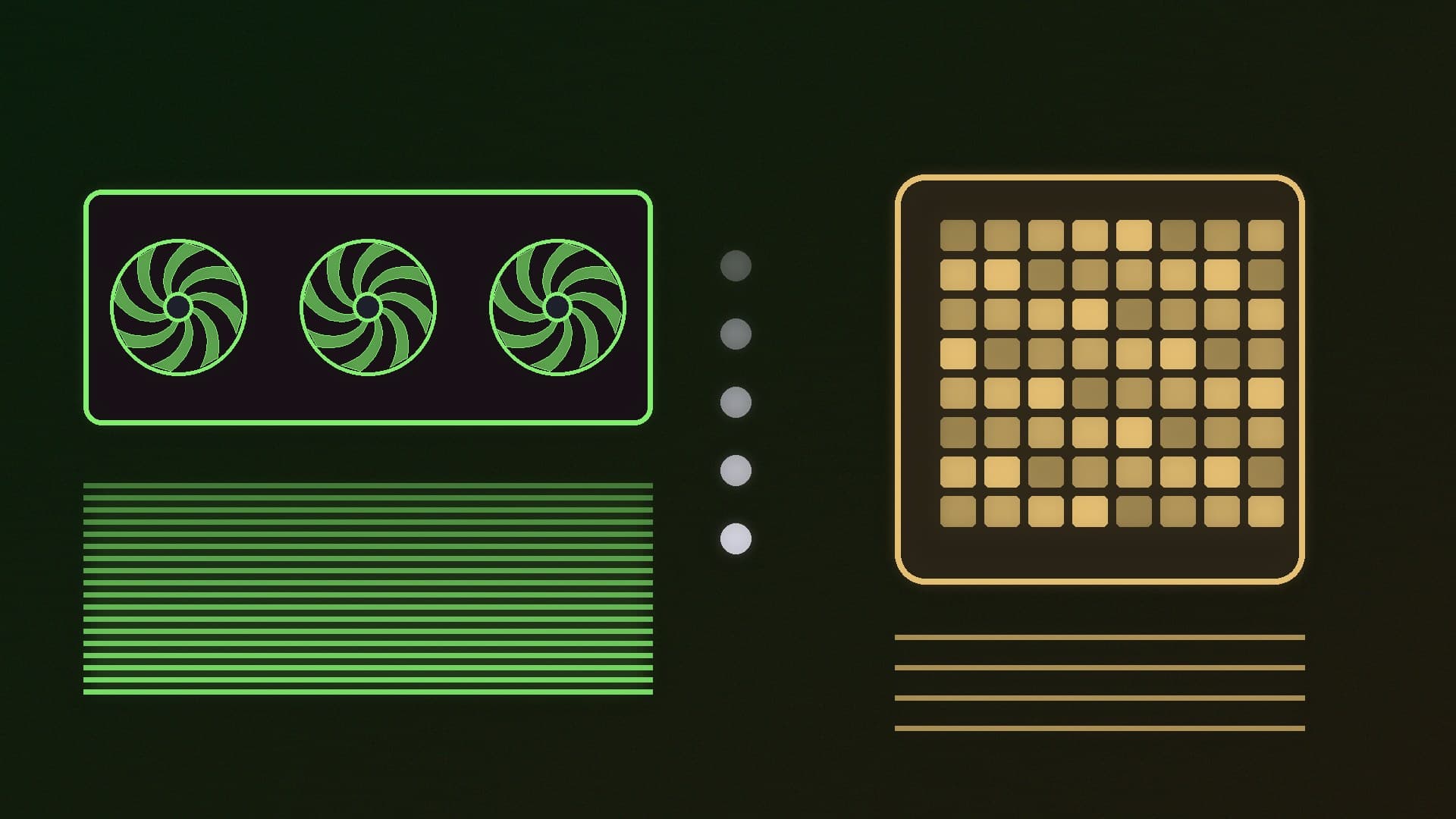
At similar money, NVIDIA sells two very different ways to run large AI models at home. The GeForce RTX 5090 is a desktop graphics card with 32GB of GDDR7 and the most memory bandwidth in NVIDIA's RTX 50 Series. The DGX Spark is a small box built around the GB10 Grace Blackwell chip, with 128GB of memory shared between its Arm processor and its GPU. One is built for speed, the other for capacity, and the right choice depends on the size of the models you want to run.
Specifications side by side
| GeForce RTX 5090 | DGX Spark |
|---|
What it is | PCIe graphics card | Complete mini computer |
GPU | Blackwell, 21,760 CUDA cores | Blackwell (GB10 Superchip) |
CPU | Your PC's own | 20-core Arm (10 Cortex-X925 + 10 Cortex-A725) |
Memory for AI | 32GB GDDR7 | 128GB LPDDR5x unified (64GB from some partners) |
Memory bus | 512-bit | 256-bit |
Memory bandwidth | 1,792GB/s | 273GB/s |
AI figure quoted by NVIDIA | 3,352 AI TOPS | Up to 1 PFLOP FP4 (with sparsity) |
Power | 575W total graphics power; 1,000W PSU recommended | 240W power supply; 140W GB10 TDP |
Operating system | Windows or Linux on your PC | DGX OS (Ubuntu-based Linux) |
UK price (approx., 25 Nov 2026) | From about £6,000 (card only) | About £6,399 (128GB, 4TB SSD) |
Memory capacity: a clear win for DGX Spark
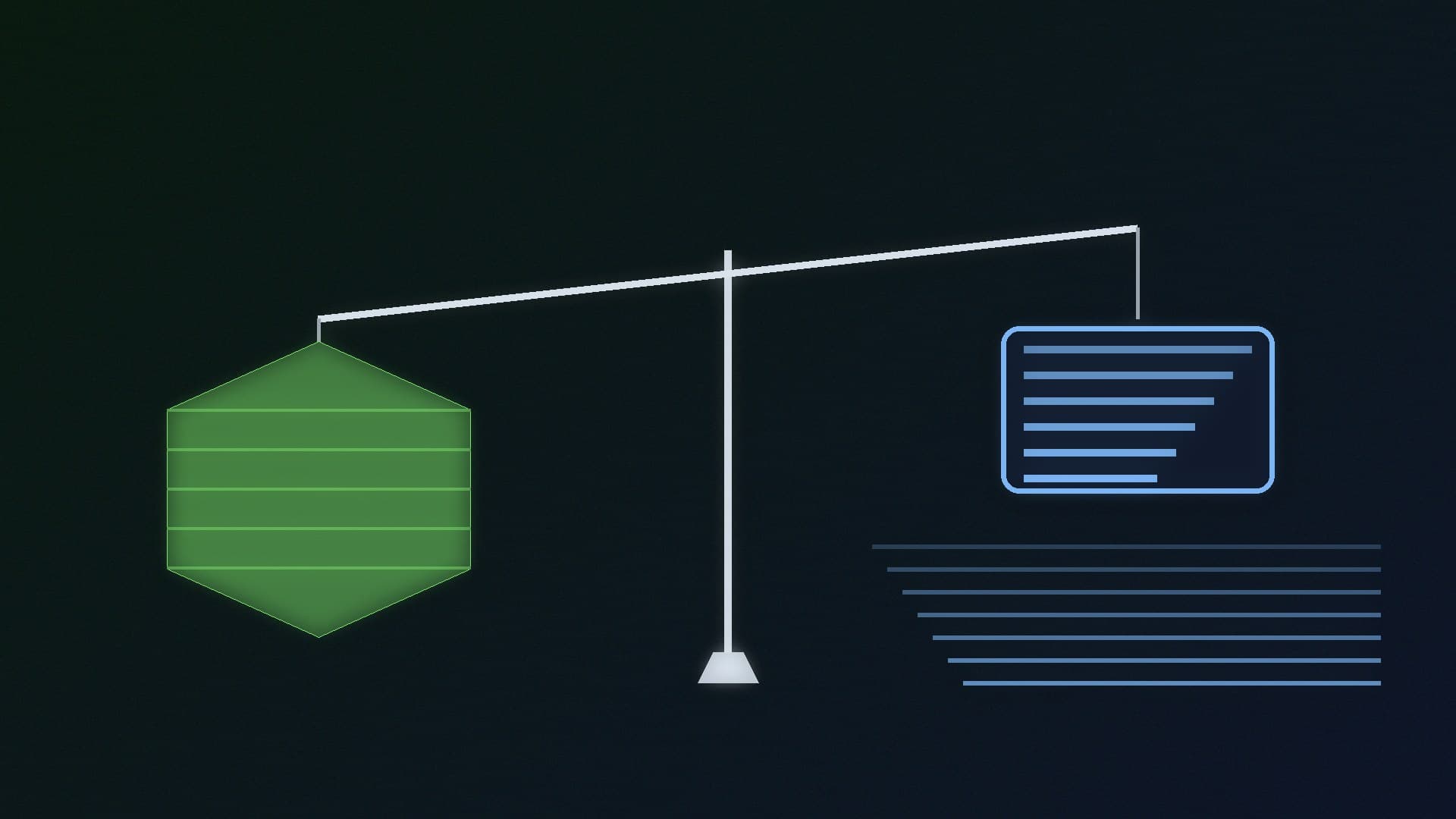
This is the whole point of DGX Spark. Its 128GB of unified memory can be used by the GPU, so models far too big for a single graphics card fit entirely in memory. NVIDIA says you can fine-tune models of up to 70 billion parameters on it, and up to four DGX Spark systems can be linked with ConnectX-7 networking for even larger models.
A real example: in Ollama's library, gpt-oss:20b is a 14GB download, which fits comfortably in the RTX 5090's 32GB. The larger gpt-oss:120b is 65GB. That fits in DGX Spark's memory with room to spare, but not on a single RTX 5090, which would have to offload most of the model to slower system RAM. Our explainer on unified memory vs VRAM covers the trade-off in more depth.
Memory bandwidth: a clear win for the RTX 5090
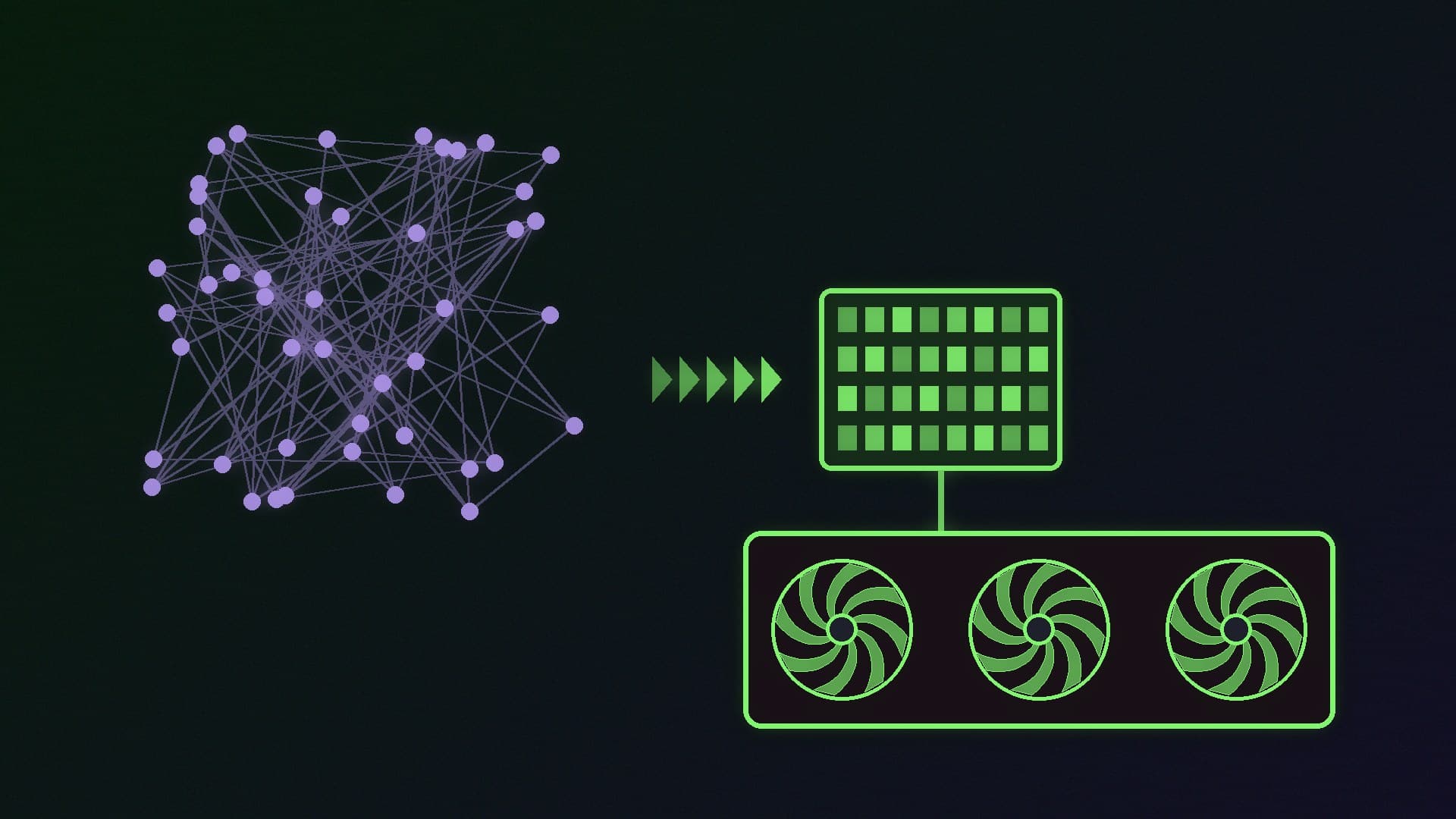
NVIDIA lists the RTX 5090 at 1,792GB/s and DGX Spark at 273GB/s, so the graphics card has about 6.5 times the bandwidth. That matters because generating each word (token) requires reading the model's weights from memory, so text generation speed tends to rise with bandwidth. We explain why in memory bandwidth and local LLM speed.
LMSYS, the team behind the SGLang inference engine, published an early review of DGX Spark in October 2025 that included an RTX 5090 Founders Edition. Running gpt-oss 20B in Ollama, LMSYS measured DGX Spark at 2,053 tokens per second for prompt processing and 49.7 tokens per second for generation, against 8,519 and 205 for the RTX 5090. LMSYS concluded that the Spark's LPDDR5x bandwidth was the main limiting factor. It also ran Llama 3.1 70B in FP8 on DGX Spark, a model too big for the RTX 5090 alone, at 2.7 tokens per second for generation. LMSYS warned that DGX Spark software support was at an early stage and that its results could become outdated, so treat these figures as a guide to the gap rather than current numbers.
Software and everyday use
The RTX 5090 goes in an ordinary Windows or Linux PC, so it works with everything that supports NVIDIA graphics cards: Ollama, LM Studio, ComfyUI and games. It's also the only one of the two you can game on in Windows.
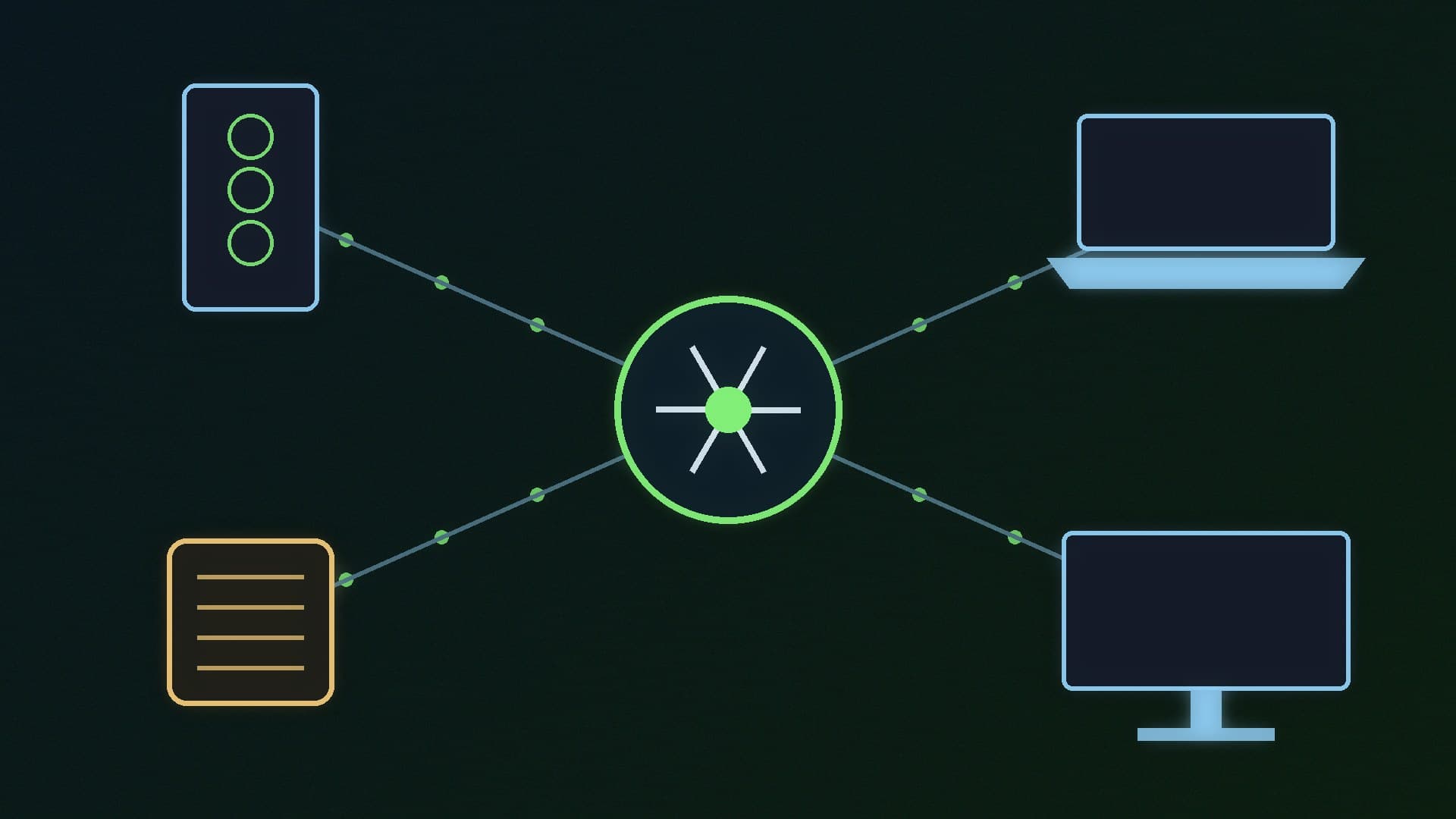
DGX Spark runs NVIDIA's DGX OS, a Linux distribution based on Ubuntu, and comes with NVIDIA's AI software stack, including tools for fine-tuning, NIM microservices and PyTorch. Ollama says it worked with NVIDIA to run well on DGX Spark out of the box. It's designed as an always-on machine for developers rather than a general-purpose desktop, and NVIDIA says hardware support comes from the company that sold you the system. If you'd rather stay on Windows, NVIDIA now promotes RTX Spark for Windows PCs; see RTX Spark vs DGX Spark.
Power, size and noise
NVIDIA lists the RTX 5090 at 575W total graphics power and recommends a 1,000W power supply for the whole system. Check that your case, cooling and power supply can handle it; our guide to choosing a PSU for a local AI PC can help. DGX Spark measures 150 x 150 x 50.5mm, weighs 1.2kg and uses a 240W power supply; LMSYS notes that it's powered over USB-C from an external adapter.
Price
On 25 November 2026, SpecPrice's cheapest new RTX 5090 in the UK was £5,999.99 at Overclockers UK. Scan listed the DGX Spark with 128GB and a 4TB SSD at £6,399. Those prices are close, but the RTX 5090 needs a powerful PC to go in, so a complete system costs considerably more than the card. These are approximate prices on that date, and they may change around Black Friday on 27 November.
Models we list
Our specs database includes the NVIDIA GeForce RTX 5090 Founders Edition and the Gigabyte AI TOP ATOM, a partner system built on the same GB10 chip as DGX Spark.
Other options to consider
If 32GB is enough but £6,000 isn't, see our best 32GB graphics cards for local AI. For another big-memory box, read DGX Spark vs Ryzen AI Max+ 395, and if you're weighing up NVIDIA's previous flagship, see RTX 5090 vs RTX 4090 for local AI.
Our verdict
Choose the RTX 5090 if the models you use fit in 32GB and you want the fastest responses, image and video generation in ComfyUI, and a card that also games on Windows. Choose DGX Spark if you need to load models of 70 billion parameters or more, want a compact, low-power Linux box for always-on agents or fine-tuning, and can accept much slower text generation.