JetBrains now offers two versions of its open Mellum2.1 coding model. The new Mellum2.1 Instruct answers straight away, while Mellum2.1 Thinking reasons before it acts. Both are 12B mixture-of-experts models with 2.5B active parameters, and both are small enough to run on a mid-range graphics card. All benchmark figures are JetBrains' own, and no independent results had been published when we checked. According to alfw.ai, Instruct appeared on Hugging Face on 26 November 2026.
The short version
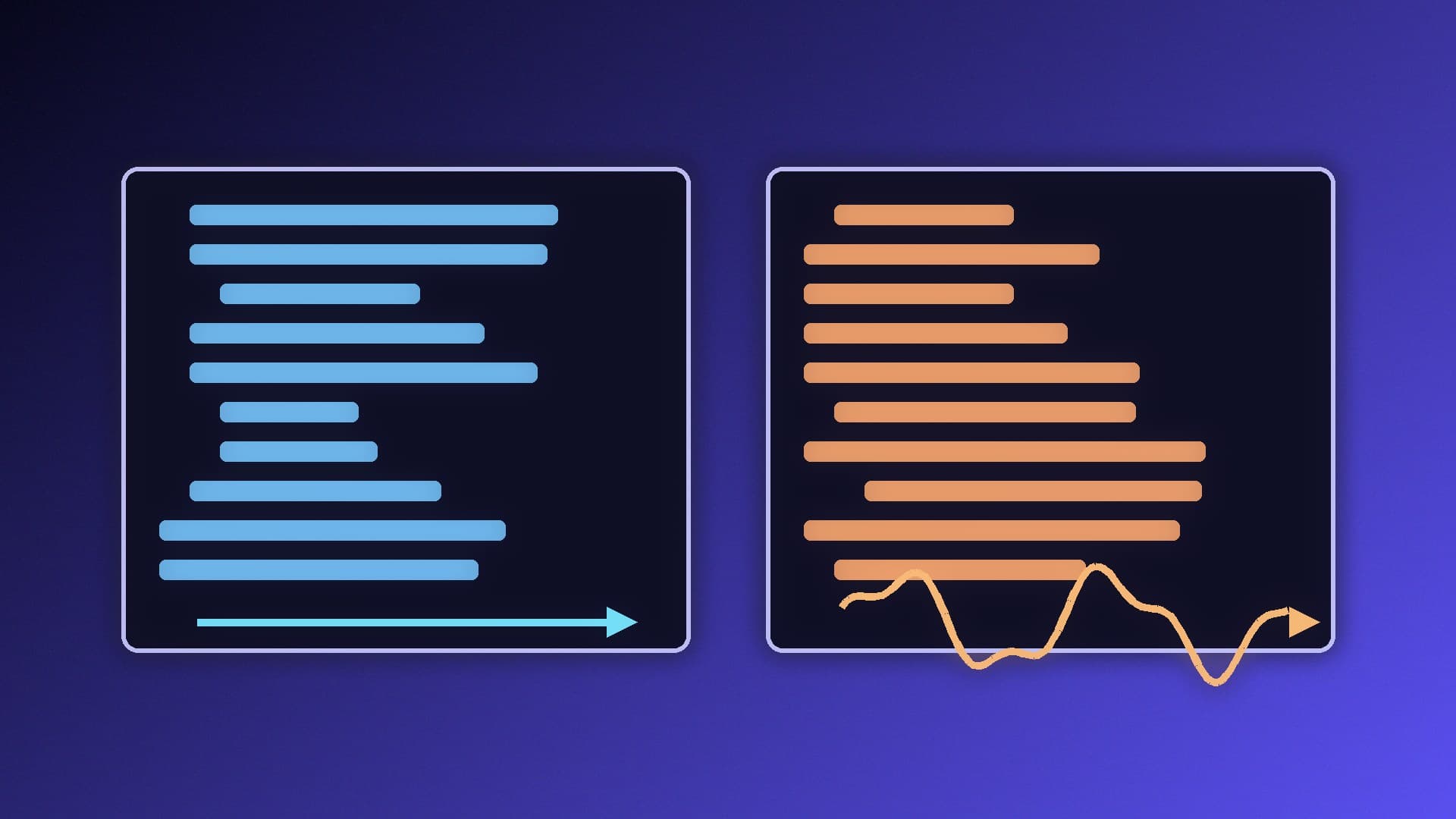
Choose Instruct for quick jobs: autocomplete-style questions, small fixes, explaining code, and sub-agents or tool loops where speed matters more than depth.
Choose Thinking for harder jobs: multi-step work in a repository, tricky bugs, and maths or algorithm problems.
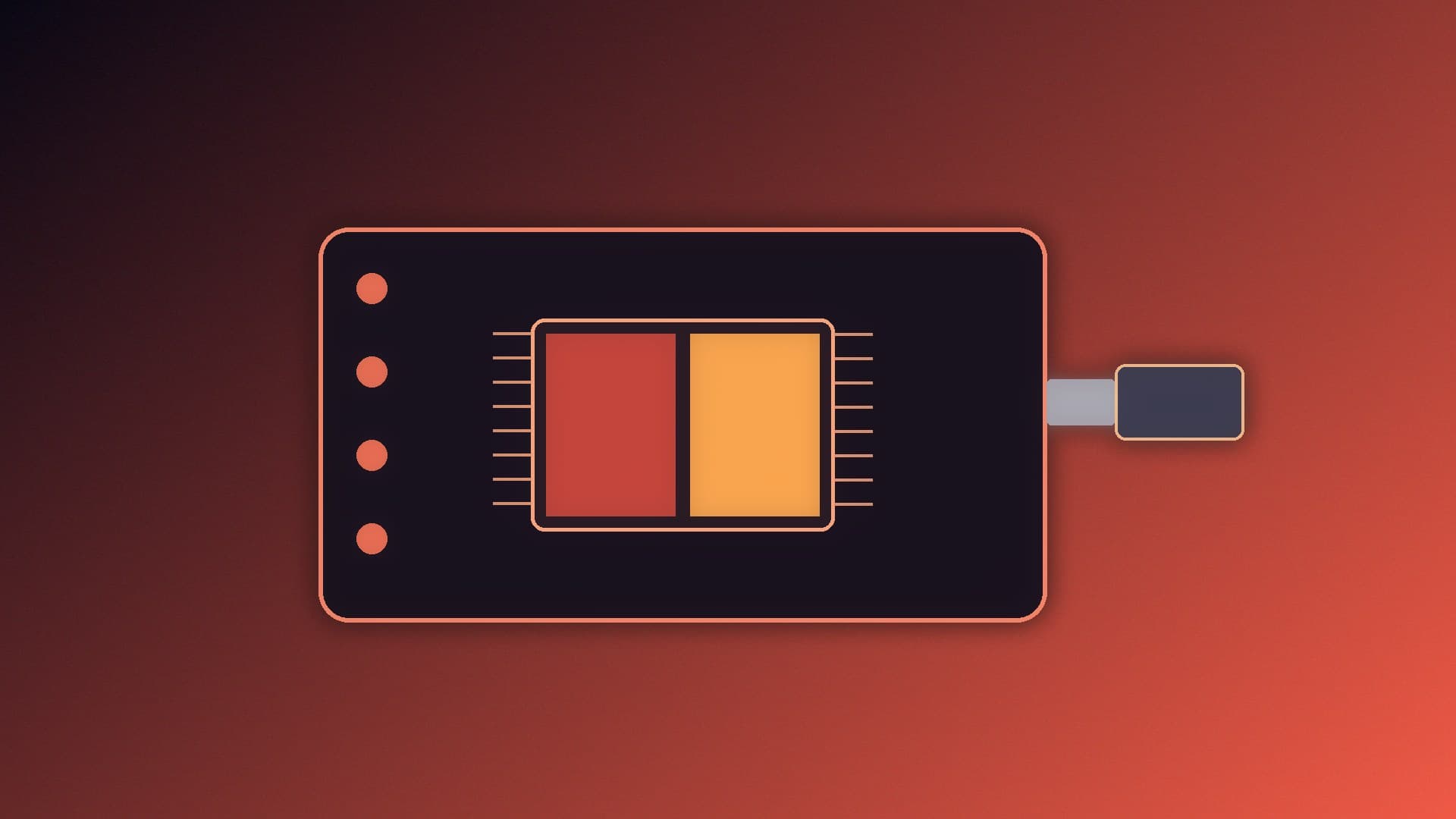
The hardware is the same. Both use the same architecture and identical GGUF file sizes, so any PC that runs one runs the other.
Specifications
Both model cards list the same architecture. Post-training is the only difference.
| Mellum2.1 Instruct | Mellum2.1 Thinking |
|---|
Parameters | 12B total, 2.5B active | 12B total, 2.5B active |
Experts | 64, with 8 active per token | 64, with 8 active per token |
Layers | 28 | 28 |
Context length | 131,072 tokens | 131,072 tokens |
Sliding window | 1,024 (3 of every 4 layers) | 1,024 (3 of every 4 layers) |
Chain of thought | No, answers directly | Yes |
Licence | Apache 2.0 | Apache 2.0 |
What JetBrains says it's for | Sub-agents, tool loops, small fixes and questions about code | Complex agentic tasks and hard coding, maths and reasoning problems |
JetBrains says both versions were trained with large-scale reinforcement learning, including agentic training inside real repositories with shell and file tools, rewarded when the tests pass. For a primer on why the two behave differently, see our thinking vs instruct models explainer.
Benchmarks: what JetBrains reports
The Instruct model card puts both versions side by side, scored with the same evaluation pipeline. JetBrains says the agentic tests used the same open-source agent harness (Pi v0.73.1) for every model, with a 114K-token context and up to 16K tokens per turn.
Benchmark (JetBrains' figures) | Instruct | Thinking |
|---|
SWE-bench Verified | 40.4 | 47.0 |
SWE-bench Pro | 20.0 | 28.0 |
Terminal-Bench 2.1 | 8.2 | 17.4 |
LiveCodeBench v6 | 53.7 | 82.0 |
HumanEval+ | 89.1 | 91.5 |
MBPP+ | 74.3 | 79.4 |
AIME 25/26 | 61.1 | 83.3 |
BFCL v4 (tool use) | 46.5 | 62.3 |
ToolHop | 51.4 | 49.1 |
IFEval | 87.2 | 90.6 |
GPQA Diamond | 48.6 | 64.6 |
Thinking leads on nearly everything, and by the widest margins on competitive programming (LiveCodeBench) and maths (AIME). Instruct comes close on simpler code-writing tests such as HumanEval+, and edges ahead on ToolHop.
The Thinking model's own card lists slightly different figures, such as 50.0 for SWE-bench Verified on Qwen3.5 9B. We've used the Instruct card's table because it scores both versions together.
For context, the same table credits Qwen3.5 9B with 49.8 (non-thinking) and 55.6 (thinking) on SWE-bench Verified. On JetBrains' own numbers, then, neither Mellum2.1 version tops Qwen's 9B model on that test.
Speed: where Instruct earns its place
Instruct doesn't score higher. What it saves is time. JetBrains says that on its repository-level validation tasks, Instruct "generates about half as many tokens as Mellum2.1 Thinking". On a local PC, every token is generated on your own GPU, so roughly half the output means waiting roughly half as long for a finished answer, all else being equal. That's an inference from JetBrains' token counts, not a speed test.
That matters most in agent tools that make many small model calls in a row, where a thinking model's reasoning text builds up on every step.
Hardware and file sizes
JetBrains publishes official GGUF builds for both versions, at the same sizes:
Quantisation | File size | JetBrains' description |
|---|
BF16 | 24.3GB | Unquantised reference |
Q8_0 | 12.9GB | 8-bit, "effectively lossless" |
Q6_K | 10.9GB | 6-bit, "very high quality (recommended)" |
Q4_K_M | 8.1GB | 4-bit, balanced |
MXFP4_MOE | 7.0GB | 4-bit on the MoE experts, smallest |
The recommended Q6_K file fits on a 16GB card such as the MSI RTX 5060 Ti 16GB Ventus 2X OC Plus, with room left for context. On a 12GB card such as the ASUS RTX 3060 12GB Dual Gaming OC V2, Q4_K_M leaves more headroom, because Q6_K's 10.9GB leaves little space for context. Remember that the Thinking model's reasoning uses up context, so it needs more headroom for long tasks. See how much VRAM you need for more detail.
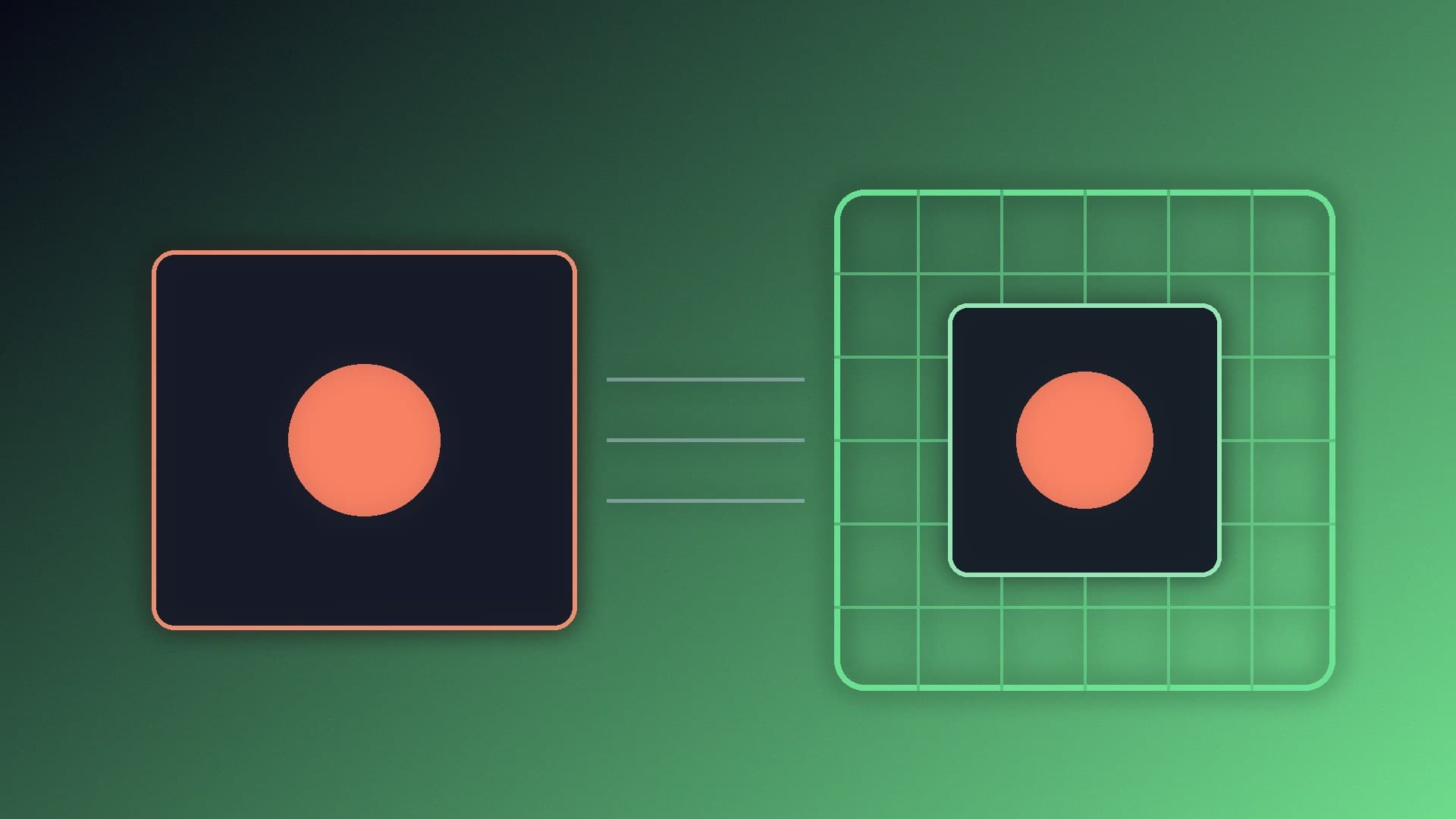
Because only 2.5B parameters are active per token, a mixture-of-experts model like this can also run with some layers offloaded to system RAM. Our guide to running MoE models on low VRAM explains how.
How to run either one
JetBrains' GGUF pages give one-line commands for both. With Ollama:
ollama run hf.co/JetBrains/Mellum2.1-12B-A2.5B-Instruct-GGUF:Q6_K
ollama run hf.co/JetBrains/Mellum2.1-12B-A2.5B-Thinking-GGUF:Q6_K
With a recent llama.cpp, llama serve -hf JetBrains/Mellum2.1-12B-A2.5B-Instruct-GGUF:Q6_K downloads the file and starts an OpenAI-compatible server. For Instruct, JetBrains recommends adding --temp 0.6 --top-p 0.95 --top-k 20. Our guide to running Hugging Face GGUF models in Ollama covers the Ollama route step by step.
A note on MTP: both GGUF repositories include a multi-token prediction head for speculative decoding in llama.cpp (build b11747 or newer). Don't expect a big boost. JetBrains cites llama.cpp benchmarks of the Thinking head on an Apple M2 Max showing just 1.05x the BF16 decoding speed with one drafted token, and 1.00x for a Q4_K_M model. Two or more drafted tokens were slower than plain decoding in every configuration tested.
To use either model in an editor or agent, see our guides to Ollama in VS Code and OpenCode with Ollama, or our best local coding models roundup for alternatives.
Which should you choose?
If you want... | Choose |
|---|
Fast answers to quick code questions and small edits | Instruct |
A sub-agent or tool loop that makes many short calls | Instruct |
An agent working through a repository on its own | Thinking |
Hard algorithm, maths or debugging problems | Thinking |
The best tool-calling score on BFCL v4 | Thinking |
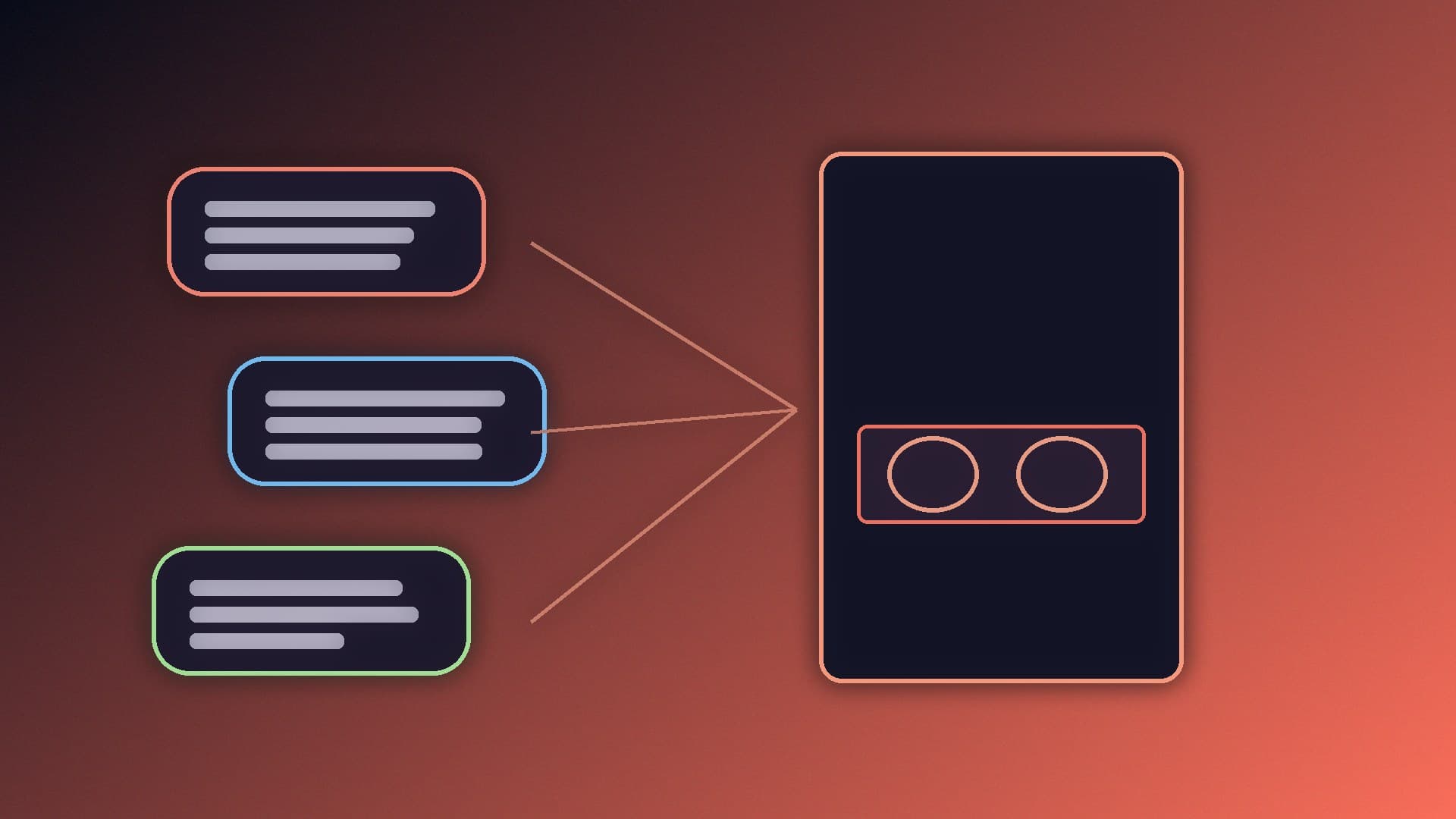
As both use the same file sizes and hardware, you can download both and switch between them. A tool such as llama-swap lets you swap models on demand behind one endpoint.