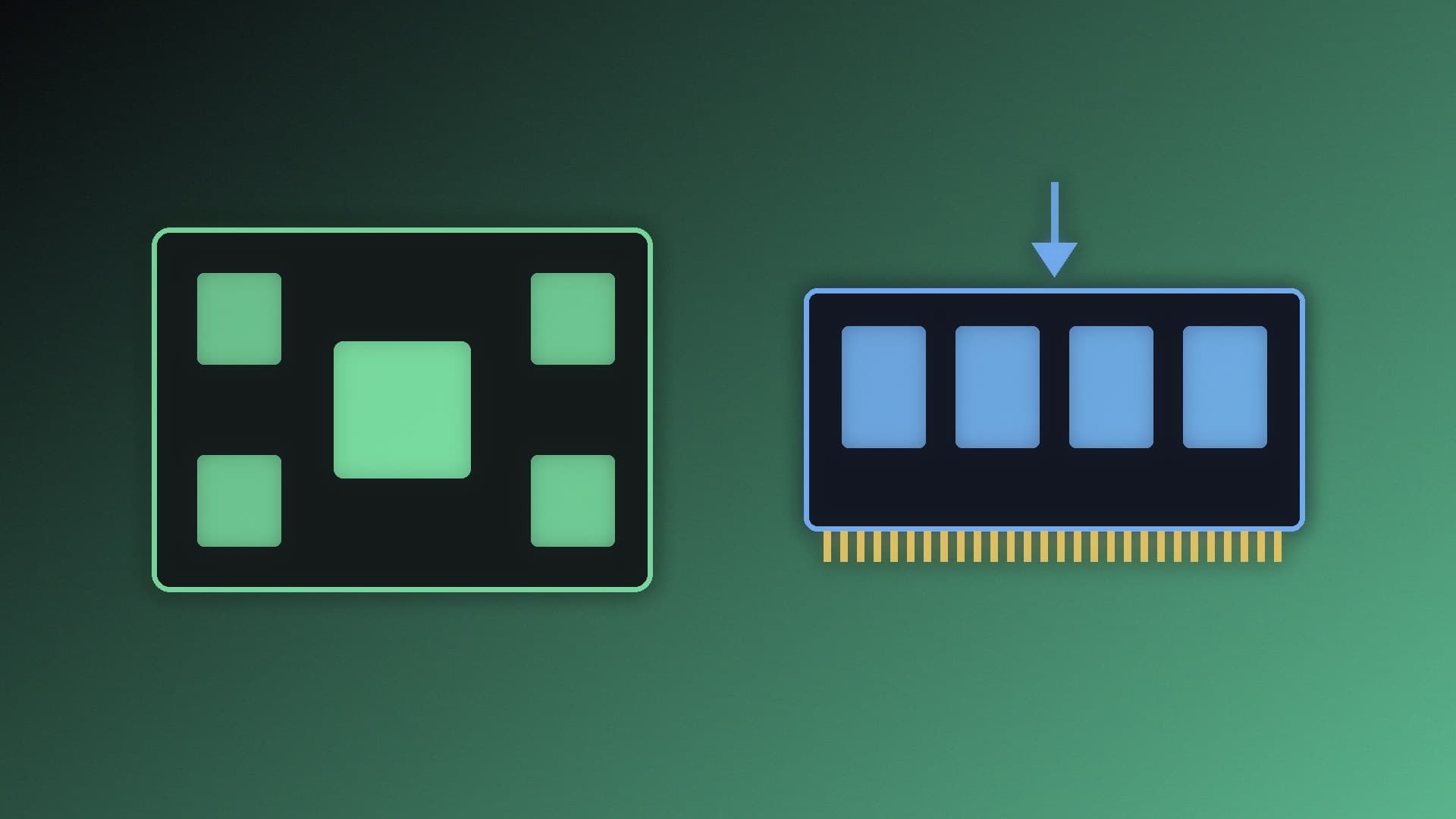
If you're buying a laptop or mini PC to run local AI models on its integrated graphics or NPU, the memory matters more than almost anything else on the spec sheet. Integrated graphics have no VRAM of their own, so the system memory decides both how big a model you can load and how quickly it generates text. And many current AI laptop chips can be paired with either of two very different kinds of memory: soldered LPDDR5X or removable DDR5 SO-DIMM modules.
This comparison explains the trade-off using AMD's official processor specifications, Samsung's LPDDR5X information and the JEDEC-based figures summarised on Wikipedia.
The short version
| LPDDR5X | DDR5 SO-DIMM |
|---|
Form | Usually soldered to the motherboard | Removable 262-pin modules |
Upgradeable later | No (except the newer CAMM2 module format) | Yes, swap or add modules |
Top speed on AMD Ryzen AI 300 | LPDDR5X-8000 | DDR5-5600 |
Theoretical peak on a 128-bit (dual-channel) bus | 128GB/s at 8000MT/s | 89.6GB/s at 5600MT/s |
Main strength for AI | More bandwidth, so faster text generation | Capacity you can increase later |
Main weakness for AI | Capacity fixed when you buy | Lower bandwidth |
What's the difference?
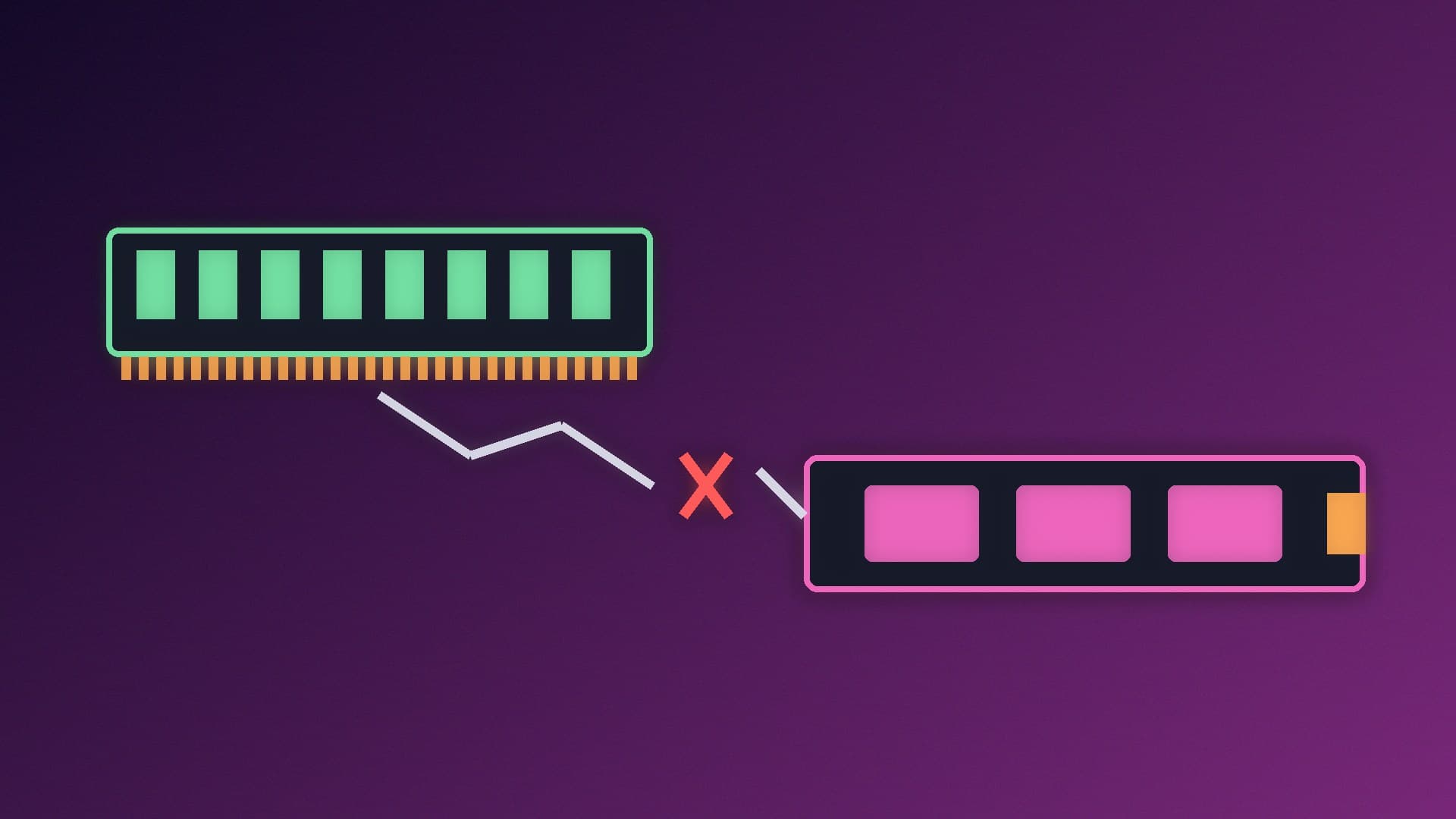
DDR5 SO-DIMM is the small-outline version of normal DDR5 memory. Each module plugs into a slot, and DDR5 SO-DIMMs use 262 pins. Because they're removable, you can buy a laptop with a modest amount of memory and upgrade it later, or replace a faulty module.
LPDDR5X is low-power DRAM, originally designed for phones and now used in thin laptops and on-device AI products. As Wikipedia's LPDDR article puts it, unlike DDR, which is typically installed in removable modules, LPDDR is usually soldered directly onto the motherboard to save space and improve efficiency. Samsung says its latest LPDDR5X reaches up to 10.7Gbps and is up to 1.25 times faster with 25% better power efficiency than the previous generation. The newer CAMM2 module format can carry LPDDR5 memory on a removable module mounted flush to the motherboard.
Same chip, two kinds of memory
AMD's spec pages show why this choice comes up. The Ryzen AI 9 HX 370 and Ryzen AI 7 350 both support either DDR5 or LPDDR5X, with two memory channels and up to 256GB of memory. The maximum speeds differ: DDR5-5600 for SO-DIMM-style DDR5, and LPDDR5X-8000. So two laptops with the same processor can have quite different memory performance depending on which type the manufacturer fitted.
The Ryzen AI Max+ 395 is the exception that proves the rule. AMD lists only 256-bit LPDDR5X-8000, up to 128GB, so machines built on it use LPDDR5X, which is usually soldered, but on a 256-bit bus: twice the width of two standard 64-bit channels. We cover that pairing in Ryzen AI 9 HX 370 vs Ryzen AI Max+ 395 for local AI.
Bandwidth: LPDDR5X wins
When a local LLM generates text, it has to read most of the model's weights from memory for every token, so memory bandwidth largely sets the speed. We explain why in memory bandwidth and local LLM speed explained.
Theoretical peak bandwidth is the transfer rate multiplied by the bus width:
DDR5-5600 SO-DIMM: each 64-bit module is rated PC5-44800, or 44.8GB/s. Two modules in dual channel give 89.6GB/s.
LPDDR5X-8000 on a 128-bit bus (the same total width as two 64-bit DDR5 channels): 8,000MT/s x 16 bytes = 128GB/s, about 43% more.
LPDDR5X-8000 on the Ryzen AI Max+ 395's 256-bit bus: 256GB/s.
Real-world bandwidth is always lower than these peaks, and actual token speeds depend on the model, quantisation and software. But all else being equal, a Ryzen AI 300 laptop with LPDDR5X-8000 should generate text faster than the same laptop with DDR5-5600. Bear in mind that even 256GB/s is well below a mid-range graphics card's dedicated memory; see unified memory vs VRAM for local AI.
Capacity and upgrades: SO-DIMM wins
The model has to fit in memory before speed matters at all. With LPDDR5X, the capacity you buy is the capacity you keep for the life of the machine. With SO-DIMM slots, you can start with 32GB and move to 64GB, 96GB or even 128GB later. Kits in our specs database include the Crucial 64GB (2x32GB) DDR5-5600 CL46 SODIMM Kit, Kingston Fury Impact 64GB (2x32GB) DDR5-5600 CL40, Crucial 96GB (2x48GB) DDR5-5600 CL46 SODIMM Kit and the G.Skill Ripjaws DDR5 SO-DIMM 128GB (2x64GB) DDR5-5600 CL46. Always check your laptop maker's supported memory list and the maximum capacity first, as a laptop's own limit can be lower than the processor's 256GB.
Capacity decides which models you can run at all: a laptop with 64GB can load models that simply won't fit in 32GB, however fast that 32GB is. Our guide to how much RAM you need for local AI gives sizes for common models.
Power and size
LPDDR5X is designed for low power and saves board space, which is one reason thin, light laptops with long battery life tend to use it. SO-DIMM slots take more room inside the chassis. If battery life and a slim design matter most, LPDDR5X fits better; if you want a machine you can repair and extend, SO-DIMM is the safer choice.
Which should you choose?
Choose LPDDR5X if you want the fastest local LLM text generation from integrated graphics, and you can afford enough memory up front. For local AI, we'd treat 32GB as a minimum and 64GB as a comfortable target.
Choose DDR5 SO-DIMM if you're on a budget now but want to add memory later, if you need more capacity than the LPDDR5X models on sale offer, or if you value repairability.
Choose a Ryzen AI Max+ machine if you want both lots of memory (up to 128GB) and much more bandwidth, and accept that the memory usually can't be upgraded.
Our best laptops for local AI and best mini PCs for local AI round-ups cover machines with both memory types, and our Ryzen AI 9 HX 370 explainer goes deeper on that chip. If you already have a SO-DIMM laptop, see our best DDR5 SO-DIMM RAM picks.
Our verdict
For local AI on integrated graphics, LPDDR5X is the better memory type because it offers much more bandwidth: on a Ryzen AI 300 laptop, LPDDR5X-8000 gives a theoretical 128GB/s against 89.6GB/s for dual-channel DDR5-5600, which translates into faster text generation. The catch is that it's soldered, so buy enough the first time, ideally 64GB. DDR5 SO-DIMM wins on flexibility: it's the right choice if you want to start smaller and upgrade to 96GB or 128GB later, and capacity can matter more than speed if the model you want doesn't fit.