The specifications below come from AMD's official product page for the Ryzen AI 9 HX 370, read on 23 November 2026. We haven't included prices, because they depend on the laptop or mini PC the chip is built into.
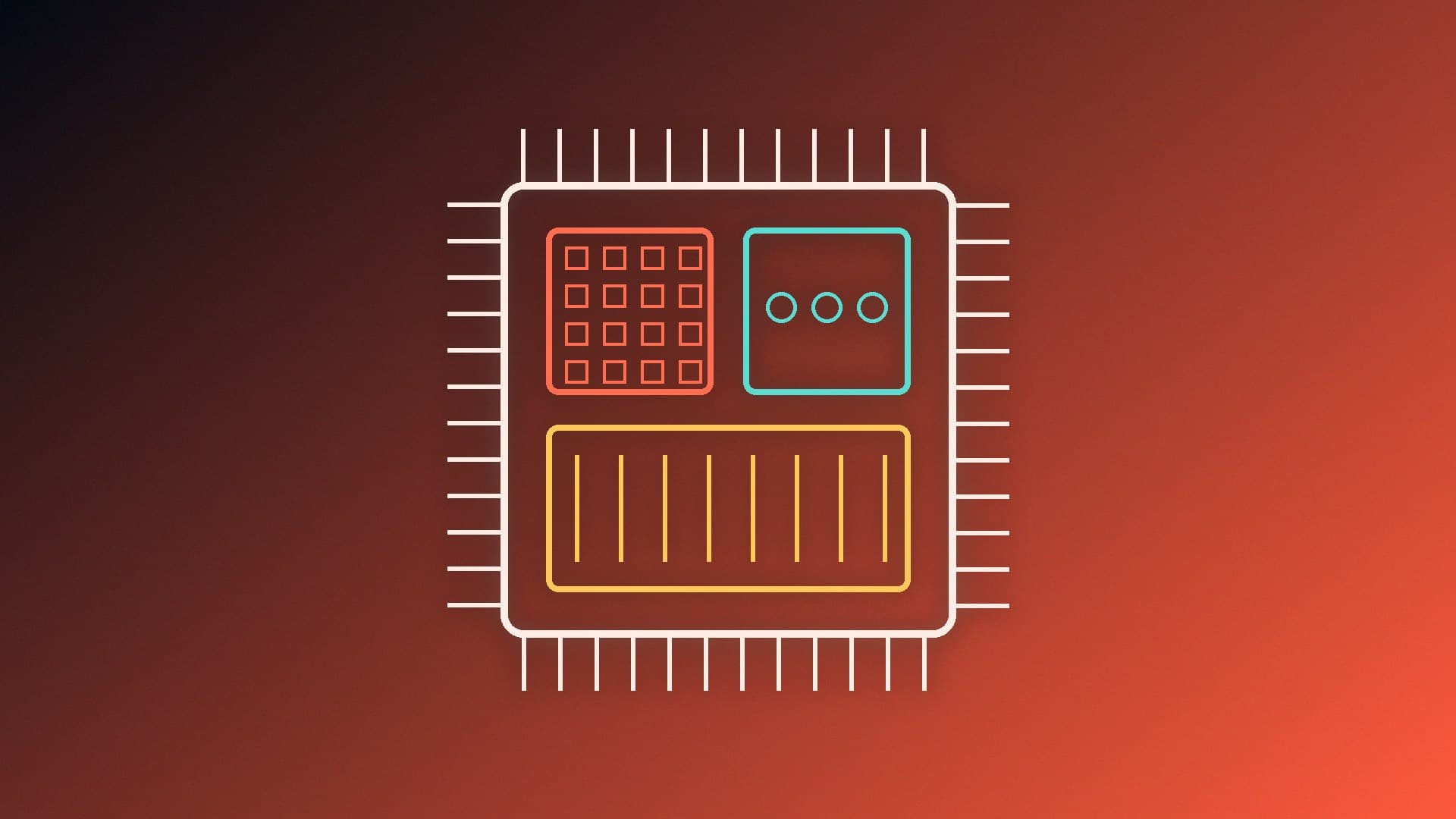
The Ryzen AI 9 HX 370 is one of the chips you'll see most often in AMD-based AI PCs. AMD sells it as a processor "for premium AI PCs", and it has three separate engines that can run AI work: the CPU cores, the Radeon graphics and a dedicated NPU. If you're thinking about running local AI models on a thin laptop or mini PC rather than a desktop with a graphics card, it helps to know what each part is good at.
The key specs
Specification | Ryzen AI 9 HX 370 |
|---|
Former codename | Strix Point |
CPU cores / threads | 12 (4x Zen 5, 8x Zen 5c) / 24 |
Max boost clock | Up to 5.1GHz |
L3 cache | 24MB |
Graphics | AMD Radeon 890M, 16 graphics cores, 2,900MHz |
NPU | Up to 50 TOPS |
Overall AI performance | Up to 80 TOPS |
Memory | DDR5 or LPDDR5X, 2 channels, up to 256GB |
Max memory speed | DDR5-5600 (2x2R), LPDDR5X-8000 |
Default TDP | 28W (configurable 15-54W) |
Process | TSMC 4nm FinFET |
PCIe | PCIe 4.0, 16 lanes |
USB4 | 2 native USB4 (40Gbps) ports |
The NPU: 50 TOPS for Windows AI features
AMD rates the NPU at up to 50 TOPS. That's above the 40 TOPS NPU that Microsoft says Copilot+ PCs are built around. Microsoft says Copilot+ features such as Windows Studio Effects, real-time translations in Live Captions and Recall (preview) run locally on the device, and the NPU is the chip designed to handle that kind of AI work efficiently. Our guide to NPUs and Copilot+ PCs explains those features in more detail.
You can also run language models on the NPU itself. Tools such as FastFlowLM and AMD's Lemonade Server can use the Ryzen AI NPU. The main appeal is efficiency rather than raw speed, and only a limited range of models is available for the NPU. See our guides to running an LLM on an AMD NPU with FastFlowLM and Lemonade Server if you want to try it.
AMD also quotes an "overall TOPS" figure of up to 80 TOPS for the whole chip, which is higher than the NPU's 50 TOPS on its own. Treat it as a headline number for the processor rather than the speed you'll get in a particular app, because most AI apps run on just one of the three engines.
The Radeon 890M: the most flexible option for LLMs
For most local AI apps, the integrated Radeon 890M is the part you'll actually use. Ollama and LM Studio can use AMD integrated graphics through Vulkan, and far more models run on a GPU than on an NPU. The 890M has 16 graphics cores at up to 2,900MHz, according to AMD. That's powerful for integrated graphics, but it's not in the same class as a desktop graphics card. Our guide to running a local LLM on integrated graphics covers how to set it up.
Memory: the real limit
Integrated graphics don't have their own VRAM. The Radeon 890M shares the laptop's system memory, so the amount of RAM decides which models you can load. AMD lists support for up to 256GB, although most laptops ship with far less, and LPDDR5X memory is usually soldered down, so you can't upgrade it later. For local AI, 32GB is a sensible minimum and more is better. Our guide to how much RAM you need for local AI has more detail.
Memory speed matters just as much. Text generation speed in an LLM is largely limited by memory bandwidth. The HX 370 has two memory channels and supports up to LPDDR5X-8000 or DDR5-5600, so a laptop with LPDDR5X-8000 should generate text faster than one with DDR5-5600, all else being equal. That's still far below the bandwidth of a dedicated graphics card's GDDR memory. Read our explainers on memory bandwidth and LLM speed and unified memory vs VRAM to find out why.
The chip's default TDP is 28W, and laptop makers can configure it anywhere from 15W to 54W. Two laptops with the same HX 370 can therefore perform quite differently in long AI jobs, depending on how much power and cooling the manufacturer allows. If sustained performance matters to you, look for reviews of the specific laptop or mini PC. AMD also lists desktops as a supported form factor, which covers the mini PCs that use this chip.
Who should buy one?
A Ryzen AI 9 HX 370 machine makes sense if you want a portable Copilot+ PC that can also run small and medium-sized local models on its integrated graphics, or try NPU-based tools. Choose a model with plenty of fast LPDDR5X memory, because you can't add more later.
If you mainly want to run larger LLMs or generate images quickly, a desktop with a dedicated graphics card will be much faster. See our NPU vs GPU for local AI comparison.
Our verdict
The Ryzen AI 9 HX 370 is a well-rounded AI PC chip. Its 50 TOPS NPU is fast enough for Copilot+ features and low-power NPU tools, and the Radeon 890M graphics give you the widest app support for running local LLMs. Memory is what matters most: buy a laptop or mini PC with at least 32GB of fast LPDDR5X, because the graphics share that memory and it usually can't be upgraded. For bigger models or serious image generation, a desktop graphics card is still the better tool.