The requirements and feature list come from Microsoft's Windows 11 specifications page and its Copilot+ PC developer guidance, both checked on 25 November 2026. Microsoft notes that features and availability vary by device, region and language, and can change with Windows updates.
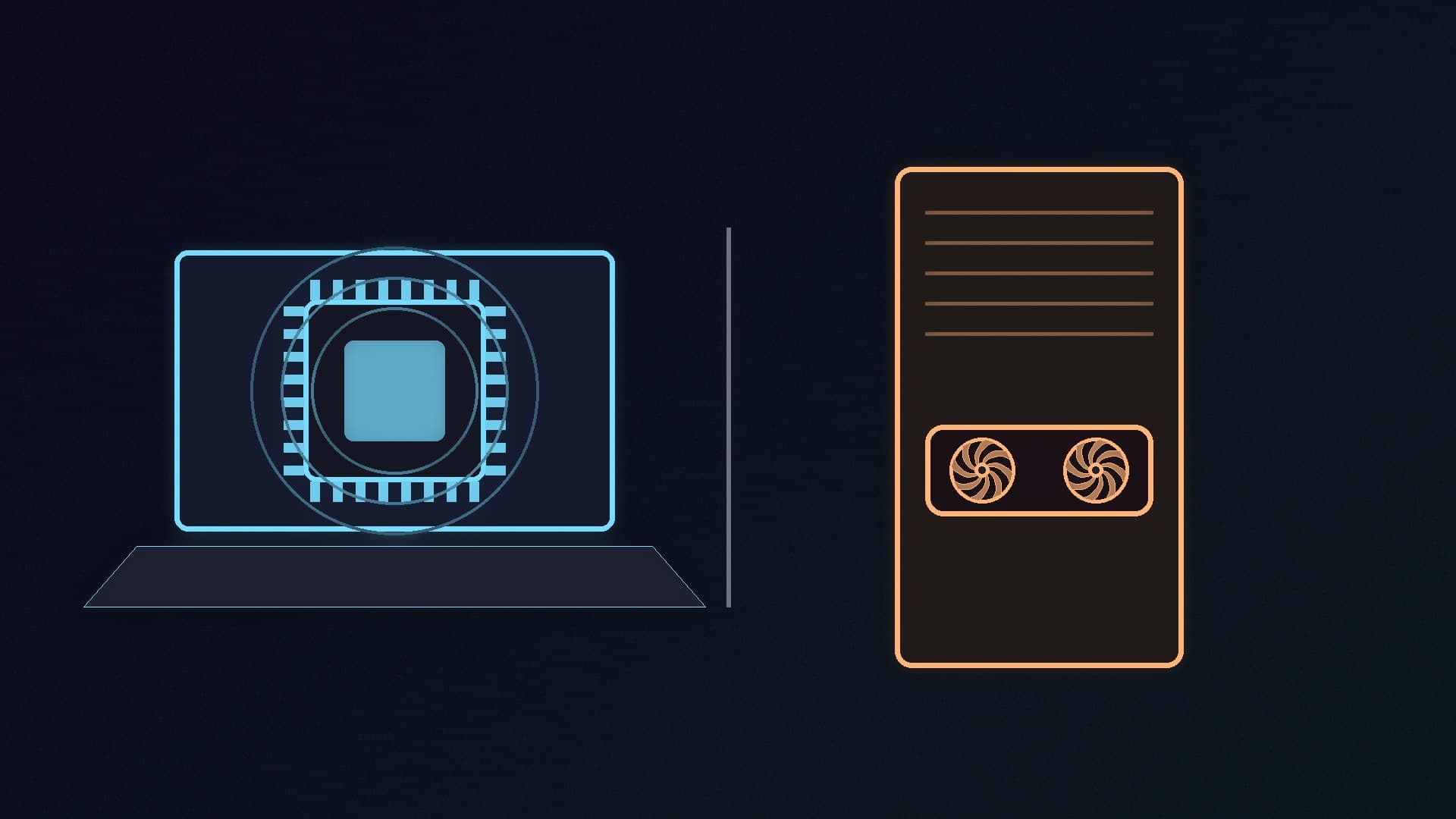
"AI PC" is on a lot of boxes this Black Friday, but in Windows terms there's only one label with a strict definition: Copilot+ PC. It's a hardware class with minimum requirements set by Microsoft, and it unlocks a specific set of Windows features that ordinary Windows 11 PCs don't get. Plenty of capable machines, including high-end gaming desktops, don't qualify. Here's how the two compare.
Copilot+ PC vs Windows 11 PC at a glance
| Copilot+ PC | Regular Windows 11 PC |
|---|
Processor | Compatible chip with an NPU capable of 40+ TOPS | 1GHz+, 2 or more cores, compatible 64-bit processor |
Qualifying chips (Microsoft's list) | AMD Ryzen AI 300 and 400 series, Intel Core Ultra 200V and 300V series, Snapdragon X series | Any compatible processor |
Memory | 16GB DDR5/LPDDR5 minimum | 4GB minimum |
Storage | 256GB SSD/UFS minimum | 64GB minimum |
Copilot app | Yes | Yes |
Recall, Click to Do, improved Windows search | Yes | No |
The rest of the Windows 11 minimum requirements, including TPM 2.0 and UEFI Secure Boot, apply to both.
What the requirements actually mean
The key requirement is the neural processing unit (NPU), a dedicated AI processor that runs small models efficiently. Microsoft requires one capable of more than 40 trillion operations per second (TOPS) and names the qualifying processor families.
Microsoft's specifications page also makes a point that catches people out: a PC with a 40+ TOPS NPU but less than 16GB of RAM, or less storage than the minimum, is not a Copilot+ PC. It can still run AI apps that use the NPU, but it won't get the Copilot+ features. So check the memory as well as the processor when buying a laptop.
If you're unsure what TOPS figures mean, our TOPS vs TFLOPS explainer covers it, and our Core Ultra 200V vs Ryzen AI 300 comparison looks at two of the qualifying chip families.
Why your gaming PC isn't a Copilot+ PC
A desktop with a powerful graphics card can run AI models far faster than any laptop NPU, but that doesn't make it a Copilot+ PC. Microsoft's definition is tied to the NPU and to its list of qualifying processors, and typical desktop processors, such as AMD's Ryzen 9000 series or Intel's Core Ultra 200S series, aren't on that list. A graphics card doesn't count towards the NPU requirement.
That doesn't mean a desktop misses out on AI. A gaming PC can run local chatbots and image generators on its GPU with apps such as Ollama, LM Studio or ComfyUI; our NPU vs GPU for local AI guide explains why the GPU is usually the better tool for those jobs. What it can't do is switch on Microsoft's Copilot+ features.
Features only Copilot+ PCs get
Microsoft lists these as unique Copilot+ PC features on its Windows 11 specifications page:
Recall (preview): search encrypted snapshots of what's been on your screen, stored locally on the PC. It requires Windows Hello Enhanced Sign-in Security.
Click to Do: actions on whatever text or image is on screen.
Improved Windows search: describe what you're looking for in everyday words, for supported file types and languages.
Live Captions translation: translated subtitles into English from 40+ languages, and from 27 languages into Chinese (Simplified).
Agent in Settings: describe the change you want in your own words in the Settings search box.
Paint and Photos tools: Cocreator, sticker generator, object select, Image Creator, Restyle image and Photos super resolution.
Snipping Tool Perfect screenshot and Voice Access flexible commands.
Some are limited further. Microsoft lists automatic super resolution for games, Paint generative fill and Photos Relight as available only on Copilot+ PCs with Snapdragon X series processors. Several Paint and Photos features also need a Microsoft account and an internet connection for cloud safety checks, even though they run on the device.
Our guides to Click to Do and Recall and improved Windows search show these features in use.
What every Windows 11 PC still gets
A regular Windows 11 PC isn't left without AI. Microsoft says any PC running Windows 11 is compatible with the Copilot app for writing help, summaries and similar cloud-based tasks. Live Captions itself is a standard Windows 11 accessibility feature; Microsoft lists the translation part as the Copilot+ addition (see our Live Captions guide).
Windows Studio Effects sits in between. Microsoft says the basic effects (automatic framing, background blur, standard eye contact and voice focus) run on Windows 11 devices with an NPU of 10+ TOPS and a built-in camera, while additional effects are limited to Snapdragon X series Copilot+ PCs. Our Windows Studio Effects vs NVIDIA Broadcast comparison covers the alternatives for desktop users.
Which should you buy?
Choose a Copilot+ PC if: you're buying a laptop or compact PC, value battery life, and want Microsoft's on-device features such as improved search, Click to Do or live translated captions. Make sure the exact configuration has at least 16GB of RAM and 256GB of storage.
A regular Windows 11 PC is fine if: you're building or buying a desktop for gaming, creative work or local AI on a graphics card. You'll still get the Copilot app, and a GPU is far more useful for running your own models. If local AI matters, our best laptop for local AI guide compares portable options.
Our verdict
Copilot+ is a specific Microsoft standard, not a general measure of how good a PC is at AI. It requires a 40+ TOPS NPU from Microsoft's list of AMD, Intel and Snapdragon chips, plus 16GB of RAM and 256GB of storage, and in return you get features such as Recall, Click to Do and improved Windows search. They're worthwhile extras on a new laptop, but no reason to avoid a desktop: a gaming PC with a decent graphics card is still the better machine for running AI models yourself.