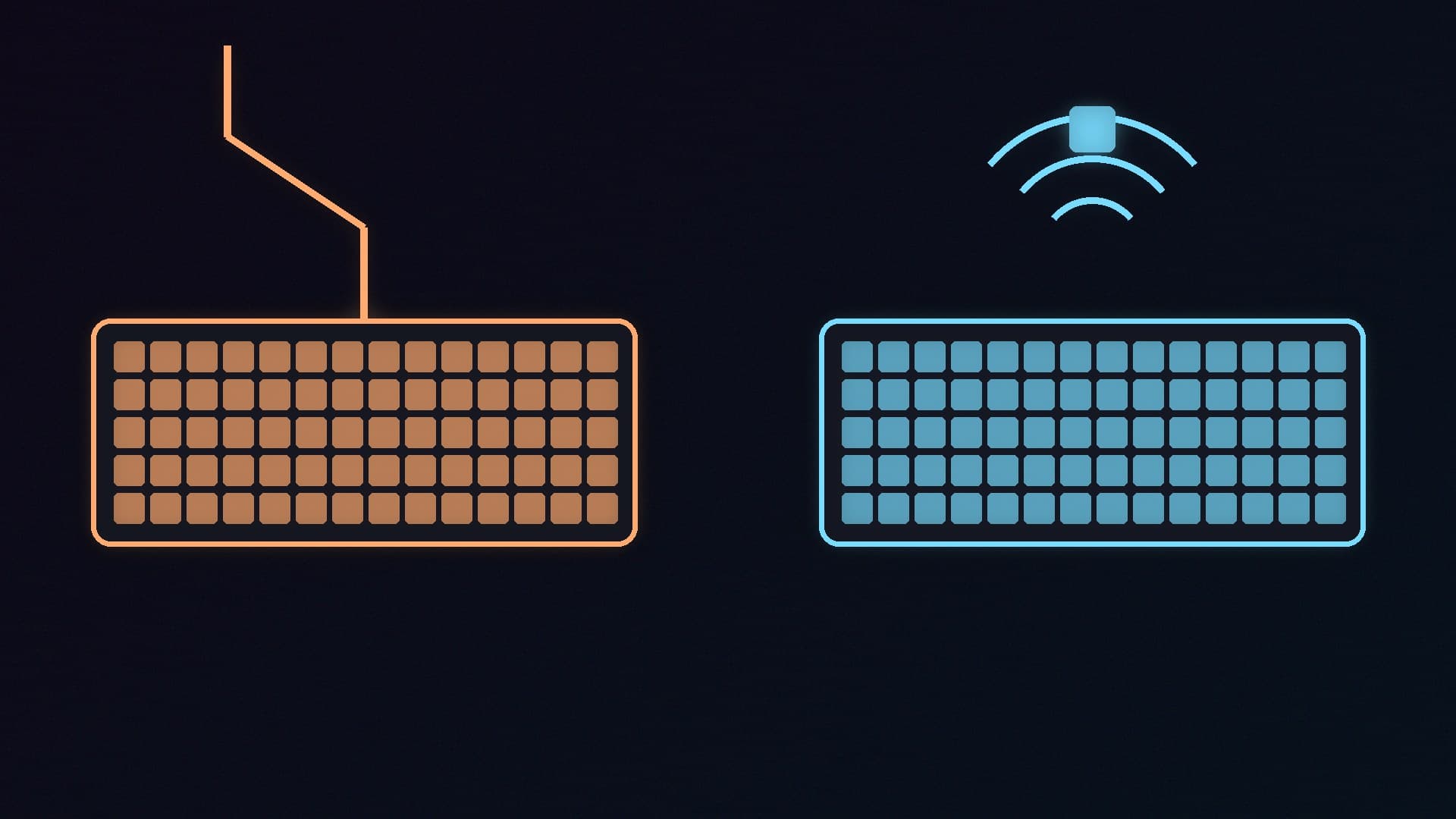
A wireless gaming keyboard used to mean accepting a laggy connection or a battery that died mid-match. That's no longer the case: most decent models now use a 2.4GHz USB receiver for gaming, with Bluetooth as a backup for laptops and tablets, and battery life is often measured in weeks rather than days. Our picks draw on GamesRadar+'s hands-on testing in its best wireless gaming keyboard guide (last updated 9 October 2026), checked against each maker's official specifications, with UK prices read from the makers' own UK stores on 24 November 2026.
We've deliberately left out tenkeyless boards here, as we cover those separately, and focused on four distinct types: a premium 75%, a budget 65%, a low-profile 65% and a full-size board for work and play.
Quick list
Keyboard | Best for | Layout | Connections (maker spec) | UK price, 24 Nov 2026 (approx.) |
|---|
Asus ROG Azoth | Best overall | 75% | USB-C wired, 2.4GHz, Bluetooth 5.1 | £179.99 at ASUS UK eShop (was £269.99) |
Razer BlackWidow V3 Mini HyperSpeed | Best value | 65% | HyperSpeed 2.4GHz, Bluetooth, wired | From £99.99 at Razer UK (was £179.99) |
Asus ROG Falchion RX Low Profile | Best low-profile and portable | 65% | USB-C wired, 2.4GHz, Bluetooth 5.1 | £109.99 at ASUS UK eShop (was £169.99) |
Keychron V6 Max | Best full-size | 100% | 2.4GHz, Bluetooth, wired | Check availability (see below) |
Prices change quickly in the run-up to Black Friday on 27 November, so treat these as approximate snapshots from 24 November 2026.
1. Asus ROG Azoth: best wireless gaming keyboard overall
Key specs (ASUS): 75% layout, USB-C wired, 2.4GHz RF and Bluetooth 5.1, 1,000Hz report rate, per-key RGB, N-key rollover, 326 x 136 x 40mm, 1,186g with PBT keycaps, macOS 10.11 or later and Windows 11 support.
GamesRadar+ names the original ROG Azoth its best wireless gaming keyboard overall, and says it still prefers it to the newer, pricier ROG Azoth X, partly because the newer model has shorter battery life. Its reviewer praises an outstanding typing experience from the gasket-mounted, hot-swappable design, with ROG NX Red linear switches and PBT double-shot keycaps in the configuration it tested.
The Azoth also has a small OLED display and a control knob in the top-right corner. GamesRadar+ notes the screen can show things like music or system information. It lists battery life at up to 2,000 hours with RGB lighting and the OLED switched off, which is the kind of figure that means charging is a rare chore rather than a weekly one.
ASUS ships the Azoth with a proper modding kit: a switch opener, keycap puller, switch puller, lube station, brush and lube, three spare ROG NX switches and stabiliser mats, plus the USB receiver, extender and a 2m braided USB-A to USB-C cable.
The catches: it's heavy at 1,186g, so it isn't one to throw in a bag, and GamesRadar+ notes there are no dedicated macro keys and that the keycaps can be awkward to swap. At its full price it's one of the most expensive boards around, but at £179.99 on the ASUS UK eShop on 24 November 2026 it's far more reasonable.
2. Razer BlackWidow V3 Mini HyperSpeed: best value
Key specs (Razer UK): 65% layout, Razer HyperSpeed 2.4GHz wireless and Bluetooth, up to 200 hours of battery life, charging from empty to full in just under five hours, per-key Razer Chroma RGB, choice of Razer Green (clicky, tactile) or Razer Yellow (linear, with sound dampeners) mechanical switches.
The BlackWidow V3 Mini isn't new. GamesRadar+ points out it launched in 2021 at £179.99 and is the oldest board on its list, but that's exactly why it's good value now. Razer UK listed it from £99.99 on 24 November 2026, and GamesRadar+ says it's regularly on sale for under £100.
For that money you get a compact 65% board that keeps dedicated arrow keys, Razer's own 2.4GHz wireless, Bluetooth for a second device and a 200-hour battery rating, which GamesRadar+ says is a figure normally found on keyboards at more than twice the price. It also fits neatly into an existing Razer Chroma lighting setup.
The catches: GamesRadar+ warns that battery life drops much faster with the RGB lighting on, and the keycaps are double-shot ABS rather than PBT, so they'll develop a shine sooner. Its switches are fast but don't feel as smooth or sound as refined as newer designs; it scored the typing feel just 2 out of 5.
3. Asus ROG Falchion RX Low Profile: best low-profile and portable
Key specs (ASUS): 65% layout, ROG RX low-profile optical switches, USB-C wired, 2.4GHz RF and Bluetooth 5.1, 1,000Hz report rate, per-key RGB, 306 x 110 x 26.5mm, 595g without the cable, white finish, keyboard cover included.
If you prefer the shorter key travel of a laptop-style keyboard, or want something you can take between home and office, the Falchion RX Low Profile is GamesRadar+'s top low-profile pick. Its reviewer calls the switches particularly smooth and the typing experience speedy and satisfying, and highlights that, unusually for a 65% keyboard, it still has dedicated media controls via a slider along the top edge. ASUS lists macOS 10.11 or later as well as Windows 11 support.
At 595g it's half the weight of the Azoth, and the included keyboard cover protects the keys in a bag. GamesRadar+ lists battery life at up to 430 hours.
The catches: GamesRadar+ found the short right Shift key tripped it up, sometimes hitting Caps Lock instead, and the keycaps are ABS. It's also a little more expensive than other 65% boards, though the ASUS UK eShop had it at £109.99 on 24 November 2026, down from £169.99.
4. Keychron V6 Max: best full-size for work and play
Key specs (Keychron): 100% full-size ANSI layout with a knob, 2.4GHz and Bluetooth 5.1 plus wired, 1,000Hz polling rate in 2.4GHz and wired modes (90Hz over Bluetooth), hot-swappable sockets for 3-pin and 5-pin MX-style switches, Gateron Jupiter Red, Brown or Banana switches, gasket mount, double-shot PBT keycaps, 4,000mAh battery rated at up to 190 hours with the backlight off and up to 100 hours with RGB at its lowest brightness, QMK firmware with Keychron Launcher and VIA support, 1,110g.
If you want a number pad, GamesRadar+ calls the V6 Max the best full-size wireless gaming keyboard it has tested, praising its bouncy, comfortable typing feel and versatile connections. It notes that both USB-A and USB-C receivers come in the box and that there are extra keys you can use for macros. Because it runs open QMK firmware, you can remap every key without installing heavy software; our guide to remapping a keyboard with VIA explains how.
The catches: to hit its price, Keychron uses a plastic case rather than the aluminium it's known for, and GamesRadar+ points out there are no dedicated playback controls beyond the volume knob. There's also an availability issue: when we checked on 24 November 2026, Keychron's own product page directed buyers to the newer V6 8K and V6 Ultra 8K models. If the V6 Max has gone, it's worth looking at those instead, but check their specs, as we haven't covered them here.
How to choose a wireless gaming keyboard
Use 2.4GHz for gaming. All four of our picks have a 2.4GHz USB receiver as well as Bluetooth. GamesRadar+ advises using the 2.4GHz connection for gaming, as Bluetooth doesn't offer the same speed or stability.
Pick the right size. A 75% or 65% board leaves more room for mouse movement while keeping the arrow keys; a full-size board keeps the number pad. Our TKL vs full-size vs 75% keyboard guide explains the trade-offs.
Read battery claims carefully. Makers usually quote battery life with the lighting off. Keychron, for example, rates the V6 Max at up to 190 hours with the backlight off but up to 100 hours with RGB on at the lowest brightness.
Consider hot-swap. The Azoth and V6 Max let you change switches without soldering, so you can change the feel later. See hot-swappable vs soldered keyboards.
Check the layout. If you want a UK ISO layout, check the exact listing before you buy. Keychron's specification for the V6 Max, for example, lists an ANSI (US-style) layout.
Still deciding whether to go wireless at all? Read our wired vs wireless gaming keyboard comparison, or see our main best gaming keyboard guide for wired options.
Our verdict
The Asus ROG Azoth is the best wireless gaming keyboard for most people who can afford it: GamesRadar+ rates its typing feel highly, it's hot-swappable, it has 2.4GHz and Bluetooth, and its battery life is excellent with the lighting off. At £179.99 on the ASUS UK eShop on 24 November 2026 it's well below its usual price. If you want to spend less, the Razer BlackWidow V3 Mini HyperSpeed from £99.99 at Razer UK is an older but well-featured 65% board with a 200-hour battery rating. Choose the Asus ROG Falchion RX Low Profile, £109.99 at ASUS UK, for a light, portable low-profile board, and the Keychron V6 Max if you need a full-size layout and can still find one.