SteelSeries' Apex range runs from the budget Apex 3 with quiet membrane-style switches to the Apex Pro Gen 3 family with adjustable Hall effect magnetic switches. The names are similar, so it's easy to pay for features you won't use, or miss the one you need. These picks are based on SteelSeries' own published specifications. We've left out prices because SteelSeries was running Black Friday promotions when we checked on 28 November 2026; check current UK listings, and check that the UK (ISO) layout you want is available, before you buy.
Quick picks
Pick | Keyboard | Size | Switch | Actuation | Connection |
|---|
Best overall | Apex Pro Gen 3 | Full size | OmniPoint 3.0 Hall effect | Adjustable 0.1-4.0mm | Wired |
Best wireless | Apex Pro TKL Wireless Gen 3 | Tenkeyless | OmniPoint 3.0 Hall effect | Adjustable 0.1-4.0mm | Wired, 2.4GHz, Bluetooth |
Best compact | Apex Pro Mini Gen 3 | 60% | OmniPoint 3.0 Hall effect | Adjustable 0.1-4.0mm | Wired |
Best optical TKL | Apex 9 TKL | Tenkeyless | OptiPoint linear optical | 1.0-1.5mm | Wired |
Best mechanical | Apex 7 | Full size | QX2 mechanical | 2mm | Wired |
Best budget | Apex 3 | Full size or TKL | Whisper-Quiet switches | Fixed | Wired |
Best overall: SteelSeries Apex Pro Gen 3
The SteelSeries Apex Pro Gen 3 is the keyboard to buy if you want SteelSeries' best switches and don't need wireless. It uses OmniPoint 3.0 Adjustable HyperMagnetic switches, which SteelSeries describes as analog Hall effect magnetic sensors. You can set the actuation point anywhere from 0.1mm to 4.0mm, so the same key can be a hair trigger in a shooter and a deeper, more deliberate press when you're typing.
SteelSeries lists four gaming features on top of that:
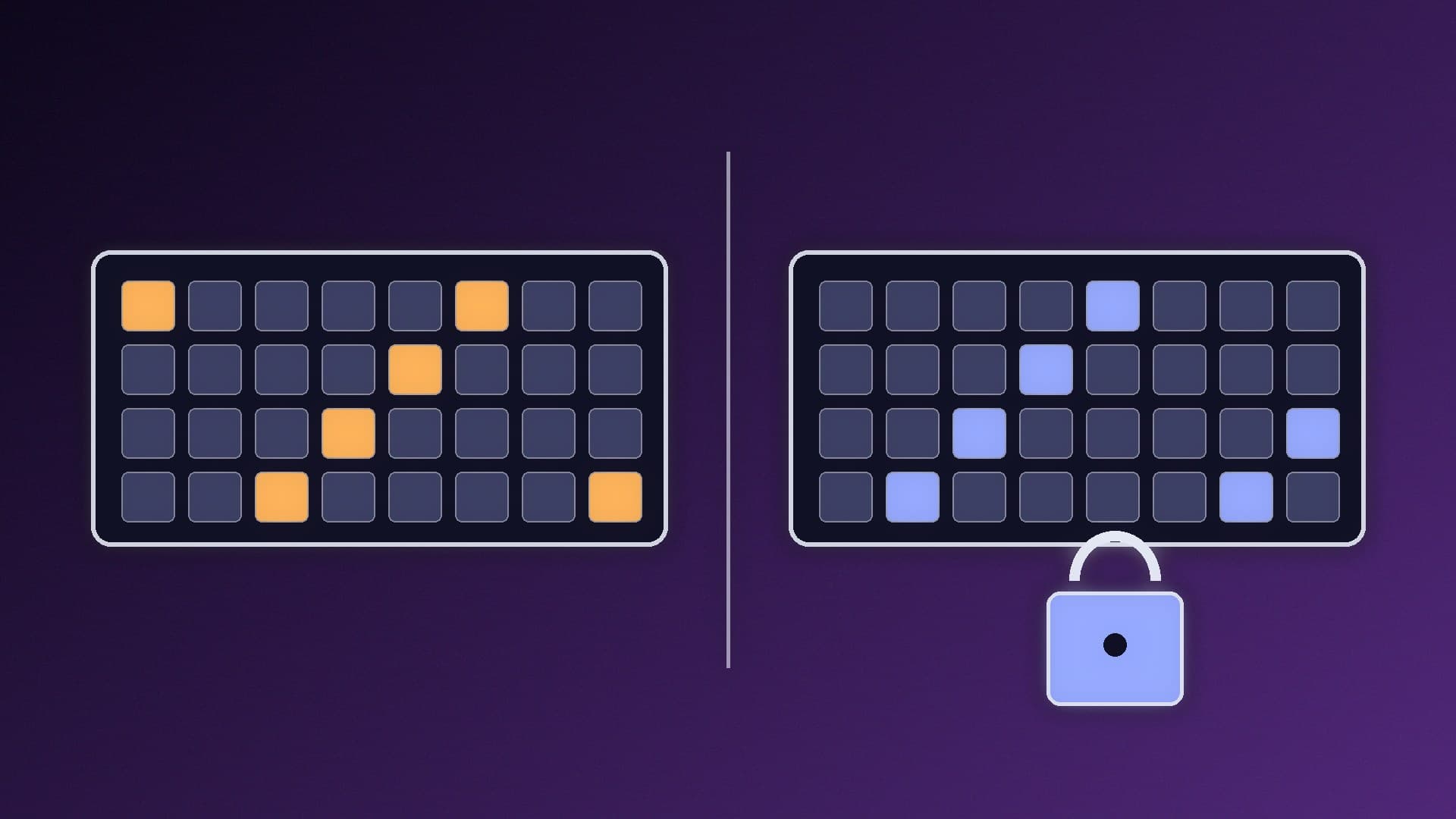
Rapid Trigger makes a key active as soon as it's pressed or released, which SteelSeries pitches at counter-strafing in FPS games and repeated actions in MOBAs.
Rapid Tap prioritises the last key pressed in a pair without you releasing the first, with five customisable key pairings.
Protection Mode reduces the sensitivity of selected surrounding keys to cut accidental presses.
2-in-1 Action Keys put two actions on one key, such as walking with a light press and sprinting with a deep press.
There's also an OLED Smart Screen for changing actuation and toggling Rapid Trigger without leaving your game, double-shot PBT keycaps, per-key RGB lighting and a detachable braided USB-C cable. SteelSeries' GG QuickSet presets can apply recommended per-key settings for supported games (QuickSet needs Windows 10 or later). The full-size board is heavy at 1,403g and comes with a wrist rest and keycap puller. Our SteelSeries GG guide explains how to set it up, and we compare it with its main rival in Razer Huntsman V3 Pro vs SteelSeries Apex Pro Gen 3.
Best wireless: SteelSeries Apex Pro TKL Wireless Gen 3
The Apex Pro TKL Wireless Gen 3 has the same OmniPoint 3.0 switches, 0.1-4.0mm adjustable actuation and 0.7ms response time figure as the wired Gen 3, in a tenkeyless layout with three connection options: wired, 2.4GHz and Bluetooth. SteelSeries rates the battery at 37.5 hours on 2.4GHz wireless and 45 hours on Bluetooth with default lighting. It weighs 1,038g and comes with a USB-C wireless dongle, an extension adapter, a wrist rest and a braided USB-C to USB-A cable. Choose this one if you want a clean desk or swap between a PC and a laptop. If you're unsure about losing the number pad, see TKL vs full-size vs 75% keyboards.
Best compact: SteelSeries Apex Pro Mini Gen 3
The Apex Pro Mini Gen 3 puts the same Hall effect switch, 0.1-4.0mm actuation range and five on-board profiles into a 60% board that measures 293 x 103mm and weighs 543g, according to SteelSeries. That leaves much more desk space for low-sensitivity mouse movements. The trade-off is that arrow keys, function keys and the number pad move to secondary layers. The Mini version listed here is wired; SteelSeries' range also includes the older Apex Pro Mini Wireless with OmniPoint 2.0 switches.
Best optical TKL: SteelSeries Apex 9 TKL
The Apex 9 TKL uses SteelSeries' linear OptiPoint optical switches rather than magnetic ones. You don't get a 0.1mm-to-4.0mm adjustable range, but SteelSeries lists the actuation point as 1.0-1.5mm with a 35g actuation force and rates the switches at 100 million keypresses. It weighs 635g, has an aluminium top plate, fadeproof PBT keycaps, per-key RGB, a detachable USB-C cable and five on-board profiles. SteelSeries lists compatibility with Windows, Xbox, PlayStation and Mac (with some software features unsupported on Mac). It's a sensible choice if you want a fast, light TKL without paying for Rapid Trigger. A smaller Apex 9 Mini is also listed.
Best mechanical: SteelSeries Apex 7
The Apex 7 is the pick if you'd rather have conventional mechanical switches. SteelSeries' spec sheet for the red-switch version lists QX2 mechanical RGB switches with 2mm actuation, 4mm total travel, 45cN of force and a 50 million keypress rating. It has an aircraft-grade aluminium alloy frame, dynamic per-key RGB, 100% anti-ghosting with 104-key rollover, an OLED Smart Display and a magnetic wrist rest. SteelSeries says it works with Windows, Mac, Xbox and PlayStation. If you're weighing a mechanical board against the magnetic Apex Pro, read Hall effect vs mechanical keyboards.
Best budget: SteelSeries Apex 3
The Apex 3 is SteelSeries' entry-level keyboard and the only one here aimed at people who mainly want something quiet and durable. It uses SteelSeries' Whisper-Quiet switches, rated at 20 million keypresses, with 10-zone RGB lighting, dedicated multimedia controls, a magnetic wrist rest and IP32 water resistance. SteelSeries lists 24-key rollover and gaming-grade anti-ghosting, and compatibility with Windows, Mac, ChromeOS, Xbox and PlayStation. The full-size version measures 444.7 x 151.62mm; there's also an Apex 3 TKL in several colours. You give up per-key lighting, adjustable actuation and premium keycaps, but for a first gaming keyboard it covers the basics.
How to choose
Play competitive FPS games? The adjustable actuation and Rapid Trigger on the Apex Pro Gen 3 family are the main reason to spend more. Our best rapid trigger keyboard guide compares it with other brands.
Want wireless? Only the Apex Pro TKL Wireless Gen 3 among our picks offers 2.4GHz and Bluetooth.
Short on desk space? The Apex Pro Mini Gen 3 is the smallest; the Apex 9 TKL and Apex Pro TKL drop the number pad.
On a tight budget? The Apex 3 gives you quiet switches, water resistance and a wrist rest without the premium features.
Comparing other brands? The Razer Huntsman V3 Pro is the full-size analog rival we compare with the Apex Pro Gen 3.