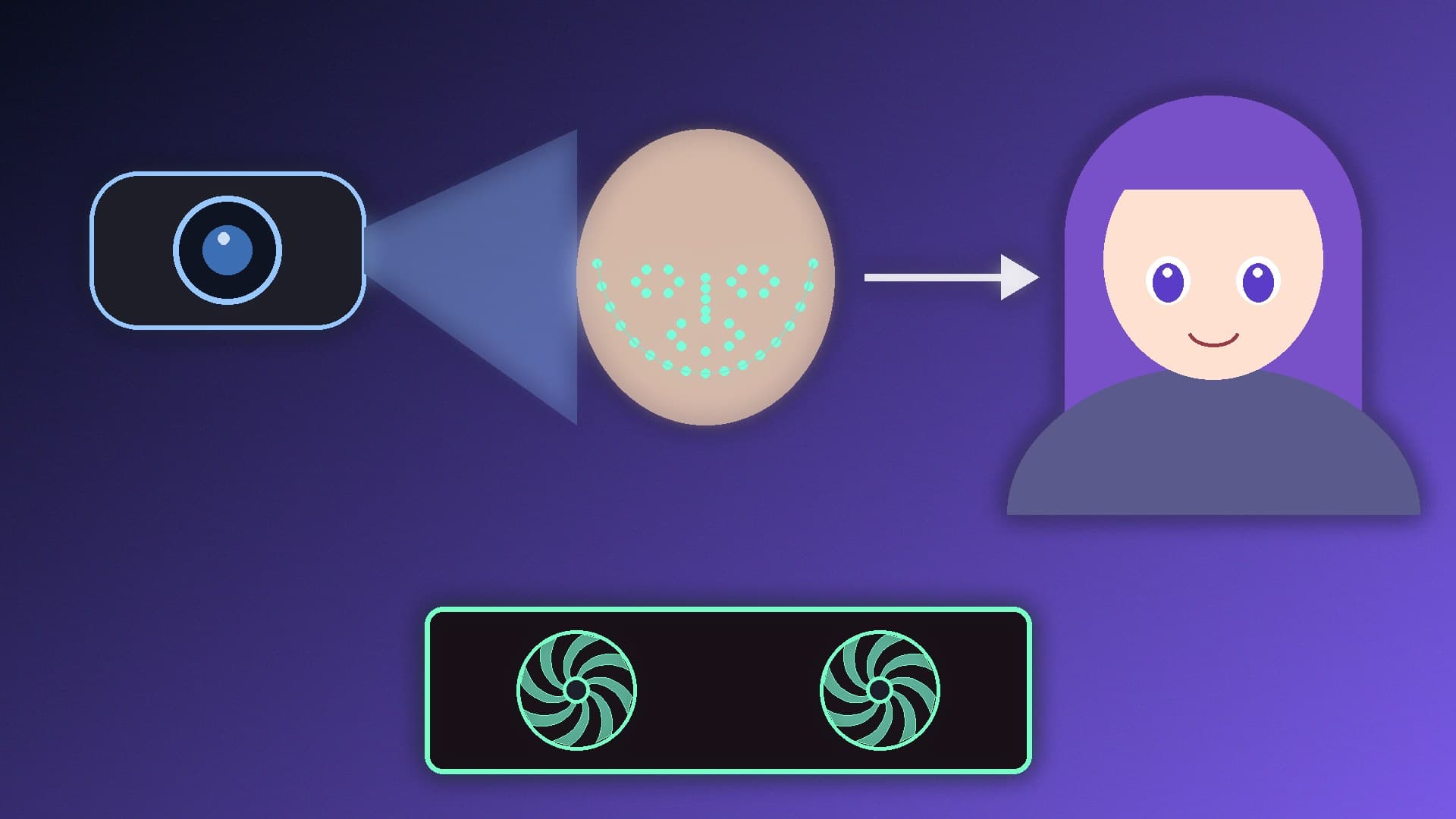
Becoming a VTuber no longer means buying expensive motion-capture gear. Free apps now use machine-learning tracking that runs on your own PC to read your face, and in some cases your whole body, from an ordinary webcam. We've picked the best free VTuber software for Windows PCs in 2026, covering 2D and 3D avatars, full-body tracking and making a model from scratch, with notes on what hardware each one needs. Our picks are based on each developer's official documentation and store pages.
Quick picks
Pick | Best for | Avatar type | Tracking | Cost |
|---|
VTube Studio | Best for 2D (Live2D) VTubers | Live2D Cubism | Webcam (OpenSeeFace, MediaPipe, NVIDIA RTX), iPhone, Android | Free; optional DLC removes watermark |
VSeeFace | Best free 3D VTuber app | VRM0, VSFAvatar | Webcam (OpenSeeFace), Leap Motion, iPhone via VMC/perfect sync | Free, including commercial use |
Warudo | Best for interactive 3D streams | VRM and humanoid models | Webcam (MediaPipe or OpenSeeFace), iPhone, many mocap systems | Free for personal use |
XR Animator | Best for full-body tracking from one webcam | VRM, MMD | MediaPipe face, body and hands | Free |
VRoid Studio | Best for making a 3D avatar | Creates VRM models | n/a | Free |
1. VTube Studio: best for 2D Live2D VTubers
Why it's here: VTube Studio is the go-to app for Live2D models, the illustrated 2D style used by many VTubers. On Steam it's free with all features. An optional paid "Remove Watermark" DLC removes the watermark shown during webcam tracking.
Tracking: it uses OpenSeeFace for webcam tracking by default, with several quality levels so it can run on low-spec PCs. On Windows you can also choose Google's MediaPipe tracker, which is built in and supports hand tracking, or the free NVIDIA Broadcast tracker DLC. The NVIDIA tracker runs face tracking on an RTX card's Tensor cores, and the developer says it uses "very few CPU/GPU resources" even at 60fps. That's handy if you game and stream on one PC. Phone users can track with an iPhone/iPad or Android device, and the manual ranks quality as iOS, then webcam, then Android.
Hardware: Steam recommends a 2.5GHz CPU, 6GB of RAM and an AMD or NVIDIA graphics card with at least 4GB of video memory. The NVIDIA tracker needs any RTX GPU, recommends an RTX 3060 and is about a 2GB download.
Watch out for: it only supports Live2D Cubism models. 3D VRM avatars won't load.
2. VSeeFace: best free 3D VTuber app
Why it's here: VSeeFace is a free face and hand tracking app for 3D VRM and VSFAvatar avatars. Its developer says it focuses on "robust tracking and high image quality". It's free, and its terms allow commercial use as long as you don't modify the app or claim you made it.
Tracking: it uses OpenSeeFace webcam tracking with five quality models, from High down to "Toaster" for old PCs. Expression detection can trigger your model's expressions automatically. You can add Leap Motion hand tracking, iPhone "perfect sync" through apps such as iFacialMocap or VTube Studio's iOS app, and other trackers via the VMC protocol. It outputs a transparent avatar to OBS through Game Capture, Spout2 or a virtual camera.
Hardware: the developer only lists a DirectX-compatible GPU, a 64-bit CPU and Windows. Most of the load is CPU face tracking. The OpenSeeFace README says it can use up to one CPU core depending on frame rate, but under 100% of one core at 30fps on a decent CPU.
Watch out for: Windows only (64-bit Windows 8 and later), and it supports VRM0 but not VRM 1.0. It's officially beta software.
3. Warudo: best for interactive 3D streams
Why it's here: Warudo, from Hakuya Labs, is a 3D VTubing app that's "100% free for personal use", according to its Steam page. It goes further than VSeeFace on stream interaction: props, environments, particles, Twitch and YouTube integration, viewer interactions such as throwing items at your avatar, and a blueprint system for custom behaviour that can be controlled from MIDI, a Stream Deck or WebSocket messages.
Tracking: webcam tracking comes built in via MediaPipe or OpenSeeFace. The Warudo handbook also lists iPhone apps, SteamVR, Leap Motion, Sony mocopi, Rokoko, Xsens and other mocap systems, plus any app that sends the VMC protocol.
Hardware: Steam lists Windows 10, an Intel Core i5-9400F and an NVIDIA GeForce GTX 1660 as the minimum, which is a higher bar than VSeeFace or VTube Studio.
Watch out for: "personal use" has a specific definition. You must own your VTuber persona and your streaming accounts, and not be under a contract requiring set streaming hours (other than with a major platform). Commercial users need to contact the developer. Non-VRM models need a one-time export in Unity.
4. XR Animator: best for full-body tracking from one webcam
Why it's here: XR Animator is a free webcam AI motion-capture app that uses Google's MediaPipe machine-learning solution to detect your 3D pose and drive a VRM or MMD avatar. You can track your face, full body, hands or any mix of them from a single webcam, or from an image or video file. It runs as a web app in your browser, or as a Windows, Linux and macOS desktop app.
Extras: it supports 52 ARKit-compatible blendshapes for face tracking, can record motion and export it to VMD, BVH or glTF, and the desktop version adds a transparent background for OBS and VMC protocol output. That means you can use it as a body tracker feeding VSeeFace, VNyan or Warudo.
Hardware: the developer says that on an entry-level PC with a GTX 1650-class GPU running full-body mocap, you can expect 20+fps pose and finger tracking, 40+fps face tracking (capped at 30) and 60fps rendering. On laptops, the developer warns it may use the slower integrated GPU unless you set Windows to use the dedicated one.
Watch out for: it's a motion-capture tool more than a full streaming app, so it pairs best with one of the apps above.
5. VRoid Studio: best for making a 3D avatar
Why it's here: if you don't have a 3D model yet, Pixiv's VRoid Studio is a free character creator for Windows and macOS. You start from presets and customise faces, hairstyles and outfits with sliders, editing in real time. Pixiv says models you create are yours to use freely on many platforms and services.
Watch out for: export in the VRM0 format if you plan to use VSeeFace, which doesn't support VRM 1.0. The VSeeFace developer also notes that models exported straight from VRoid can be heavy on the GPU because each hair strand gets its own material. Merging materials in Blender can cut draw calls sharply.
What hardware should you use?
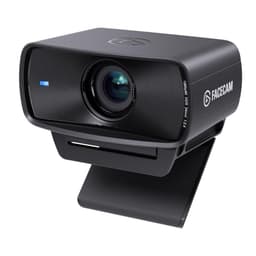
Webcam: VTube Studio's manual recommends 1280x720 or above for good eye and blink tracking and says 15 to 30fps is enough. VSeeFace's developer calls 720p to 1080p the sweet spot, and says good lighting matters more than a new camera. A 1080p streaming webcam such as the Logitech Brio 500 or Elgato Facecam MK.2 is plenty.
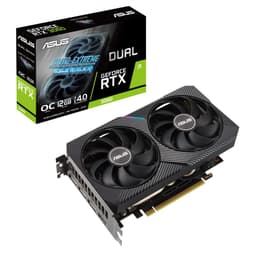
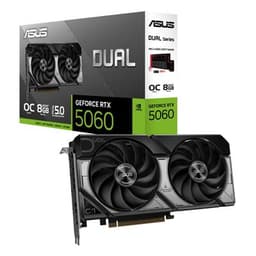
Graphics card: our suggestion is that an NVIDIA RTX card, such as the ASUS RTX 3060 12GB Dual Gaming OC V2 or ASUS RTX 5060 8GB Dual OC, is the most flexible choice for 2D VTubers. It meets every app's listed GPU requirement and unlocks VTube Studio's GPU-accelerated NVIDIA tracker, which takes face tracking off the CPU. AMD cards meet VTube Studio's and VSeeFace's requirements too, but can't use the NVIDIA tracker.
How to get started
Follow our step-by-step guide on how to set up VTuber face tracking with a webcam. If you're still deciding between the two big apps, read VSeeFace vs VTube Studio. For capturing your avatar alongside your game, see our best free streaming software and best free OBS plugins guides.