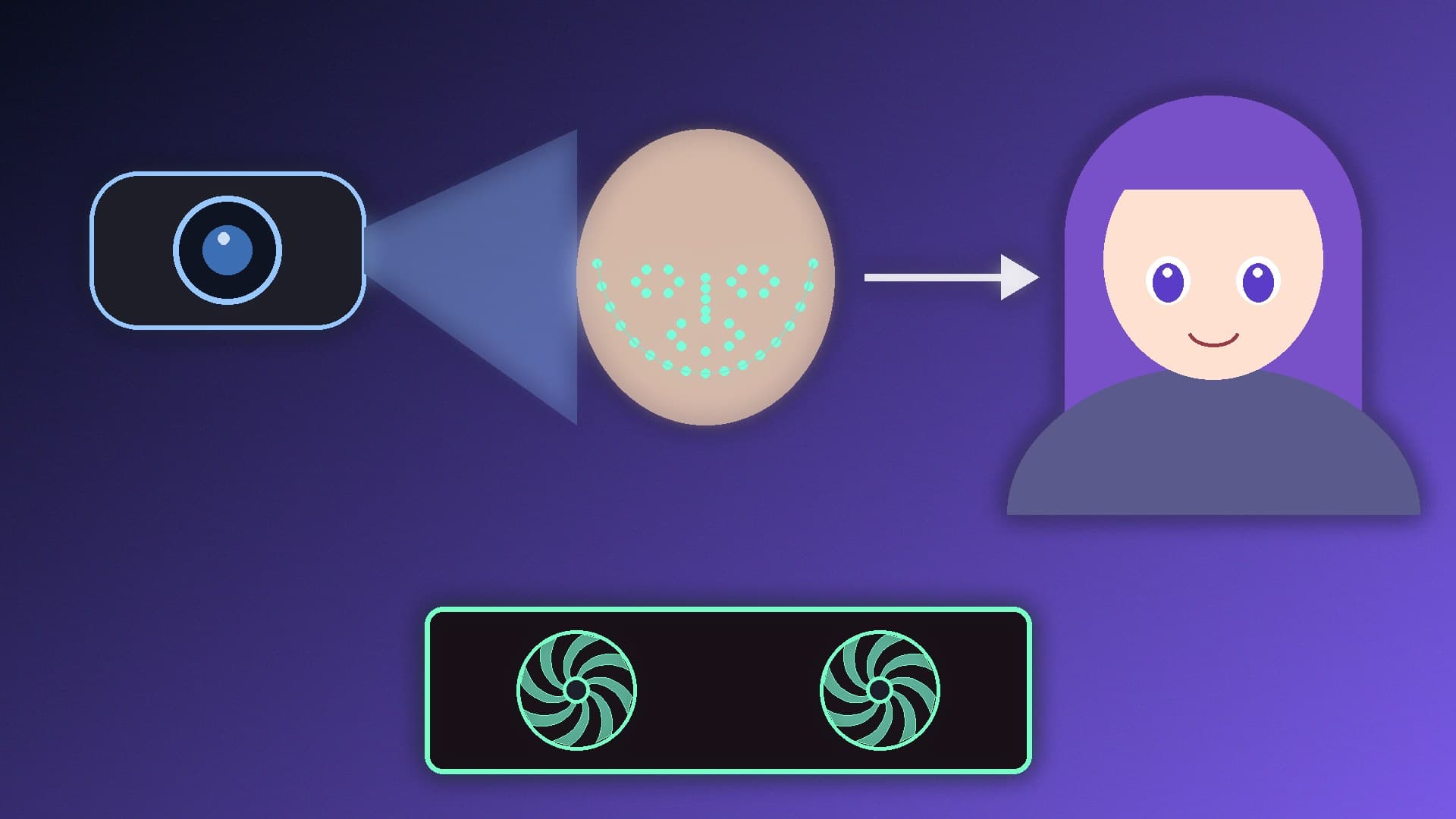
VSeeFace and VTube Studio are the two names most new VTubers come across first. Both are free, both use machine-learning face tracking from an ordinary webcam, and they even share the same tracking library. But they aren't really rivals. One animates 3D avatars and the other animates 2D Live2D models, and that difference decides most of the choice for you. Below we compare model support, tracking options, hardware needs, streaming features and licences, using each app's official documentation.
At a glance
| VSeeFace | VTube Studio |
|---|
Developer | Emiliana | DenchiSoft |
Avatar type | 3D: VRM (VRM0 standard only, not VRM 1.0) and VSFAvatar | 2D: Live2D Cubism only; VRoid/VRM not supported |
Platforms | 64-bit Windows 8 and later; no Mac version | Windows and macOS desktop (Steam), plus iPhone/iPad and Android apps |
Price | Free | Free with all features; optional paid DLC removes the webcam-tracking watermark |
Webcam tracking | OpenSeeFace (five quality models, from High to "Toaster") | OpenSeeFace, Google MediaPipe (Windows) or NVIDIA Broadcast (RTX cards, free DLC) |
Phone tracking | iPhone "perfect sync" via iFacialMocap, FaceMotion3D, VTube Studio or MeowFace | Built in: iPhone/iPad (ARKit) and Android (Mocap4Face) |
Hand tracking | Leap Motion controller | MediaPipe tracker supports hands; NVIDIA tracker doesn't |
Capture to OBS | Game Capture, Spout2, virtual camera | Spout2 (recommended on Windows), Game Capture or NDI on macOS |
Commercial use | Allowed; don't modify the app or claim you made it | Allowed (YouTube, Twitch, Superchats), see licence |
Model support decides it
This is the one comparison that matters most. VTube Studio's manual says, in capitals, that it only supports Live2D models and that VRoid/VRM isn't supported. VSeeFace's developer says the opposite: VSeeFace only supports 3D models in VRM format and points Live2D users to VTube Studio.
So if you've commissioned or bought a Live2D model, you'll use VTube Studio. If you've made a 3D avatar in VRoid Studio or bought a VRM model, you'll use VSeeFace (or another 3D app). Note that VSeeFace needs the older VRM0 format, so choose VRM0 when exporting from VRoid Studio.
Both apps' webcam tracking starts with OpenSeeFace, the open-source tracker written by VSeeFace's developer. VTube Studio's Steam page credits Emiliana and says its webcam tracking is "powered by OpenSeeFace". The OpenSeeFace README describes it as face and facial-landmark tracking that runs on the CPU, converted to the ONNX format for speed, running at 30 to 60fps for a single face.
Where they differ is what you can add on top:
VSeeFace gives you five tracking models that trade quality for speed. Its expression detection can trigger model expressions automatically, and it can combine data from other sources using the VMC protocol. For higher-quality face tracking, it accepts iPhone "perfect sync" data, and the VTube Studio iOS app can send that to VSeeFace for free.
VTube Studio adds two alternative webcam trackers on Windows. The NVIDIA Broadcast tracker is a free DLC for RTX graphics cards that runs on the GPU's Tensor cores. The developer says it uses "very few CPU/GPU resources" even at 60fps, which makes it attractive if you game and stream on the same PC. The Google MediaPipe tracker needs no special hardware. The manual rates it "roughly comparable" to the NVIDIA tracker, though "not quite as good", with CPU and GPU use similar to OpenSeeFace.
VTube Studio's manual is candid that phone tracking still beats webcams: it ranks quality as iOS, then webcam, then Android, and notes that webcam tracking "puts additional strain on your CPU" that phone tracking avoids.
Hardware needs
Neither app needs a powerful PC for the avatar itself, but webcam tracking costs CPU time.
VSeeFace: the developer doesn't publish detailed minimum specs, saying you need a DirectX-compatible GPU, a 64-bit CPU and a way to run Windows programs. Most of the CPU load comes from its facetracker.exe process. The OpenSeeFace README says tracking can use up to a whole CPU core depending on frame rate, but at 30fps it should use less than 100% of one core on a decent CPU. GPU load depends mainly on rendering frame rate and anti-aliasing.
VTube Studio: its Steam page recommends Windows 10, a 2.5GHz CPU, 6GB of RAM and an AMD or NVIDIA card with at least 4GB of video memory and DirectX 11. The NVIDIA Broadcast tracker DLC needs any RTX GPU and recommends an RTX 3060, such as the ASUS RTX 3060 12GB Dual Gaming OC V2, plus about 2GB of disk space.
For the camera, VTube Studio's manual recommends 1280x720 or above for good eye and blink tracking, with 15 to 30fps being enough. VSeeFace's developer calls 720p to 1080p the sweet spot. A 1080p webcam such as the Logitech Brio 500 is plenty for either. Our 1080p vs 4K webcam comparison explains why a 4K camera isn't needed for this.
Streaming and capture
Both apps can output your avatar to OBS with a transparent background, so you don't need a green screen. VSeeFace supports OBS Game Capture, Spout2 and its own virtual camera. VTube Studio recommends Spout2 on Windows because it's fast, uses almost no CPU and doesn't capture the app's interface. On macOS it suggests Game Capture or NDI. For a full walkthrough, see our guide on how to set up VTuber face tracking with a webcam.
VTube Studio leans more towards viewer interaction. Its Steam page lists hotkey animations, a mouse and pen tracking parameter, pinnable PNG items and an optional paid multiplayer collab DLC. VSeeFace focuses on robust tracking and image quality for 3D models, with an SDK for custom avatars and effects.
Cost and licence
Both can be used free of charge for streaming, including commercially. VSeeFace's terms let you use it for "pretty much anything you like", including commercial use, as long as you don't modify it (apart from translation files) or claim you made it. The developer also describes it as beta software offered without warranty. VTube Studio on Steam is free with all features, but shows a watermark during webcam tracking unless you buy the optional Remove Watermark DLC. Commercial use is allowed under its licence.
Which should you choose?
Choose VSeeFace if: your avatar is a 3D VRM model, you don't want to pay for any add-ons, or you plan to add Leap Motion hand tracking or iPhone perfect sync later.
Choose VTube Studio if: your avatar is a 2D Live2D model, you want an RTX-accelerated webcam tracker to keep CPU load down, or you want built-in phone tracking and viewer-interaction features. You'll also need it on a Mac, as VSeeFace is Windows only.
Whichever you pick, our best webcam guide covers cameras that suit streaming.