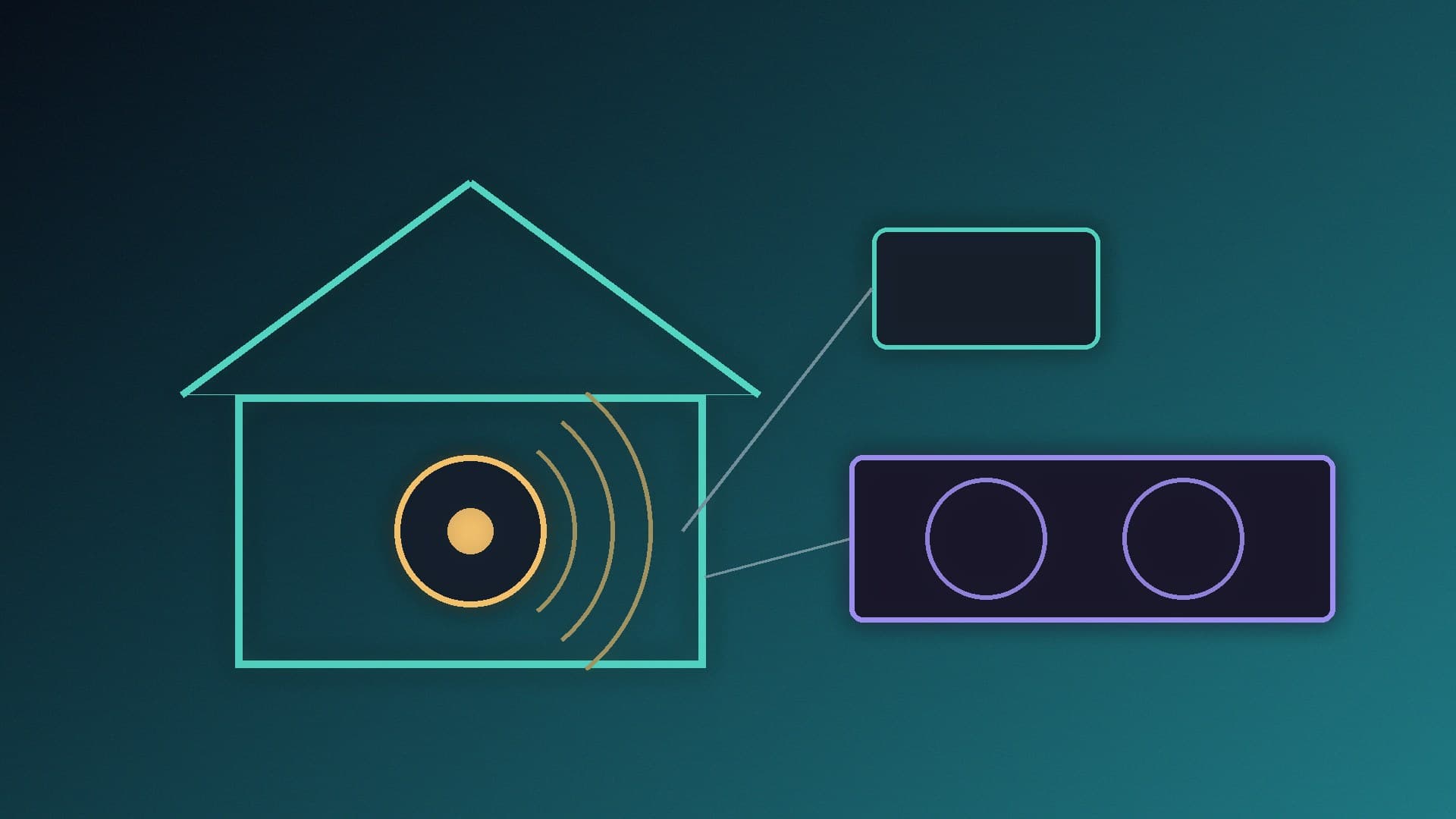
Home Assistant's built-in voice assistant, Assist, can run entirely on your own hardware, so your spoken commands never leave your home. The catch is that the hardware you need depends heavily on what you want it to do. Turning lights on and off by voice can run on a small low-power box, while open-ended speech recognition and an AI chatbot that controls your home need a proper PC.
This guide picks the right hardware for each level, from a simple voice remote to a full local AI assistant. The picks are based on Home Assistant's own documentation and product pages and on NVIDIA's specifications, read on 27 November 2026. Any timings quoted are Home Assistant's figures.
How a local voice assistant works
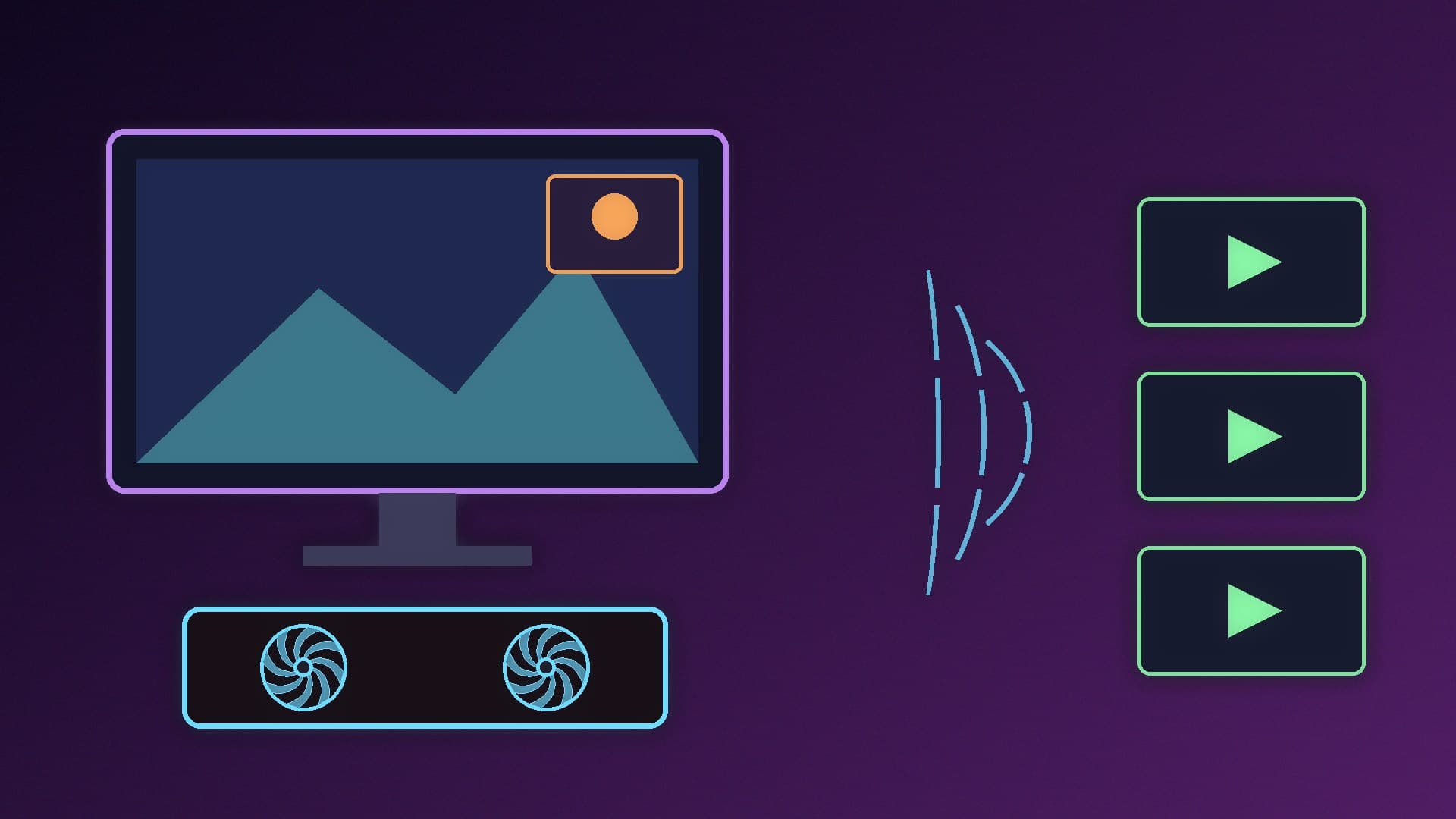
Home Assistant's guide to setting up a fully local voice assistant breaks it into a chain of parts:
A microphone and speaker, either your phone with the Home Assistant app or a dedicated voice device, which Home Assistant calls a voice satellite.
Speech-to-text, which turns your voice into text. Home Assistant offers two local options: Speech-to-Phrase and Whisper.
A conversation agent, which works out what you want. The built-in agent, also called Home Assistant, runs locally and understands built-in and custom sentences such as "Turn on the kitchen lights". AI integrations such as Ollama add agents that can understand more freely worded requests.
Text-to-speech, which speaks the answer. Home Assistant's local option is Piper.
The speech-to-text engine and the conversation agent decide how much computing power you need.
Quick picks
Pick | Best for | Why |
|---|
Home Assistant Green | Most homes: simple voice control | Home Assistant says Speech-to-Phrase runs in under a second on it |
Home Assistant Voice Preview Edition | The microphone and speaker in each room | Built for Assist, with dual mics, an XMOS audio chip and a mute switch |
Raspberry Pi 4 or 5 | Budget DIY builds | Supported by Home Assistant OS; fine for Speech-to-Phrase and Piper |
An x86-64 mini PC | Whisper for open-ended speech | Home Assistant says Whisper takes under a second on an Intel NUC, versus around 8 seconds on a Raspberry Pi 4 |
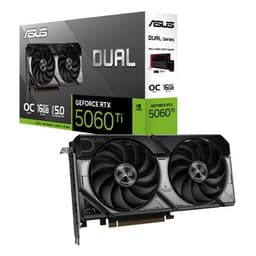
A PC with a 16GB graphics card, such as the ASUS RTX 5060 Ti 16GB Dual OC | An AI conversation agent with Ollama | Runs the Ollama server that Home Assistant sends AI requests to |
Best for most homes: Home Assistant Green
If you mainly want to control your home by voice, start with Speech-to-Phrase rather than Whisper. Home Assistant describes it as a close-ended speech model: it only transcribes the commands it knows, but it's extremely fast, at under one second even on a Home Assistant Green or a Raspberry Pi 4. The trade-off is that it only supports a subset of Assist's commands. Home Assistant says more open-ended things such as shopping lists, naming a timer and broadcasts aren't usable out of the box.
That makes Home Assistant Green the simplest choice. It comes with Home Assistant Operating System already installed, so you connect power and Ethernet and you're up and running. Home Assistant lists these specifications:
Rockchip RK3566 with a quad-core Arm Cortex-A55 CPU at 1.8GHz
4GB of LPDDR4X memory and 32GB of eMMC storage
Gigabit Ethernet and two USB 2.0 ports
A large aluminium heatsink for silent cooling
Pair it with Piper for text-to-speech. Home Assistant says Piper is optimised for the Raspberry Pi 4 and, with medium-quality voices, can generate 1.6 seconds of speech per second on a Raspberry Pi. Our guide to running a Piper TTS server and our Kokoro vs Piper comparison go into more detail.
Best voice satellite: Home Assistant Voice Preview Edition
You can talk to Assist through the Home Assistant app on your phone, but a dedicated device in each room is much more convenient. Home Assistant's voice documentation names the Home Assistant Voice Preview Edition as its recommended voice assistant hardware. Its product page lists:
An ESP32-S3 with 16MB of flash and 8MB of PSRAM
A dual-microphone array with an XMOS XU316 audio processor for echo cancellation, stationary noise removal and automatic gain control
A physical mute switch that cuts power to the microphones, a button and a rotary volume dial
A speaker, an LED ring and a 3.5mm stereo output with its own DAC
2.4GHz Wi-Fi, Bluetooth 5.0 and USB-C power (5V, 2A)
ESPHome firmware, open source for both the ESP32 and the XMOS chip
Home Assistant says it can run fully locally if your language is supported, using Speech-to-Phrase on lower-power hardware. If you'd rather build your own, Home Assistant's voice documentation points to cheap ESP32-based satellites made with ESPHome and to an experimental Linux-based option.
Best for budget DIY: Raspberry Pi 4 or 5
If you already have a Raspberry Pi, Home Assistant's installation guide supports Home Assistant OS on a Raspberry Pi 4 or 5 with at least 2GB of RAM, a microSD card and an Ethernet connection. For voice, Home Assistant quotes the same under-one-second Speech-to-Phrase figure for a Raspberry Pi 4 as for the Green.
What a Pi isn't good at is Whisper. Home Assistant says Whisper takes around 8 seconds to process a voice command on a Raspberry Pi 4, which is a long wait for a simple command. If you're curious about running bigger AI models on one, our guide to running a local LLM on a Raspberry Pi 5 shows what's realistic.
Best for open-ended speech: an x86-64 mini PC
Whisper is an open-ended speech model that tries to transcribe everything you say. Home Assistant says it's only a great option if you have powerful hardware at home and plan to go beyond simple home control, for example by pairing Assist with an AI agent. Home Assistant's figure is that Whisper processes a command in under a second on an Intel NUC.
So if you want open-ended speech, run Home Assistant on an x86-64 mini PC instead. Home Assistant's installation guide supports Home Assistant OS on x86-64 machines, and you can also run it in a virtual machine on a home server. Our best mini PCs guide is a good place to start. If you want faster or more accurate speech recognition on a graphics card, our best GPU for Whisper guide and our Whisper vs Parakeet comparison cover the options.
Best for an AI assistant: a PC with a 16GB graphics card
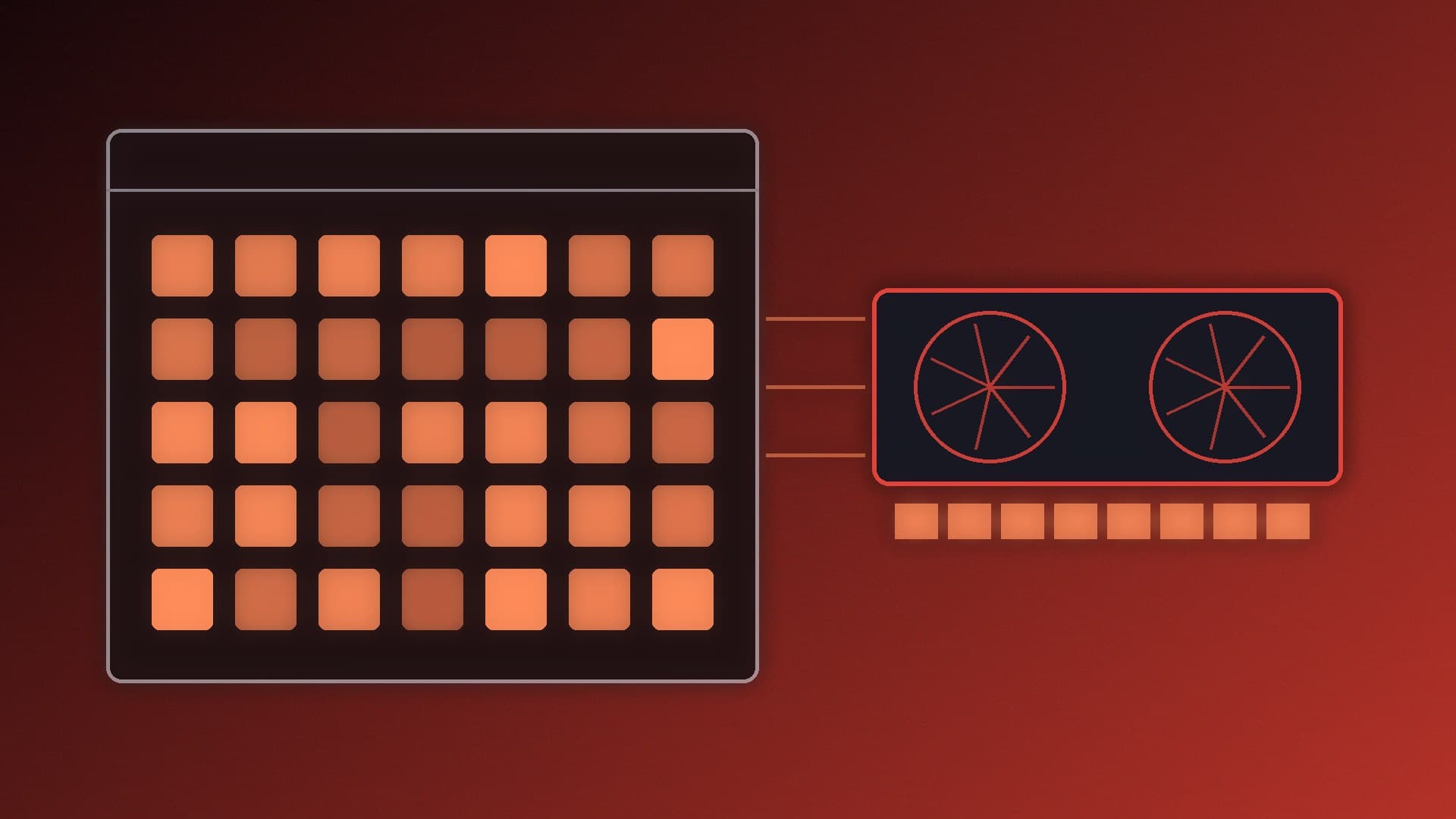
To ask Assist freely worded questions, or have it reason about your home, you need an AI conversation agent. Home Assistant's Ollama integration connects it to an Ollama server running on another computer on your network. That computer runs the AI model; Home Assistant just sends it requests. Home Assistant notes that local models are often smaller than cloud ones and more likely to make mistakes, so it recommends exposing only the entities you want the assistant to use.
Two of the integration's settings affect what hardware you need:
Context window size defaults to 8,192 tokens (minimum 2,048). Home Assistant says a larger value supports homes with more exposed entities, while a smaller value uses less memory on the Ollama server.
Keep alive defaults to -1, which keeps the model in memory after each message. In practice, that means the model stays loaded in memory on the Ollama machine rather than being reloaded for each request.
That makes an always-on PC with a graphics card with plenty of VRAM a sensible choice. As an example, the ASUS RTX 5060 Ti 16GB Dual OC uses NVIDIA's GeForce RTX 5060 Ti, which NVIDIA specifies with 16GB of GDDR7 on a 128-bit bus, a total graphics power of 180W and a recommended 600W system power supply. Our best 16GB graphics cards for local AI guide covers the alternatives, and how to use Ollama with Home Assistant walks through the setup. Because this machine stays on all day, it's also worth checking how to calculate local AI electricity costs.
If you'd rather not run a separate PC, a mini PC for local AI with plenty of shared memory is the compact alternative. If the same machine also runs camera detection, see our best AI detector hardware for Frigate.
Tips for a faster, more reliable setup
Turn on "Prefer handling commands locally". Home Assistant says that with this setting the built-in conversation agent tries each command first, and only commands it doesn't understand go to the AI agent.
Expose only what you need. Home Assistant's Ollama documentation says smaller local models are more likely to make mistakes, so expose only the entities you want the assistant to use. A larger context window is needed for homes with more exposed entities, and that uses more memory on the Ollama server.
Check your language. Home Assistant advises checking how the local speech options work in your language, since quality can change quite a bit, and Speech-to-Phrase supports a specific list of languages.
Our verdict
For most homes, the best local voice setup is a Home Assistant Green with Speech-to-Phrase and Piper, plus a Home Assistant Voice Preview Edition in each room you want to talk to. Home Assistant says Speech-to-Phrase responds in under a second on the Green, but it only understands home-control commands. If you want open-ended speech with Whisper, move Home Assistant to an x86-64 mini PC, which Home Assistant says brings Whisper from around 8 seconds on a Raspberry Pi 4 to under a second on an Intel NUC. Only add an always-on PC with a 16GB graphics card, such as an RTX 5060 Ti 16GB, if you want an Ollama-powered AI assistant that understands freely worded requests.