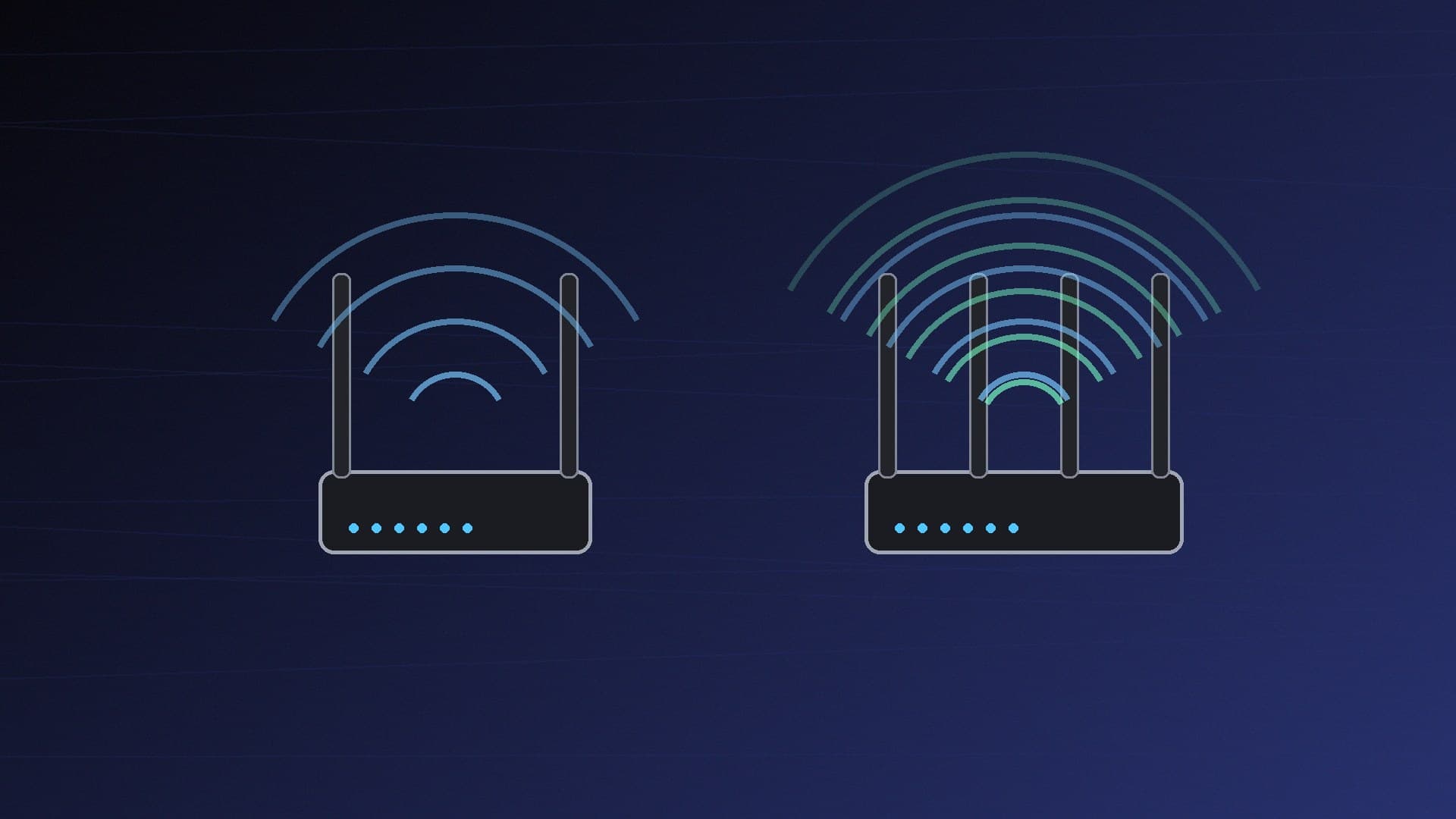
Wi-Fi 7 routers come in two main types. Dual-band models, usually sold with a BE3600 or similar speed class, use the 2.4GHz and 5GHz bands. Tri-band models such as BE9300, BE15000 and BE19000 routers add a third radio for the 6GHz band. The tri-band models cost more, so the question is whether that third band does anything for your PC.
The key difference: the 6GHz band
On a Wi-Fi 7 router, "tri-band" means 2.4GHz, 5GHz and 6GHz. The 6GHz band matters for two reasons:
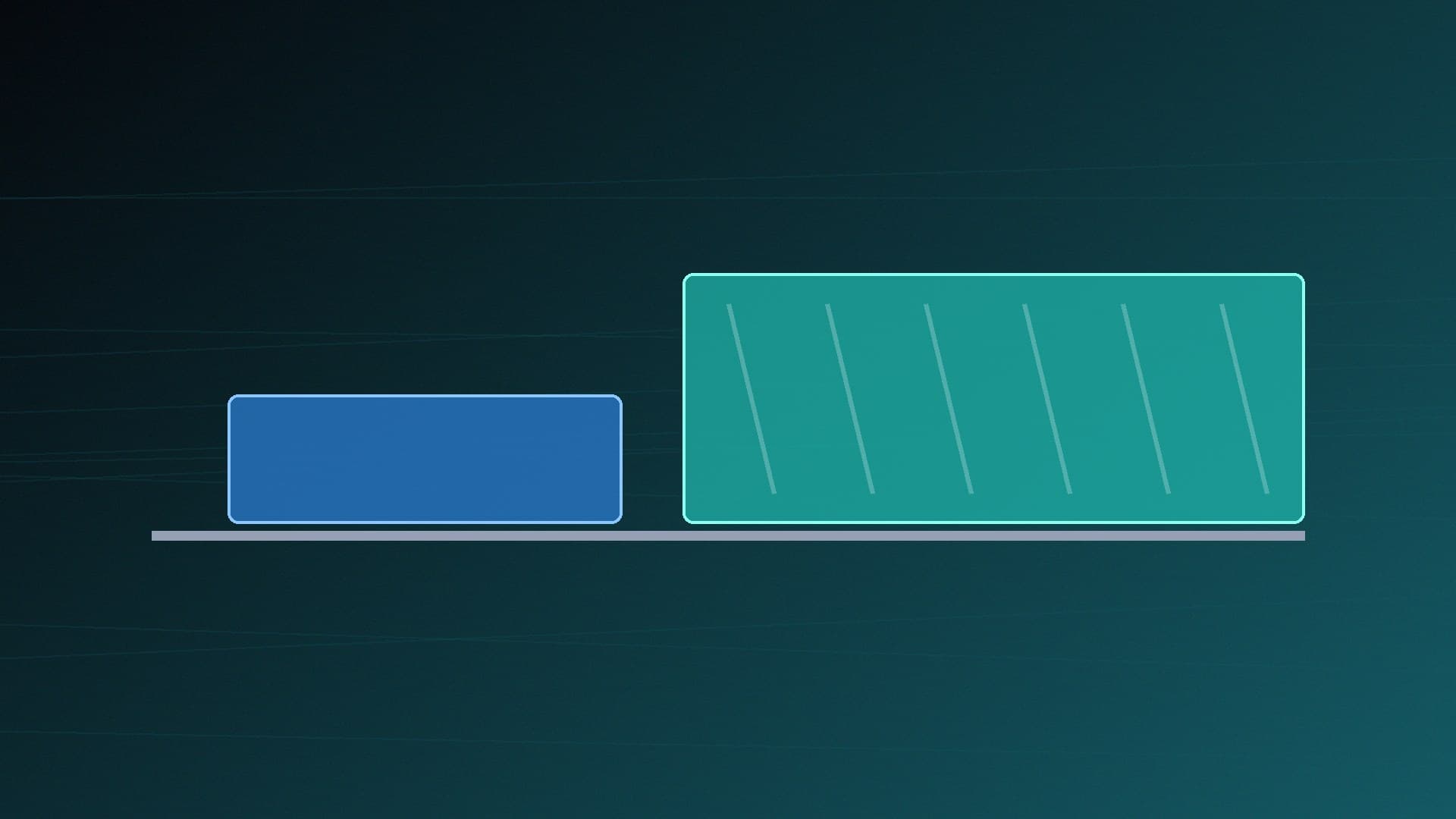
320MHz channels. The Wi-Fi Alliance says Wi-Fi 7's 320MHz channels are available in the 6GHz band, and TP-Link states that 320MHz is only available on 6GHz. A dual-band Wi-Fi 7 router can't use them. TP-Link describes 320MHz as double the channel width of the 160MHz used by Wi-Fi 6 routers.
Spectrum to yourself. In the UK, Ofcom opened the lower 6GHz band (5925-6425MHz) to licence-exempt Wi-Fi and extended it to 5925-6585MHz from 10 November 2026. Only devices with 6GHz support can use the band, so older 2.4GHz and 5GHz-only devices can't crowd it.
Spec comparison: four TP-Link Wi-Fi 7 routers
These are the Archer BE3600, Archer BE550, Archer BE700 and Archer GE800, all listed in our specs database.
| Archer BE3600 | Archer BE550 | Archer BE700 | Archer GE800 |
|---|
Speed class | BE3600 | BE9300 | BE15000 | BE19000 |
Bands | Dual-band | Tri-band | Tri-band | Tri-band |
6GHz rating | None | 5,760Mbps | 11,528Mbps | 11,520Mbps |
5GHz rating | 2,882Mbps | 2,880Mbps | 2,882Mbps | 5,760Mbps |
2.4GHz rating | 688Mbps | 688Mbps | 688Mbps | 1,376Mbps |
320MHz | No (no 6GHz radio) | Yes | Yes | Yes, on 6GHz |
Wired ports | 1 x 2.5Gbps WAN, 1 x 2.5Gbps LAN, 3 x 1Gbps LAN | 1 x 2.5Gbps WAN, 4 x 2.5Gbps LAN | 1 x 10Gbps WAN, 1 x 2.5Gbps LAN, 3 x 1Gbps LAN | 2 x 10Gbps WAN/LAN (one SFP+/RJ45 combo), 4 x 2.5Gbps LAN |
Other | 4 external antennas, EasyMesh, USB 3.0 | 6-stream tri-band | 6 antennas, USB 3.0, EasyMesh | Gaming router |
All figures are TP-Link's maximum wireless ratings for each band, which add up across every antenna and stream. One PC won't reach them, and the figures assume a client that supports the same features.
What dual-band Wi-Fi 7 still gets you
A dual-band Wi-Fi 7 router still supports the other parts of Wi-Fi 7. TP-Link's BE3600 page lists Multi-Link Operation (MLO), 4K-QAM, four external antennas with beamforming, EasyMesh compatibility and 2.5Gbps WAN and LAN ports. If your devices only support 2.4GHz and 5GHz, the 6GHz band on a tri-band router won't help them at all, and a strong 5GHz signal plus the 2.5Gbps WAN port matter more.
MLO on a dual-band router combines the 2.4GHz and 5GHz bands. Our Wi-Fi 7 MLO setup guide explains how to turn it on.
When tri-band is worth it
Tri-band makes sense when:
Your PC or laptop has a Wi-Fi 7 or 6E adapter and sits in the same room as the router, or close to it. TP-Link notes that Wi-Fi 7 features need clients that support them, so check your adapter. Our best Wi-Fi 7 PCIe card guide lists cards with 6GHz support.
You move big files across your home network, for example between a PC and a NAS, where a 320MHz link has the most to offer.
You want multi-gig wired ports, since the tri-band models here add more 2.5Gbps ports or 10Gbps ports. Our 2.5GbE vs 1GbE Ethernet comparison explains when faster wired ports matter.
You're planning to add mesh nodes later. Check which bands the router and nodes share, and consider wiring them together; our mesh Wi-Fi with Ethernet backhaul guide explains how.
Our verdict
Choose a dual-band Wi-Fi 7 router such as the Archer BE3600 if your broadband is 1Gbps or slower, your devices are mostly Wi-Fi 6 or older, or the router is far from your PC: you still get MLO, 4K-QAM and a 2.5Gbps WAN port. Choose tri-band if you have Wi-Fi 7 or 6E devices near the router, move large files over your home network, or want multi-gig wired ports, because only tri-band models have the 6GHz radio needed for 320MHz channels. Our best Wi-Fi 7 router and best TP-Link Wi-Fi 7 router guides have more options.