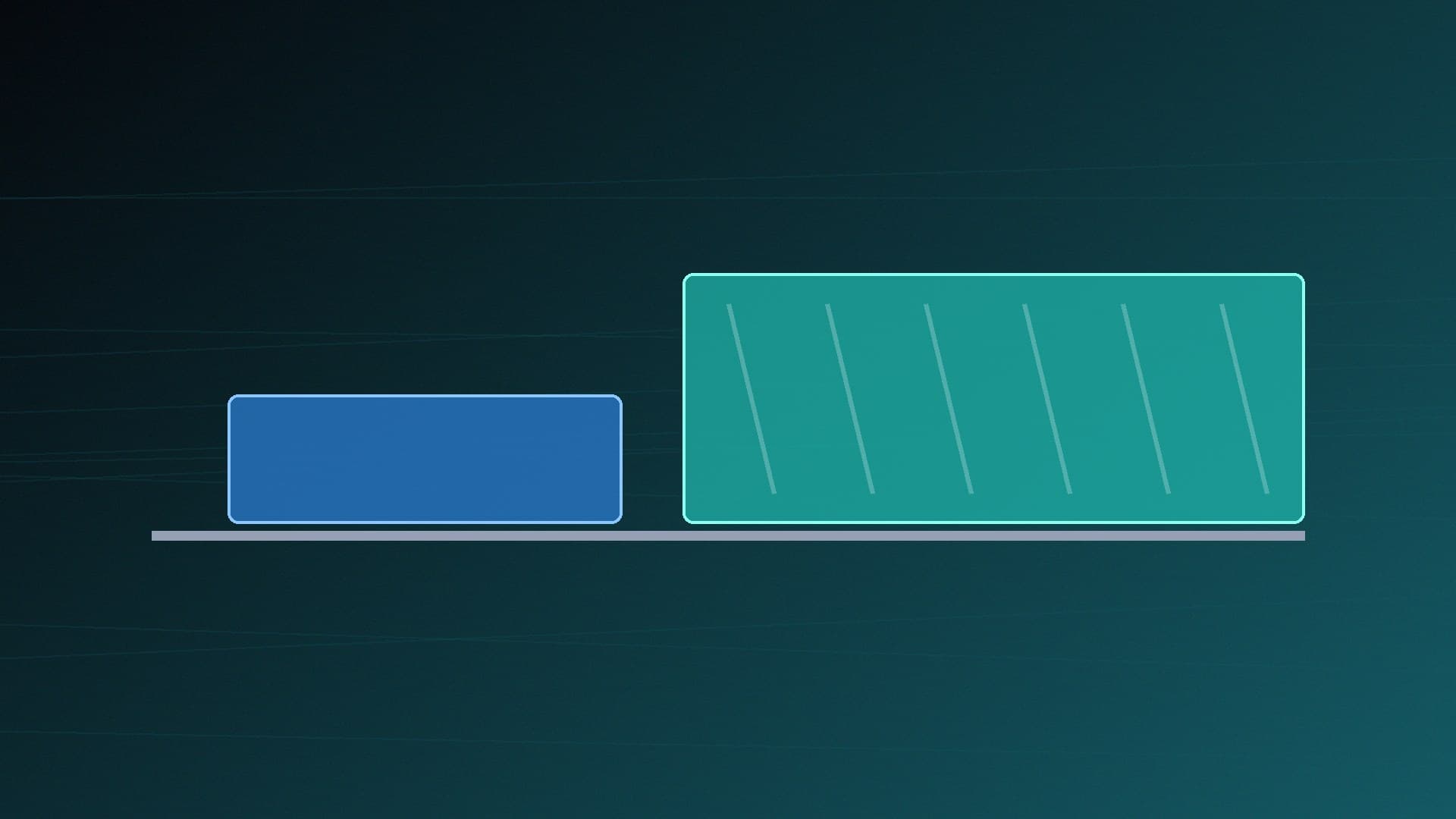
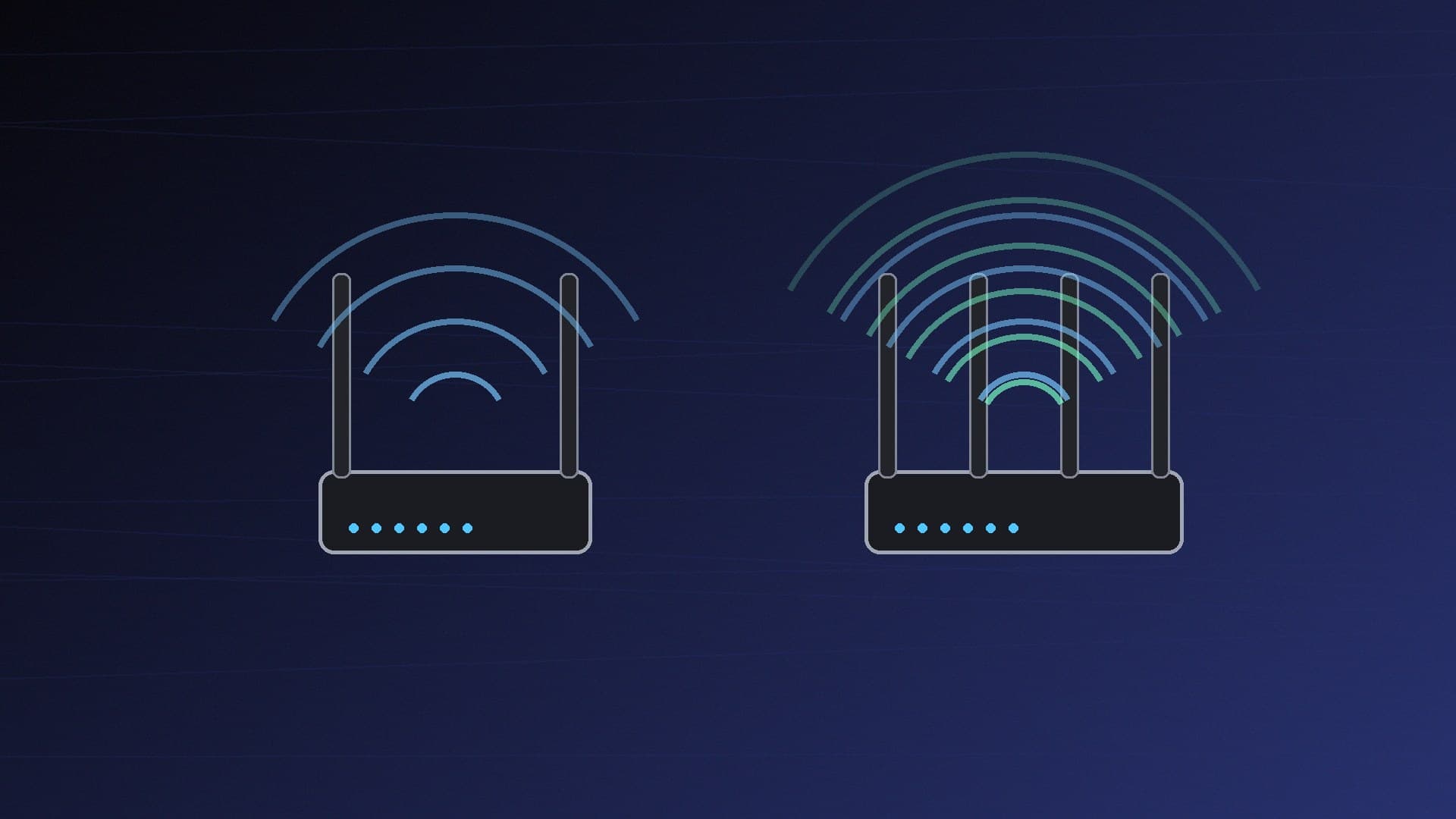
Wi-Fi 7's biggest headline feature is the 320MHz channel, double the widest channel Wi-Fi 6 and 6E routers can use. It's a big part of why Wi-Fi 7 routers and cards quote such large speed figures. But 320MHz only works in one band, needs support at both ends of the connection, and depends on how much 6GHz spectrum your country allows. Here's what the difference means for a gaming PC or laptop in the UK.
The quick answer
| 160MHz | 320MHz |
|---|
Which Wi-Fi generations | Wi-Fi 6 and 6E (and Wi-Fi 7) | Wi-Fi 7 only |
Which bands | 5GHz and 6GHz | 6GHz only |
Needs a Wi-Fi 7 client | No | Yes, one that supports 320MHz |
Peak link speed | Lower | Up to double |
Best for | Most homes and most devices | PCs with a strong 6GHz signal moving large files on the home network |
What channel width actually does
A wider channel uses more spectrum at once, so it can carry more data. The Wi-Fi Alliance lists 160MHz channel use among Wi-Fi 6's features for increasing bandwidth, and that Wi-Fi 7's 320MHz channels in the 6GHz band provide twice the throughput of Wi-Fi 6, enabling multigigabit device speeds. TP-Link puts it the same way: its "double channel width and speed" claims compare 320MHz against 160MHz on Wi-Fi 6 routers.
You can see the effect in TP-Link's own UK speed ratings. The Archer BE700 lists up to 11,528Mbps on 6GHz but 2,882Mbps on 5GHz, and the Archer GE800 lists 11,520Mbps on 6GHz and 5,760Mbps on 5GHz. Those are theoretical maximums across all of the router's antennas and streams, not what one PC will see, but they show why 6GHz at 320MHz is where Wi-Fi 7's biggest numbers come from.
The catches with 320MHz
It's 6GHz only. TP-Link's product pages state that 320MHz is only available in the 6GHz band. So a PC that can only get a good signal on 5GHz, for example because it's several rooms away, won't benefit. Our Wi-Fi signal strength guide shows how to check. Our 2.4GHz vs 5GHz vs 6GHz guide explains the trade-offs between bands.
Your PC must support it too. TP-Link says that using Wi-Fi 7 features, including MLO and 320MHz bandwidth, requires clients to support the corresponding features. A Wi-Fi 6E laptop connecting to a Wi-Fi 7 router can't use 320MHz. If you're adding Wi-Fi 7 to a desktop, check the card's spec sheet. TP-Link's Archer TBE550E PCIe card, for example, lists 320MHz operation and up to 5,760Mbps on 6GHz, and works with 64-bit Windows 11 only. Our best Wi-Fi 7 PCIe card guide compares the options.
Regulation limits the room. TP-Link warns that 320MHz on 6GHz and 160MHz on 5GHz may be unavailable in some regions because of regulatory restrictions. In the UK, Ofcom made the lower 6GHz band (5925-6425MHz) available for licence-exempt Wi-Fi, which is 500MHz wide by our arithmetic. From 10 November 2026 Ofcom extended licence-exempt Wi-Fi to 5925-6585MHz, adding 160MHz of extra spectrum. Even so, a single 320MHz channel uses a large share of what's available, which leaves less room for neighbouring 6GHz networks to sit on separate channels.
When 160MHz is the better choice
For most PCs, 160MHz is the practical setting. It works on 5GHz as well as 6GHz, so you aren't tied to the 6GHz band, and it doesn't need a Wi-Fi 7 client. Internet downloads are also limited by your broadband speed, so a faster Wi-Fi link only helps them if the Wi-Fi was the bottleneck. Where 320MHz earns its keep is moving large files between devices on your home network, such as a PC and a NAS, when both are close to the router.
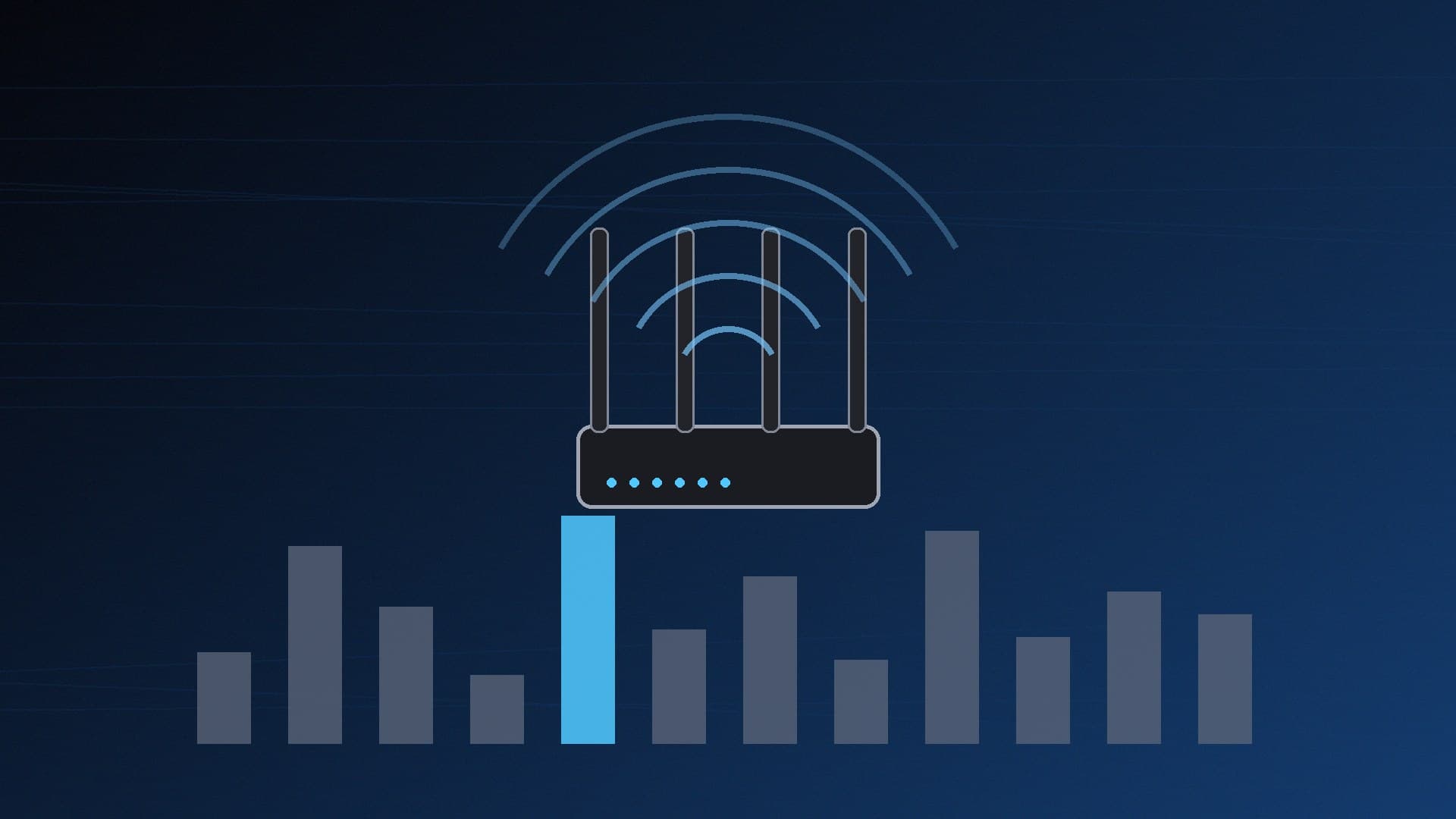
If you're unsure, leave the router's channel width on Auto. TP-Link recommends keeping channel and channel width at their defaults unless you have interference, and its documentation says the channel width setting is preset to automatic. Our Wi-Fi channel guide covers when changing channel settings helps.
Which routers support 320MHz?
Look for a tri-band Wi-Fi 7 router: 320MHz needs a 6GHz radio, and dual-band Wi-Fi 7 routers such as TP-Link's Archer BE3600 only have 2.4GHz and 5GHz. TP-Link's UK pages list 320MHz support for the Archer BE550 (BE9300), Archer BE700 (BE15000) and Archer GE800 (BE19000). Our dual-band vs tri-band Wi-Fi 7 comparison goes into more detail, and our guide to choosing a Wi-Fi 7 router covers the other features to check.
Our verdict
320MHz channels are what give Wi-Fi 7 its headline speeds, but only on 6GHz, only with a Wi-Fi 7 device that supports them, and only within the spectrum Ofcom allows. For most UK homes 160MHz is the more practical setting because it works on 5GHz too and doesn't need a Wi-Fi 7 device. Choose a tri-band Wi-Fi 7 router and a 320MHz-capable card if your PC sits near the router and you move big files around your home network.