DisplayPort 2.1 is now on the spec sheets of high-end graphics cards and the newest 4K and ultrawide gaming monitors, while plenty of excellent monitors, including colour-accurate 4K screens, still use DisplayPort 1.4. The headline difference is bandwidth, but the details matter: the DisplayPort 2.1 label doesn't guarantee the fastest link rates, and compression means DisplayPort 1.4 can still drive very demanding modes. The bandwidth sums are our own arithmetic from VESA's figures.
Quick comparison
| DisplayPort 1.4 | DisplayPort 2.1 |
|---|
Published | March 2016 | October 2022 (current revision: 2.1b) |
Fastest link rate | HBR3, 8.1Gbps per lane | UHBR20, 20Gbps per lane |
Maximum link bandwidth (4 lanes) | 32.4Gbps | 80Gbps |
Encoding overhead | 8b/10b, 20% | 128b/132b, about 3% (UHBR rates) |
Maximum payload | About 25.9Gbps (our calculation) | 77.37Gbps (VESA figure) |
Display Stream Compression | DSC 1.2 support introduced | DSC with FEC mandatory |
Certified cable types | Standard DisplayPort cables | DP40 (up to UHBR10) and DP80 (up to UHBR20) |
Backward compatible | Yes | Yes, with earlier DisplayPort versions |
Bandwidth: where DisplayPort 2.1 pulls ahead
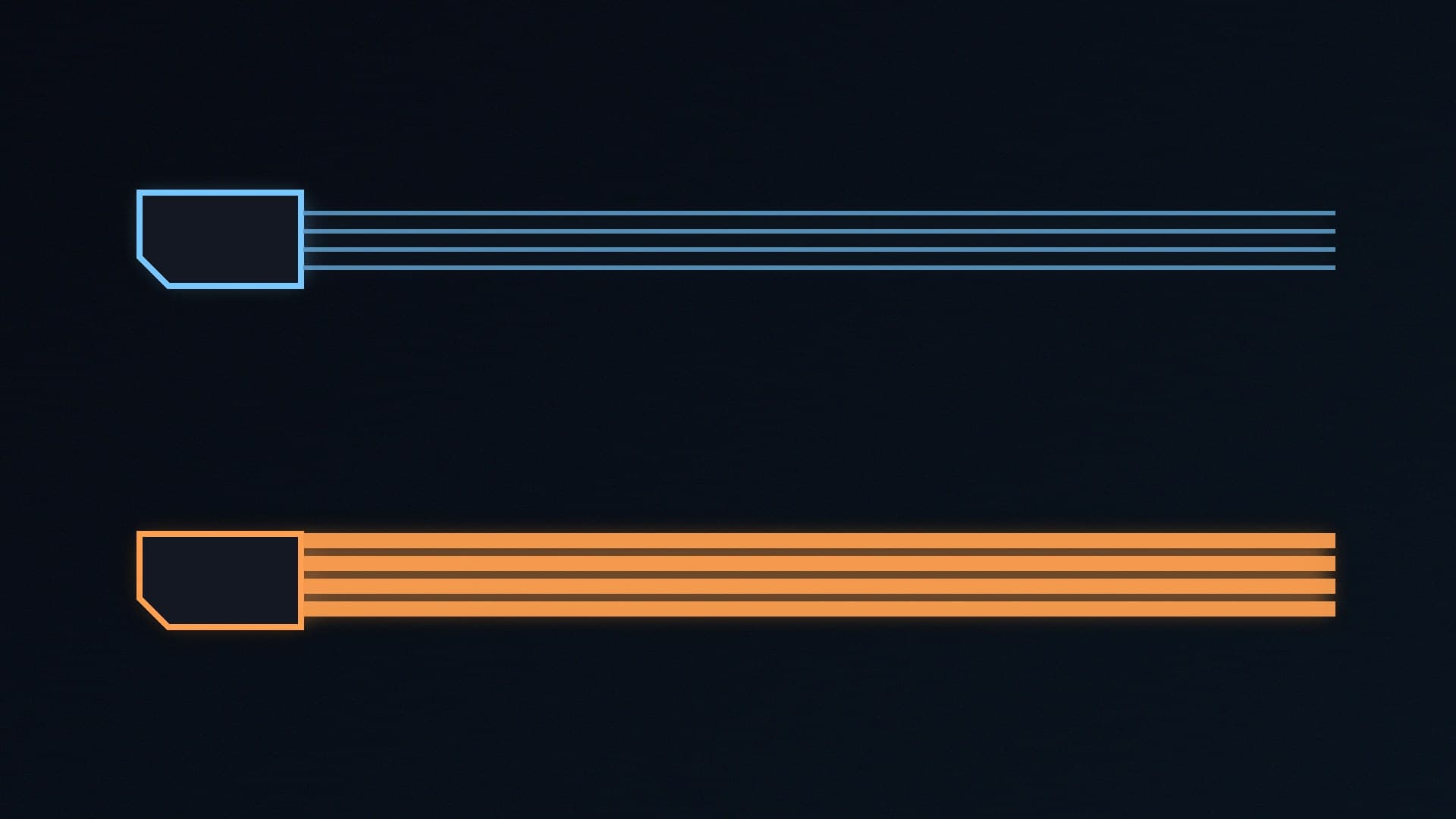
DisplayPort 1.4 kept the link rate introduced with DisplayPort 1.3: four lanes at 8.1Gbps each, for 32.4Gbps in total. VESA says those older link rates (RBR, HBR, HBR2 and HBR3) use 8b/10b encoding with 20% overhead, which leaves about 25.9Gbps for actual video data.
DisplayPort 2.1 adds UHBR (Ultra-high Bit Rate) link rates of up to 20Gbps per lane and switches to 128b/132b encoding, which VESA says has only about 3% overhead. VESA quotes a maximum payload of 77.37Gbps, roughly three times DisplayPort 1.4.
To put that in perspective, here are rough sums for the raw pixel data alone (they ignore blanking intervals, so real requirements are a little higher):
4K at 120Hz, 8-bit colour: about 23.9Gbps, close to DisplayPort 1.4's limit.
4K at 144Hz, 10-bit colour: about 35.8Gbps, beyond DisplayPort 1.4 without compression.
4K at 240Hz, 10-bit colour: about 59.7Gbps, beyond DisplayPort 1.4 without compression but within DisplayPort 2.1's UHBR20 payload.
VESA's own example configurations for DisplayPort 2.1b include two 4K displays at 144Hz with 24-bit colour and no compression, and 8K at 60Hz with full 4:4:4 colour and 30 bits per pixel for HDR.
Compression: how DisplayPort 1.4 keeps up
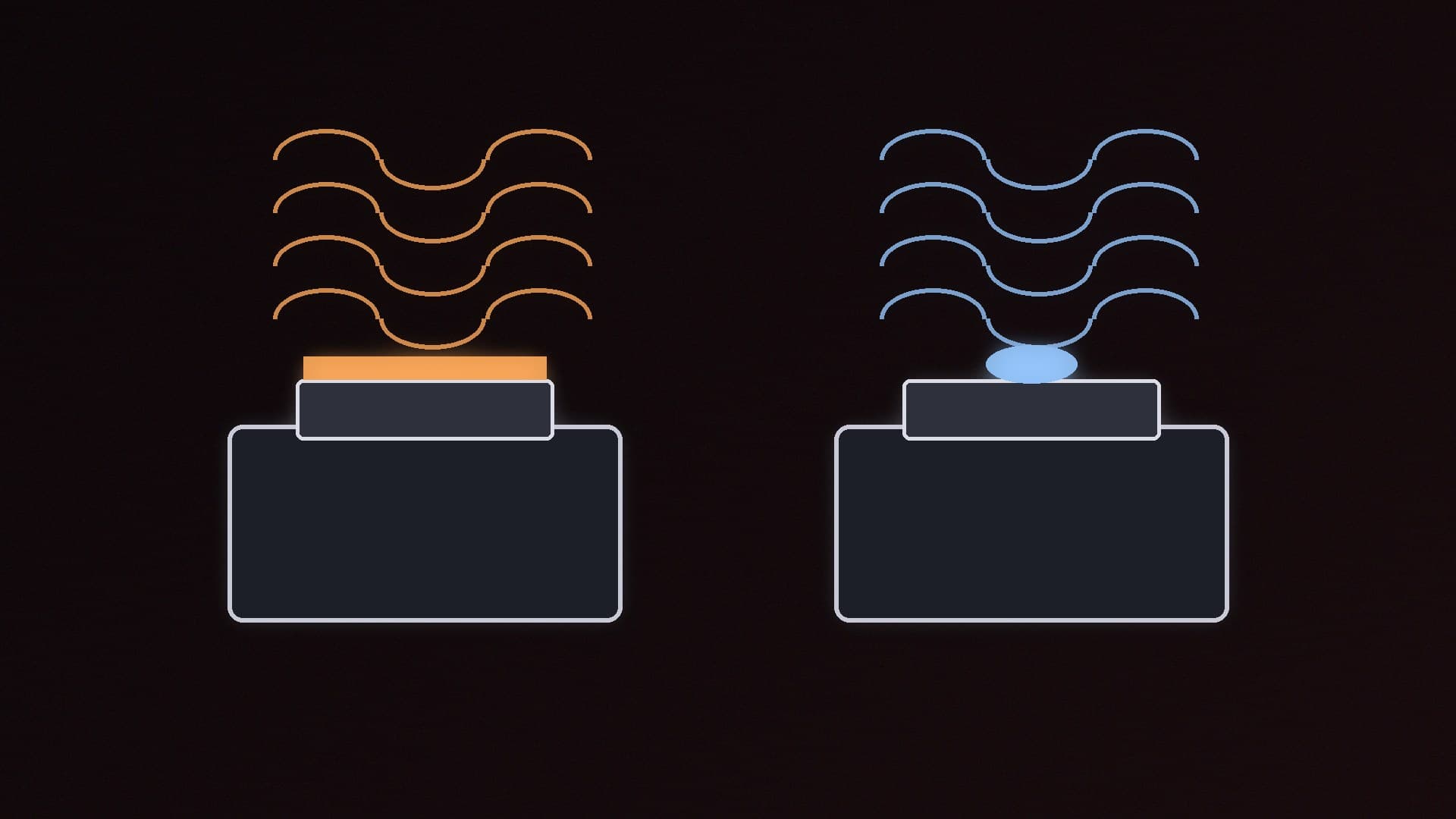
DisplayPort 1.4 was the first DisplayPort version to use VESA's Display Stream Compression (DSC). VESA says DSC 1.2 allows up to 3:1 compression and that its members' testing found it visually lossless. At launch VESA gave 4K at 120Hz and 8K at 60Hz, both with HDR deep colour, as example modes made possible by DisplayPort 1.4.
That's why many monitors still ship with DisplayPort 1.4 inputs and DSC. Dell's UltraSharp U2725QE, for example, is a 4K 120Hz monitor whose DisplayPort 1.4 input is listed with DSC support. DSC is mandatory in DisplayPort 2.1 too, so the two aren't rivals here: DisplayPort 2.1 simply needs to lean on compression less, or not at all, for the same mode.
The catch: "DisplayPort 2.1" doesn't always mean UHBR
This is the most important point for buyers. VESA's FAQ says a device can be certified as DisplayPort 2.1b if it supports at least HBR2 with DSC, plus at least one of the newer features, such as UHBR link rates, Adaptive-Sync, Panel Replay or link-training tunable repeaters. VESA explains that not every display needs the highest link rate to reach its maximum resolution and refresh rate, and that laptop graphics may not have the power budget for UHBR.
In other words, a monitor or GPU labelled DisplayPort 2.1 might run at UHBR20, a lower UHBR rate, or no UHBR at all. VESA's advice is that vendor packaging and online information should indicate which DisplayPort features each product supports. Before you pay extra for DisplayPort 2.1, check the spec sheet for the actual UHBR rate (or bandwidth figure) on both the monitor and the graphics card. The link runs at the fastest rate both ends, and the cable, support.
Cables: DP40 and DP80
The higher link rates need better cables. VESA's DisplayPort 2.1 cable specification includes certified DP40 cables, which support up to UHBR10 (40Gbps over four lanes), and DP80 cables, which support up to UHBR20 (80Gbps). VESA says DisplayPort 2.1 also enabled longer UHBR cables than before: beyond two metres for DP40 and beyond one metre for DP80. Its FAQ also lists newer DP80LL ("low loss") active cables that support UHBR20 at up to three metres.
If your monitor and graphics card only use DisplayPort 1.4 link rates, you don't need a DP80 cable, but a certified cable will still work because DisplayPort is backward compatible. If you're buying a cable for a UHBR20 monitor, look for VESA DP80 certification rather than vague "8K" marketing.
DisplayPort over USB-C and Thunderbolt
VESA says all DisplayPort 2.1b features are available through DisplayPort Alt Mode on USB-C, and DisplayPort 2.1 was designed to align more closely with USB4, including more efficient DisplayPort tunnelling over USB4 links. If you connect a monitor through USB-C or a Thunderbolt dock, though, the dock, cable and laptop all set limits of their own, so check each one. Our USB4 vs Thunderbolt 5 comparison covers those connections.
Which do you need?
DisplayPort 1.4 is enough if you're buying a 1080p or 1440p monitor, a 4K monitor at 60Hz to 120Hz, or a colour-accurate work screen. With DSC, DisplayPort 1.4 also handles many faster 4K modes. Most of our best 1440p gaming monitors don't need anything more.
DisplayPort 2.1 with UHBR makes sense if you're pairing a recent high-end graphics card with a 4K monitor at 240Hz or faster, a very wide high-refresh ultrawide, or a multi-monitor setup on one cable, and you'd rather avoid relying on compression. Check our best 4K gaming monitors for current options, and our refresh rate comparison to see whether the extra speed matters to you.
Weighing up HDMI instead? DisplayPort vs HDMI for gaming and HDMI 2.1 vs HDMI 2.2 cover the other side.
Our verdict
DisplayPort 2.1 offers roughly three times the bandwidth of DisplayPort 1.4, but only when both devices and the cable support UHBR link rates; the label alone doesn't guarantee that. For most monitors, including 4K at up to 120Hz, DisplayPort 1.4 with DSC is perfectly fine. Pay for DisplayPort 2.1 UHBR20, with a certified DP80 cable, if you're running 4K at 240Hz or more, or very high-resolution multi-monitor setups, and want to avoid compression.