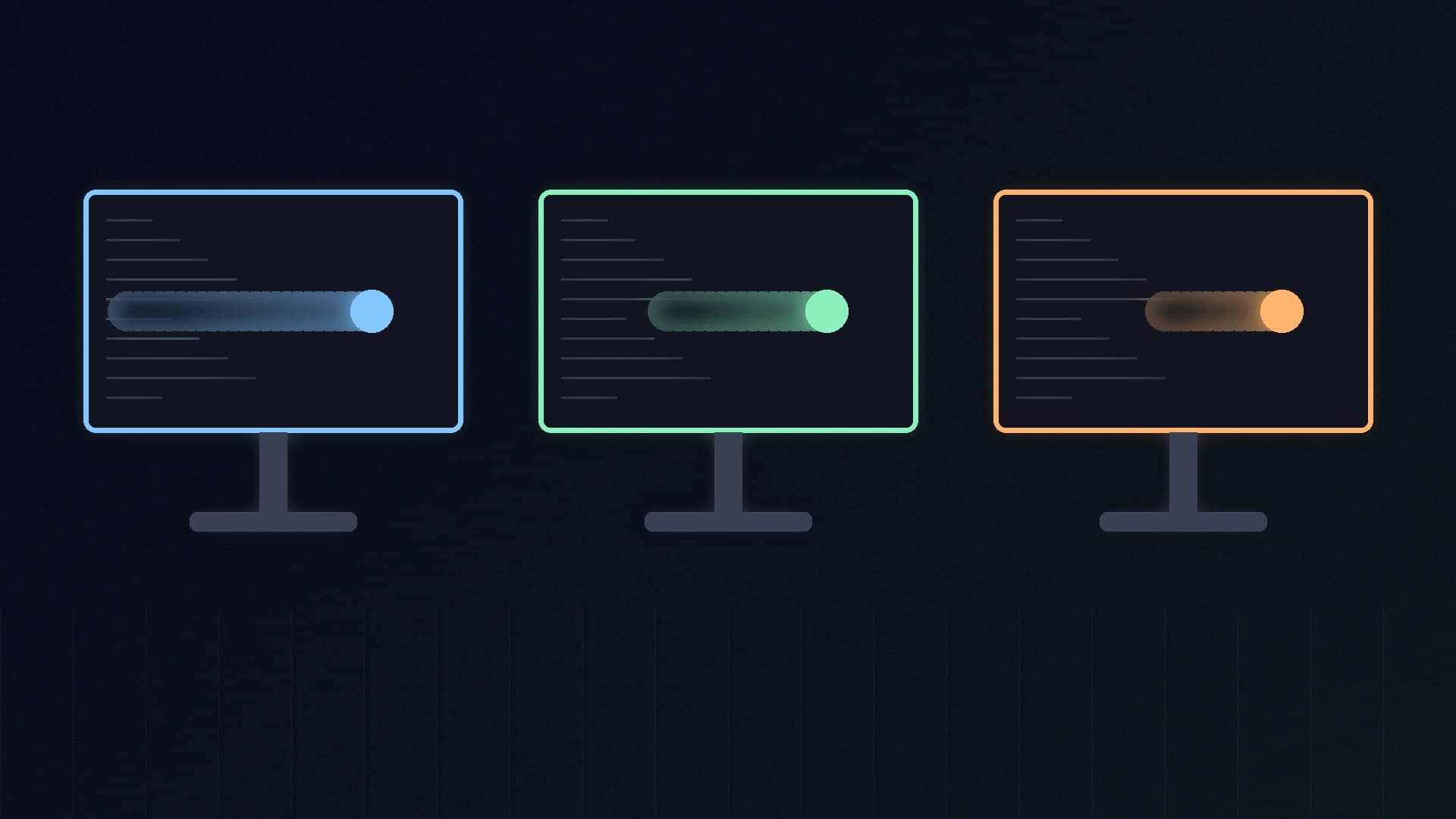
Gaming monitors have moved well past 144Hz. 240Hz is now common, 360Hz and 480Hz screens are widely sold, and makers have shown panels far beyond that, such as TCL CSOT's 1,250Hz QHD panel. Each step sounds like a big jump, but the gains get smaller as the numbers go up, and only matter if your PC can produce the frames. This comparison uses simple frame-time maths, the makers' official specifications and Blur Busters' published work on motion blur, all linked in the sources.
If you're coming from 60Hz or 144Hz, start with our 144Hz vs 240Hz monitor comparison; that's the bigger step for most players.
The quick answer
| 240Hz | 360Hz | 480Hz |
|---|
Time per refresh | 4.17ms | 2.78ms | 2.08ms |
Saving vs the step below | 2.78ms vs 144Hz | 1.39ms vs 240Hz | 0.69ms vs 360Hz |
Minimum motion blur at 1,000 pixels/second (Blur Busters Law, ideal sample-and-hold) | about 4 pixels | about 3 pixels | about 2 pixels |
Frame rate needed to use it fully | 240fps | 360fps | 480fps |
Who it suits | Most competitive and fast single-player gamers | Esports players with high-end PCs | Esports players chasing every advantage |
Frame time: each step saves less
A monitor's refresh rate sets how often a new image can appear. Divide 1,000 by the refresh rate to get the time between refreshes in milliseconds:
240Hz: 1,000 / 240 = 4.17ms
360Hz: 1,000 / 360 = 2.78ms
480Hz: 1,000 / 480 = 2.08ms
Going from 144Hz (6.94ms) to 240Hz cuts 2.78ms from every refresh. Going from 240Hz to 360Hz cuts 1.39ms, and from 360Hz to 480Hz only 0.69ms. The steps get smaller each time, which is why 240Hz is the sweet spot for most people and 480Hz is a niche upgrade.
That frame time isn't the same as total input lag, which also includes your mouse, game engine, graphics card and the monitor's own processing. But a shorter refresh interval does mean a new frame can reach the screen sooner.
Motion clarity: where higher refresh rates still help
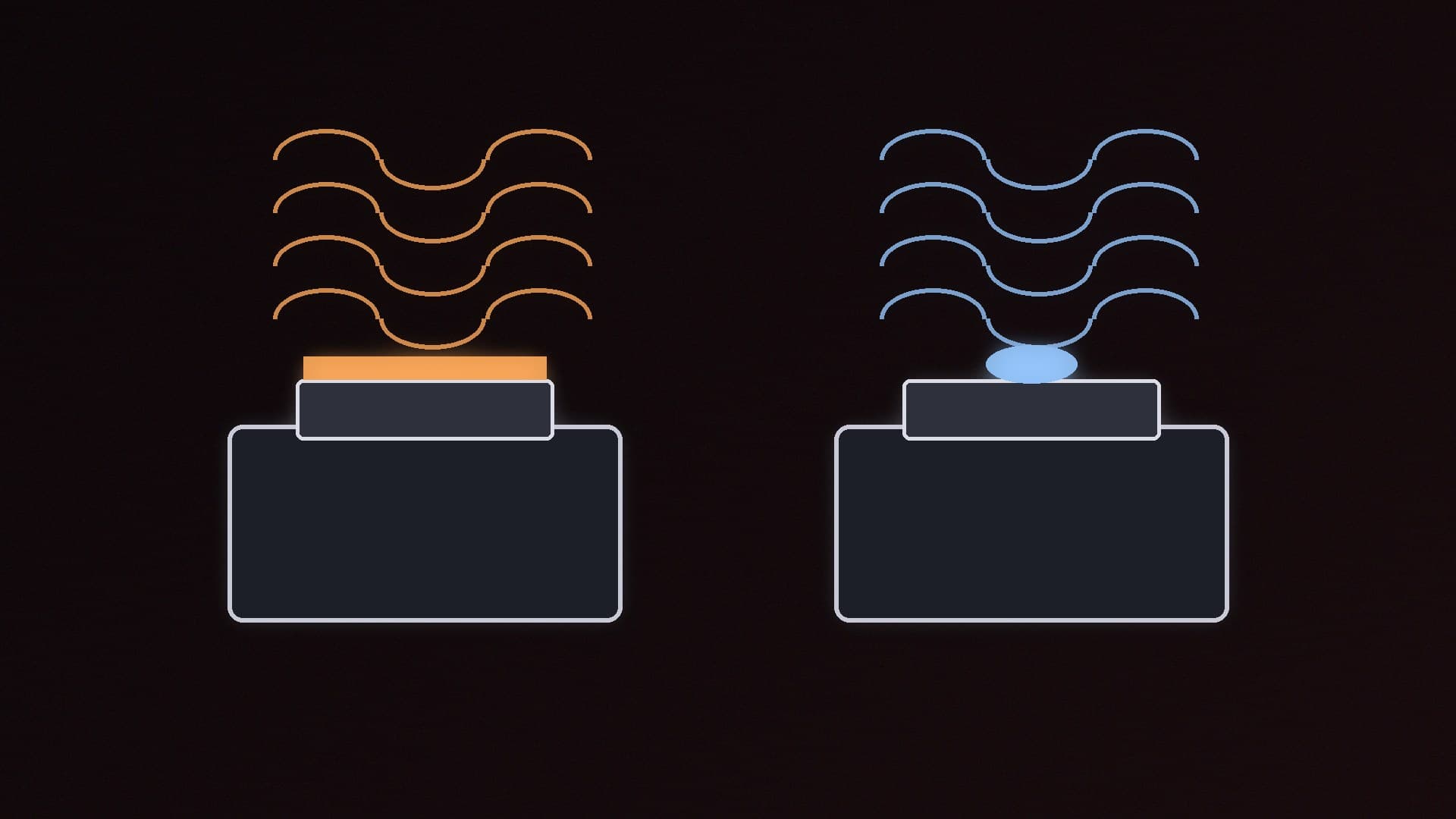
Most gaming monitors are "sample-and-hold" displays: each frame stays on screen until the next one replaces it. When your eyes track a moving object, that held frame smears across your vision. Blur Busters, which specialises in display motion research, describes this as Blur Busters Law: 1ms of persistence produces 1 pixel of motion blur at 1,000 pixels per second of motion.
At a full frame rate with no strobing, persistence is roughly the frame time. That means the theoretical minimum blur at 1,000 pixels/second is about 4 pixels at 240Hz, 3 pixels at 360Hz and 2 pixels at 480Hz. In practice, Blur Busters notes that slow pixel transitions (GtG response time) add more blur on top, so a fast panel matters as much as a high number on the box.
This is why OLED and fast-IPS panels pair well with very high refresh rates. ASUS, for example, lists 0.03ms (GtG) response time for its 480Hz ROG Swift OLED PG27AQDP, while Dell rates the 360Hz Fast IPS Alienware AW2523HF at 0.5ms GtG minimum and 1ms GtG "most observed" in its Extreme mode. Response-time figures are measured differently by each maker, so treat them as a rough guide.
The catch: your PC has to keep up
A 480Hz monitor only shows 480 new images a second if your graphics card renders 480 frames a second. At lower frame rates, the monitor still refreshes at its full rate, but it repeats frames, so you don't get the full clarity benefit. Variable refresh rate (FreeSync or G-SYNC Compatible) keeps that smooth and tear-free, but it can't create frames your PC doesn't render.
In practice, 360fps and 480fps are realistic mainly in lighter competitive games, often at lower settings and with a fast CPU, because the processor can become the limit at very high frame rates. In demanding new games, many PCs won't get near 240fps. Our best esports monitor guide and how to turn on variable refresh rate in Windows 11 cover the setup side, and how to change your monitor refresh rate makes sure Windows is actually using the full rate.
Resolution and bandwidth
Higher refresh rates need more bandwidth, so they usually come with trade-offs in resolution or connection:
Alienware AW2523HF (360Hz): Dell lists a 24.5-inch, 1920x1080 Fast IPS panel that reaches 360Hz over DisplayPort 1.4, while its HDMI 2.0 ports top out at 255Hz.
ASUS ROG Swift OLED PG27AQDP (480Hz): ASUS lists a 26.5-inch, 2560x1440 WOLED panel at up to 480Hz, with one DisplayPort 1.4 DSC input and two HDMI 2.1 ports.
Both use DisplayPort for their top refresh rate, and the 1440p 480Hz model relies on DSC (Display Stream Compression). Check which port and cable your monitor needs for its maximum refresh rate; our DisplayPort vs HDMI for gaming guide explains the differences. Some newer monitors take a different route, with "dual-mode" switching between a high-resolution mode and a lower-resolution mode with a higher refresh rate, as on the Samsung Odyssey G6 with a 1,100Hz HD mode.
Which should you buy?
Choose 240Hz if you want a fast, smooth monitor for a mix of competitive and single-player games, and your PC regularly runs above 144fps. It's the biggest step up from 144Hz and pairs with the widest range of panels, including 1440p and 4K OLEDs. Our best 1440p gaming monitor guide is a good starting point.
Choose 360Hz if you play esports titles seriously, your PC can get well above 240fps in those games, and you're happy with 1080p or 1440p.
Choose 480Hz if you're a competitive player with a high-end CPU and graphics card, play games where you can reach very high frame rates, and want the clearest motion you can get on a sample-and-hold display. Expect a smaller improvement over 360Hz than 240Hz gave over 144Hz.
Our verdict
240Hz is the best choice for most gamers: it cuts frame time from 6.94ms (144Hz) to 4.17ms and works with a wide choice of panels. 360Hz (2.78ms) and 480Hz (2.08ms) still improve motion clarity, as Blur Busters' persistence maths shows, but each step saves less time, and you only get the benefit if your PC renders matching frame rates. Buy 360Hz or 480Hz for esports with a high-end PC; otherwise put the money into a better panel or graphics card.