Project Maya is a free, MIT-licensed engine that aims to run some of the biggest open-weight mixture-of-experts (MoE) models on ordinary desktop hardware: GLM-5.3 (744B parameters), GLM-5.3-Flash (321B), DeepSeek-V4.1-Flash-1017 (748B) and MiniMax-M3.1-Flash (428B). It was covered by Gigazine on 17 November 2026, and its GitHub repository had about 3,000 stars when we checked.
Forge PC hasn't tested Project Maya. This story is based on the project's own README and Gigazine's write-up, both checked on 17 November 2026. Speed and accuracy figures below are the project's or its users' numbers, not ours.
How it fits a 300GB-plus model on a gaming PC
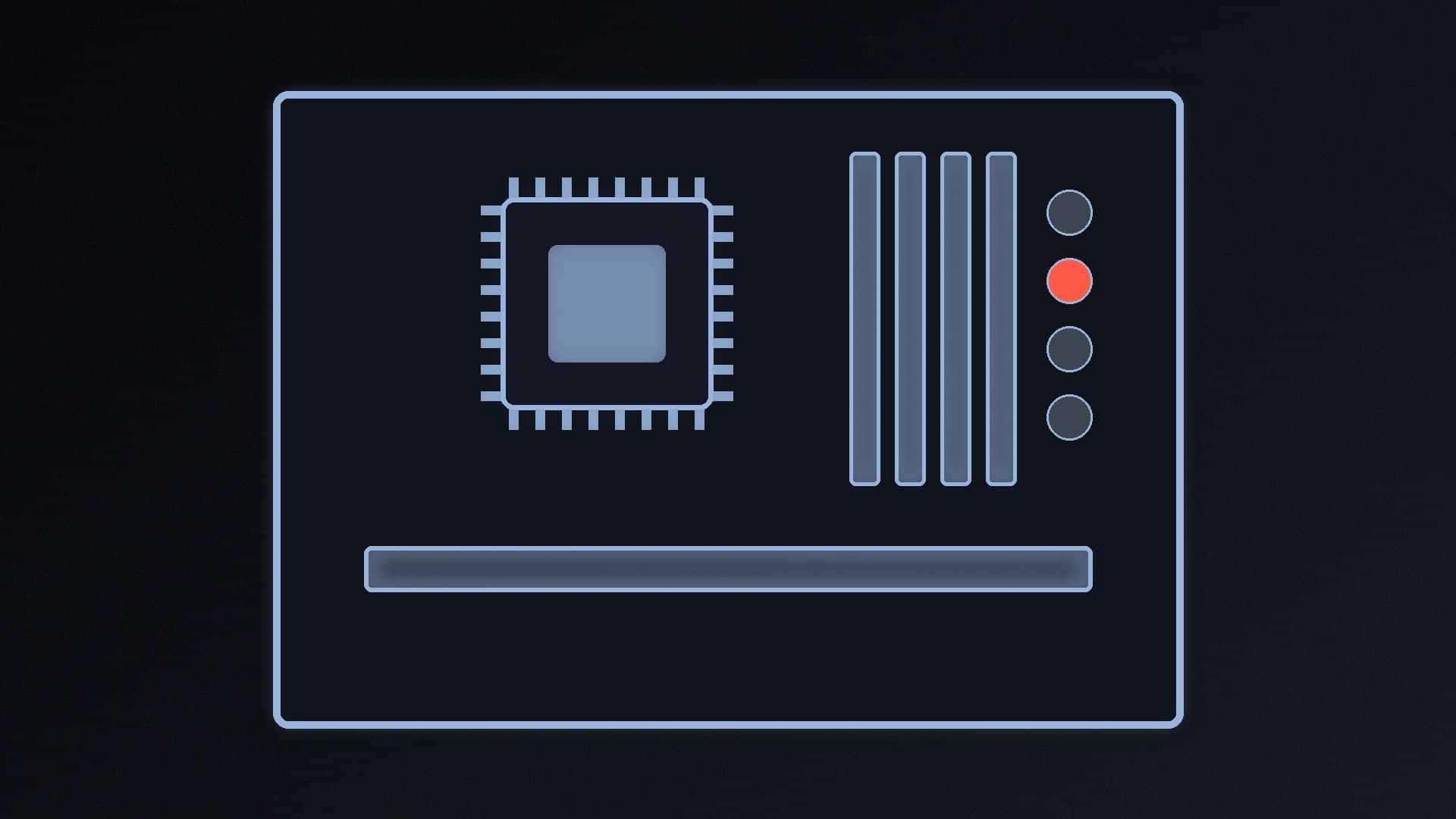
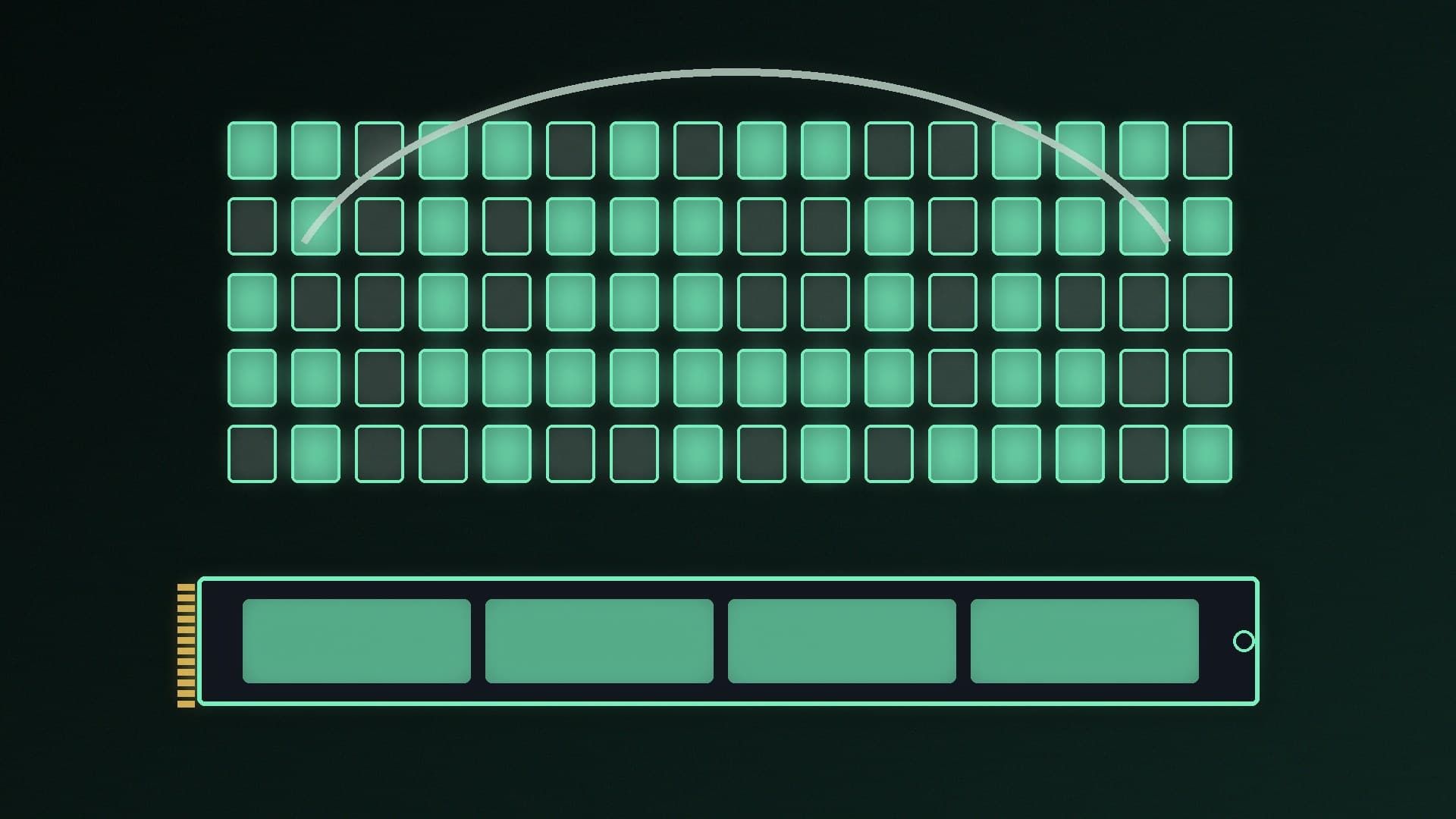
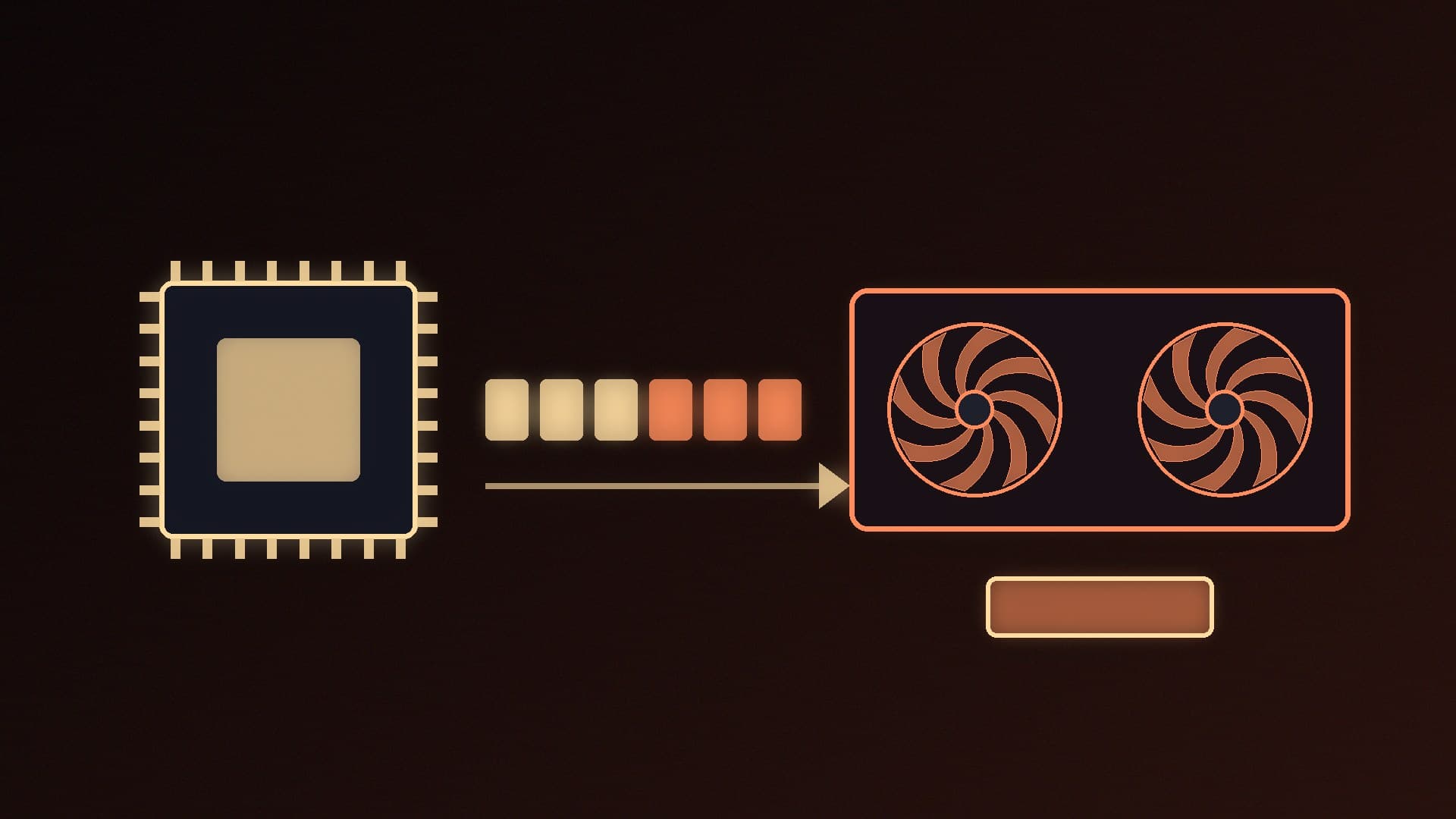
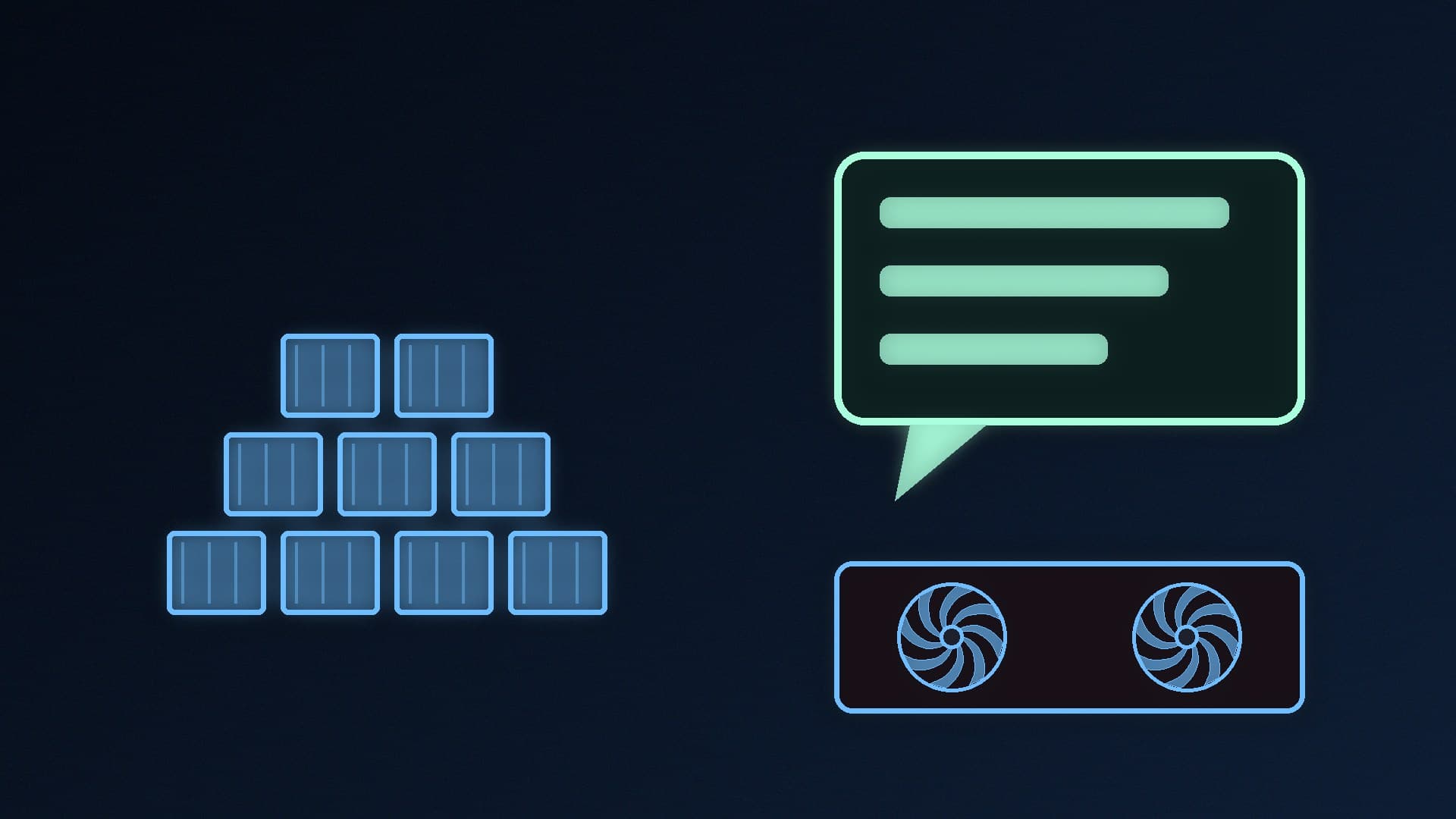
MoE models only activate a small slice of their parameters for each token. GLM-5.3-Flash, for example, has 321B parameters but 18B active, according to the README. Maya exploits that: it keeps the experts your conversation uses most in GPU memory, the next ones in system RAM and the rest on your NVMe SSD, and moves them around as you chat. The project says it measures your GPUs, CPU, RAM and SSD and tunes itself to them.
It's the same broad idea behind tools such as FreeToken, and it only works because of how MoE models are built. Our MoE vs dense LLM explainer covers why.
What you need
According to the README:
GPU: NVIDIA with compute capability 7.0 or newer (V100, RTX 20 series and newer), one card or up to 16. On AMD, the RX 7900 XT/XTX, Radeon AI PRO R9700 and RX 9070, plus Strix Halo and Gorgon Halo APUs, are listed; RX 6800/6900 cards aren't validated yet. Pascal cards are experimental.
RAM: 32GB runs it, but more RAM keeps more experts close and is faster.
Storage: a fast NVMe SSD with room for the model, from about 75GB for GLM-5.3-Flash Maya-XS to about 350GB for DeepSeek V4.1 Maya-S.
OS: Linux (x86-64, AVX2 preferred) with the NVIDIA driver and CUDA 12.x, or Windows 10/11 via a separate guide. WSL2 isn't supported. AMD needs ROCm 7.
The setup script downloads the model and builds everything once, which the project says takes 20-40 minutes plus the download, then serves a browser chat at localhost.
The model sizes
Maya ships its own quantised versions, named XS, S, M and L by how many bits the experts keep. For GLM-5.3-Flash, the README lists Maya-XS at 73.4GB (aimed at PCs with 64GB of RAM and a 24GB card), Maya-S at 96.5GB, a Maya-S24 variant at 94.7GB tuned for cards with 24GB or less, Maya-M at 116GB and Maya-L at 156.3GB. The full GLM-5.3 Maya-XS is 170GB, and DeepSeek-V4.1-Flash Maya-S is 340GB, with whatever doesn't fit in VRAM and RAM read from the SSD.
If you're new to quantisation, our GGUF quantisation guide explains the trade-off between size and quality.
The speed claims, with caveats
The project quotes user-reported results of up to 149 tokens per second on two RTX 5090s plus an RTX 4090, and "30+" on a single RTX 5090. Gigazine's summary of those user results includes 26 tokens per second for GLM-5.3-Flash Maya-S24 on a single RTX 3090 with 128GB of RAM.
Treat these as best cases from enthusiasts' machines. They depend heavily on how much of the model fits in VRAM and RAM, and Gigazine notes the measurement conditions differ between setups. Gigazine's own attempt to launch it on a PC with 64GB of RAM and an 8GB graphics card failed with an "insufficient VRAM" error, so the 32GB RAM minimum doesn't mean any GPU will do.
On quality, the README says Maya's GLM-5.3-Flash quants keep 97.7-99.2% of the FP8 model's zero-shot accuracy. Again, that's the project's own measurement on specific evaluations.
What it means for your next upgrade
Tools like this shift the bottleneck for huge local models away from VRAM alone and towards total memory plus SSD speed. If you want to experiment:
A 24GB or 32GB GPU is still the practical starting point. Our best GPU for local LLMs guide covers the options.
128GB of system RAM is where the project's smaller "whole model in memory" options start to make sense. See how much RAM you need for local AI.
Model files run from roughly 75GB to 350GB or more, so a large, fast NVMe drive matters. Our best 4TB SSD guide is a good place to start.
Our verdict
Project Maya is a promising, free way to run 321B-748B MoE models on desktop GPUs by splitting experts across VRAM, RAM and an NVMe SSD. You'll need a recent NVIDIA card (or a supported Radeon), at least 32GB of RAM and realistically far more, plus 75-350GB of fast SSD space. Its speed and accuracy figures are the project's and its users' own, and results vary widely with hardware. Forge PC hasn't tested it.