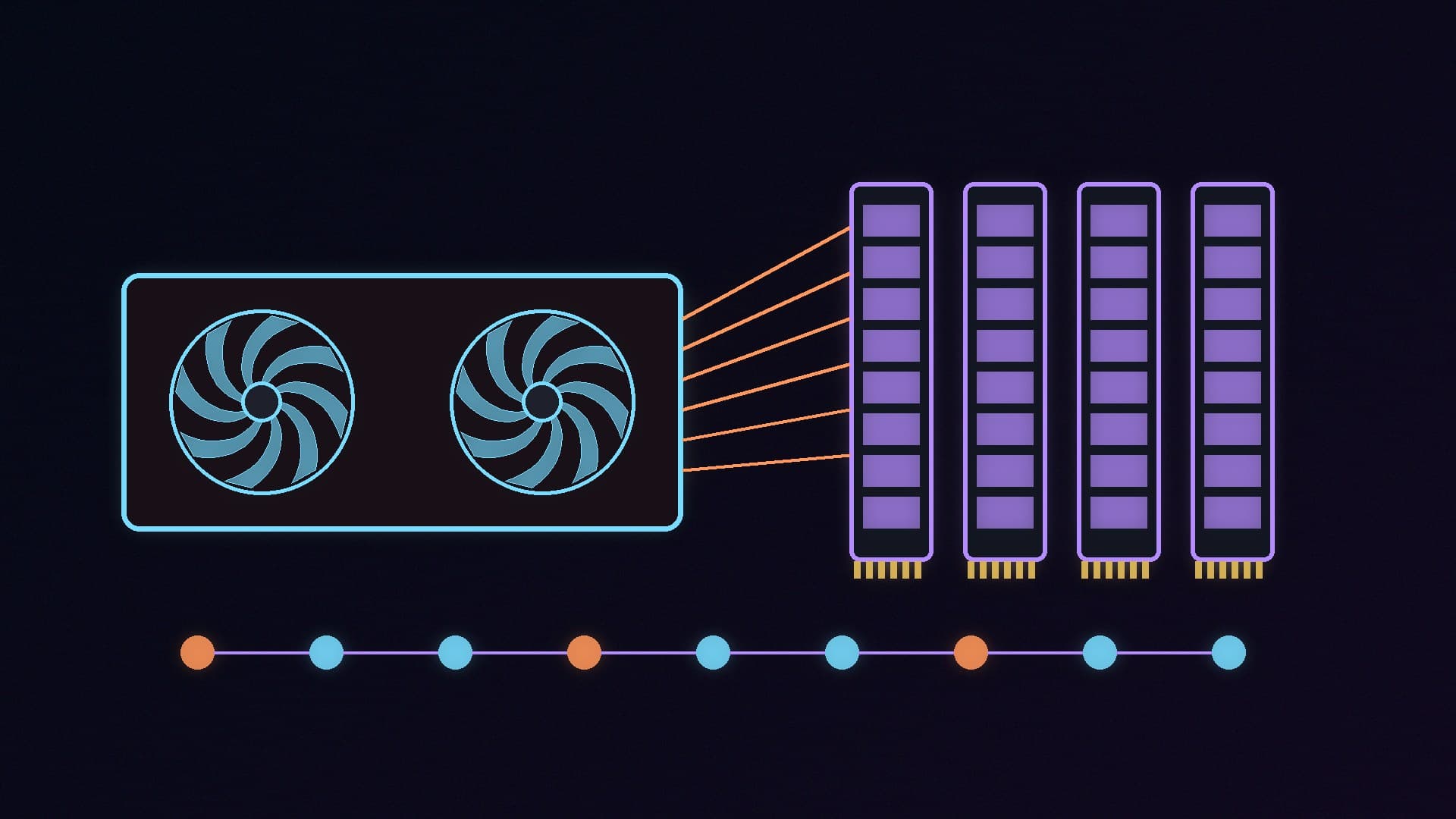
A new open-source AI engine called FreeToken is getting attention for one bold claim: that a gaming PC can run "frontier" mixture-of-experts (MoE) models with hundreds of billions of parameters at usable speeds. It does this by treating your graphics card, CPU, system memory and PCIe bus as one pool, rather than insisting the whole model fits in video memory.
Forge PC has not tested FreeToken. This story is based on the project's GitHub page and documentation and on independent coverage from IFAI, all checked on 16 November 2026. Speed figures below are the developers' and IFAI's, not ours.
What FreeToken is
According to the project page, FreeToken is an "edge-native" MoE serving engine released under the Apache 2.0 licence, and IFAI reports it comes from researchers at UC Berkeley and MIT. The code is on GitHub under FlashML-org, and there is a desktop app for Windows and Linux at flashml.ai that sets the engine up and adds a graphical interface for running models and chatting.
The trick is in how MoE models work. As we explained in our MoE vs dense models guide, an MoE model only activates a fraction of its "experts" for each token. FreeToken keeps frequently used experts cached on the GPU and decides, layer by layer, whether the rest should be computed on the CPU or streamed over PCIe to the graphics card, based on measured transfer and memory speeds. The documentation lists several strategies (fused, offload, cpu and hybrid, plus auto).
Other features the developers list:
Model support: DeepSeek-V4-Flash, Qwen3.6-35B-A3B, GLM-5.2 and other MoE models, in formats including MXFP4, NVFP4, FP8, BF16 and llama.cpp's GGUF files.
Agent support: OpenAI- and Anthropic-compatible local APIs, with a ft launch claude command to connect Claude Code, plus Codex, OpenCode and others.
Smarter caching for agents: the developers say "semantic anchor" checkpoints avoid recomputing the whole context when a coding agent edits its thinking blocks or adds tool results.
The claimed speeds, and the hardware behind them
IFAI's write-up of the project's results says a gaming PC with an RTX 5090 (32GB of video memory) and 192GB of system RAM reached 22 to 25 tokens per second on the 284-billion-parameter DeepSeek-V4-Flash. It also reports about 39.3 tokens per second for Qwen3.6 35B on an 8GB RTX 4060 laptop, and says overall decode speed is roughly 1.3x to 2.1x faster than existing local engines. We haven't been able to verify these numbers.
The important detail is the memory. IFAI says FreeToken starts at 32GB of system RAM, but models in the 284B class need 64GB to 192GB. That is a lot of memory in late 2026, when RAM prices are high (see why RAM and GPUs are so expensive). For a broader view of what local AI needs, our how much RAM for local AI guide is a good starting point.
What you need to run it
Requirement | What the documentation says |
|---|
Graphics card | Native support for NVIDIA RTX 30, 40 and 50 series |
AMD graphics | Experimental, work-in-progress support for RDNA 3 and RDNA 4 via ROCm 7.14 |
Command-line version | Linux x86_64, NVIDIA driver r580 or newer (CUDA 13), Python 3.10 or newer |
Windows | Desktop app download from flashml.ai |
Local API address | 127.0.0.1:1919 by default |
IFAI's article says CUDA 12 is needed, but the project's own install guide asks for driver r580+ and CUDA 13, so follow the official documentation.
For most Windows gamers the desktop app is the sensible route. The command-line package (uv pip install "freetoken[accel]") is aimed at Linux, and its CUDA kernels compile on first use. If you want a Linux environment on a Windows PC, our WSL2 local AI guide covers GPU setup.
Why it matters
Until now, running models with hundreds of billions of parameters at home has generally meant an expensive workstation card, a Mac with lots of unified memory, or accepting very slow CPU offloading in tools like llama.cpp and Ollama. If FreeToken's approach holds up, the bottleneck shifts from video memory to system RAM and PCIe bandwidth, which favours desktops with lots of DIMM slots and a full-speed x16 graphics slot.
There are caveats. The project is young (the GitHub repository was created in July 2026), the headline speeds come from the developers, and IFAI notes that complex agent contexts can still take tens of seconds before the first token appears.
Our verdict
FreeToken is one of the more interesting local AI projects of 2026 because it targets the hardware many enthusiasts already own: an RTX graphics card and a desktop with room for lots of RAM. But the headline 284B result relies on an RTX 5090 and 192GB of memory, the speed claims are not independently verified, and AMD support is experimental. If you have a high-end NVIDIA PC and want to try big MoE models, the Windows desktop app is the easy way in. Everyone else should stick with smaller models in Ollama or LM Studio for now. Forge PC has not tested FreeToken.