Specifications come from NVIDIA's V100 datasheet and GeForce RTX 3090 product page, and software support from Ollama's hardware documentation and NVIDIA's CUDA release notes, all checked on 24 November 2026. Both cards are only sensibly available second-hand, so condition and seller matter as much as the specs.
The GeForce RTX 3090 has long been the default used graphics card for running large language models at home, thanks to its 24GB of memory. Lately, the older NVIDIA V100 has been getting attention too: its 32GB version offers more memory, and home-lab builders are using several of them together. They're very different kinds of card, though, and the V100's extra 8GB comes with real compromises.
V100 32GB vs RTX 3090 at a glance
| NVIDIA V100 PCIe 32GB | GeForce RTX 3090 |
|---|
Type | Data-centre accelerator | Consumer graphics card |
Architecture | Volta (compute capability 7.0) | Ampere (compute capability 8.6) |
CUDA cores | 5,120 | 10,496 |
Memory | 32GB HBM2 (16GB version also exists) | 24GB GDDR6X |
Memory bandwidth / bus | 900GB/s | 384-bit bus |
Power | 250W max | 350W, 750W system PSU recommended |
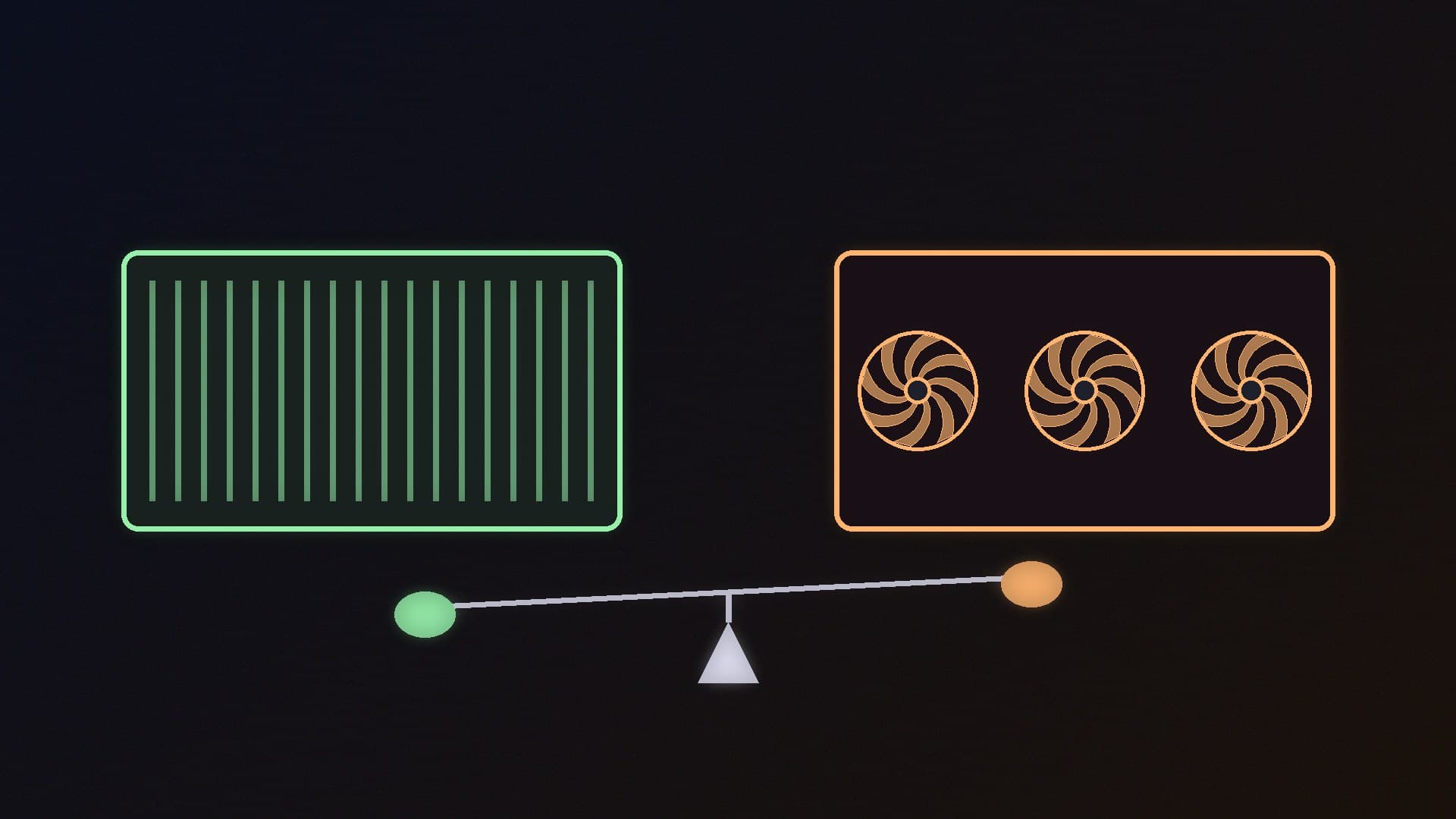
Cooling | Passive | Active (fans) on the card |
Interface | PCIe Gen3 | PCIe Gen 4 |
Ollama support (24 Nov 2026) | Listed | Listed |
V100 figures are for the PCIe version from NVIDIA's datasheet; RTX 3090 figures are from NVIDIA's product page, which doesn't list memory bandwidth on its summary specifications.
Memory: the V100's main attraction
For running language models locally, memory capacity decides which models fit on the card, and the V100 32GB has a third more than the RTX 3090. That extra 8GB can be the difference between a model and its context fitting entirely on one GPU or spilling into much slower system memory. NVIDIA's datasheet also lists the V100's HBM2 memory at 900GB/s of bandwidth, which is high for a card of its age and matters because text generation speed in local LLMs depends heavily on memory bandwidth. Our memory bandwidth explainer covers why.
Make sure you're buying the 32GB version. NVIDIA's datasheet lists the V100 PCIe in 32GB and 16GB versions, and the 16GB card has less memory than an RTX 3090.
Compute and features: the RTX 3090 is newer
The RTX 3090 has more than twice as many CUDA cores (10,496 against 5,120) and a newer Ampere architecture, with second-generation RT cores and third-generation Tensor cores listed on NVIDIA's page. For compute-heavy work such as image generation, that newer architecture is likely to count for more than it does in chat. It's also a normal graphics card: you can game on it, plug a monitor into it and use it as your only GPU.
Cooling and power: the V100 needs help
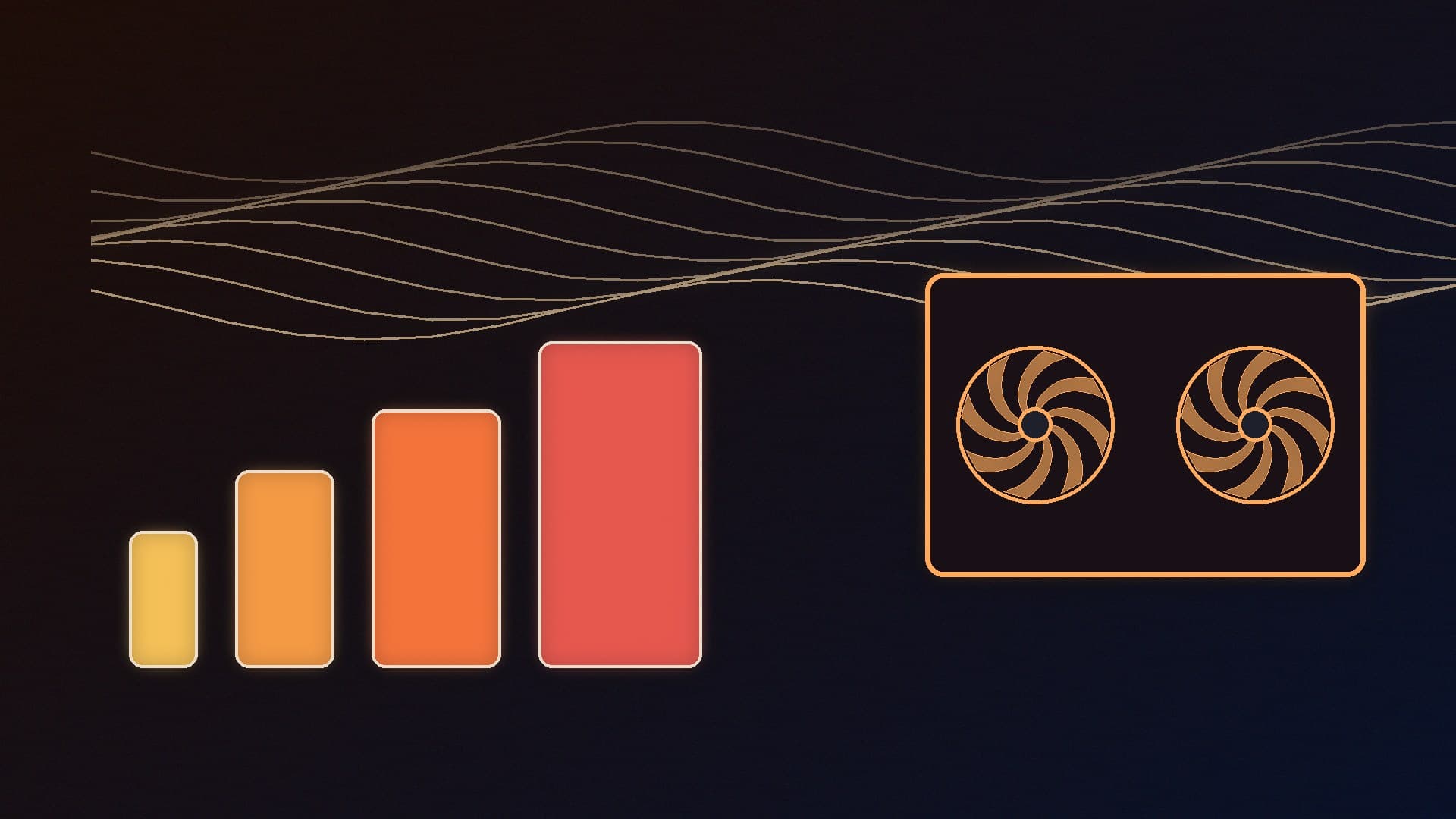
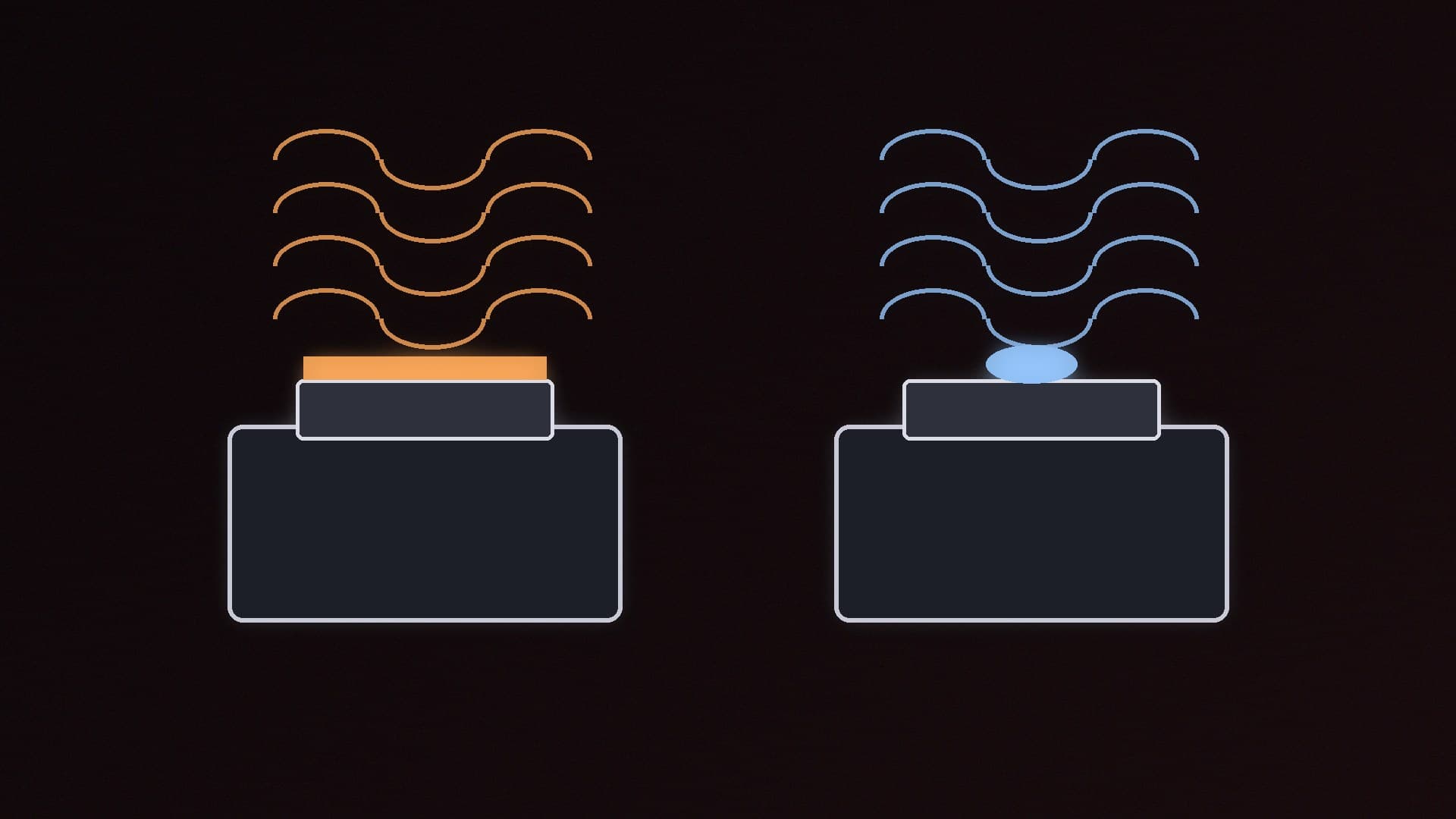
NVIDIA's datasheet lists the V100 with a passive thermal solution, meaning there are no fans on the card. As Tom's Hardware put it in its coverage of a four-V100 home build, the cards rely on chassis or other external airflow; that builder fitted each one with a 3D-printed funnel and a 140mm fan. In a normal desktop case you'll need a similar ducted-fan solution. That's the single biggest practical difference for home users. Its maximum power is a fairly modest 250W.
The RTX 3090 has its own fans and NVIDIA lists 350W of graphics card power with a 750W system power supply recommendation, so it drops into an ordinary gaming PC with a suitable PSU.
Software support: the V100 is on borrowed time
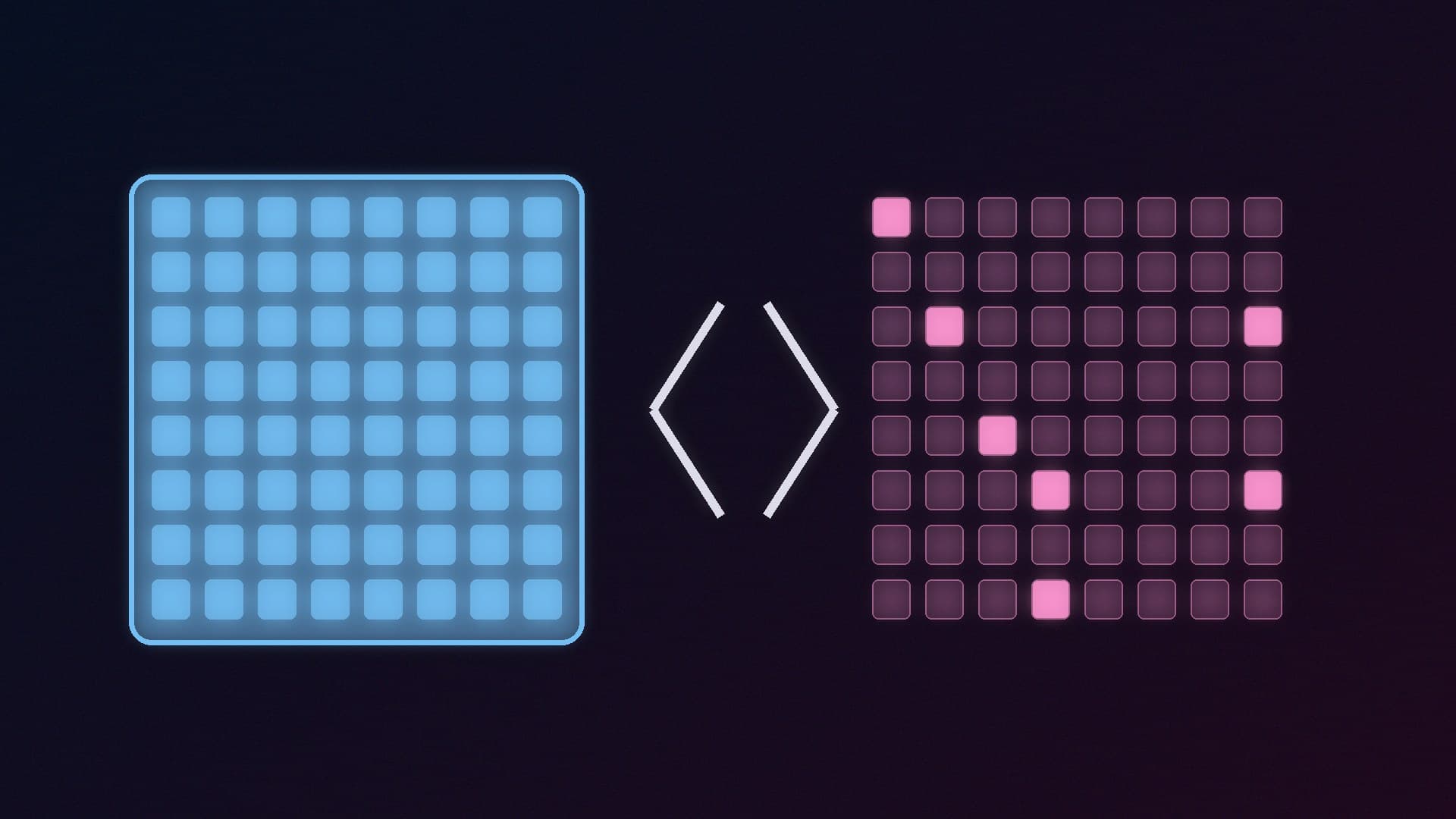
Both cards work with Ollama today: its hardware page lists compute capability 7.0 cards including the V100, and compute capability 8.6 cards including the RTX 3090. But NVIDIA's CUDA 13 release notes say several CUDA libraries have removed support for Maxwell, Pascal and Volta GPUs, the architectures before Turing. As tools move to newer CUDA versions, Volta cards such as the V100 will gradually be left behind, while the Ampere-based RTX 3090 remains supported. If you want a card that will keep working with new AI software for years, that favours the RTX 3090.
Multiple cards
The V100's appeal grows when you use several. One home-lab builder, reported by Tom's Hardware in November 2026, connected four 32GB V100s to a Lenovo mini PC through external docks for 128GB of VRAM, though it took replacement firmware and a solder bridge to make it work. Running several cards brings its own costs in power, cooling and PCIe lanes; our guide to running a local LLM on two GPUs covers the basics.
Which should you buy?
Choose the V100 32GB if: you're comfortable with home-lab tinkering, can cool a passive card properly, need the most VRAM per card at used prices, and accept that new software will drop support for Volta over time.
Choose the RTX 3090 if: you want a card that works in a normal PC, doubles as a gaming GPU, has more compute for image generation, and keeps full support in current CUDA releases. Our RTX 3090 vs RTX 4090 for local AI comparison and our used GPU buying guide will help you buy one safely.
Our verdict
For most people building a local AI PC, the RTX 3090 is the better buy. It has less memory than a 32GB V100, but it's a complete graphics card with its own cooling, a newer architecture and a longer software future. The V100 32GB is an interesting option for experienced home-lab builders who need more VRAM per card and can handle passive cooling, but NVIDIA is already removing Volta support from CUDA libraries, so buy one with your eyes open.