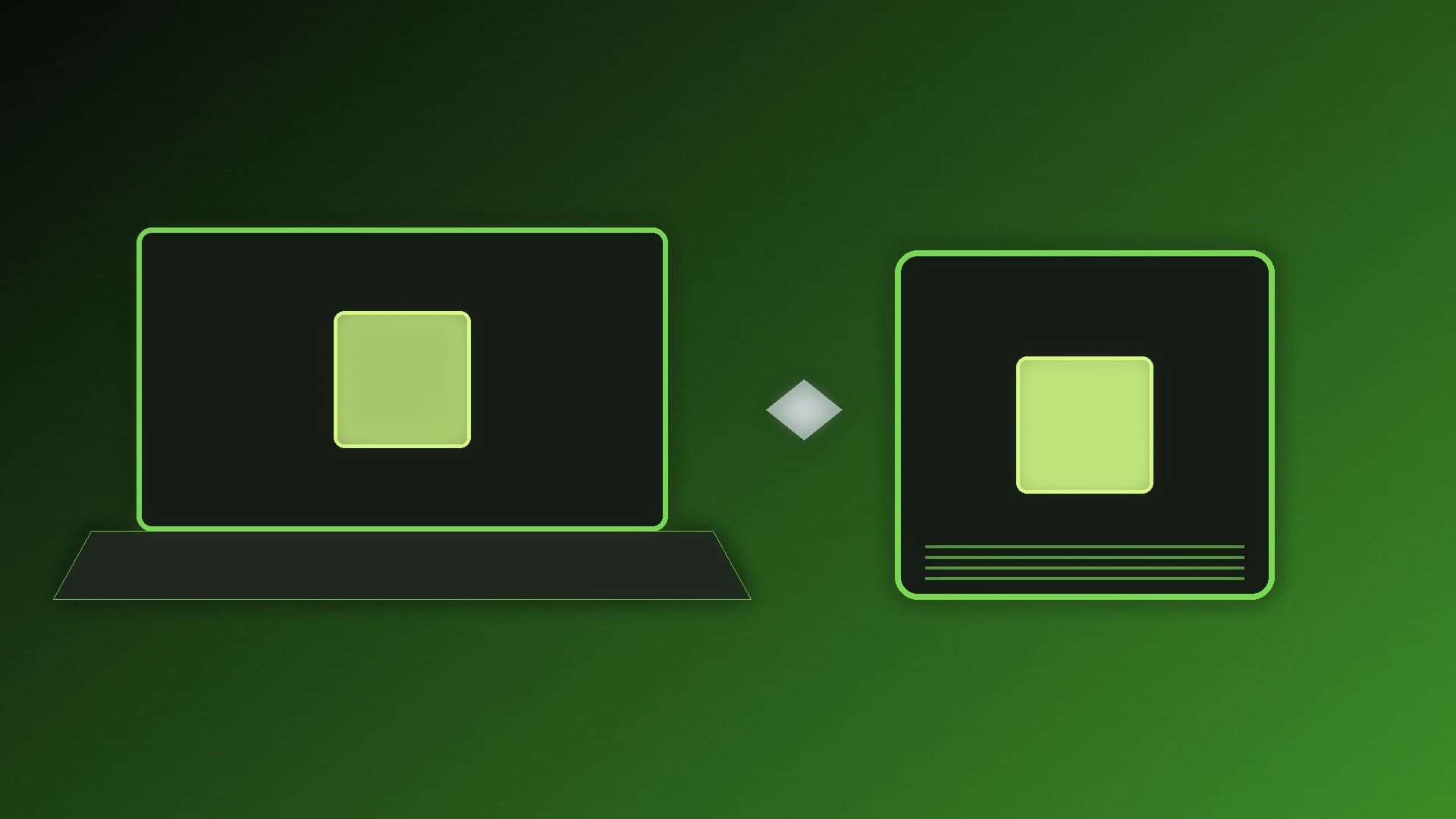
NVIDIA's RTX Spark superchip now comes in two kinds of Windows PC: slim laptops and compact desktops. Both put a Grace CPU and a Blackwell RTX GPU on one chip with shared memory, and both are pitched at running AI models and agents locally. But they aren't identical, and the differences matter if you're choosing one for local AI.
This comparison is based on NVIDIA's RTX Spark product page and specifications and NVIDIA's announcement of the compact desktops, read on 27 November 2026. It compares specifications, not measured speed.
The specifications side by side
NVIDIA's specification table lists two laptop configurations and one desktop configuration:
| RTX Spark laptop (top configuration) | RTX Spark laptop (lower configuration) | RTX Spark compact desktop |
|---|
GPU | 6,144-core Blackwell RTX GPU | 5,120-core Blackwell RTX GPU | 6,144-core Blackwell RTX GPU |
CPU | 20-core Grace CPU | 18-core Grace CPU | 20-core Grace CPU |
Power (TDP) | 45-80W | 45-80W | 140W |
Memory | Up to 128GB LPDDR5X, unified | Up to 64GB LPDDR5X, unified | Up to 128GB LPDDR5X, unified |
Tensor cores | Fifth generation | Fifth generation | Fifth generation |
Video engines | 1x ninth-gen encoder, 1x sixth-gen decoder | 1x ninth-gen encoder, 1x sixth-gen decoder | 1x ninth-gen encoder, 1x sixth-gen decoder |
Operating system | Windows 11 | Windows 11 | Windows 11 |
NVIDIA's headline figures for the platform are up to 1 petaflop of FP4 AI performance and up to 128GB of unified memory. Those are "up to" figures. NVIDIA's specification table doesn't give separate AI performance figures for each configuration, and it doesn't list memory bandwidth.
Difference 1: power budget
The biggest specification difference between the top laptop configuration and the desktop is power. NVIDIA lists the same 6,144-core GPU and 20-core CPU for both, but a TDP of 45-80W in laptops and 140W in the compact desktops.
NVIDIA doesn't say how much faster the desktop is in practice, and we haven't tested it, so we can't give you a percentage. What the numbers do tell you is that the desktop chip has a much larger power budget to work with. The laptop figure is a 45-80W range rather than a single number, so power, and likely performance, may differ between laptop models. Check independent reviews of the specific laptop you're considering. Our guide to calculating local AI electricity costs is worth reading if you plan to leave either running for long periods.
Difference 2: memory configurations
For local AI, memory capacity matters more than almost anything else, because the whole model needs to fit. NVIDIA says up to 128GB of unified memory lets RTX Spark run models of up to 120 billion parameters.
Here the laptops have a catch. The lower laptop configuration, with the 5,120-core GPU and 18-core CPU, tops out at 64GB. Only the top configuration offers up to 128GB. NVIDIA's specification table lists just one desktop configuration, with up to 128GB.
Note that "up to" is the maximum. Individual laptops and desktops ship with specific amounts of memory, so check the exact specification before you buy. Our guides on how much RAM you need for local AI and unified memory vs VRAM explain how much memory different model sizes need.
Difference 3: what NVIDIA designed each one for
NVIDIA's product page pitches the two quite differently: "Slim laptops that last all day. Compact desktops that run agents around the clock."
In its announcement of the desktops on 18 November 2026, NVIDIA said a dedicated desktop "can keep agents and scheduled tasks running while a laptop travels or handles other work", and described the ASUS ProArt GR1X as built to run personal AI agents 24/7. NVIDIA also says the desktops have 10-gigabit Ethernet for moving large datasets, model files and creative assets to and from networked storage. That's useful if you keep a library of large models on a NAS.
The laptops are pitched on battery life and portability, with NVIDIA calling RTX Spark "the most power-efficient RTX chip ever made". NVIDIA's product page lists laptops including the ASUS ProArt P16, Dell XPS 16, HP OmniBook Ultra 16, Lenovo Pro 9n, Microsoft Surface Laptop Ultra and MSI Prestige N16 Flip AI+.
What's the same
On software, the two are the same platform. NVIDIA says CUDA runs natively on RTX Spark, that it supports Linux development tools through Windows Subsystem for Linux, and that developers can fine-tune supported models with Unsloth and set up agents with tools such as Hermes Agent. Both run Windows 11, so the same Windows on Arm app considerations apply to both.
NVIDIA quotes up to 1 petaflop of FP4 AI performance both for the RTX Spark platform and for the compact desktops. If you're comparing that with graphics cards, our FP4 vs FP8 vs FP16 explainer explains why low-precision figures aren't directly comparable.
Which should you buy?
Choose an RTX Spark laptop if: - You need one machine you can carry, and local AI is one of several things you'll do on it. - You choose the top configuration with as much memory as possible, ideally 128GB, if you want to run large models.
Choose an RTX Spark compact desktop if: - You want a machine to run AI agents and scheduled jobs around the clock, which is exactly how NVIDIA pitches it. - You want the higher 140W power budget and 10-gigabit Ethernet for model storage on your network. - You already have a laptop for travelling.
Consider neither if you mainly want the fastest local AI for the money and don't need Windows on Arm. Our comparisons of RTX Spark vs DGX Spark and RTX Spark vs Ryzen AI Max+ 395 cover the alternatives, and our best laptops for local AI and best mini PCs for local AI guides cover the wider market. For the desktops themselves, see our news on RTX Spark desktops in the UK.
Our verdict
On paper, the top RTX Spark laptop configuration and the RTX Spark compact desktop use the same chip: a 6,144-core Blackwell GPU, a 20-core Grace CPU and up to 128GB of unified memory. The differences are power and purpose. NVIDIA rates the desktop at 140W against 45-80W for laptops, adds 10-gigabit Ethernet, and pitches it for running agents around the clock. Buy a laptop if you need portability, but make sure it's the top configuration with enough memory, because the lower laptop configuration tops out at 64GB. Buy a desktop if you want a dedicated, always-on local AI machine and already have a laptop for travel.