It's one of the most common questions when building a PC: should the power supply's fan face up into the case or down through the bottom? The good news is that power supply makers broadly agree, and the answer depends on your case. This comparison is based on official guidance from Corsair and Seasonic.
The short answer
Your case | Fan orientation | Why |
|---|
Bottom-mounted PSU with a vent (ideally filtered) underneath | Fan down | Draws cooler air from outside the case |
Bottom-mounted PSU with no vent, or a blocked vent | Fan up | Needs to draw air from inside the case |
Top-mounted PSU | Fan towards a vent if there is one; otherwise into the case | Same airflow rule |
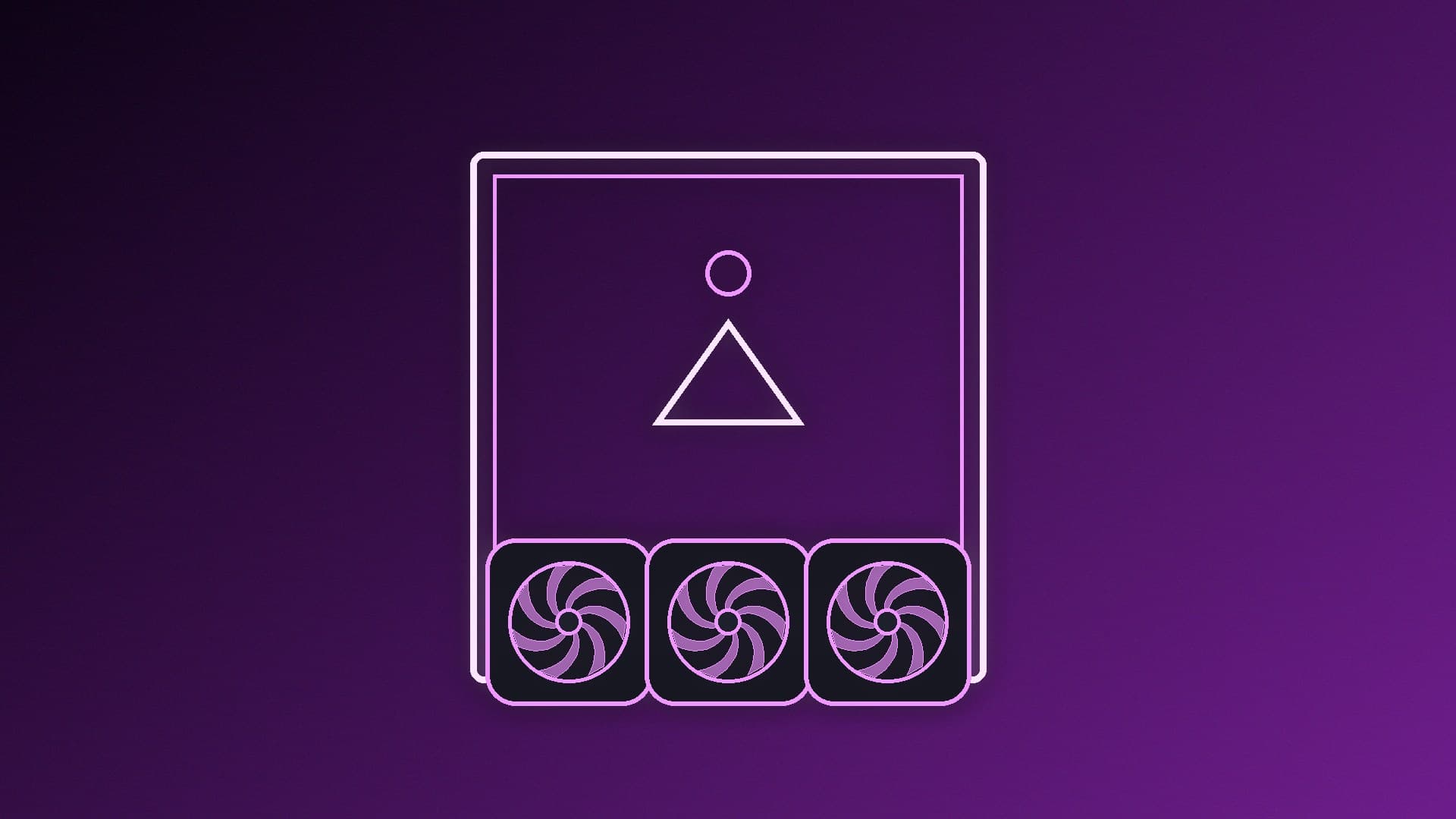
Sideways mount (some dual-chamber cases) | Fan facing the side panel vent | Corsair's guidance |
Fanless PSU | Ventilation cover facing up (with space) | Hot air rises; Seasonic's guidance |
Why fan down is usually best
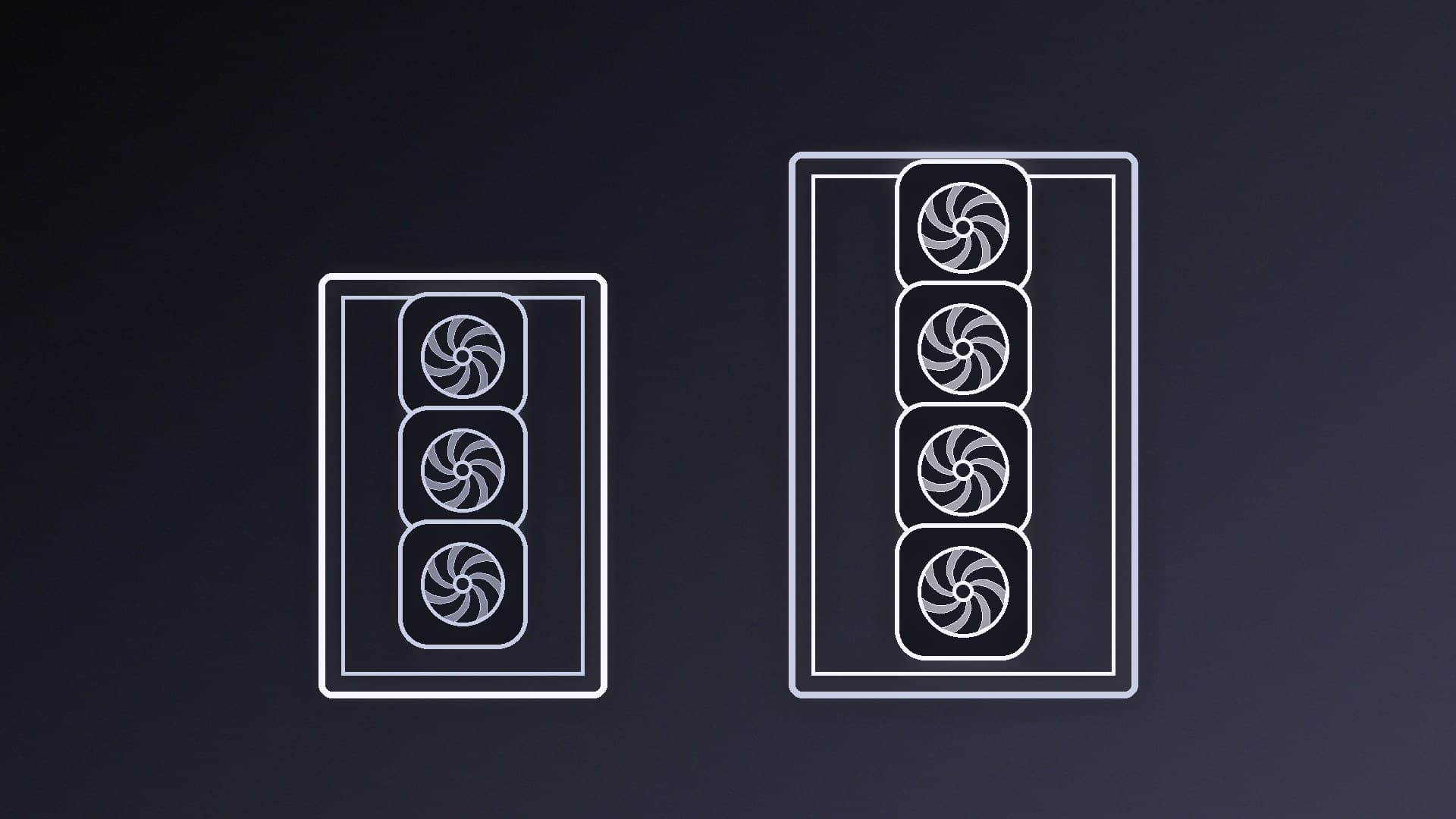
Corsair's guide sums it up as "fan down if there's space for airflow, fan up if not." Most mid-tower and full-tower cases mount the PSU at the bottom with an opening underneath. With the fan facing down, Corsair says the PSU draws fresh air from outside the case, cools itself and exhausts it out of the back, separately from the airflow for the rest of your components.
Seasonic gives the same advice: if your case has ventilation holes and a dust filter on the bottom, mount the PSU with its fan facing down, so cooler outside air helps the PSU run at its best efficiency.
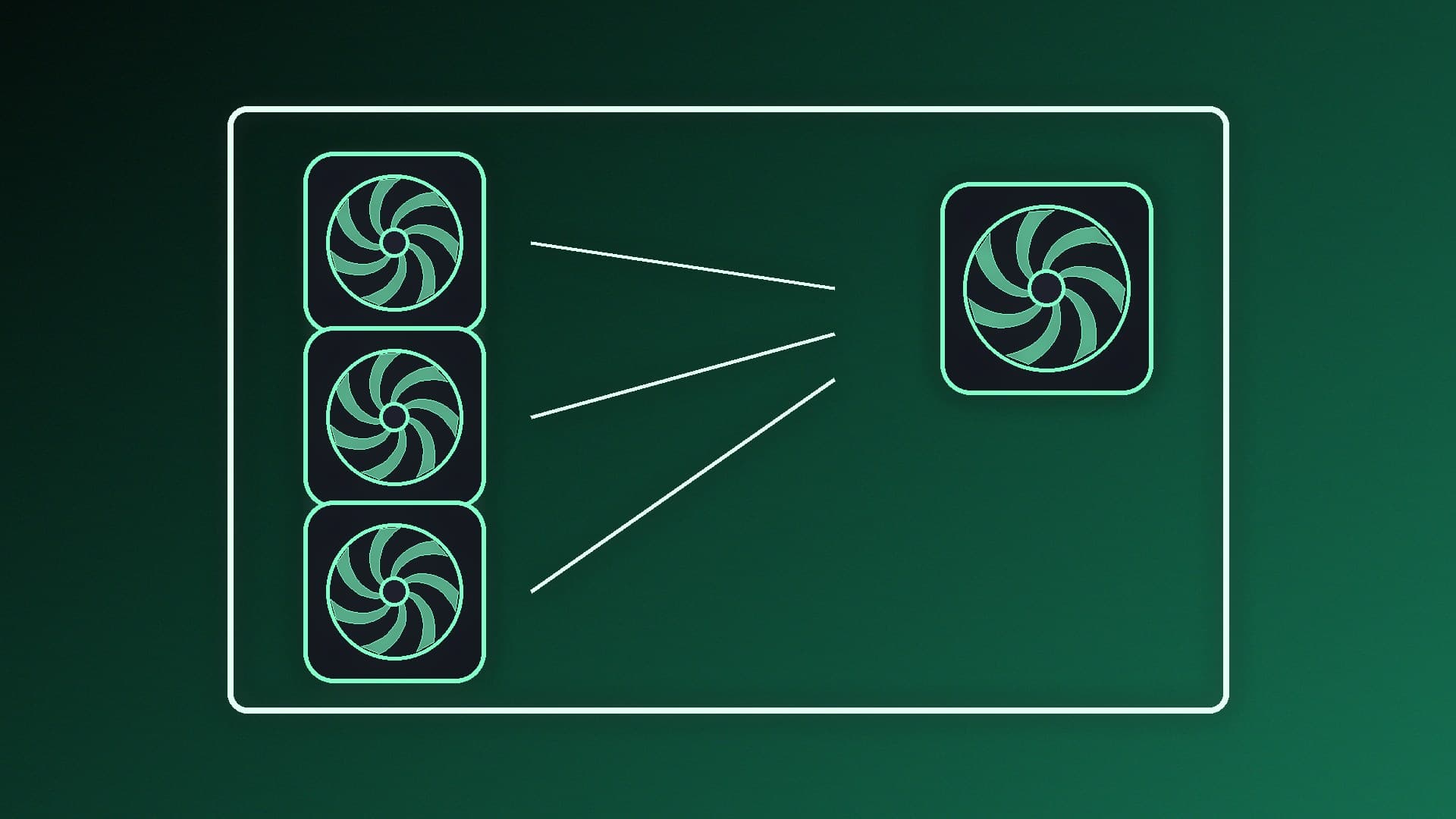
In other words, as Corsair describes it, the PSU's cooling becomes a closed system that's separate from the airflow for your other components.
When to mount it fan up
If there's no opening beneath the PSU, Corsair says to mount it fan up. It will draw warmer air from inside the case, but as Corsair puts it, warm air is better than no air, and PSUs don't usually get that hot. Seasonic says the same: in a case without bottom vents, the PSU draws in air from inside the case and exhausts it out of the back.
Corsair's RM1000x FAQ makes the same point: fan up works if the bottom vent is blocked. Corsair's PSU builders' guide adds that if your home is very dusty (it mentions shedding pets), fan up is still fine as long as the case has good airflow.
Keep the filter clean
A fan-down PSU is only as good as the air it can reach. Most cases have a removable filter under the PSU, which Corsair says keeps out dust. Clean it regularly so the PSU can breathe. Our how to clean dust out of your PC guide covers the rest of the case.
The exceptions
Semi-passive (hybrid fan) PSUs. Seasonic's guidance for its hybrid fan mode in a bottom-mount case is to mount the PSU with its ventilation (fan-side) cover facing up towards the motherboard, because the PSU spends most of its time with the fan stopped and hot air rises. That differs from its advice for normal fan mode, so check your PSU's manual.
Fanless PSUs. Seasonic says its fanless units must be mounted with the ventilation cover facing up so hot air can rise; in a top mount, only if there's at least 5cm of space above it or a honeycomb vent.
Top-mounted PSUs. Seasonic recommends fan down (into the case) for top-mount cases, or fan up only with at least 5cm of clearance. Corsair says to face the fan towards any vent leading outside.
Sideways mounts. In dual-chamber cases that mount the PSU sideways, Corsair says to face the fan outwards towards the side panel, not towards the motherboard tray. Our dual-chamber vs standard case comparison covers these designs.
Small form factor cases often allow only one orientation and may need an SFX unit; see SFX vs ATX power supplies.
How it fits with case airflow
The PSU's airflow is mostly separate from the rest of the case when mounted fan down. If you're planning fans for the rest of the system, see how to set up case fan airflow and positive vs negative air pressure. If you're still choosing a power supply, our how to choose a PSU guide is the place to start.
Our verdict
Mount your PSU fan down if your case has a vent (ideally filtered) underneath it, which is true of most modern cases; Corsair and Seasonic both recommend it. If there's no vent, or it's blocked, mount it fan up: it will still be cooled properly. Fanless and hybrid-fan PSUs, top mounts and sideways mounts have their own rules, so check the manual for those.