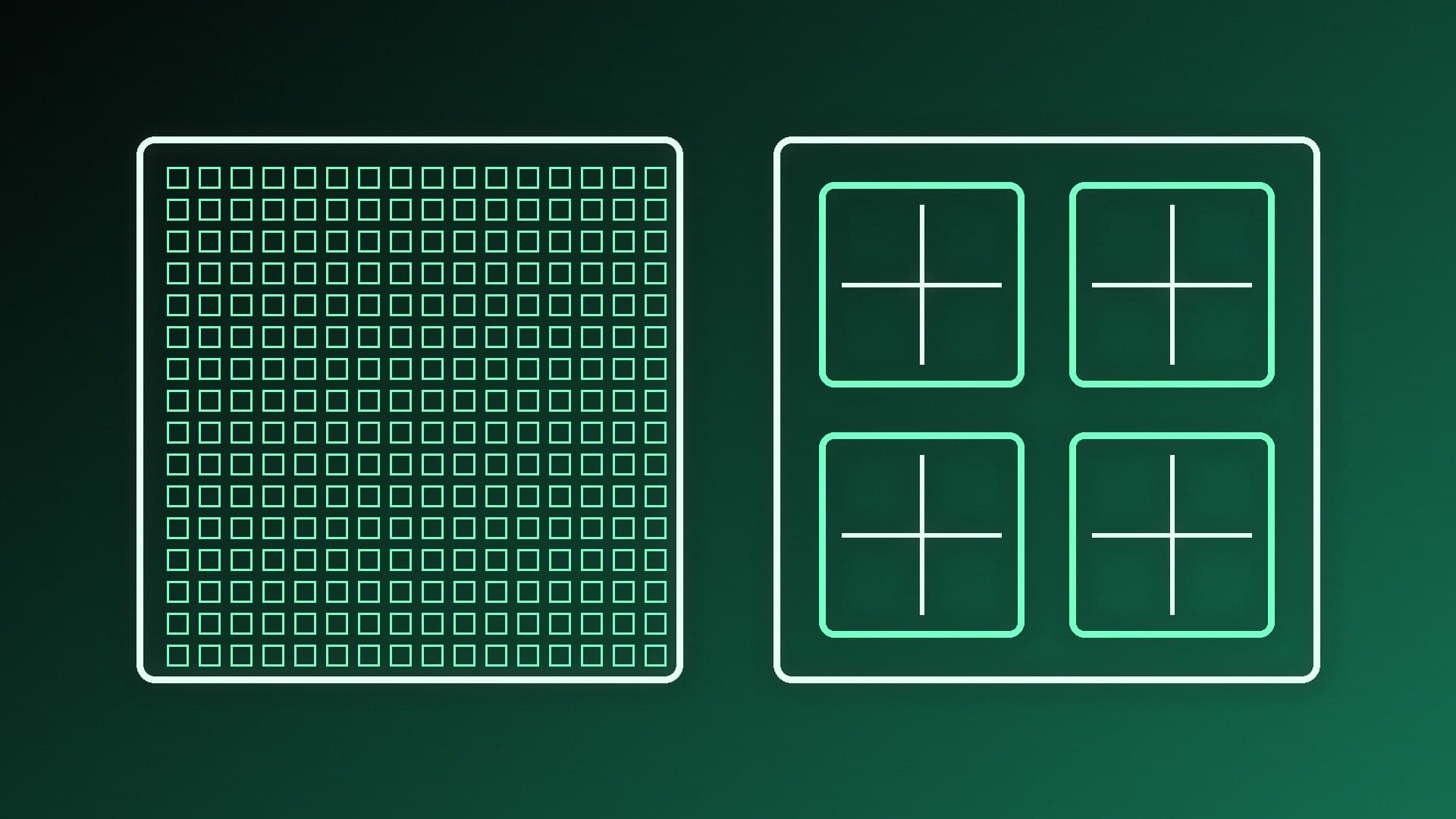
Data-centre AI accelerators use HBM. GeForce and Radeon gaming cards use GDDR memory. If you're reading AI hardware news, the difference matters because memory bandwidth and capacity often limit AI performance more than raw compute. This explainer compares the two using the memory makers' and GPU makers' own figures.
The short version
| HBM (HBM3E, HBM4) | GDDR7 |
|---|
Design | DRAM dies stacked vertically and linked with through-silicon vias | Individual graphics memory chips placed on the card around the GPU |
Interface | Very wide (Samsung lists 2,048 I/O pins for HBM4) | Per-chip connections using PAM3 signalling |
Where you find it | AI and HPC accelerators, such as AMD Instinct MI355X | Consumer graphics cards, such as GeForce RTX 50 Series |
Example | AMD Instinct MI355X: 288GB HBM3E, 8TB/s | GeForce RTX 5090: 32GB GDDR7 on a 512-bit interface |
How HBM works
Micron describes high-bandwidth memory as a 3D-stacked DRAM architecture: instead of laying chips flat on a circuit board, HBM stacks multiple DRAM dies vertically on an optional base die, linked by thousands of through-silicon vias (TSVs) and microbumps. That creates an ultra-wide interface with very high throughput in a small footprint.
The per-stack numbers are large:
HBM3E: Micron quotes more than 1.2TB/s per stack; Samsung quotes up to 1,180GB/s per stack and up to 9.2Gb/s per pin.
HBM4: Micron quotes more than 2.8TB/s per stack and says it is in high-volume production of 36GB 12-high HBM4. Samsung quotes up to 3,300GB/s for its HBM4, from 2,048 I/O pins.
HBM4E: Samsung says its HBM4E reaches up to 64GB and 4TB/s in a single 16-high stack.
Accelerators use several stacks, which is how AMD's Instinct MI355X reaches 288GB of HBM3E and 8TB/s of peak memory bandwidth on AMD's spec sheet.
How GDDR7 works
GDDR7 is the current generation of graphics memory. Samsung says it is the first DRAM to use PAM3 signalling (three signal levels), which improves bit-level efficiency, and that its GDDR7 achieves up to 25% higher I/O speed per pin than the previous generation. Each chip connects to the GPU separately, and the card's total bandwidth depends on the number of chips and the bus width. NVIDIA lists the GeForce RTX 5090 with 32GB of GDDR7 on a 512-bit memory interface.
For the consumer side in more detail, see our GDDR7 vs GDDR6 comparison.
Why gaming cards don't use HBM
Micron calls HBM4 the most complex memory design ever made, and Samsung and Micron both pitch HBM at AI training and HPC. In our view, that complexity and the demand from data-centre AI customers are why HBM is reserved for high-end accelerators, while GDDR7 gives consumer cards high bandwidth at a scale that suits gaming products.
What it means if you run AI at home
For local AI, the two questions are still how much memory you have and how fast it is. A home PC will use GDDR7 (or older GDDR) VRAM, unified memory on some systems, or both. Our guides cover how much VRAM you need, unified memory vs VRAM and the best GPUs for local LLMs. For how compute figures are quoted, see TOPS vs TFLOPS.
Our verdict
HBM and GDDR7 solve the same problem in different ways. HBM stacks DRAM dies with through-silicon vias to create a very wide, very fast interface, reaching over 1TB/s per stack for HBM3E and around 3TB/s for HBM4 on maker figures, which is why it sits in AI accelerators like the AMD Instinct MI355X. GDDR7 uses faster per-pin PAM3 signalling on individual chips, which suits consumer graphics cards like the GeForce RTX 5090. For a home AI PC, GDDR7 VRAM capacity is the spec to focus on.