Focusrite's Scarlett Solo and Scarlett 2i2 are two compact USB interfaces from its Scarlett 4th Gen range, aimed at anyone moving to an XLR microphone. Both are 4th Gen models with the same conversion, USB connection and Loopback feature, so the choice comes down to inputs, gain and a couple of automatic level features.
Specs compared
| Scarlett Solo 4th Gen | Scarlett 2i2 4th Gen |
|---|
Mic preamps | 1 | 2 |
Instrument inputs | 1 | 2 |
Line inputs | 1 | 2 |
Phantom power | Yes | Yes |
Mic gain range | 57dB | 69dB |
Mic dynamic range (A-weighted) | 113dB | 116dB |
Mic max input level | 9.5dBu | 16dBu |
Auto Gain / Clip Safe | Not listed | Yes / Yes |
Air mode | Yes | Yes |
Line outputs / headphone outputs | 2 / 1 | 2 / 1 |
Loopback | Yes | Yes |
Conversion | 24-bit/192kHz | 24-bit/192kHz |
Connection | USB-C, USB 2.0 protocol | USB-C, USB 2.0 protocol |
Bus power | Yes (900mA) | Yes (900mA) |
Size (W x D x H) | 143 x 96 x 46.5mm | 180 x 117 x 47.5mm |
Weight | 0.382kg | 0.595kg |
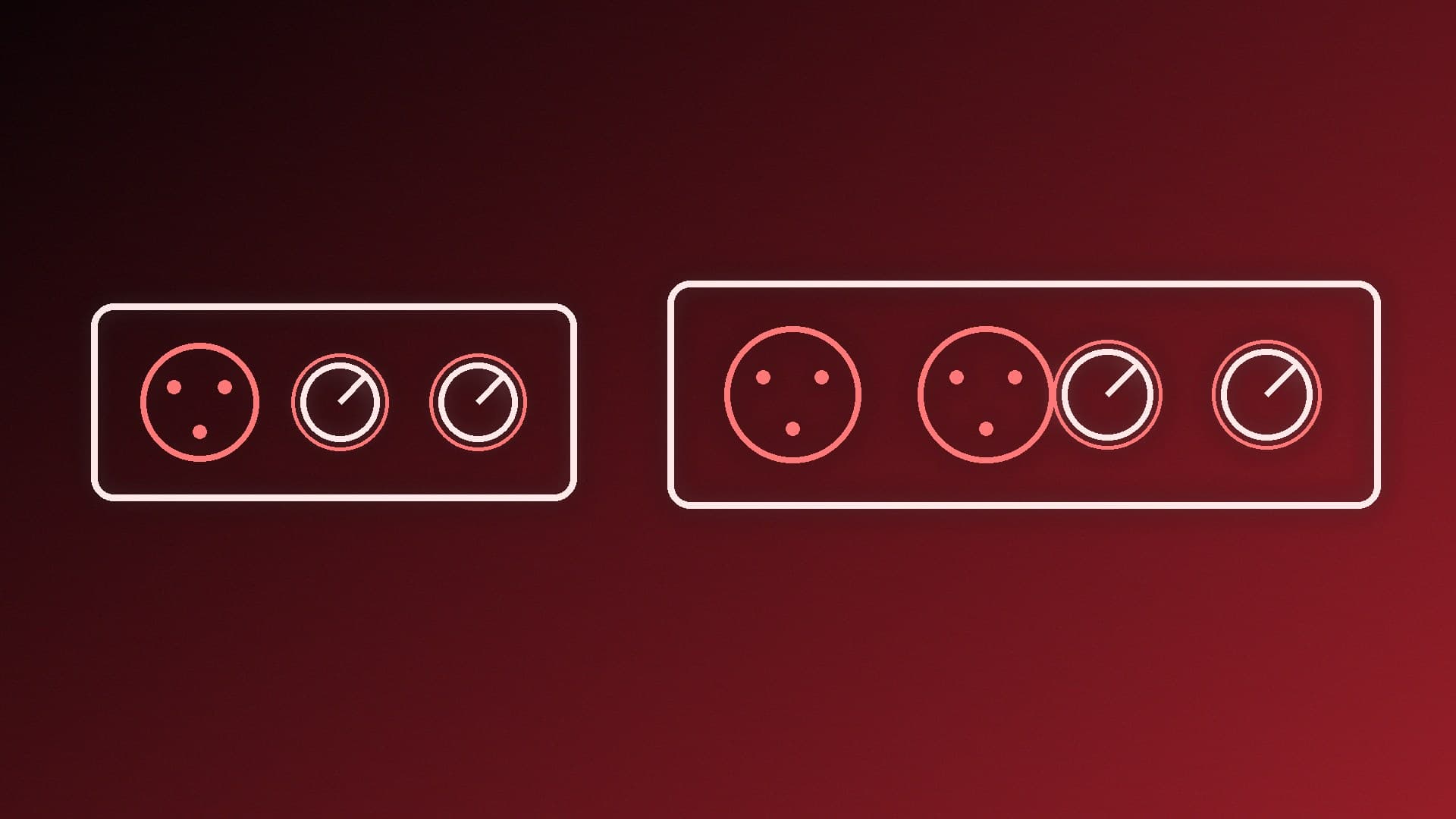
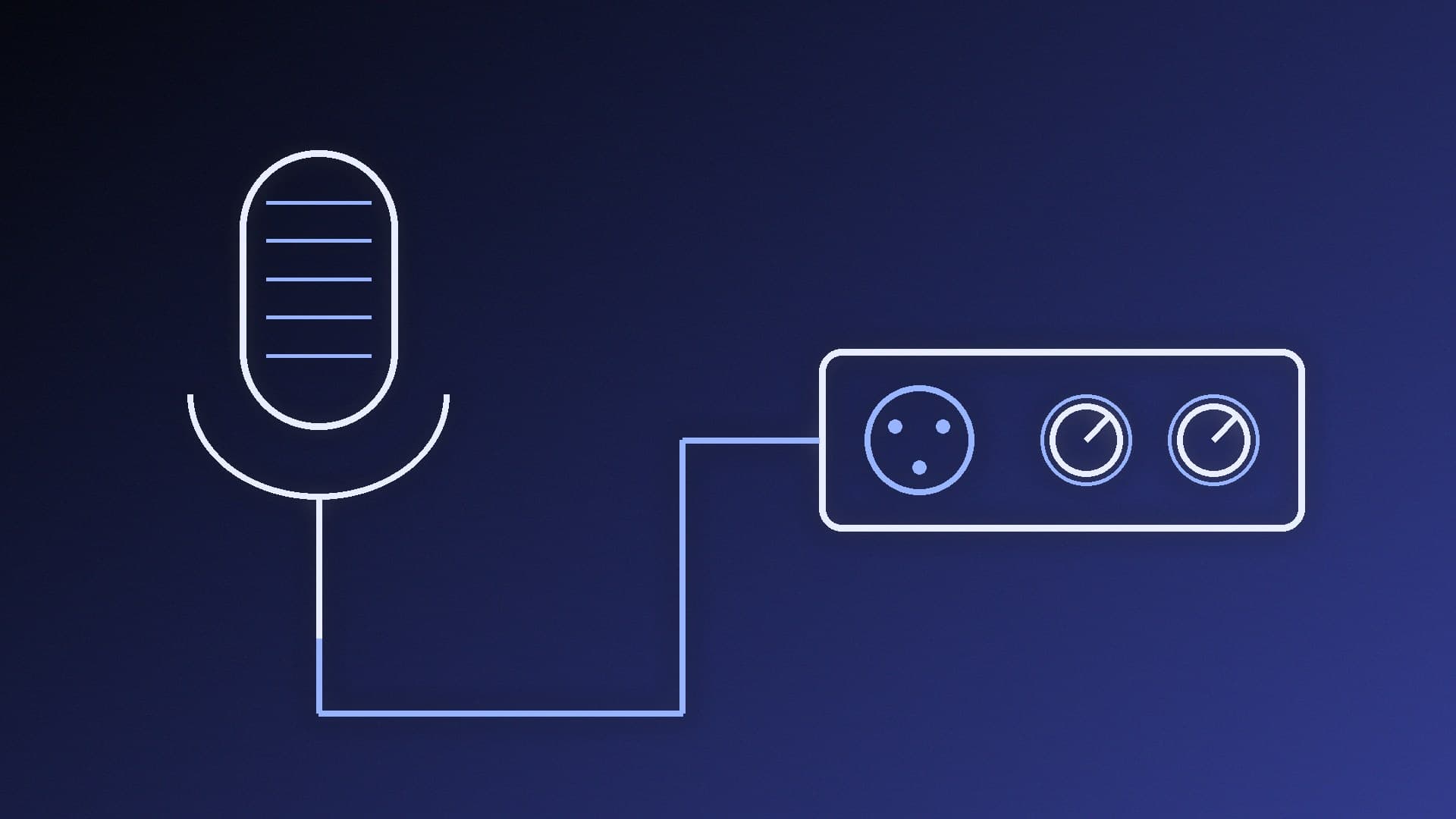
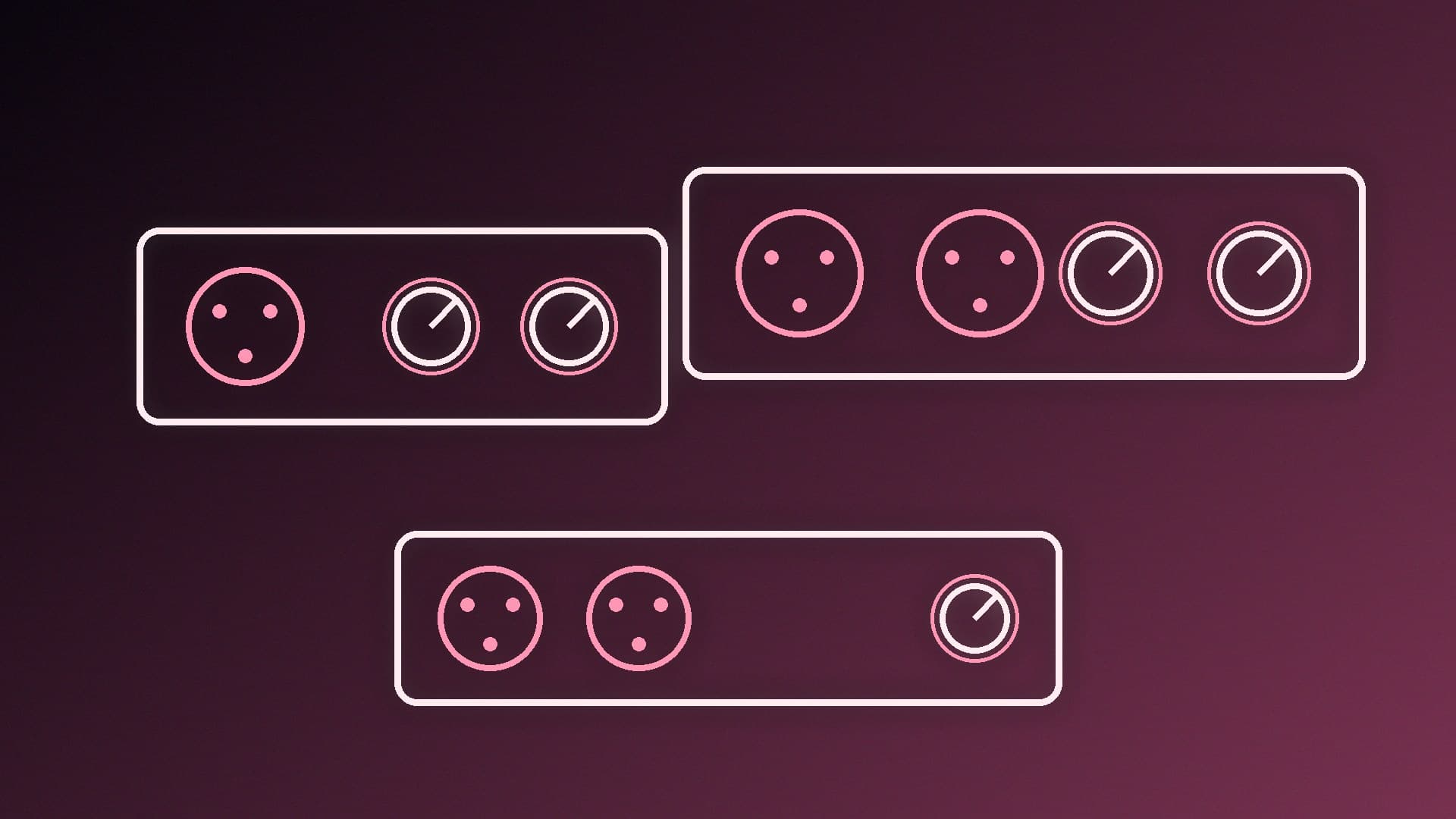
This is the main difference. The Solo has one mic preamp plus a separate instrument input, so you can run a single XLR mic and a guitar at the same time. The 2i2 has two mic preamps, plus two instrument and two line inputs, so it can take two XLR microphones: you and a guest, a co-host, or a mic and a second source.
If you stream alone and only ever use one microphone, the second preamp on the 2i2 will sit unused.
Gain and level setting
Focusrite lists a 57dB gain range for the Solo and 69dB for the 2i2, and says the 2i2's range is there to get the best from every microphone. If you plan to use a low-output mic, check its maker's sensitivity figure and recommended gain before you buy.
The 2i2 also has Auto Gain, which sets your level for you, and Clip Safe, which Focusrite says automatically adjusts gain if you're in danger of clipping. Those aren't in the Solo's specification list. The Solo instead relies on manual gain with Focusrite's Gain Halos, coloured rings that show when your level is in the green or in the red. In our view, Clip Safe is the more useful extra for a streamer who gets loud during a game.
What's the same
Both interfaces share 24-bit/192kHz conversion, a USB-C connector using the USB 2.0 protocol, bus power, Focusrite's Air mode and Loopback. Loopback lets you bring audio playing on your computer back in as an input, which is useful for capturing system audio alongside your voice. Both have two line outputs for speakers and one headphone output, and both are managed with Focusrite Control 2 on Windows and macOS.
Neither needs a mains adapter, but Focusrite lists 900mA bus power for both, so use a USB port that can supply it. If you're unsure what your ports are, see our guide to USB 3.2 Gen 1 vs Gen 2 vs Gen 2x2.
Size
The Solo is the smaller box at 143mm wide and 382g. The 2i2 is 180mm wide and 595g. Both are small enough for a desk, but the Solo is easier to tuck beside a keyboard.
Which should you buy?
Buy the Scarlett Solo if you stream or record on your own with one XLR mic and want the simplest, smallest box.
Buy the Scarlett 2i2 if you need two mic inputs, want Auto Gain and Clip Safe, or want more gain headroom for a low-output mic.
For other options, including interfaces from Elgato, SSL and Universal Audio, see our audio interface buying guide published alongside this comparison. If you haven't chosen a mic yet, our best microphones for streaming guide and USB vs XLR microphone comparison will help.
Our verdict
The Scarlett Solo 4th Gen is our pick for solo streamers with one XLR microphone: it covers the essentials, including Loopback and 24-bit/192kHz conversion, in a smaller box. The Scarlett 2i2 4th Gen is the better buy if you need two mic inputs, want Auto Gain and Clip Safe to manage levels for you, or need its wider 69dB gain range for a low-output mic.