Everything below comes from each project's official documentation, README files and GitHub release pages, all checked on 25 November 2026.
Duplicate files are one of the easiest ways to waste space on an SSD: the same photos copied from three phones, a music library imported twice, or a Downloads folder full of installers you've grabbed more than once. Two free, open-source apps come up again and again for finding them: Czkawka (Polish for "hiccup"), which now has a newer front end called Krokiet, and dupeGuru. Both are free, both run on Windows, and both can find more than exact copies. They're very different in age and approach, though.
The name change you need to know about
If you go looking for Czkawka in 2026, you'll find that its developer now recommends Krokiet instead. The project's README says the older GTK-based Czkawka app has been superseded by Krokiet, that Czkawka GTK version 12.0 is the last released version, and that new and existing users are encouraged to switch. Krokiet is a new interface built with the Slint framework on top of the same Czkawka core, so it's the same engine with a new face. There's also a command-line version (Czkawka CLI) and an Android app called Cedinia.
In this comparison, "Czkawka" means the project as a whole, and Krokiet is the app we'd point Windows users to.
At a glance
| Czkawka / Krokiet | dupeGuru |
|---|
Latest release (GitHub) | 12.0.2, 9 September 2026 | 4.3.1, July 2022 |
Active development | Krokiet: yes (Czkawka GTK: no new releases) | Marked as not in active development in Czkawka's comparison table |
Written in | Rust | Python (Qt 5 interface on Windows) |
Platforms | Windows, Linux, macOS, FreeBSD; Android via Cedinia | Windows, Linux, macOS |
Licence | Krokiet: GPL-3.0; Czkawka GTK and CLI: MIT | GPL-3.0 |
Exact duplicates | Yes (hash, name or size) | Yes (contents, filename or folders) |
Similar images | Yes | Yes (Picture mode) |
Music duplicates | Yes (tags or audio content) | Yes (Music mode, tags) |
Similar videos | Yes (needs FFmpeg) | No |
Other clean-up tools | Empty folders and files, big files, temporary files, broken files, bad extensions, bad names, invalid symlinks, Exif remover, video optimiser | No |
Protect a folder from deletion | Reference paths | Reference folder state |
Send to Recycle Bin | Yes (Trash) | Yes (Send Marked to Recycle bin) |
How each one finds duplicates
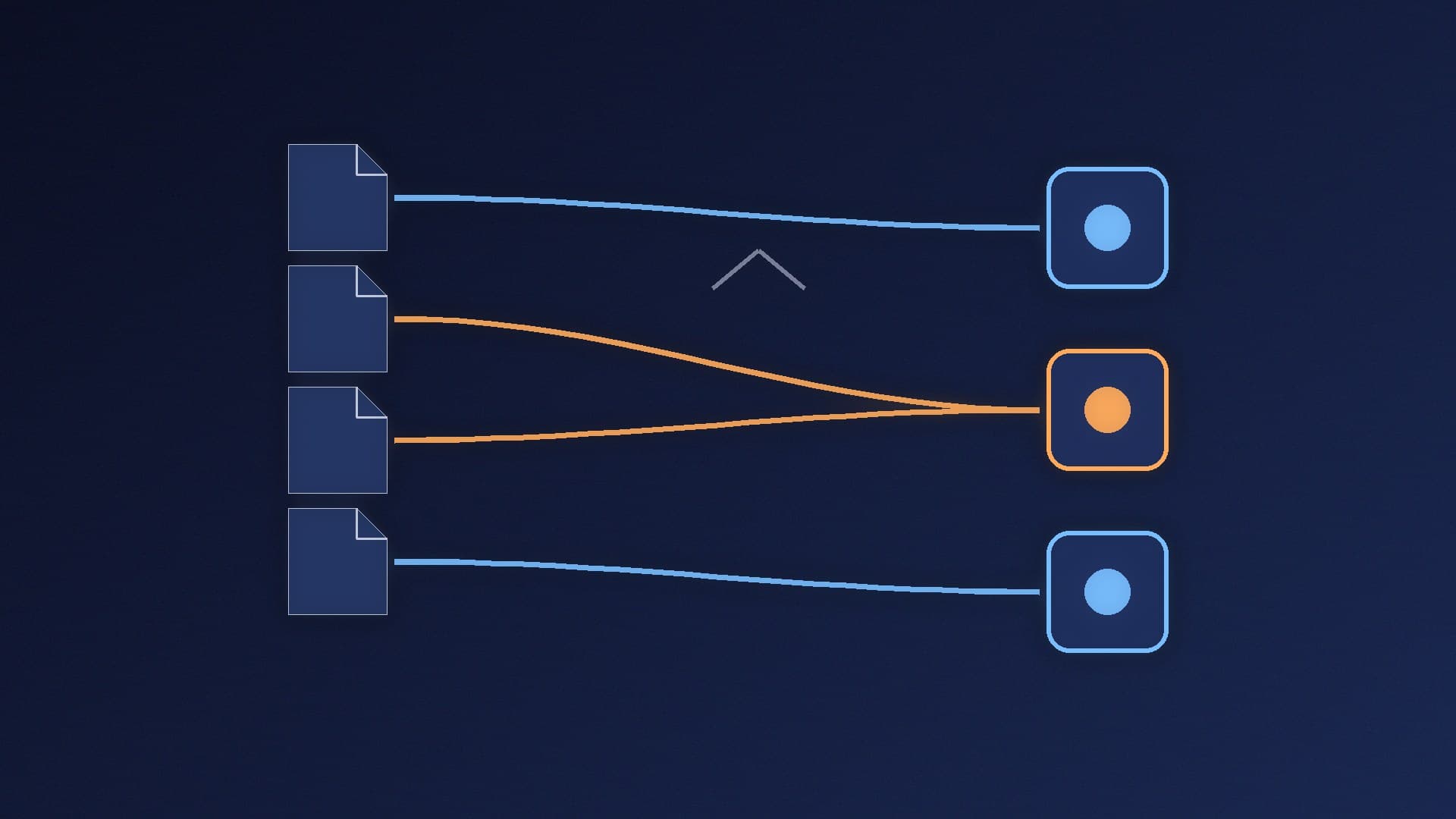
Krokiet offers several check methods for its Duplicate Files tool, with Hash as the default and recommended one. Its documentation explains that files are first grouped by size, then by a quick "prehash" of the first and last 4 KB, and only then by a hash of the whole file. The default hash type is Blake3. Faster name-only and size-only methods are also available, but they don't read the files, so they're more likely to group files that aren't really the same. Results are cached, so the README says second and later scans of the same folders should be much faster.
dupeGuru has three basic scan approaches. Contents scans group files by size, discard any file whose size is unique, then compare MD5 hashes of the rest. Filename (worded) scans split names into words and match them using a "filter hardness" percentage, which is how dupeGuru catches files with similar, not identical, names. A Folders scan looks for whole folders whose files have the same contents. dupeGuru's help notes that the filter hardness setting is ignored in a contents scan.
For most people clearing out an SSD, both apps' content-based scans are the right choice, because they only group files whose data is the same.
Photos, music and video
This is where the two apps differ most.
Photos: dupeGuru's Picture mode turns each image into a 15 x 15 grid of average colours and compares the grids, so it can find pictures that are similar without being exactly the same; a preference lets it group pictures of different dimensions too. Krokiet's Similar Images tool uses perceptual hashes with a choice of hash size and algorithm (Mean is the default) and a "max difference" slider, and its documentation says it can find images that differ in resolution or have watermarks. It also lists support for RAW formats and, with extra libraries, HEIF/HEIC and AVIF.
Music: dupeGuru's Music mode compares tags you choose and shows audio-specific columns in the results. Krokiet can match by tags (title and artist by default) or by reading the audio content.
Video: only Krokiet has a Similar Videos tool, and it needs FFmpeg installed and on your PATH on Windows. dupeGuru has no video-specific mode.
Protecting the files you want to keep
Both apps have a safety net, which matters more than speed when you're about to delete thousands of files.
dupeGuru lets you set any folder to Reference. Files in a reference folder can't be deleted and always become the "reference" file of a group. Within each group, the reference file's mark box is disabled, so you can't accidentally delete every copy. If none of the files are in a reference folder, dupeGuru makes the biggest file the reference. Its quick-start guide recommends reviewing each group, removing false matches, then using Send Marked to Recycle bin.
Krokiet has Reference paths. Its instructions say files in a reference path are used for comparison but can't be modified, moved or deleted by any automatic action. Its Select menu has modes such as "All except newest" or "All except biggest" that leave one file in each group unchecked, and the delete dialog warns you how many groups have every file checked. Krokiet offers both Trash, which moves files to the Recycle Bin and is recoverable, and Delete, which deletes permanently. Use Trash.
Both apps can also replace duplicates with links instead of deleting them. dupeGuru's help notes that on Windows this needs administrator rights; Krokiet has Hardlink and Softlink buttons for duplicate groups.
Whichever you choose, make sure you have a backup before a big clean-up. Our Windows Backup vs File History guide explains the built-in options.
dupeGuru does one job: duplicates. It has handy extras for that job, such as an ignore list, moving or copying marked files instead of deleting them, exporting results to an XHTML file and a custom command for opening matches in another app.
Krokiet is closer to a clean-up toolkit. Alongside duplicates it can find empty folders, empty files, the biggest files, temporary files, broken or corrupted files, files whose extension doesn't match their contents, problem file names and broken symbolic links, and it has an Exif metadata remover and a video optimiser. Its tool list also includes a Disk Usage view, although for that job we'd still look at our best free disk space analysers.
Privacy and development
Czkawka's README says the app has no access to the internet and doesn't collect user information or statistics, and it's free of ads. dupeGuru is also open source, under the GPL-3.0 licence.
The bigger difference is maintenance. GitHub lists Krokiet/Czkawka 12.0.2 as released on 9 September 2026, with Windows builds for Krokiet and the command-line tool. dupeGuru's latest release on GitHub is still 4.3.1 from July 2022, and its README asks for extra help, particularly with macOS and Linux maintenance. Czkawka's own comparison table marks dupeGuru as not in active development (we'd note that's a rival project's description, though it matches the release history).
Getting started on Windows
Krokiet: download from the Czkawka GitHub releases page. The release notes suggest windows_krokiet_on_windows_skia_opengl.exe as the starting point for most Windows users, with other builds to try if that one doesn't run. Krokiet's README says the prebuilt binaries support Windows 10 and 11 and have no mandatory runtime dependencies apart from FFmpeg for the video tool. By default it excludes C:\Windows from scans.
dupeGuru: download the Windows x64 installer from dupeguru.voltaicideas.net or the GitHub releases page. Add folders with the + button or drag and drop, pick a mode (Standard, Music or Picture) and scan type, and click Scan.
Once you've cleared out duplicates, our guides to freeing up disk space in Windows 11 and Storage Sense cover the rest of the tidy-up.
Which should you choose?
Choose Krokiet if you want an actively developed tool, need to find similar videos or music by audio content, or want extra clean-up tools such as empty folder and broken file finders in the same app.
Choose dupeGuru if you already know and like it, want a simple, mature duplicate finder with a well-documented reference-folder system and fuzzy filename matching, and don't mind that it hasn't had a new release since 2022.
Our verdict
For most Windows 11 users in 2026, Krokiet, the new face of Czkawka, is the better pick: it's free, open source, ad-free, actively updated, finds exact duplicates, similar photos, music and videos, and protects your originals with reference paths and a recoverable Trash option. dupeGuru still does the core job well, with a careful reference-folder design and clever filename matching, but its last release was in July 2022. Whichever you use, back up first, scan by content, and review the groups before you send anything to the Recycle Bin.