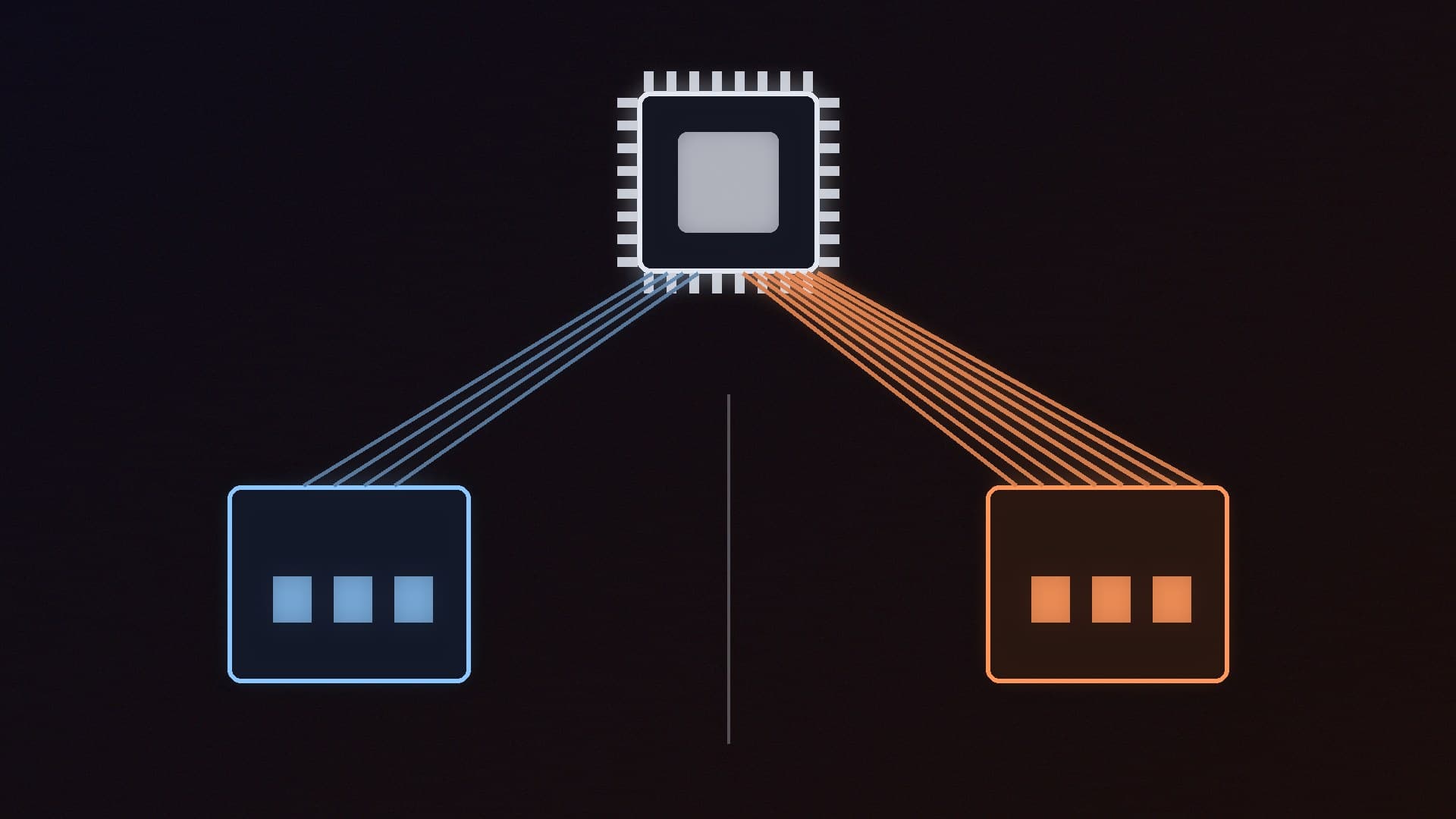
AMD's two 800-series B chipsets for AM5 sound almost identical, but they aren't the same. B850 is AMD's mainstream chipset with PCIe 5.0 storage and processor overclocking. B840 is AMD's entry point, which AMD describes as delivering "the essentials for gamers and creators", but it keeps PCIe 4.0 and doesn't allow processor overclocking.
This comparison uses AMD's AM5 chipset table, read on 24 November 2026, plus the official specification pages for two micro-ATX boards that show the difference in practice: the MSI Pro B840M-P WiFi6E and the ASUS TUF Gaming B850M-Plus WiFi. We haven't included prices or performance figures.
B840 vs B850 at a glance
These figures come from AMD's chipset table. They are the chipset baseline; individual boards can go further, as the ASUS board below shows, or leave features out.
| AMD B840 | AMD B850 |
|---|
Graphics lanes from the processor | 1x16 PCIe 4.0 | 1x16 or 2x8 PCIe 4.0 |
NVMe link from the processor | 1x4 PCIe 4.0 | 1x4 PCIe 5.0 |
Usable PCIe lanes (total / PCIe 5.0) | 34 / 0 | 36 / 4 |
Processor overclocking | No | Yes |
DDR5 memory overclocking (EXPO) | Yes | Yes |
Chipset USB 20Gbps / 10Gbps / 5Gbps (up to) | none / 2 / 2 | 1 / 6 / 1 |
SATA ports (up to) | 4 | 4 |
USB4 | Optional | Optional |
Both chipsets support every Socket AM5 processor. AMD says all AM5 motherboards with 600 and 800 series chipsets are compatible with Ryzen 7000, 8000 and 9000 desktop processors.
Where B850 is better
PCIe 5.0 for an SSD. AMD lists a PCIe 5.0 x4 link for NVMe storage on B850, and PCIe 4.0 on B840. If you want to use a PCIe 5.0 SSD at full speed, that matters. Our PCIe 4.0 vs PCIe 5.0 SSD comparison explains whether you need one; for most gaming PCs, a good PCIe 4.0 drive is still plenty.
Processor overclocking. AMD's table shows processor overclocking is enabled on B850 and not on B840. That includes manual overclocking of the Ryzen chip itself. Memory overclocking with AMD EXPO profiles works on both, so a B840 board can still run an EXPO memory kit at its rated speed, provided the speed is within the board's supported range. Our guide to enabling XMP and EXPO shows how.
More fast USB from the chipset. B850 provides up to one 20Gbps port and six 10Gbps ports from the chipset, against no 20Gbps ports and two 10Gbps ports on B840.
Graphics lane splitting. B850 allows the processor's 16 graphics lanes to be split into two x8 links; B840 is listed as 1x16 only.
Where B840 holds its own
Same processors, same memory slots. A B840 board still takes a Ryzen 7 9800X3D or any other AM5 desktop processor, and the MSI Pro B840M-P WiFi6E we looked at has four DDR5 slots with up to 256GB, just like the ASUS B850 board.
PCIe 4.0 graphics on both. AMD lists PCIe 4.0 graphics lanes for both chipsets as standard. A board maker can go further (the ASUS TUF Gaming B850M-Plus WiFi has a PCIe 5.0 x16 graphics slot with Ryzen 9000 and 7000 processors), but a PCIe 4.0 x16 slot is what both chipsets guarantee. Our PCIe x16 vs x8 explainer covers why slot speed rarely limits a single graphics card.
Modern networking is up to the board. Wi-Fi and Ethernet aren't set by the chipset. The MSI B840 board has 2.5G LAN and Wi-Fi 6E, the same headline networking as the ASUS B850 board.
What it looks like on real boards
Two micro-ATX boards from our specifications database show how the chipset difference turns into features. Both are listed with 2.5GbE, Wi-Fi 6E, four DDR5 slots and four SATA ports.
| MSI Pro B840M-P WiFi6E | ASUS TUF Gaming B850M-Plus WiFi |
|---|
Graphics slot (Ryzen 9000/7000) | PCIe 4.0 x16 | PCIe 5.0 x16 |
Second slot | PCIe 3.0 x1 | PCIe 4.0 x1 |
M.2 slots | 2, both PCIe 4.0 x4 | 3: one PCIe 5.0 x4, two PCIe 4.0 x4 |
Fastest rear USB | 10Gbps Type-A and Type-C | 20Gbps Type-C |
Rear USB ports | 8 | 12 |
Audio codec | Realtek ALC897 | Realtek ALC1220P |
The B850 board's extra M.2 slot, PCIe 5.0 storage and faster rear USB are the kind of upgrades the chipset makes possible. Our database also lists MSI's Pro B840M-B, another B840 micro-ATX board, if you want to compare a second option.
Which should you buy?
Choose B840 if you're building a budget or mid-range gaming PC, plan to use one or two PCIe 4.0 SSDs, won't overclock the processor and want to put the savings towards the graphics card. Compare it with A620 too: our A620 vs B840 guide covers the step below.
Choose B850 if you want a PCIe 5.0 SSD, more M.2 slots, faster USB or the option to overclock the processor. If you need USB4 as standard and more PCIe 5.0 lanes, see our B850 vs X870 comparison, and if you're replacing an older AM5 board, our B650 vs B850 guide explains that step.
Our verdict
B850 is the better chipset: AMD lists PCIe 5.0 for NVMe storage, processor overclocking and much more 10Gbps and 20Gbps USB, and boards such as the ASUS TUF Gaming B850M-Plus WiFi use that headroom for extra M.2 slots and faster ports. B840 is still a sensible choice for a straightforward gaming PC because it takes the same AM5 processors and supports EXPO memory profiles, and boards like the MSI Pro B840M-P WiFi6E still have 2.5GbE and Wi-Fi 6E.