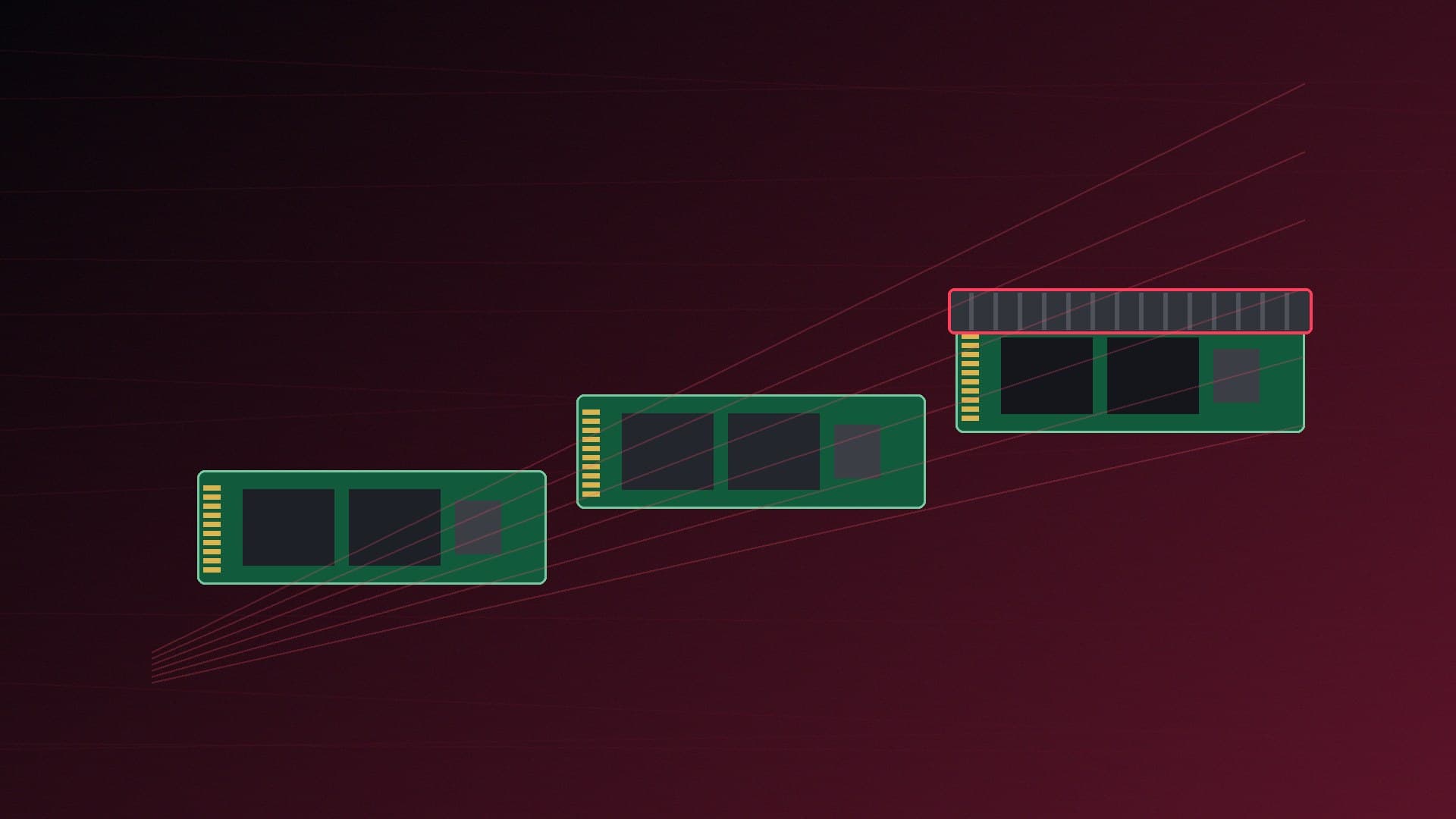
WD_BLACK is one of the most familiar names in gaming SSDs, but the range has changed. The drives are now sold under the Sandisk brand, and the line-up has settled into three NVMe models: the SN7100, the SN850X and the PCIe 5.0 SN8100. They look similar on a shop listing, but they suit quite different PCs. Speeds are the maker's "up to" figures for the best-performing capacities.
WD_BLACK at a glance
Model | Interface | Max capacity | Up to (read) | Heatsink option | Warranty |
|---|
SN7100 | PCIe Gen4 | 4TB | 7,250MB/s | No | 5 years |
SN850X | PCIe Gen4 x4 | 8TB | 7,300MB/s (1TB-4TB) | Yes | 5 years |
SN8100 | PCIe Gen5 x4 | 8TB | 14,900MB/s | Yes (RGB) | 5 years |
All three are M.2 2280 drives, so they fit the standard M.2 slot on almost any modern desktop motherboard. Before you buy a Gen5 drive, check what speed your M.2 slots run at: a PCIe 5.0 SSD in a Gen4 slot will work, but at Gen4 speeds.
Best for most gaming PCs: WD_BLACK SN7100
The SN7100 is the WD_BLACK we'd point most people towards. Sandisk rates it at up to 7,250MB/s read and 6,900MB/s write, which is close to the ceiling of PCIe 4.0, and offers it in 500GB, 1TB, 2TB and 4TB versions. It's a DRAM-less design built with laptops and handheld gaming PCs in mind, and Sandisk says it offers up to 100% more power efficiency at maximum speed than the previous generation (the 1TB SN770 is the comparison it uses).
Endurance goes up to 2,400TBW on the 4TB model, and like the rest of the range it carries a five-year limited warranty. The smaller versions are slower: Sandisk's spec table lists the 500GB drive at 6,800MB/s read and 5,800MB/s write, so if speed matters, 1TB is the sensible minimum.
There's no heatsink version, which makes the SN7100 a good fit for motherboards that already have M.2 heatsinks, laptops and handhelds. Our SN7100 vs SN850X comparison goes deeper into how it stacks up against its older sibling.
Linked in our database: WD_BLACK SN7100 500GB NVMe SSD, WD_BLACK SN7100 2TB NVMe SSD.
Best for PS5 and big libraries: WD_BLACK SN850X
The SN850X has been around longer, but it still has two things the SN7100 doesn't: an optional heatsink and an 8TB capacity. Sandisk quotes up to 7,300MB/s read for the 1TB to 4TB models and offers every capacity with or without a heatsink. Its spec sheet lists PlayStation 5 compatibility for the heatsink model only, so PS5 owners should buy that version (our best SSD for PS5 guide covers the alternatives).
The 1TB model is rated at 600TBW, and the warranty is five years. Sandisk's WD_BLACK Dashboard software for Windows can switch on its Game Mode 2.0 features automatically.
If your motherboard has no M.2 cover, the heatsink version is the safer buy; our SSD heatsink vs no heatsink explainer covers when it matters.
Linked in our database: WD_BLACK SN850X 1TB NVMe SSD with heatsink, WD_BLACK SN850X 2TB NVMe SSD with heatsink, WD_BLACK SN850X 2TB NVMe SSD (without heatsink).
Best for PCIe 5.0 builds: WD_BLACK SN8100
The SN8100 is WD_BLACK's flagship and its only PCIe 5.0 drive. Sandisk rates it at up to 14,900MB/s sequential read and up to 14,000MB/s write on the 2TB and 4TB models, with over 2,300,000 random IOPS. The 1TB version is lower on writes: its spec table lists 11,000MB/s.
Capacities run from 1TB to 8TB, and endurance scales from 600TBW on the 1TB model up to 4,800TBW on the 8TB model (Sandisk notes the 8TB figure is projected). Sandisk describes it as an industry leader for PCIe 5.0 power efficiency, and the optional heatsink is a low-profile anodised aluminium design with customisable RGB lighting, controlled from the Sandisk Dashboard, that needs no fan or extra power cable.
Only buy one if your motherboard has a PCIe 5.0 M.2 slot; check your board's spec sheet, because many boards have only one Gen5 slot, if any. For gaming alone, a Gen4 drive is still plenty for most people; the SN8100 makes more sense if you move large video projects or AI model files around. See how it compares in SN8100 vs SN850X and Samsung 9100 Pro vs WD_BLACK SN8100.
Linked in our database: WD_BLACK SN8100 2TB NVMe SSD (without heatsink), WD_BLACK SN8100 2TB NVMe SSD with Heatsink, WD_BLACK SN8100 8TB NVMe SSD.
How to choose
Gen4 motherboard, laptop or handheld: SN7100. It's efficient and near the Gen4 limit at 1TB and above.
PS5, or you need 8TB on Gen4: SN850X, with the heatsink if your slot is uncovered or it's going in a PS5.
Gen5 slot and heavy file work: SN8100.
Prices are moving daily over Black Friday, so compare the capacity you actually need rather than the headline discount, and check our UK SSD price tracker from before Black Friday for context. For other brands, see our best PCIe 4.0 SSD and best PCIe 5.0 SSD guides, and our M.2 SSD installation guide when it arrives.
Our verdict
For most gaming PCs, the WD_BLACK SN7100 at 1TB or 2TB is the one to buy: Sandisk rates it at up to 7,250MB/s read, it's efficient and it comes with a five-year warranty. Choose the SN850X if you need a heatsink for a PS5 or want 8TB on PCIe 4.0.
The SN8100 is the fastest WD_BLACK by a wide margin on paper, at up to 14,900MB/s read, but it only makes sense in a motherboard with a PCIe 5.0 M.2 slot and for people who move huge files. Check independent reviews of your exact capacity for sustained-write and temperature results.