A USB-C hub monitor can replace a docking station for many people. One cable from a compatible laptop can carry video, USB data and, on the hub models here, enough power to charge the computer. Some also have a DisplayPort output so you can daisy-chain a second screen, plus Ethernet and extra USB ports. The catch is that not every USB-C port on a laptop will do all of that, and a USB-C gaming monitor is a different product from a USB-C hub monitor.
This guide compares official specification pages from Dell UK and ASUS, read on 24 November 2026. We only quote a price where Dell UK showed a live figure; the two smaller Dell models were listed as unavailable when we checked, so we haven't included prices for those. Check current UK stock and prices before buying.
For a travel screen, also see our best portable monitor guide. If you plan to hang any of the desk models on an arm, our VESA mounting guide covers compatibility.
Our picks at a glance
Award | Monitor | Size and resolution | USB-C power | Extra features |
|---|
Best overall | Dell Pro 27 Plus P2725HE | 27-inch, 1920 x 1080, 100Hz | Up to 90W | DP Out with MST, 1GbE, USB hub |
Best 24-inch | Dell Pro 24 Plus P2425HE | 23.8-inch, 1920 x 1080, 100Hz | Up to 90W | Same port set as the 27-inch |
Best 4K | Dell Pro 32 Plus P3225QE | 31.5-inch, 3840 x 2160, 100Hz | Up to 90W | HDMI 2.1, front USB ports, 1GbE |
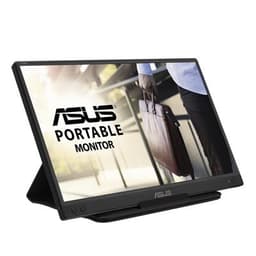
Best portable | ASUS ZenScreen MB166C | 15.6-inch, 1920 x 1080, 60Hz | Powered by the USB-C cable | One USB-C port, 0.78kg, tripod socket |
What "USB-C monitor" actually means
There are two very different designs:
A USB-C hub monitor has its own mains power supply. The USB-C upstream port accepts DisplayPort Alternate Mode video and can send power to the laptop (Dell quotes up to 90W on the three hub models here). Downstream USB ports, Ethernet and a DisplayPort output are typical extras.
A portable USB monitor such as the MB166C is powered by the USB-C cable itself. ASUS lists a typical consumption of 5.24W, so it doesn't charge a laptop; it takes a little power from it.
Your laptop's USB-C port must support DisplayPort Alt Mode for video to appear. For a hub monitor to charge the laptop, that port also needs USB Power Delivery, and the laptop must accept the wattage the monitor supplies. A 90W monitor will not fully charge every high-power gaming laptop.
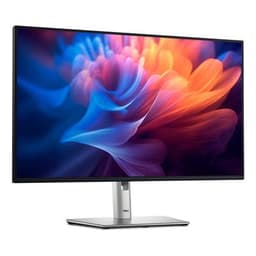
Best overall: Dell Pro 27 Plus P2725HE
The P2725HE is a 27-inch Full HD IPS office monitor with a proper USB-C hub. Dell UK lists:
Panel: 27-inch IPS, 1920 x 1080, 100Hz, 300 cd/m² typical brightness, 1,500:1 typical contrast, 99% sRGB, anti-glare coating, 178° viewing angles.
Response: 5ms grey-to-grey in Fast mode, 8ms in Normal mode.
USB-C: one USB 3.2 Gen 1 Type-C upstream port with DisplayPort 1.4 Alt Mode and up to 90W power delivery, plus a downstream USB-C port with up to 15W.
Other ports: HDMI 1.4, DisplayPort 1.4 in, DisplayPort 1.4 out with MST, 1GbE Ethernet and three USB 3.2 Gen 1 Type-A ports.
Stand: 150mm height adjustment, tilt from -5° to +21°, swivel ±45° and pivot ±90°. The panel also has a 100 x 100mm VESA mount; Dell lists the panel-only weight as 4.36kg.
Comfort and warranty: TÜV Eye Comfort 4-star certification, and a three-year limited hardware warranty with Advanced Exchange and Premium Panel Exchange.
Why it's our pick: 27 inches is a comfortable size for Full HD desk work, 90W is enough to charge most thin-and-light laptops, and the DP Out port lets you add a second screen. Your PC's port and graphics need to support DisplayPort MST for that to work.
Things to know: this is Full HD, not 1440p, so text won't be as sharp as on a 27-inch QHD screen. Dell UK listed the P2725HE as unavailable when we checked on 24 November 2026, so shop around for stock.
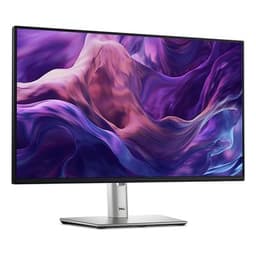
Best 24-inch: Dell Pro 24 Plus P2425HE
The P2425HE is the smaller sibling. Almost every feature matches the 27-inch model, with a few differences in the panel.
Dell UK lists a 23.8-inch IPS panel at 1920 x 1080 and 100Hz, with the same 90W USB-C upstream port, DP-out with MST, 1GbE, three USB-A ports, 15W downstream USB-C, 150mm height adjustment, tilt, swivel, pivot and a 100 x 100mm VESA mount. Brightness is lower, at 250 cd/m² typical, and Dell lists the panel-only weight as 3.69kg. Colour coverage is again 99% sRGB, with the same TÜV 4-star rating and three-year warranty.
Why it's our pick: if your desk is tight, or you prefer a 24-inch screen for text sharpness at Full HD, this keeps the same docking features as the 27-inch.
Things to know: like the 27-inch, Dell UK listed it as unavailable on 24 November 2026.
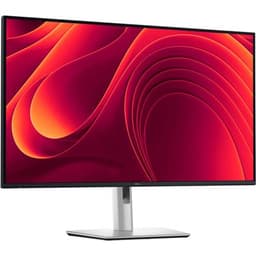
Best 4K: Dell Pro 32 Plus P3225QE
If you want more pixels and still want a single-cable laptop setup, the P3225QE is the 4K option. Dell UK lists:
Panel: 31.5-inch IPS, 3840 x 2160 at 100Hz, 350 cd/m² typical brightness, 1,500:1 typical contrast, 99% sRGB and up to 1.07 billion colours.
USB-C: a 5Gbps upstream port with DisplayPort 1.4 Alt Mode and up to 90W power delivery, plus a 5Gbps downstream USB-C port (Dell describes the front USB-C as data only, with up to 15W charging).
Other ports: HDMI 2.1 (up to 3840 x 2160 at 100Hz), DisplayPort 1.4, 1GbE Ethernet and three USB 5Gbps Type-A ports. Dell highlights front-facing, pop-out USB-C and USB-A ports.
Stand: 150mm height adjustment, tilt from -5° to +21°, swivel ±30° and pivot ±90°, plus a 100 x 100mm VESA mount. Weight is 6.65kg without the stand, 9.55kg with it (Dell's dimension section also quotes 9.52kg with stand).
Comfort and warranty: TÜV 4-star eye comfort, ComfortView Plus, and a three-year limited hardware warranty with Advanced Exchange.
On 24 November 2026, Dell UK listed this model at about £549.60 (about £458 excluding VAT). Treat that as an approximate price that may have changed.
Why it's our pick: 4K at 31.5 inches is a large, sharp desk screen, and you still get 90W charging, Ethernet and a USB hub. It also has HDMI 2.1, which the two Full HD models don't.
Things to know: Dell's UK page for this model does not list a DisplayPort output the way the P2725HE and P2425HE pages do, so don't assume it can sit in the middle of a daisy chain. Check the user guide if daisy-chaining matters to you. A 32-inch 4K screen is also large; leave enough desk depth, or use a monitor arm.
Best portable: ASUS ZenScreen MB166C
The MB166C is a thin 15.6-inch extra screen, not a docking monitor. ASUS's specifications list:
Panel: 15.6-inch IPS, 1920 x 1080, 60Hz, 250 cd/m² typical brightness, 800:1 typical contrast, 5ms grey-to-grey, anti-glare, 178° viewing angles.
Connection: a single USB-C port with DisplayPort Alt Mode. ASUS quotes typical power consumption of 5.24W.
Build: 0.78kg without a stand, 36.01 x 22.56 x 1.18cm, with a 1/4-inch tripod socket. There's no height adjustment and no speakers.
In the box: a sleeve, a USB-C cable and a quick start guide, though accessories can vary by region.
Comfort certifications: TÜV Low Blue Light and TÜV Flicker-free.
Why it's our pick: it's light, needs only one cable and is easy to pack. Use it as a second screen when you travel, not as a laptop dock.
Things to know: it doesn't charge the laptop, and 60Hz Full HD on a 15.6-inch panel is for documents and video calls, not gaming. Your laptop still has to support DisplayPort Alt Mode.
What to check before you buy
The laptop port. Confirm DisplayPort Alt Mode, and check how many watts the laptop will accept if you want charging.
Resolution versus size. 27-inch Full HD is coarser than 24-inch Full HD or 32-inch 4K. If you sit close, the 4K model will look noticeably sharper.
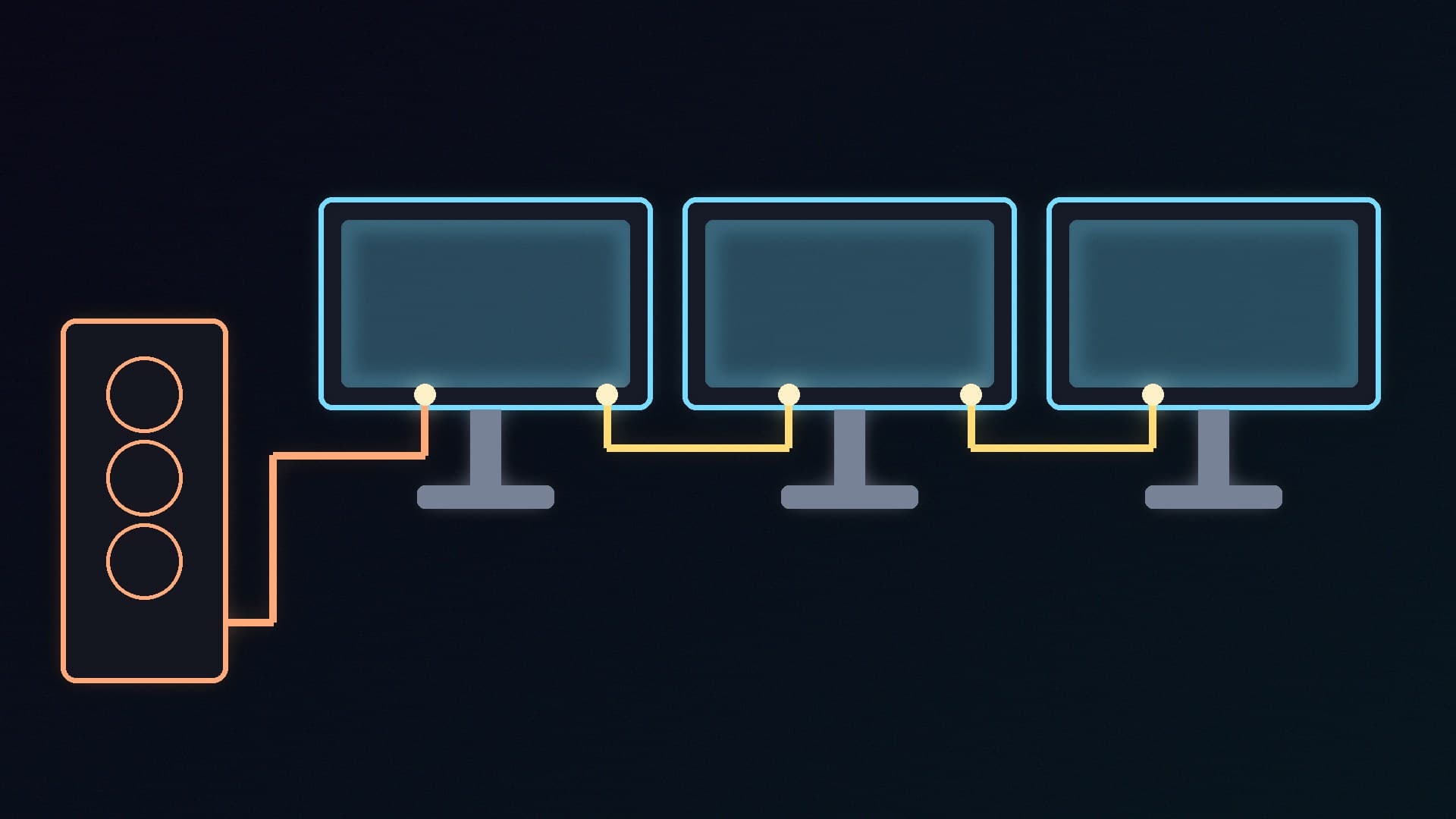
Daisy-chaining. You need a DisplayPort Out port with MST on the first monitor. The two smaller Dell models list this clearly; don't assume every USB-C hub monitor has it.
VESA and weight. All three Dell desk models use a 100 x 100mm VESA pattern. Check the arm's weight rating against the panel-only figure.
Once the screen is on the desk, our guide to calibrating a monitor in Windows 11 is a useful next step.
Our verdict
For a single-cable laptop desk, the Dell Pro 27 Plus P2725HE is the USB-C hub monitor to start with: 27-inch Full HD at 100Hz, up to 90W charging, Ethernet, a USB hub and a DisplayPort output for a second screen. Choose the P2425HE if you want the same features on a 23.8-inch panel, or the P3225QE if you want 31.5-inch 4K; Dell UK had that model at about £549.60 on 24 November 2026. For travel, the ASUS ZenScreen MB166C is a light 15.6-inch USB-C screen, but it draws power from the laptop rather than charging it. Check that your laptop's USB-C port supports DisplayPort Alt Mode, and confirm stock and prices, because the two smaller Dell models were listed as unavailable on Dell UK when we checked.