Developer-stated times and memory figures are labelled as such. It's based on each project's official README and licence files, checked on 25 November 2026.
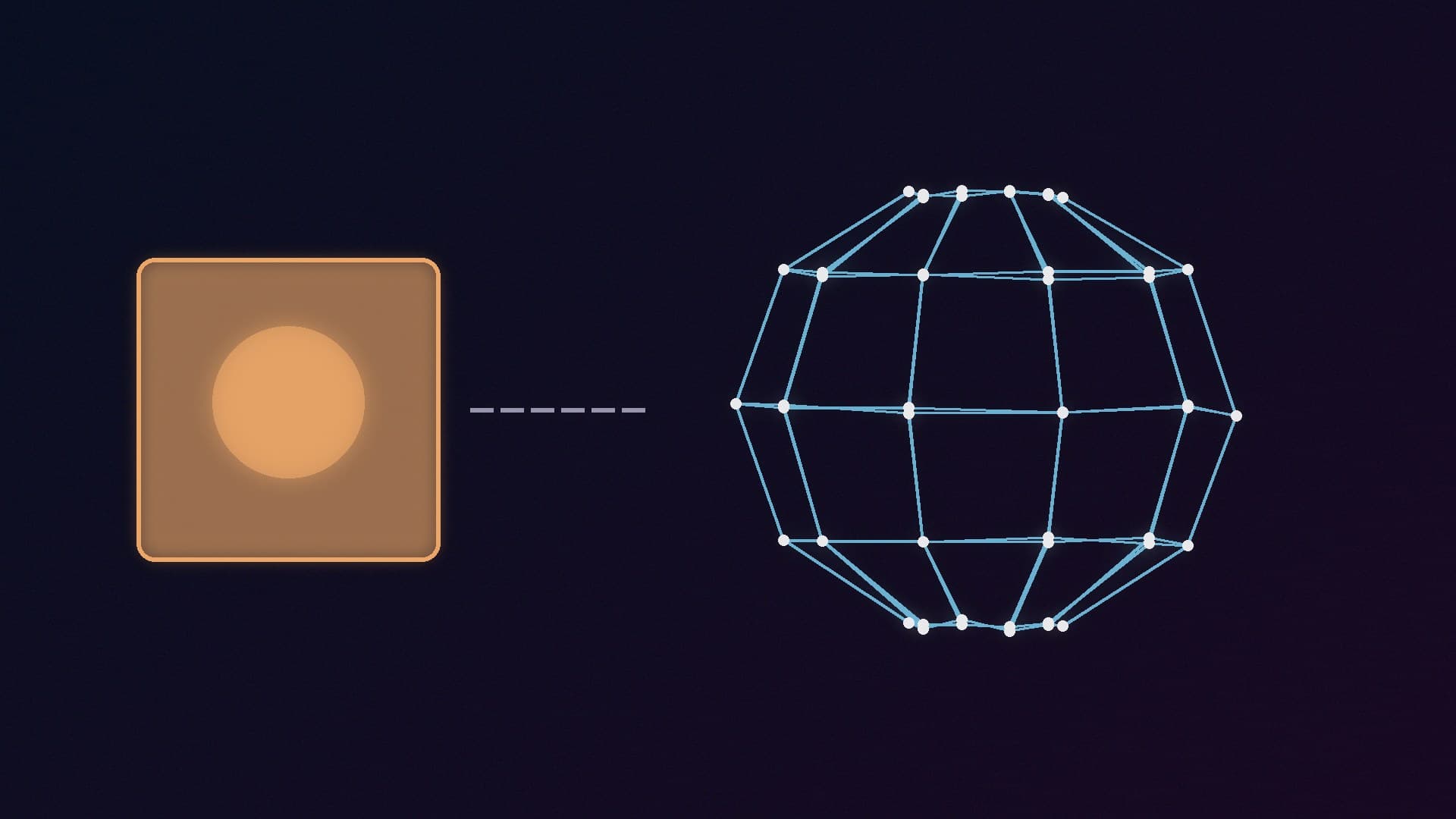
Text-to-image tools have been easy to run at home for a while (see our best local AI image generators and ComfyUI install guide). Turning a photo or a drawing into a 3D mesh you can open in Blender is a more recent option. Several research teams now publish models and Python apps that do that locally, typically taking a single image and writing a GLB file with a mesh and a texture.
The catch is hardware, licences and operating-system support. The most talked-about family, Tencent's Hunyuan3D 2 and 2.1, is not licensed for use in the UK. We start with that, then pick from the projects that UK users can actually run.
The short answer
Pick | Best for | Official hardware notes | Licence (from the project) | Platforms listed |
|---|
Microsoft TRELLIS.2 | Highest official resolution and PBR textures, if you have a 24GB NVIDIA card and Linux | NVIDIA GPU with at least 24GB; tested on A100 and H100 | MIT | Linux only (as tested) |
Stable Fast 3D (SF3D) | Fast image-to-mesh with UV unwrapping on a mid-range NVIDIA card | Default options about 6GB VRAM for one image | Stability AI Community License (register for commercial use; ends above USD $1m annual revenue) | Linux; Windows and Apple Silicon described as experimental |
SPAR3D | Better backsides than SF3D, still relatively light on VRAM | 10.5GB VRAM by default, about 7GB in low-VRAM mode | Stability AI Community License (same terms as SF3D) | Same as SF3D |
TripoSG | Image-to-mesh on 8GB cards, plus a scribble-and-prompt mode | CUDA GPU with at least 8GB VRAM | MIT | CUDA (PyTorch) |
Our pick for most people with an NVIDIA card on Windows or Linux is Stable Fast 3D, because its README lists a modest 6GB starting point and a Gradio app. If you have 24GB or more and can run Linux, try TRELLIS.2. If you mainly want to sketch a shape, try TripoSG's scribble model.
A warning first: Hunyuan3D is not for UK users
Tencent's Hunyuan3D 2 and Hunyuan3D 2.1 are among the best-known open 3D generators, and you'll find them recommended in many guides and community install tools.
Do not install them if you are in the United Kingdom. Both official licence agreements say they do not apply in the European Union, the United Kingdom and South Korea, and that use, reproduction, modification, distribution or display of the models or their output outside the allowed territory is unlicensed. We therefore do not recommend Hunyuan3D, and we don't cover how to run it.
TRELLIS.2: the high-end Microsoft model
TRELLIS.2 is Microsoft's 4-billion-parameter image-to-3D model. Its README describes it as generating fully textured assets, including PBR materials, and handling complex shapes with a sparse voxel format it calls O-Voxel. The published model, TRELLIS.2-4B, covers resolutions from 512³ to 1536³. There is a web demo (python app.py) and a separate path for adding PBR textures to an existing shape. Outputs include a GLB file.
Microsoft publishes its own timings, tested on an NVIDIA H100, not a desktop graphics card: about 3 seconds at 512³, 17 seconds at 1024³ and 60 seconds at 1536³, split between shape and materials. Those figures will not translate directly to a GeForce card. The practical requirement is clearer: an NVIDIA GPU with at least 24GB of memory, with the code verified on A100 and H100 GPUs. The README also says the code is tested only on Linux, requires Python 3.8 or newer, recommends Conda, and needs the CUDA Toolkit (version 12.4 recommended) to compile some packages. The project is MIT-licensed.
If you already have a 24GB card, our best 24GB graphics cards for local AI guide lists current options. TRELLIS.2 is the one to try when you want the official high-resolution, PBR path and you can work in Linux. Windows is not listed as a tested platform.
Stable Fast 3D: the practical starting point
Stability AI's Stable Fast 3D (SF3D) is built on the earlier TripoSR model and is described as producing meshes with UV-unwrapped textures, and its README says it "delights" the colour (removing baked-in lighting) and predicts material parameters so assets are easier to use in a game. You give it one or more images; the default command writes a GLB file. You can set texture resolution and choose a remeshing option (none, triangle or quad). There is a local Gradio app (python gradio_app.py).
The README says the default options take about 6GB of VRAM for a single image, which puts SF3D in reach of many mid-range NVIDIA cards (see our 16GB local-AI GPU guide). Requirements listed are Python 3.8 or newer and PyTorch, with CUDA or Apple's MPS optional. Windows support needs Visual Studio 2022 and is labelled experimental, as is MPS on Apple Silicon (tested on an M1 Max with 64GB; the project recommends the CPU path if a Mac has less than 32GB of unified memory).
The project ships under the Stability AI Community License. Research and non-commercial use is free. Commercial use is also allowed free of charge, but you must register with Stability AI, and the licence ends if you (with your affiliates) make more than USD $1,000,000 in annual revenue, at which point you have to request an enterprise licence from Stability AI. Always read the licence before you sell or publish anything made with the model.
SPAR3D: SF3D with a better back
SPAR3D (Stable Point-Aware 3D) is Stability AI's follow-up to SF3D. It improves the back of the mesh by conditioning on a point cloud, which is generated from the image by an included point-cloud denoising model. The README says the point cloud can be edited in external tools or the included Gradio demo to fix missing detail on the back. Installation and platform notes are essentially the same as SF3D's, including experimental Windows and MPS support (MPS tested on an M4 Max with 36GB, macOS 15.2 or newer).
Default VRAM use is given as 10.5GB, or roughly 7GB with the SPAR3D_LOW_VRAM=1 setting, which the README says makes the model slower. The Hugging Face model page requires you to log in and request access before download. The repository ships under the same Stability AI Community License as SF3D, including the registration requirement for commercial use and the USD $1,000,000 revenue limit.
Choose SPAR3D over SF3D when you care about the unseen side of an object and you can spare a few extra gigabytes of VRAM.
TripoSG: 8GB cards and scribble-to-3D
VAST-AI's TripoSG is a 1.5-billion-parameter rectified-flow model for image-to-mesh, with a smaller scribble variant. You run a Python script, point it at an image, and it writes a GLB file. You can cap the face count (the README's example uses 5,000 faces). TripoSG-scribble takes a sketch plus a text prompt, which is the only text-conditioned option in this list.
The stated requirement is a CUDA GPU with at least 8GB of VRAM. Installation uses Python 3.10, Conda and a matching PyTorch CUDA build. The repository's licence file is MIT. The README does not list a Windows or macOS build, so treat it as a CUDA/PyTorch setup you install yourself.
What hardware and software you need
All four recommended projects are NVIDIA-first. TRELLIS.2 officially wants 24GB and Linux; SF3D starts around 6GB; SPAR3D around 7-10.5GB; TripoSG at 8GB. AMD and Intel graphics are not listed in these READMEs, so we don't claim they work. Our VRAM needs guide explains how graphics memory limits what you can run. If a job fails with an out-of-memory error, our CUDA OOM how-to covers the usual fixes.
On Windows, SF3D and SPAR3D are the only projects in this list that document a Windows path, and both call it experimental and ask for Visual Studio 2022. TRELLIS.2 is tested only on Linux; a WSL2 GPU setup is one way to run Linux tools on a Windows PC, but we haven't tried TRELLIS.2 that way.
These tools output a mesh, not a rendered animation. You'll typically import the GLB into Blender or a game engine to light, rig or 3D-print it.
Our verdict
For most people, start with Stable Fast 3D: it has the lowest official VRAM figure of the four, a simple Gradio app, and a licence that allows personal use and limited commercial use after registration. Move to SPAR3D if the back of the object matters. Choose TRELLIS.2 if you have a 24GB NVIDIA card, can run Linux, and want Microsoft's higher-resolution PBR pipeline. Use TripoSG when you only have 8GB, or you want to turn a sketch and a prompt into a mesh. Skip Hunyuan3D if you are in the UK: its licence does not apply here. We haven't tested any of these models ourselves, so treat the quality and speed claims as the developers' own until independent reviews appear.