Lexar sells more NVMe drives than most people realise, and the model names don't make the differences obvious. The NM1090 Pro and NM990 are both PCIe 5.0 drives, the NM790, NQ790 and NM710 are all PCIe 4.0, and only one of them has its own DRAM cache. We've picked the best Lexar SSD for each type of build using Lexar's official product pages and spec sheets.
Lexar NVMe SSDs at a glance
Drive | Interface | Rated sequential read / write | Cache | Rated endurance (TBW) | Warranty |
|---|
NM1090 Pro | PCIe 5.0 x4 | Up to 14,000 / 13,000MB/s (2TB-4TB) | DRAM + SLC | 700 (1TB) to 5,600 (8TB) | 5 years |
NM990 | PCIe 5.0 x4 | Up to 14,000 / 11,000MB/s (4TB) | HMB + SLC | 750 (1TB) to 3,000 (4TB) | 5 years |
NM790 | PCIe 4.0 x4 | Up to 7,400 / 6,500MB/s (512GB-4TB) | HMB 3.0 + SLC | 1,000 (1TB) to 3,000 (4TB) | 5 years |
NQ790 | PCIe 4.0 x4 | Up to 7,000 / 6,000MB/s (1TB-4TB) | HMB + SLC | 600 (1TB), 1,200 (2TB) | 5 years |
NM710 | PCIe 4.0 x4 | Up to 5,000 / 4,500MB/s (1TB) | HMB 3.0 + SLC | 600 (1TB), 1,200 (2TB) | 5 years |
All five are M.2 2280 drives. Write speeds drop on some smaller capacities, so check the figure for the exact size you're buying: Lexar lists the 1TB NM1090 Pro at up to 10,000MB/s write and the 1TB NM990 at up to 7,500MB/s.
Best overall PCIe 5.0: Lexar Professional NM1090 Pro
The Lexar NM1090 Pro 2TB is Lexar's fastest consumer drive and the only one here with a DRAM cache, which Lexar says works alongside an SLC cache to keep transfers responsive. Lexar rates the 2TB and 4TB models at up to 14,000MB/s read and 13,000MB/s write, and the 8TB model slightly higher at up to 14,400MB/s and 13,400MB/s. Endurance is the best in Lexar's range, at 1,400TBW for 2TB and 2,800TBW for 4TB.
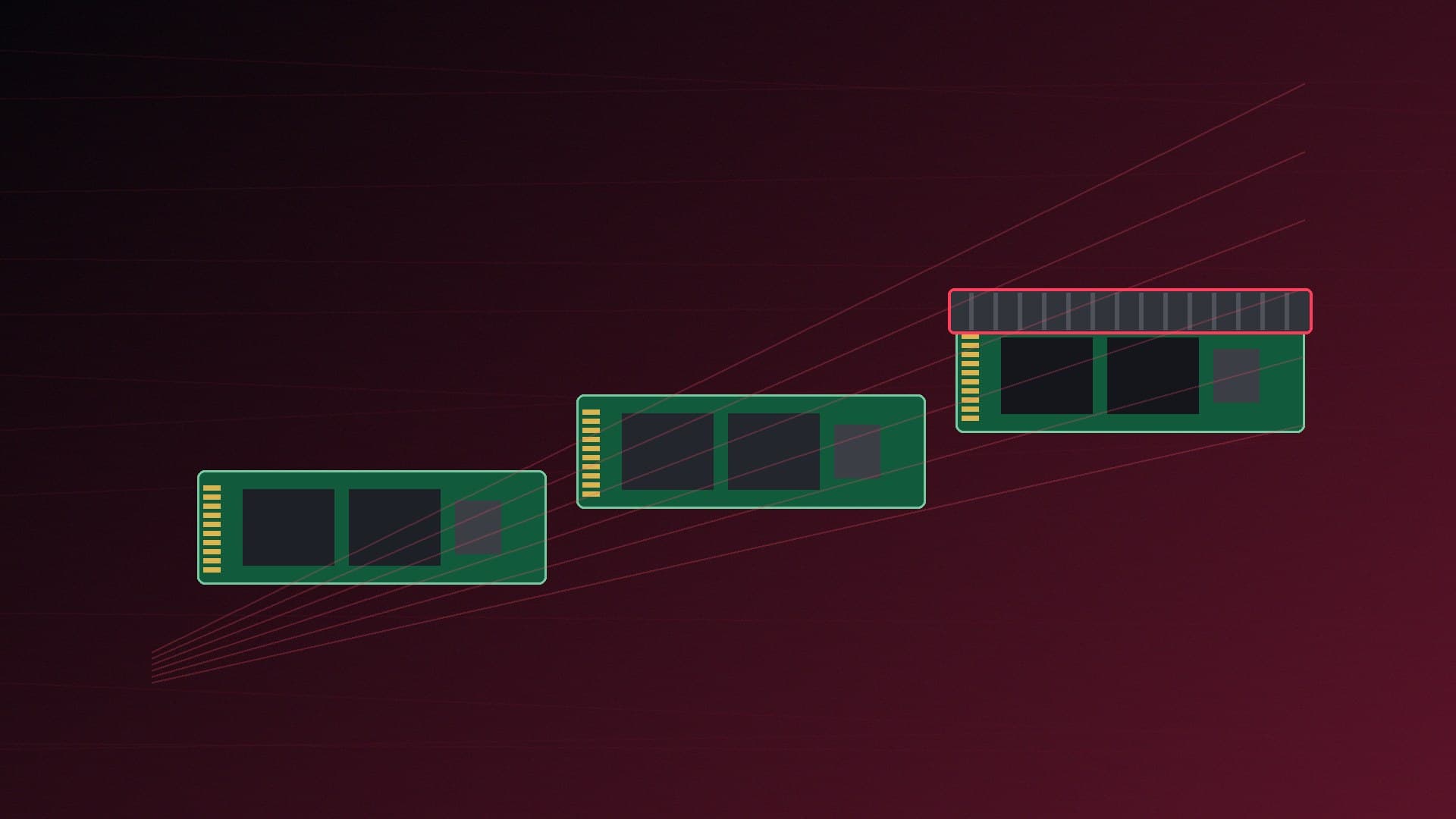
It suits a PCIe 5.0 M.2 slot on a recent AM5 or Intel board, and heavy workloads such as video projects, big game libraries and large local AI models. One practical note: Lexar lists it at 3.8mm thick against 2.45mm for its Gen 4 drives, so if you plan to use your motherboard's M.2 heatsink, check it fits. There's also a 4TB version.
Best DRAM-less PCIe 5.0: Lexar NM990
The Lexar NM990 2TB offers the same 14,000MB/s rated read speed but uses Host Memory Buffer (HMB), borrowing a little of your system's RAM, instead of its own DRAM. Rated writes are lower than the NM1090 Pro (up to 10,000MB/s on the 2TB, 11,000MB/s on the 4TB) and so is endurance, at 1,500TBW for 2TB. Lexar's spec sheet says it uses graphite heat dissipation decals and an 8-channel controller, and it keeps the slimmer 2.45mm profile. It's the one to pick if you want Gen 5 read speeds but don't need the very top write figures. Our DRAM vs DRAM-less SSD guide explains when the missing DRAM matters.
Best PCIe 4.0 for most people: Lexar NM790
For most gaming PCs, the Lexar NM790 2TB is the sensible choice. Lexar rates the 512GB to 4TB models at up to 7,400MB/s read and 6,500MB/s write, which is close to the limit of PCIe 4.0, and endurance is generous for a Gen 4 drive at 1,500TBW for 2TB and 3,000TBW for 4TB. It uses HMB 3.0 and dynamic SLC caching, and Lexar says it uses up to 40% less power than Gen 4 SSDs with DRAM cache, which also makes it a good laptop upgrade. Lexar lists it as compatible with the PS5; if you're fitting it to a console, the heatsink version saves you buying one separately (see how to install an SSD in a PS5). It's also sold in 4TB and 8TB versions; Lexar rates the 8TB model at up to 7,000MB/s read and 6,200MB/s write.
Best alternative PCIe 4.0: Lexar NQ790
The Lexar NQ790 2TB is rated at up to 7,000MB/s read and 6,000MB/s write on the 1TB to 4TB models, with HMB and SLC caching, NVMe 1.4 and a five-year warranty. Its endurance ratings are lower than the NM790's (1,200TBW for 2TB), so it only makes sense if it's clearly cheaper than the NM790 on the day. Avoid the 512GB model if you care about write speeds: Lexar rates it at 2,900MB/s write.
Best budget pick: Lexar NM710
The Lexar NM710 1TB is the cheapest way into Lexar's Gen 4 range. Lexar rates the 1TB at up to 5,000MB/s read and 4,500MB/s write, which is slower than the NM790 but still well beyond any SATA SSD and plenty for a boot drive or a secondary games drive. Because PCIe is backwards compatible, it will also work in an older PCIe 3.0 M.2 slot, limited to Gen 3 speeds. Endurance is 600TBW for 1TB, and there's a 2TB version rated at 1,200TBW.
How to choose
Check your M.2 slot first. A PCIe 5.0 drive only reaches its rated speed in a Gen 5 slot; in a Gen 4 slot it runs at Gen 4 speeds. Your motherboard manual lists which slot is which.
Compare endurance. TBW is Lexar's rated endurance: the total amount of data the drive is rated to have written to it over its life. Our guide to checking SSD endurance (TBW) explains what the numbers mean in practice.
Mind the write speed on small capacities. Several Lexar drives are slower to write at 512GB or 1TB.
Keep the firmware up to date. Lexar's NM990 spec sheet points to its DiskMaster software for firmware updates and drive health; see how to update SSD firmware.
To compare Lexar with other brands, see our best PCIe 5.0 SSD, best PCIe 4.0 SSD and best budget NVMe SSD guides, and how to install an M.2 SSD when your new drive arrives.