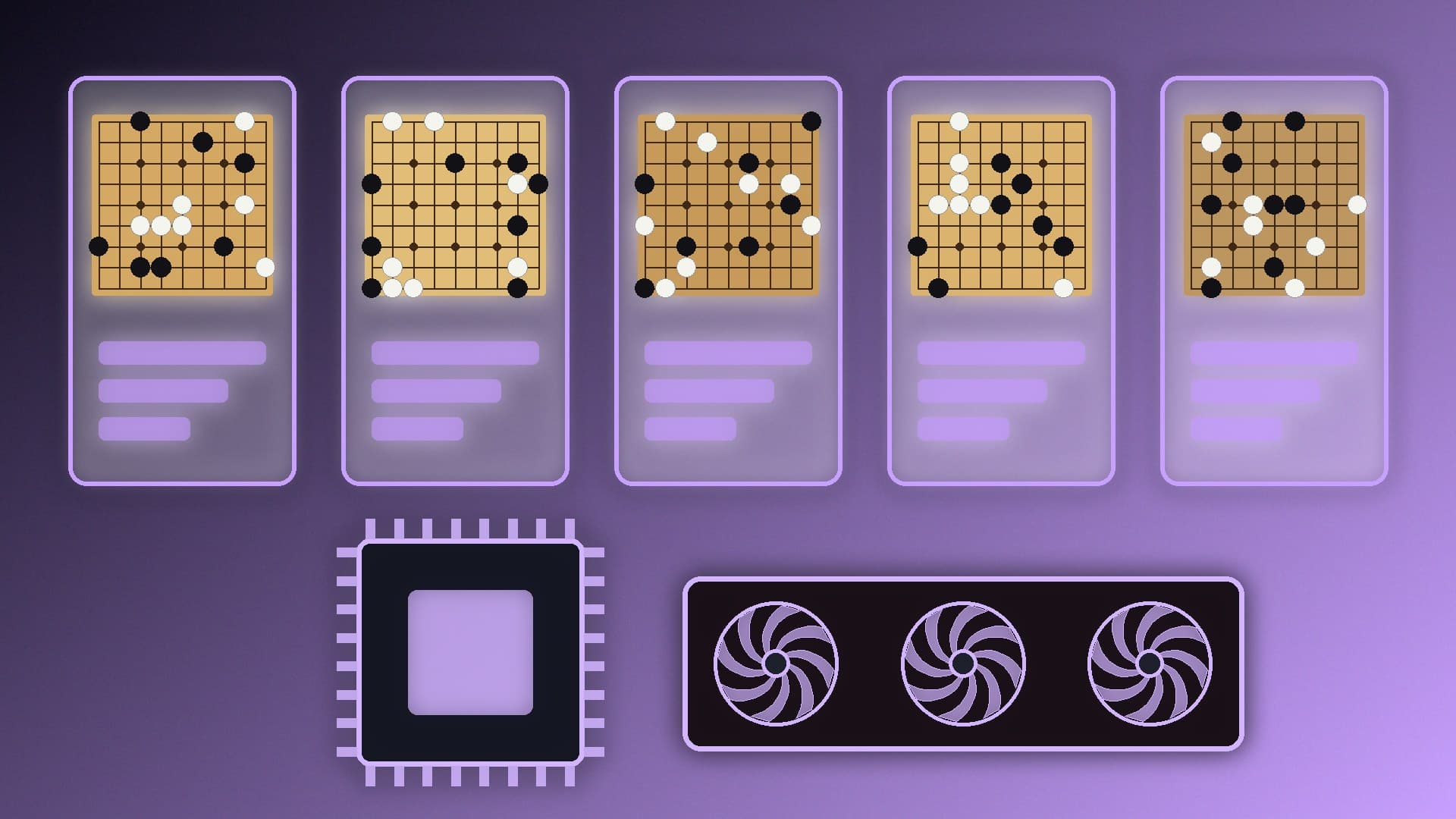
You don't need a paid subscription to have a Go AI stronger than a professional review your games. KataGo, the open-source engine that learned through AlphaZero-style self-play, runs on your own graphics card, and a handful of free desktop apps turn it into a proper review tool, with win rates, score estimates, territory maps and mistake highlighting. We've picked the best free options for Windows PCs in 2026 based on each project's own documentation and release pages, and explain what hardware KataGo needs.
If you also play chess, our best free chess analysis software guide covers the equivalent tools for Stockfish and Leela Chess Zero.
The engine underneath: KataGo
Almost every pick here is a front end for KataGo. Its README describes it as one of the strongest open-source Go bots available in 2026. What makes it especially useful for amateurs is that it estimates territory and score rather than only a win rate, so it can show how many points a move lost, even in a handicap game where the win rate barely moves. It supports board sizes from 7x7 to 19x19 and a wide range of rules, including rules that match Japanese rules in almost all common cases.
KataGo itself is a command-line program with no graphical interface, which is why you need one of the apps below. For a full walkthrough of choosing a backend and tuning it, see our guide on how to run KataGo on your GPU.
Quick picks
App | Best for | KataGo included? | Platforms (per the project) | Latest release (as of 28 Nov 2026) |
|---|
KaTrain | Beginners and improving players | Yes | Windows, macOS; pipx on any 64-bit OS | v1.20.0, 24 Aug 2026 |
LizzieYzy Next | Live interactive review | Yes, in most packages | Windows, macOS, Linux | next-2026-11-19.1, 20 Nov 2026 |
Sabaki | SGF editing with engine analysis | No | Windows, macOS, Linux | v0.60.0, 3 Jul 2026 (v0.60.2 pre-release) |
Ogatak | Fast, lightweight KataGo analysis | No | Windows, Linux | v2.2.0, 23 Oct 2026 |
q5Go | SGF editing, game database search | No | Windows build; compile on Linux | 2.1.3, 4 May 2022 |
1. KaTrain: best overall
KataGo's own README says KaTrain "might be the easiest to set up for non-technical users", and that's the main reason it's our top pick. The download comes pre-packaged with a working KataGo (the OpenCL build, or Metal on Apple Silicon) and the b10c384h6nbt transformer network. KaTrain's README describes that network as stronger per visit than the strongest 18-block models while being about as fast.
It's built around learning, not just raw analysis. According to its README, you can review games to find the moves that cost the most points, play against the AI with instant feedback and the option to retry, play against a range of weakened AIs with different styles, and generate SGF reviews of your biggest mistakes automatically. Coloured dots show how many points each move lost, and their size shows whether the mistake was actually punished. The Calibrated Rank Bot was tuned to play balanced games at a given strength, and Human-like and Historical Pro modes use KataGo's human-trained model.
Hardware note: you can swap the bundled OpenCL engine for CUDA, TensorRT, ROCm or ONNX builds from KataGo's releases page. The README says these may perform much better than OpenCL but are harder to set up. There's also a CPU (Eigen) download under "Download KataGo versions" if you have no GPU. KaTrain is MIT-licensed according to its README.
2. LizzieYzy Next: best for live interactive review
Lizzie was once the go-to KataGo viewer, but KataGo's README now calls it "a bit old", with an outdated bundled KataGo and long-standing interface bugs, and suggests one of its forks instead. LizzieYzy Next describes itself as the still-maintained branch of LizzieYzy for players who review with KataGo, and it's updated often: the latest release on GitHub was published on 20 November 2026.
Its README lists fast full-game analysis, a redesigned win-rate graph with a heat-overview strip for spotting problem moves, bundled KataGo with first-launch auto setup, and portable Windows packages. It can fetch recent public games from the Fox server by nickname. It's particularly good on hardware choice: separate packages cover NVIDIA RTX 20 to 50 series (CUDA), AMD, Intel and older NVIDIA cards (OpenCL), CPU-only machines, and experimental DirectML, OpenVINO and per-family ROCm builds. The full packages use KataGo v1.18.1, and the recommended one includes the flagship B11 network (about 202 MiB, per the README).
Worth knowing: it also offers a paid remote-compute option (Zhizi Cloud) for PCs without enough GPU power. It's optional, and local analysis doesn't need it. LizzieYzy Next is GPL-3.0 licensed.
3. Sabaki: best SGF editor with engine support
Sabaki describes itself as a modern, elegant, cross-platform Go/Baduk/Weiqi board and SGF editor. It's free and open source (MIT licence on GitHub) and built on Electron. Its feature list includes SGF editing tools with line and arrow markup, Markdown comments, a fast game tree, a score estimator and scoring tool, find-move, guess mode and autoplay, plus GTP engine support with board analysis for engines that support it.
KataGo isn't bundled, but Sabaki's engine guide gives the arguments to add it: gtp -model /path/to/model.txt.gz -config /path/to/gtp_example.cfg. Use your downloaded .bin.gz network in place of the older .txt.gz example. KataGo's README lists Sabaki as a general SGF editor that supports KataGo, including its score estimation. Downloads cover a Windows installer and portable exe, macOS and Linux AppImage.
4. Ogatak: best lightweight KataGo viewer
Ogatak is a KataGo-specific analysis GUI that KataGo's README says emphasises displaying the basics "in a snappy, responsive fashion". Its developer lists most normal Lizzie-style features, a fully functional SGF editor, correct handling of many SGF files that trouble other GUIs (especially handicaps and mid-game board edits), and partial support for NGF, GIB and UGI files.
KataGo isn't included, but setup is two menu clicks once you've downloaded it: Setup > Locate KataGo, then Setup > Choose network. The README's performance tips are useful on modest GPUs: per-move ownership display is demanding, so turn it off or lower the engine report rate if you see lag. Ogatak is AGPL-3.0 licensed, with Windows and Linux downloads.
5. q5Go: best for game databases
q5Go is an SGF editor and analysis front end for KataGo, Leela Zero or compatible engines. It adds pattern and game-info search in a database, a GTP interface, an IGS client and export to several formats, including SVG and slides. It also includes rule and tactics tutorials for beginners. KataGo's README groups it with Sabaki as a general SGF editor with high-quality features. The catch is age: the latest GitHub release, 2.1.3, dates from May 2022 and is Windows-only, and Linux users build it from source.
What hardware do you need?
KataGo doesn't publish minimum requirements, but its documentation makes the priorities clear. A GPU is strongly preferred: the README calls the CPU-only Eigen backend "quite significantly slower" than OpenCL or CUDA. The backend matters as much as the card. On NVIDIA, the CUDA build with cuDNN 9.8 or newer is the project's current recommendation for transformer networks. AMD Radeon RX 6000 to 9000 cards have new ROCm packages on Windows, and Intel GPUs use the OpenVINO build. We explain the NVIDIA choice in KataGo CUDA vs TensorRT.
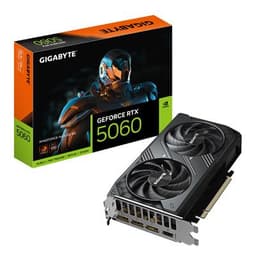
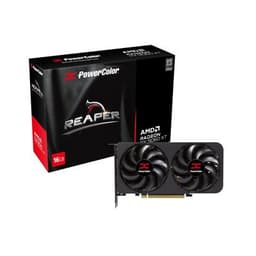
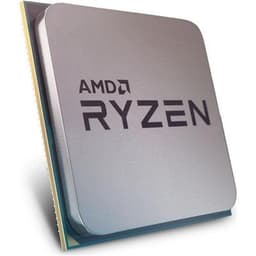
Our suggestions, not tested by Forge PC: a current entry-level NVIDIA card such as the Gigabyte RTX 5060 8GB Windforce Max OC gets the CUDA path, which the v1.18.0 release notes say gained most on the newest GPUs. An RX 9000 card such as the PowerColor RX 9060 XT 16GB Reaper has its own ROCm package for Windows. If you're stuck on the CPU for now, KataGo's README says compiling Eigen with AVX2 and FMA support gives a big boost on Intel and AMD CPUs from the last few years, so a recent desktop chip such as the AMD Ryzen 7 9700X is the kind to pair with the Eigen AVX2 build. KataGo's thread count also matters more than most settings, and the example config says the best value on powerful GPUs can be far higher than your CPU core count. For other AI workloads on the same card, our best graphics card for gaming and local AI guide has wider advice.