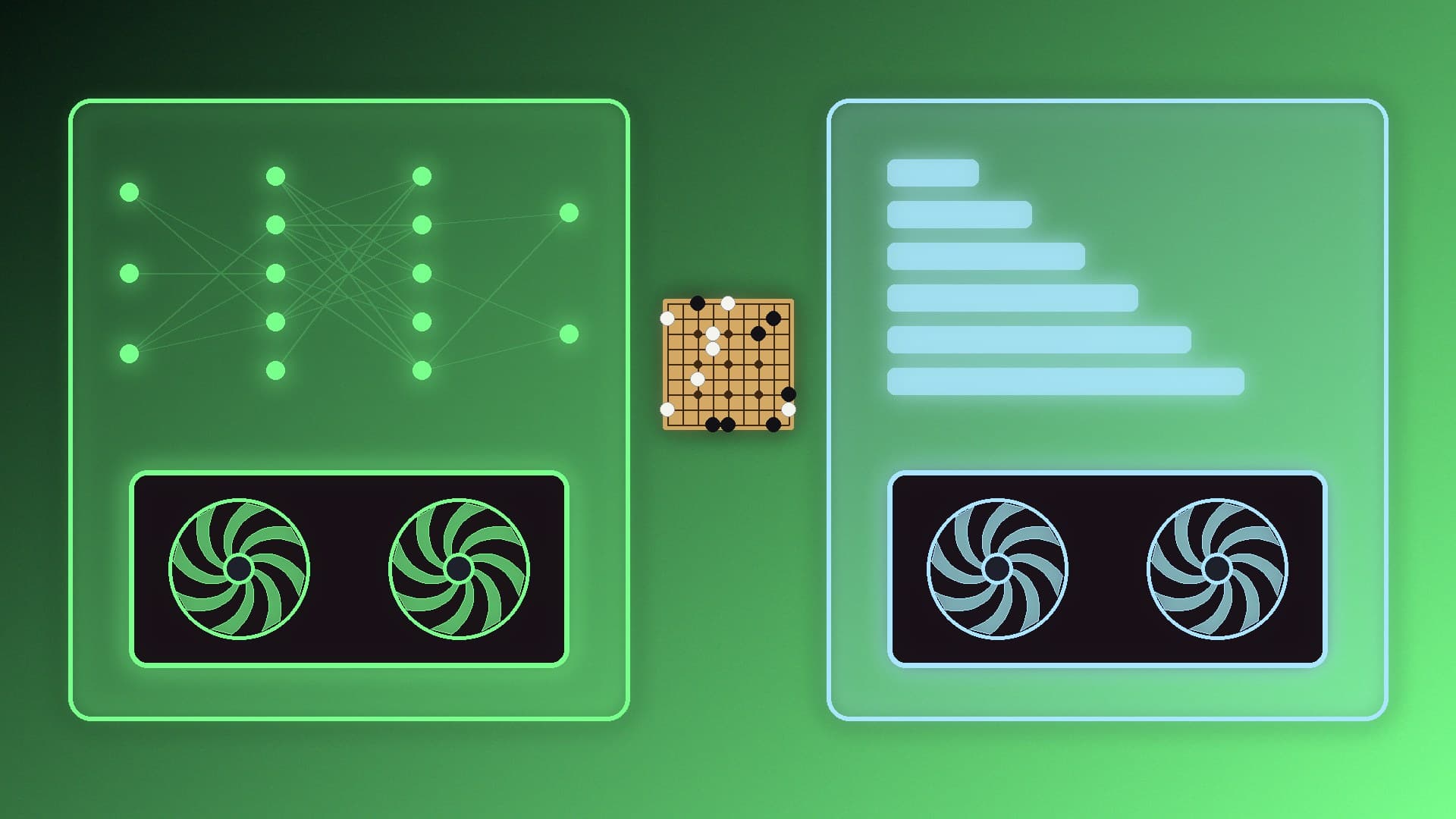
If you run the KataGo Go AI on an NVIDIA graphics card, the releases page gives you two native options: the CUDA build (with NVIDIA's cuDNN library) and the TensorRT build. KataGo's README describes TensorRT as usually the fastest backend once it has started. KataGo's 2026 releases changed that, at least for the new transformer networks. This comparison sets out what each backend needs, how they differ on startup and speed according to the KataGo project, and which to pick for your card. The benchmark command is the only way to know for certain on your PC.
New to KataGo? Start with our guide on how to run KataGo on your GPU.
The quick answer
| CUDA + cuDNN | TensorRT |
|---|
Works on | NVIDIA GPUs only | NVIDIA GPUs only (the README says it should work whenever CUDA does on modern NVIDIA GPUs) |
What you install | CUDA and cuDNN from NVIDIA (cuDNN 9.8.0 or newer recommended) | CUDA and TensorRT 10 or newer from NVIDIA |
Startup | Faster | Much longer on every launch, per the README |
Transformer networks | Typically a bit faster on good GPUs as of v1.18.x, per the v1.18.1 notes | "May be faster on older convolutional nets still", but tends to be slower on transformers on recent versions and strong GPUs, per the v1.18.2 notes |
Latest build | v1.18.2 (30 August 2026) | v1.18.1 (24 August 2026) |
What changed in 2026
KataGo v1.17.0 added support for transformer networks, and the training site says the first transformers were uploaded to the main kata1 run on 25 August 2026, after v1.18.x was released, with self-play switching to them shortly afterwards. That matters because the two backends rank differently on transformers and on the older convolutional networks.
The v1.18.0 release brought a large round of CUDA work: batched and fused matrix multiplies, a custom flash-attention kernel, fused feed-forward layers and less CPU-GPU synchronisation. According to the release notes, transformer models became anywhere from 1.2x to 2x faster in overall search speed depending on the GPU, with the biggest gains on the newest cards such as RTX 50 series. The same notes say GPU memory use for transformers on CUDA was greatly reduced.
v1.18.2 is a CUDA-only follow-up that adds tensor-core attention for Turing (sm_75) GPUs, meaning RTX 20 series and the Tesla T4. The project says this can make transformer models more than 50% faster on those cards. It's why the v1.18.2 notes say "For best performance, use this release if you have an NVIDIA GPU."
The documentation isn't entirely consistent. The main README still says TensorRT "will usually be the fastest backend" and that TensorRT 10.16 is often still slightly faster than CUDA on transformers. The more recent v1.18.1 and v1.18.2 release notes say CUDA has overtaken TensorRT on transformers on good GPUs. Our reading is that the release notes are the newer guidance, but either can win on a particular card, which is exactly why KataGo ships a benchmark.
Setup and installation
Both builds are Windows and Linux zips, and the release notes are clear that you install the NVIDIA libraries yourself: CUDA plus cuDNN for one, CUDA plus TensorRT for the other. The CUDA downloads come in several CUDA/cuDNN combinations (CUDA 12.1, 12.5, 12.8 and 13.2). The project warns that the cuDNN 8.9.7 builds are "a LOT slower" on transformer models and are only offered for continuity, so pick a cuDNN 9.x package. The TensorRT builds pair TensorRT 10.2, 10.9 or 10.16 with CUDA 12.5, 12.8 or 13.2. TensorRT versions older than 10 aren't supported.
The README notes that OpenCL doesn't need a complicated install like CUDA does. If you've already set up CUDA for other AI tools, our guide to checking your CUDA version on Windows shows what you have. And if you're unsure whether your card's architecture is new enough, our explainer on CUDA compute capability covers it.
Third-party GUIs make different default choices. LizzieYzy Next's README says its auto-setup uses CUDA by default on RTX 40 and 50 series cards, offers TensorRT as an option on RTX 30 series and earlier, and recommends OpenCL for GTX 10 series and older. KaTrain ships with the OpenCL build and lets you switch to CUDA or TensorRT builds from KataGo's releases page.
Startup time
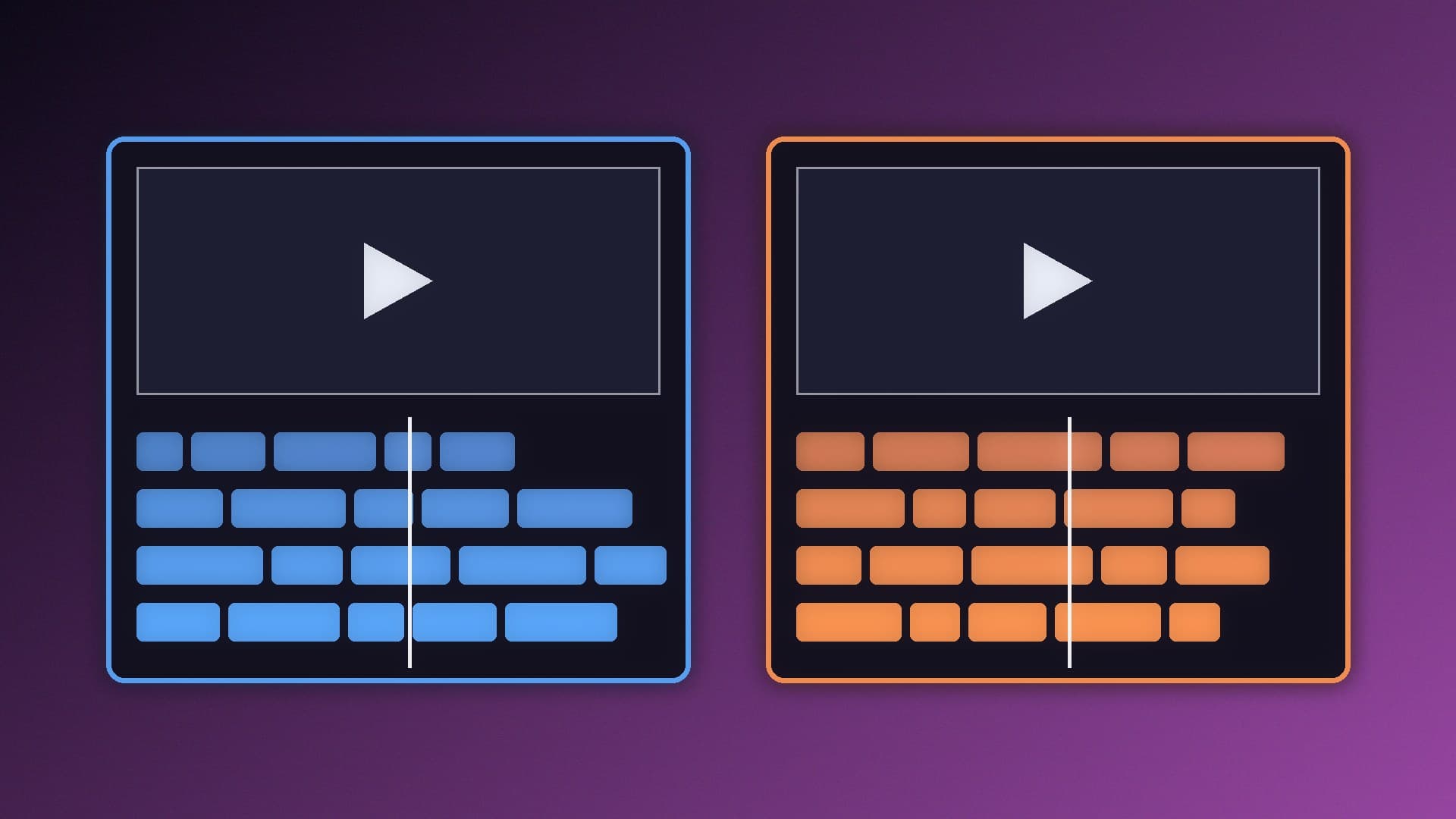
This is the clearest difference. The README says TensorRT has "much longer startup times on every launch", while CUDA has faster startup. TensorRT also builds and caches engine plans: the v1.17.2 notes say a new plan and timing-cache version makes the first run slower to start while it re-tunes. If you open and close a GUI often, or switch networks regularly, CUDA's faster startup is a practical advantage.
Settings worth knowing
Both backends read the same config file. The settings that matter most:
numSearchThreads: the README calls thread count the most important performance setting, worth a two- to threefold difference. Run the benchmark to set it.
numNNServerThreadsPerModel: the v1.18.0 notes say two server threads per GPU is now often the best setup on CUDA and ROCm, and since v1.18.1 the benchmark tests this for you.
cudaUseFP16: defaults to auto, picked by your GPU's compute capability. The v1.18.2 notes suggest GTX 16 series owners try FP16 off, because those cards lack tensor cores.
cudaDeviceToUse / trtDeviceToUse: choose the GPU in multi-GPU systems.
KataGo v1.18.0 also added a benchmarknn command that measures raw network throughput without search, which the release notes describe as useful for comparing backends and GPU settings in isolation.
Which GPU benefits most?
Going by the release notes, the newest cards gain most from the 2026 CUDA work. An RTX 50 series card such as the MSI RTX 5070 Ti 16GB Ventus 3X OC falls in the "biggest gains" group. At the budget end, the ASUS RTX 5050 8GB Dual OC is also a Blackwell card. These are our hardware suggestions, not a tested pair. Owners of RTX 20 series cards should make sure they're on v1.18.2 for the Turing tensor-core attention fix. For broader buying advice, see our best graphics card for gaming and local AI guide.
How to decide on your own PC
Download both builds into separate folders.
Run katago benchmark -model <network>.bin.gz -config <config>.cfg with each, using the same transformer network.
Compare the speed results the benchmark reports for its recommended thread count, and note how long each takes to start.
Keep the faster one. If they're close, CUDA's quicker startup is the tie-breaker.