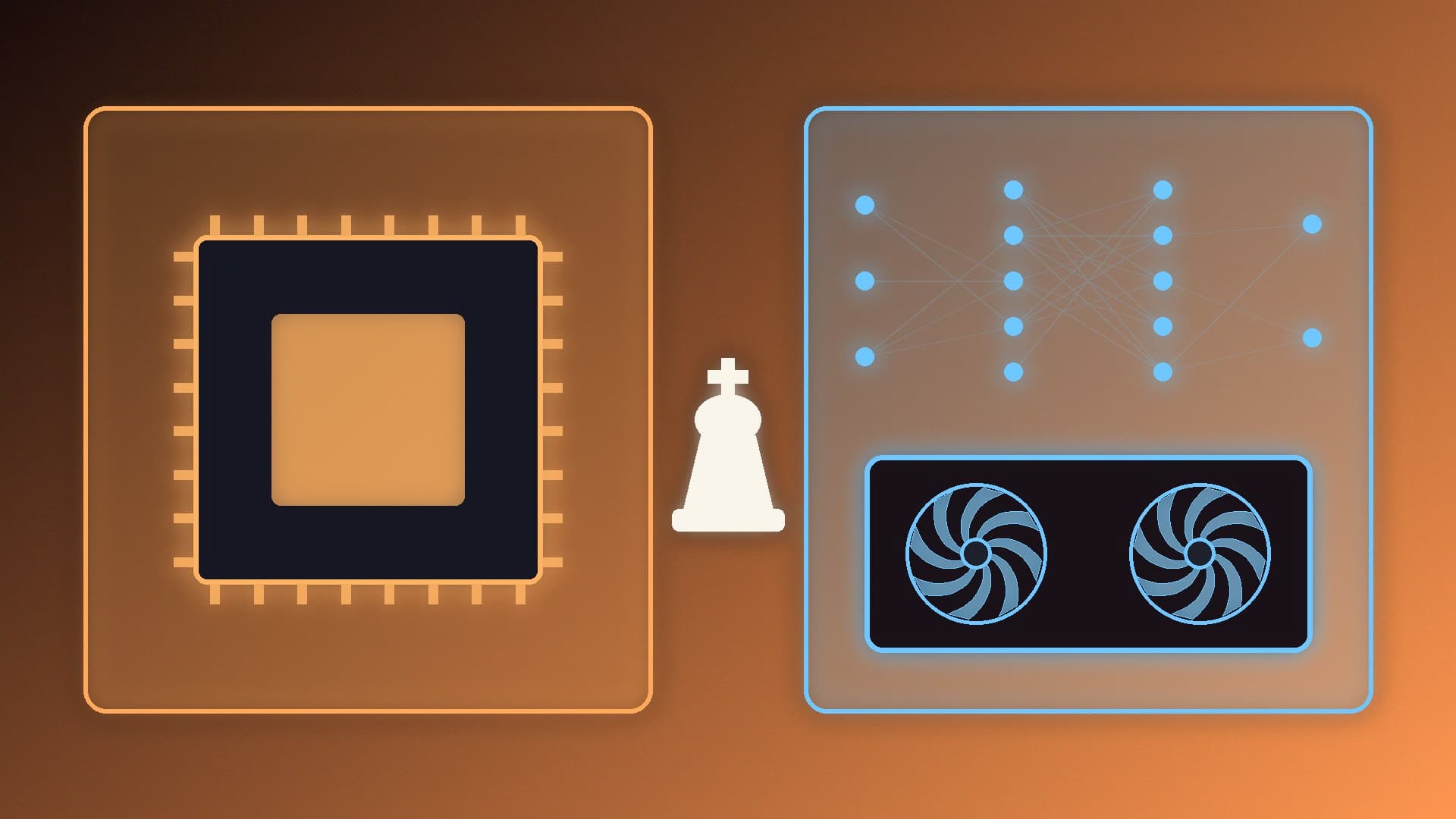
Stockfish and Leela Chess Zero (Lc0) are the two best-known free chess engines, and both now rely on neural networks. But they use that AI in very different ways, and that decides which part of your PC does the work. Stockfish runs on your CPU, and Lc0 wants a graphics card. Here we compare how each works, what hardware it needs, how strong it is, according to independent rating lists and the developers themselves, and which to install for analysing your own games.
At a glance
| Stockfish 19 | Leela Chess Zero (Lc0) v0.32.1 |
|---|
Released | 5 September 2026 | Latest stable release on the Lc0 download page (v0.33.0-rc0 pre-release on 5 September 2026) |
Licence | Free, open source (GPL) | Free, open source (GPLv3) |
Evaluation | NNUE ("Efficiently Updatable Neural Networks") | Large neural network learned through self-play |
Search | Alpha-beta search with aggressive pruning | Search designed to batch neural-network evaluations |
Runs on | CPU only | GPU (NVIDIA, AMD/Intel via ONNX-DML, Apple), or CPU builds |
Platforms | Windows (x86-64 and ARM64), macOS, Linux, Android, iOS | Windows x86, macOS, Linux, Android; no ARM Windows |
Main hardware lever | CPU threads and RAM for the hash table | GPU speed (networks need roughly 1.6-4GB of GPU memory) |
Two kinds of chess AI
Both engines use neural networks, which surprises people who think of Stockfish as the "traditional" one. Stockfish evaluates positions with NNUE, a small network the developers say is trained on billions of chess positions. Its FAQ explains that this network is evaluated in well under a microsecond, which is why it runs so well on a CPU. Stockfish pairs it with a highly optimised alpha-beta search with aggressive pruning.
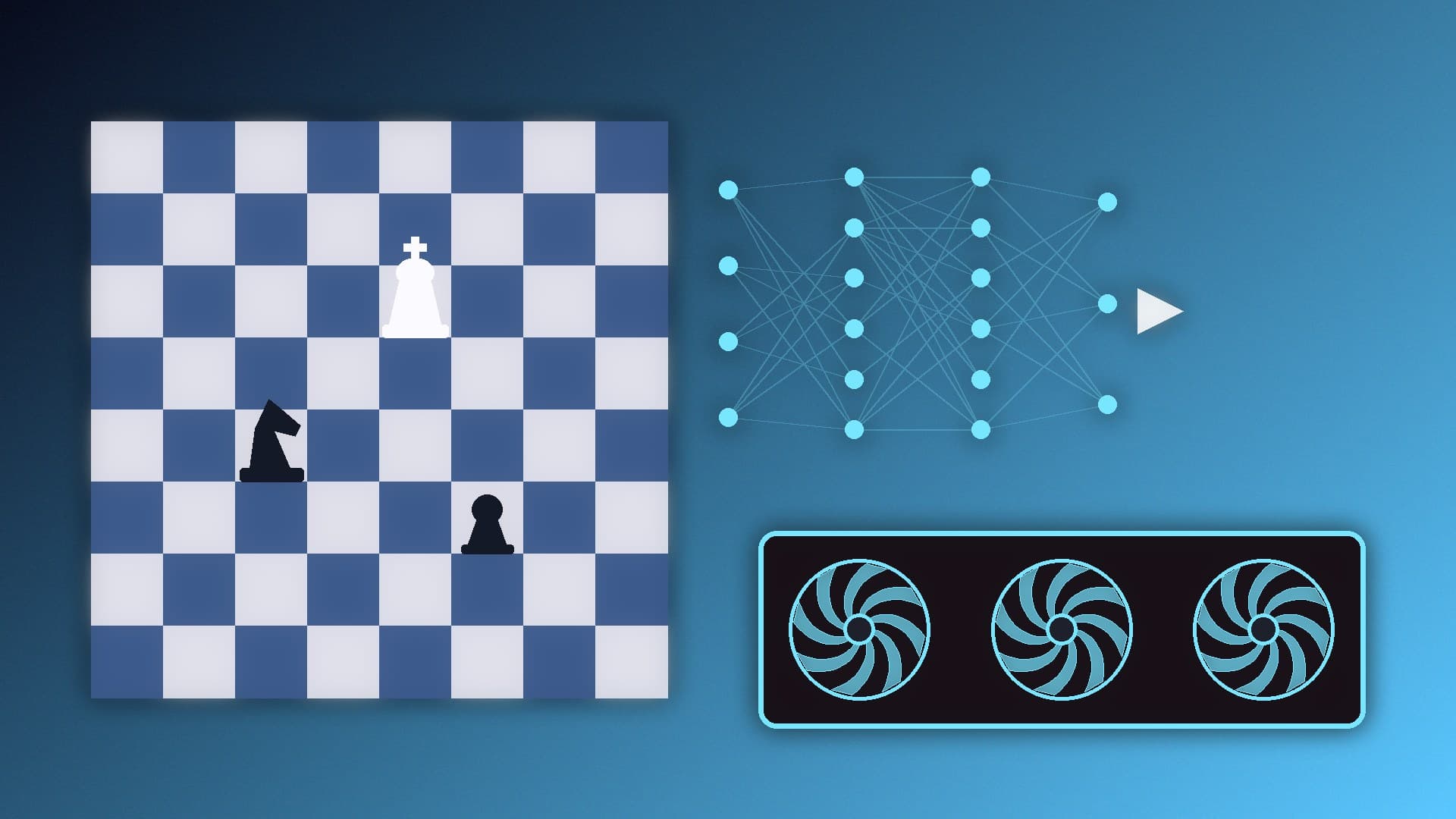
Lc0 takes the approach DeepMind pioneered with AlphaZero. It uses a much larger network that learned chess purely by playing itself, which the project says gives it a style "free from all human bias", with strong understanding of long-term strategy and pawn structures. Stockfish's own FAQ explains the consequence: engines built on large convolutional or transformer networks need GPUs for effective evaluation, and use a search algorithm that allows evaluations to be batched together.
The two projects aren't entirely separate. The Stockfish 19 announcement says its training positions were rescored using a strong Leela network.
Hardware: CPU vs GPU
This is the practical difference for PC owners.
Stockfish is CPU-only. Its FAQ answers "Can Stockfish use my GPU?" with a plain no. The tiny NNUE network can't be evaluated efficiently on a GPU, especially with alpha-beta search, although the team does use GPUs to train its networks. What helps Stockfish is more CPU threads and more RAM:
Threads: set the maximum minus one or two. The FAQ says hyper-threading (SMT) helps, so use all logical threads, and that Stockfish supports hundreds of threads.
Hash: the hash table size in MiB. The FAQ suggests 64 or 128 for shallow analysis (depth 24 or 1 million nodes), and for deep analysis as much as you can spare while leaving memory for Windows and your other apps.
MultiPV: leave it at 1 for the strongest single best move, because showing extra lines takes resources away from the main one.
The right binary: Stockfish 19 moved to universal binaries that detect your CPU's features (such as AVX2 or AVX-512) automatically, so you no longer have to pick a build.
On Intel chips with Performance and Efficiency cores, the FAQ warns that Windows can sometimes run Stockfish on the slower E-cores. Its temporary fix is to set Stockfish's priority to Above Normal in Task Manager's Details tab, or set its affinity to the P-cores. Our P-cores vs E-cores explainer covers why this happens. Our suggestion: a high-core-count chip such as the AMD Ryzen 9 9950X, with 16 cores and 32 threads, gives Stockfish the most to work with in a desktop. That said, you don't need a high-end chip to make Stockfish useful for checking your own games.
Lc0 wants a GPU. The project says it runs best with a powerful GPU, unlike traditional CPU engines. Its recommended networks need about 1.6GB to 4GB of GPU memory, so even mid-range cards can run the largest. Our suggestion is that a current card such as the ASUS RTX 5070 12GB Dual OC is plenty for home analysis. Lc0 also has CPU-only builds (DNNL and OpenBLAS), but without a GPU you're giving up the hardware it's designed for. Our Lc0 setup guide explains which build to download for your card.
Strength
Stockfish is the strongest engine on the independent CCRL Blitz rating list. On 28 November 2026, Stockfish 19 (the 64-bit 8CPU version) was ranked first with a rating of 3804. CCRL's time controls are calibrated to an Intel Core i7-4770K CPU, and the Lc0 entries in its records are older versions run on an RTX 2080 GPU, so they aren't a fair like-for-like comparison with current Lc0. We haven't quoted a head-to-head figure for that reason.
The Stockfish project says Stockfish 19 gains up to 44 Elo over Stockfish 18 in its own tests, and that Stockfish has won the Top Chess Engine Championship (TCEC) and Chess.com's Computer Chess Championship. Lc0 also competes in those events: the project sends its strongest network, BT4-it332, to TCEC and CCC.
Neither project claims a meaningful rating on a human scale. Stockfish's FAQ says measuring it against FIDE Elo has become "virtually impossible" because the gap to humans is so large. In our view, both engines are so far beyond human strength that the gap between them matters little when you're checking your own games.
Analysis features
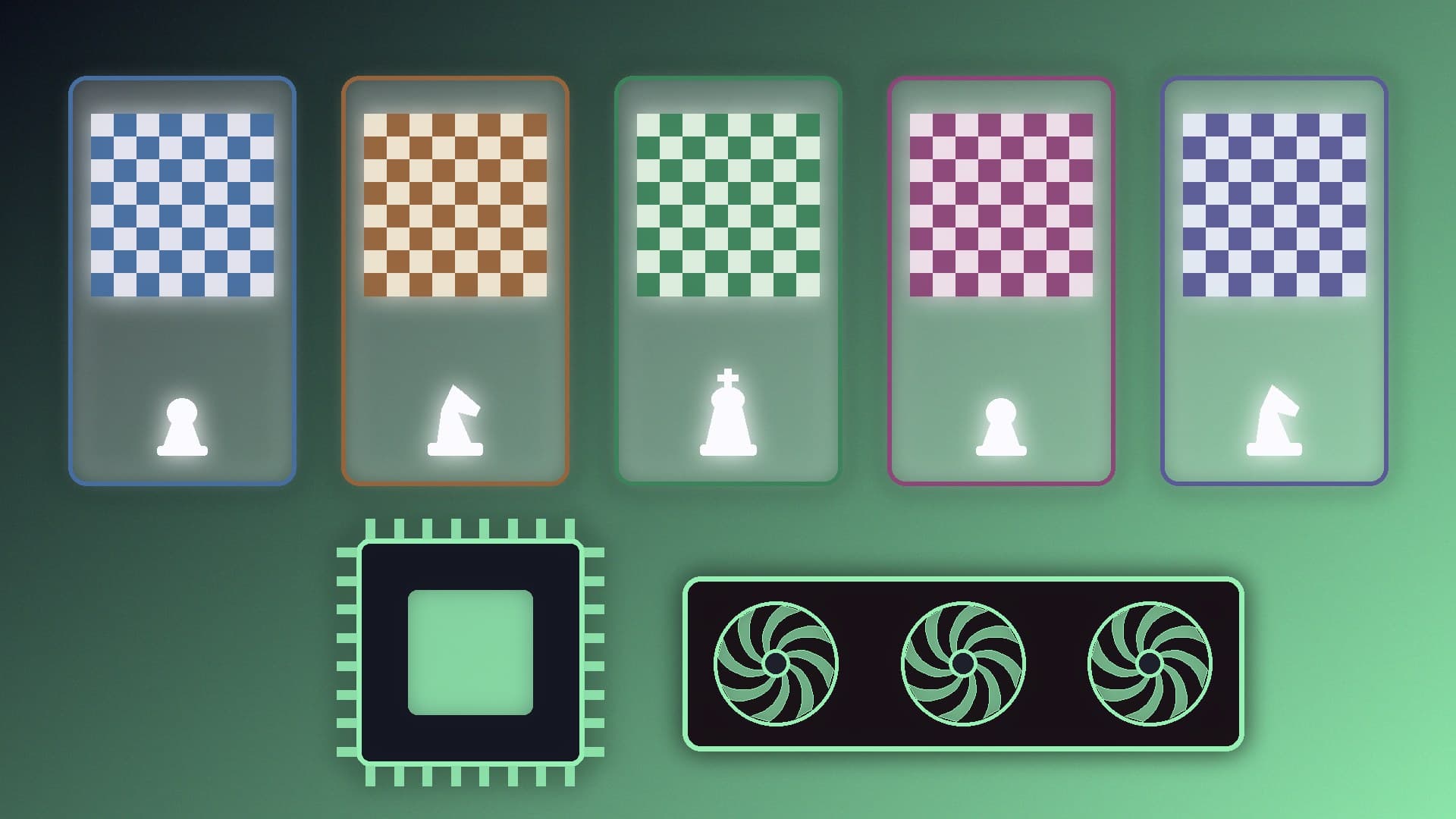
Both engines are command-line programs that talk to a chess GUI over UCI, so you can run both side by side in the same app.
Stockfish gives you an evaluation and its best move. The FAQ notes that it doesn't label moves as blunders or brilliancies itself; websites and GUIs add those annotations using its output. Stockfish's evaluation is linked to the probability of winning: an advantage of 1.0 pawn means a 50% chance of winning.
Lc0 can show win, draw and loss probabilities directly through its UCI_ShowWDL option, and GUIs such as Nibbler and BanksiaGUI can display its extra search statistics. Nibbler's README describes it as a real-time analysis GUI for Lc0 that constantly displays Leela's opinions about the current position, with a win-rate graph and automatic full-game analysis.
Which should you use?
No dedicated GPU, a laptop or an ARM PC? Use Stockfish. It's CPU-only, has Windows on ARM builds, and the Stockfish site lists Lichess, Chess.com and ChessBase among the platforms it powers.
A gaming PC with a modern graphics card? Install both. Stockfish is the strongest single opinion, while Lc0 offers a different, more positional view of the same position and clear win/draw/loss chances.
Want to put your GPU's AI hardware to work? Lc0 is the one that uses it. If you're shopping, our best graphics card guide covers current cards.