We'll treat them as claims until independent results appear.
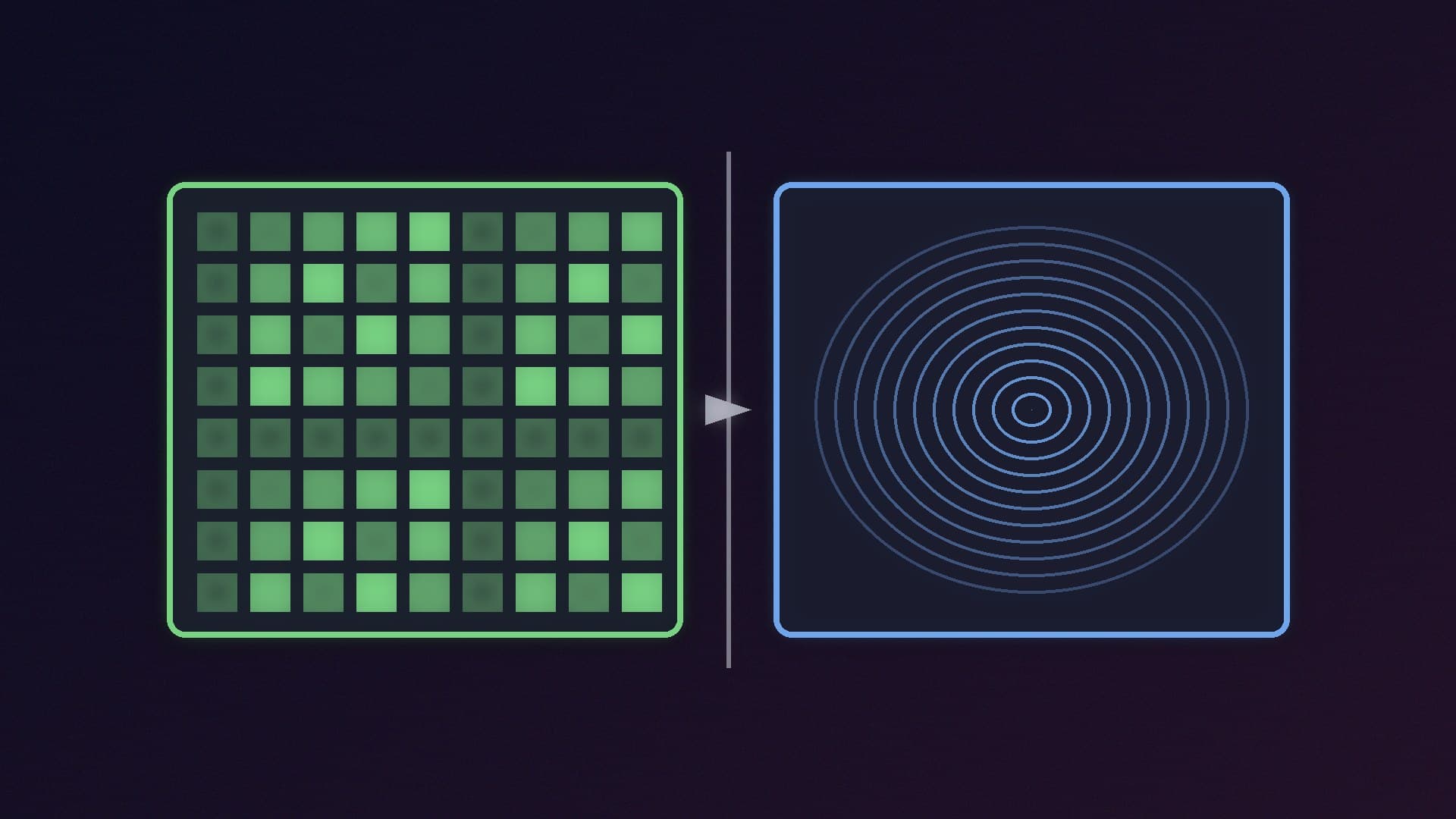
The usual rule for running large language models at home is blunt: if the model doesn't fit in your graphics card's memory, it either won't load or it slows to a crawl. A new open-source inference engine called Magnitude is trying to bend that rule by treating your GPU, system RAM and NVMe SSD as three tiers of one big memory pool.
What Magnitude is
Magnitude is an open-source inference engine introduced by developer Tom Greenwald and released under the Apache 2.0 licence. According to its GitHub page, it runs on Apple Silicon, NVIDIA, AMD and Intel GPUs, or on a CPU alone, across Windows, macOS and Linux. It ships as a desktop app, a headless command-line tool and a Docker image, and it can connect to agent tools such as OpenCode, Hermes and Codex.
Its GitHub release notes describe the key new feature as expert streaming: running mixture-of-experts models that are larger than your GPU memory or system RAM by keeping the most-used parts in the fastest tier and streaming the rest from RAM and disk as tokens are generated.
How it fits big models on small cards
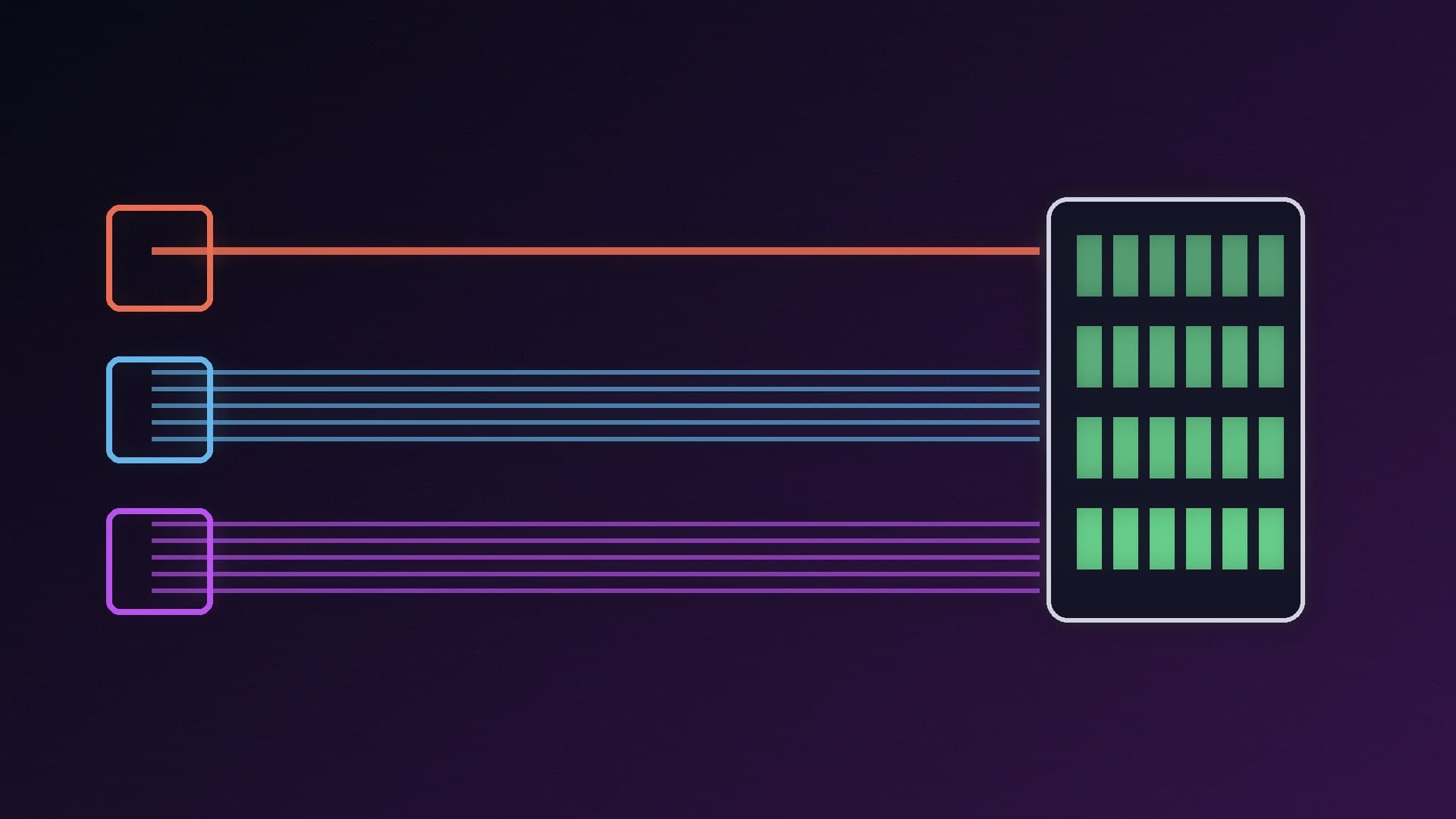
The trick relies on how most large open models are now built. Many are mixture-of-experts (MoE) models, which are split into hundreds of small blocks called experts. Magnitude says only around 5% of those experts are active for each token. If you're new to the idea, our MoE vs dense models explainer covers the basics.
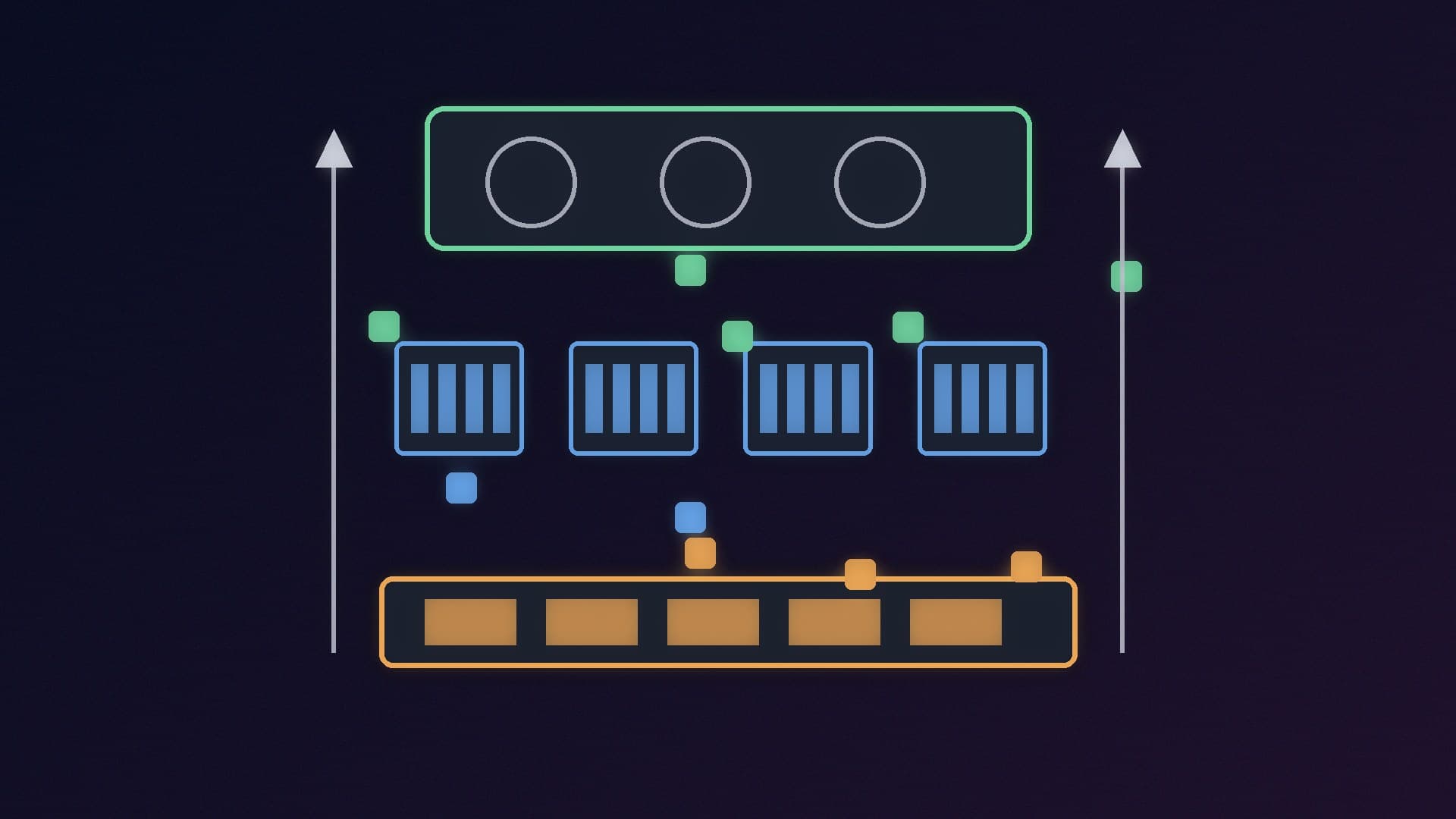
Magnitude splits a model into three tiers:
GPU VRAM holds the shared layers and the most frequently used experts.
System RAM holds the next tier of frequently used experts.
The NVMe SSD holds everything else, streamed in on demand.
On every token, the engine tries to predict which experts will be needed next and prefetches them from SSD to RAM to VRAM before the GPU asks for them. When an expert arrives in time, the GPU keeps working; when it has to wait for a disk read, generation slows down.
Other tools can already offload MoE experts from VRAM to system RAM, which we cover in our guide to running MoE models on low VRAM with llama.cpp. Magnitude's pitch is that it extends that idea down to the SSD, so a model can be larger than your VRAM and RAM combined.
The Neuron's write-up lists these results from Magnitude, measured with a 64K context setting and speculative decoding enabled. The Qwen figures use a 2-bit build of the model:
Hardware (as reported by Magnitude) | Model | Reported speed |
|---|
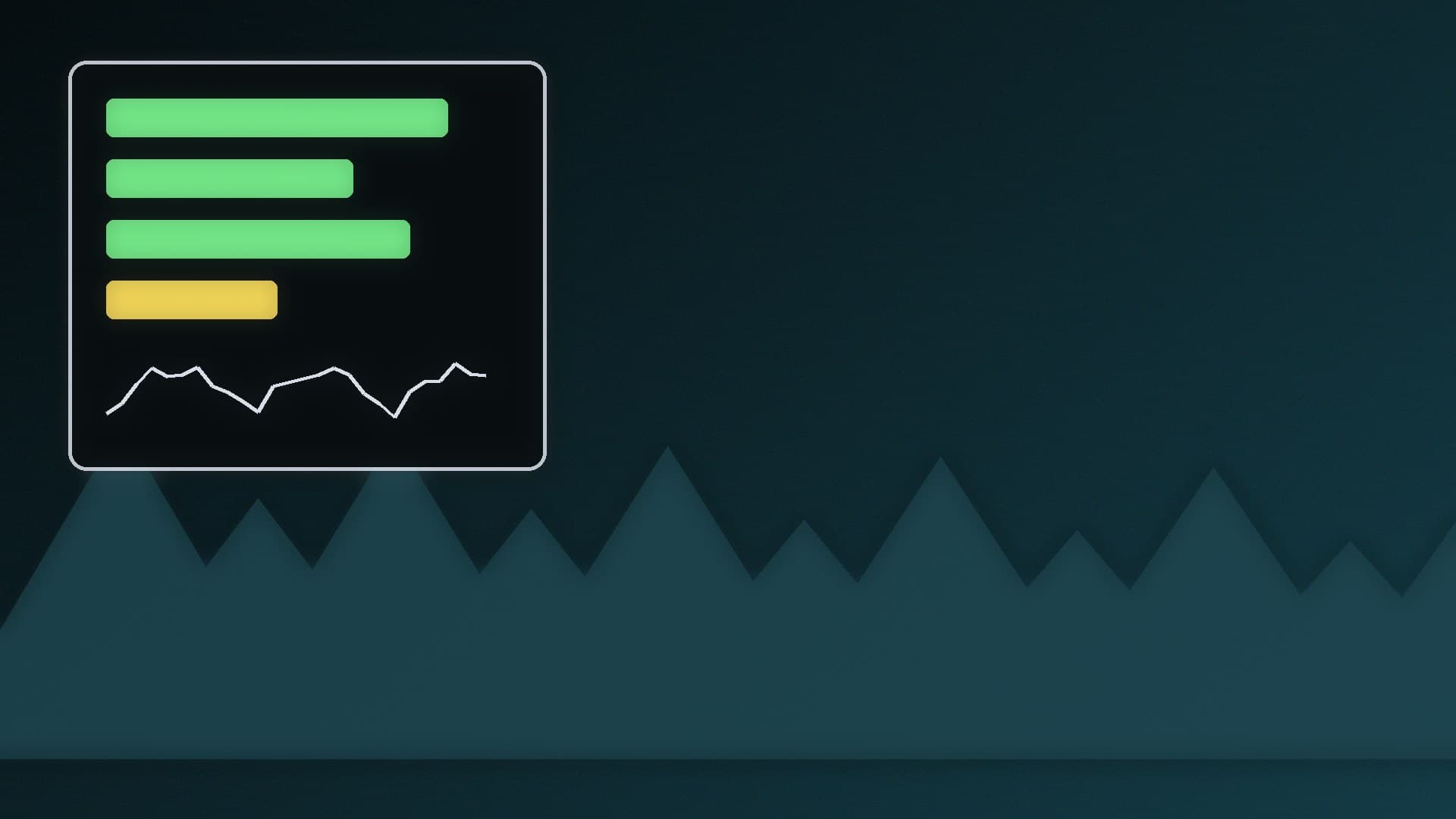
RTX 3090 24GB, 64GB RAM, PCIe 4.0 SSD | Qwen 3.8 Flash Next (66GB file) | 41 tokens/s |
RTX 3060 12GB, 32GB RAM, PCIe 3.0 SSD | Qwen 3.8 Flash Next (66GB file) | 17 tokens/s |
RTX 5090 32GB, 128GB RAM, PCIe 4.0 SSD | DeepSeek V4.1 Flash (249GB file) | 17 tokens/s |
The RTX 3060 result is the eye-catching one: the 66GB file is bigger than that machine's VRAM and system RAM put together. Magnitude also claims its per-chip kernel tuning makes it over twice as fast as Ollama, but that is a vendor comparison we haven't verified.
The Neuron rightly points out the catch. These are decode speeds, measured once text generation is under way. You still have to wait while the model processes your prompt, and AI agents repeat that step every time they read a file or get a tool result, so a fast token stream doesn't tell you how long a whole job will take.
What it means for your PC
If Magnitude's approach holds up, the parts of a local AI PC that matter shift slightly:
VRAM still sets the floor. Magnitude says the GPU must fit at least the active experts for a model. More VRAM means more experts cached on the card and fewer trips to slower tiers. Our context length and VRAM explainer covers the other big call on that memory.
System RAM becomes a performance tier, not just a staging area. Magnitude says the more experts you can cache in RAM, the faster it runs, which strengthens the case for 64GB or more. See how much RAM you need for local AI.
Your SSD suddenly matters for AI speed. Magnitude says a faster NVMe drive, such as a PCIe 5.0 model, speeds up anything that spills to disk. Our PCIe 4.0 vs PCIe 5.0 SSD comparison and best SSDs for local AI models are good starting points.
On SSD wear, Magnitude says streaming is read-only, so it doesn't add the write wear that heavy swapping would. It also says it uses direct reads rather than the operating system's swap file and shrinks its memory use when sessions go idle to keep the PC responsive.
Our verdict
Magnitude is one of the more interesting local AI releases of the year because it changes the hardware question from "does the model fit in VRAM?" to "how well does it fit across VRAM, RAM and SSD?". The developer's figures are impressive, but they are self-reported, decode-only and, for the Qwen results, based on a heavily quantised 2-bit build. Wait for independent tests before buying hardware around it, but if you already have a decent GPU, plenty of RAM and a fast NVMe drive, it's free to try.