Skip to content

VersusPSU

Seasonic Focus GX vs Vertex GX: Which ATX 3.1 PSU Should You Buy?

Seasonic's FOCUS GX ATX 3.1 and VERTEX GX ATX 3.1 compared on Seasonic's official specs: both are 80 PLUS Gold, fully modular ATX 3.1 units with 12V-2x6 cables and 135mm FDB fans, but Focus GX is 140mm long with a 10-year warranty while Vertex GX is 160mm, adds a 1200W model and has 12 years.

By , Senior Hardware Editor

3 min read

Seasonic Focus GX vs Vertex GX: Which ATX 3.1 PSU Should You Buy?
Seasonic Focus GX-850 ATX 3.1 v5 850W compared with Seasonic Vertex GX-1000
Seasonic Focus GX-850 ATX 3.1 v5 850WSeasonic Vertex GX-1000
Wattage (W)—1000
Efficiency Rating—80+ Gold
Form Factor—ATX
Modular Type—Fully Modular
ATX Version / PCIe Power Standard—ATX 3.1
12V Rail Output (A)—83
Protections (OVP/OCP/OTP etc.)—OPP, OVP, UVP, SCP, OCP, OTP
8-pin EPS Count—2
6+2 PCIe Count—3
12VHPWR / 12V-2x6 Count—1
SATA Power Count—16
Molex Count—3
PSU Length (mm)—170
Fan Size (mm)—135

Seasonic's Focus GX and Vertex GX ranges look very similar on a shop listing. Both are 80 PLUS Gold, fully modular ATX 3.1 power supplies with a native 12V-2x6 cable for modern graphics cards. Look at Seasonic's spec sheets and some practical differences appear: case fit, warranty, the largest wattage on offer and cable style. This comparison uses Seasonic's official product pages for the FOCUS GX ATX 3.1 (v5) and VERTEX GX ATX 3.1, both checked on 23 November 2026.

At a glance

FOCUS GX ATX 3.1 (v5)

VERTEX GX ATX 3.1

Wattages

750W, 850W, 1000W

750W, 850W, 1000W, 1200W

80 PLUS rating

Gold

Gold

Cybenetics efficiency (Seasonic's listing)

Platinum

Platinum (750W, 850W, 1000W); Gold (1200W)

Standards

ATX 3.1, PCIe 5.1

ATX 3.1, PCIe 5.1

GPU cable

Native 12V-2x6

12V-2x6

Modularity

Fully modular

Fully modular

Length

140 mm (Seasonic: "compact 140 mm form factor")

160 mm (160 x 150 x 86 mm)

Fan

135 mm, fluid dynamic bearing

135 mm, fluid dynamic bearing

Fan control

Digital Hybrid Fan Control (Seasonic's OptiSilent)

Digital Hybrid Fan Control

Warranty

10 years

12 years

Size: Focus GX is 20 mm shorter

The Focus GX ATX 3.1 measures 140 mm long, and the Vertex GX measures 160 mm. That 20 mm matters in compact ATX cases and in cases with a drive cage next to the PSU. It also matters in cases with a tight PSU length limit, such as Fractal's Pop 2 Air (180 mm maximum). Seasonic's own Vertex GX FAQ suggests checking for space if the case has a drive cage or limited room for modular cables. If you're unsure, compare the PSU length against your case's limit, and leave room for the cables behind it.

Efficiency ratings

Both ranges are 80 PLUS Gold; Seasonic's Vertex GX page adds that the series reaches 90% efficiency at 50% system load. Seasonic's pages also list Cybenetics Platinum for the Focus GX range and for the 750W to 1000W Vertex GX models, and Cybenetics Gold for the Vertex GX-1200. As Seasonic's Vertex FAQ notes, the two certification schemes test differently, so their tier names don't always match. Our Cybenetics vs 80 PLUS explainer covers how to read them.

Wattage range

If you need more than 1000W, the choice is made for you. Only the Vertex GX comes in a 1200W version. At 750W to 1000W, both ranges cover the same capacities, so use our PSU wattage guide to pick the right size. NVIDIA, for instance, lists an 850W required system power for the RTX 5080.

Fan, cables and warranty

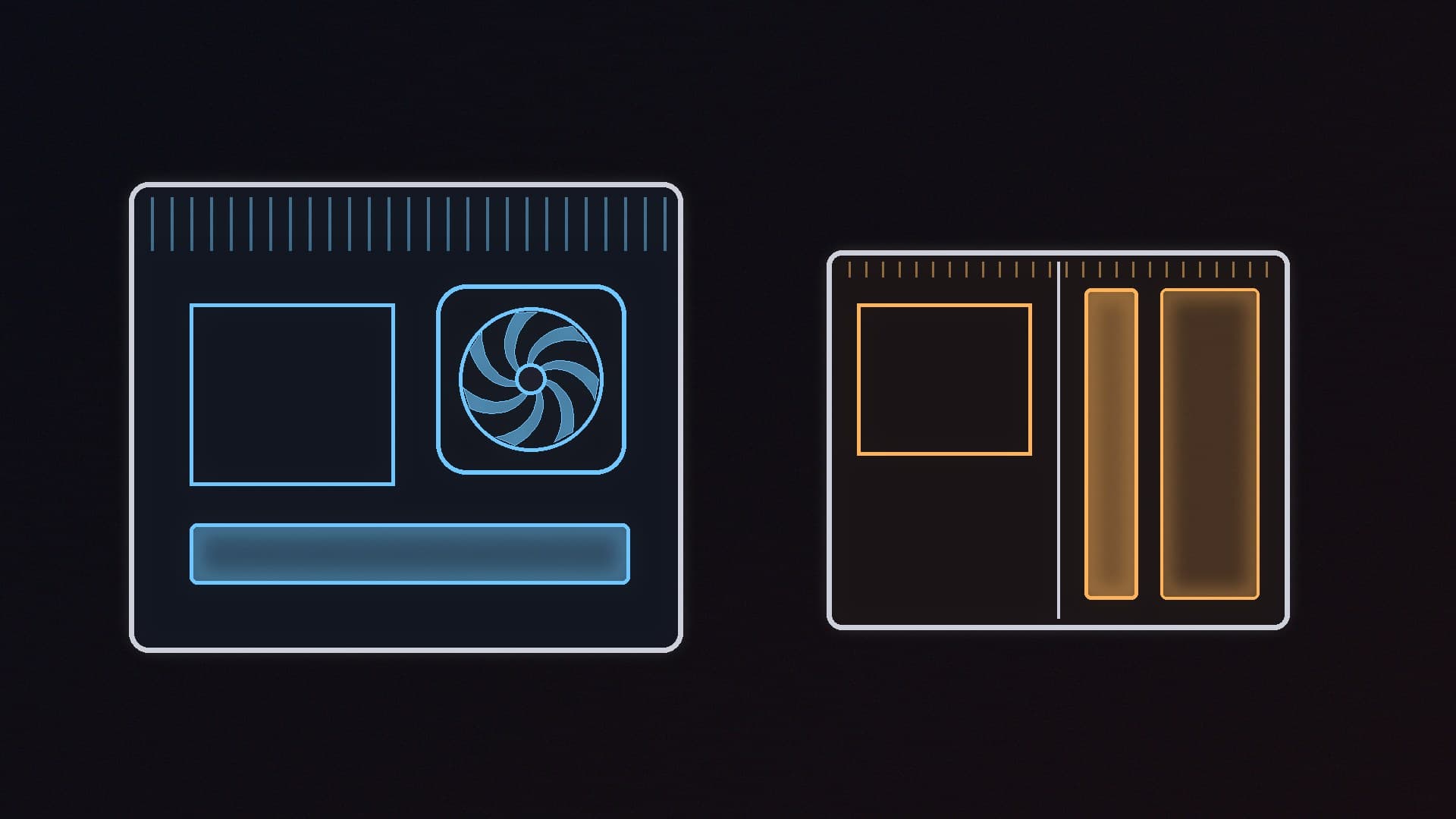
Both use a 135 mm fluid dynamic bearing fan with hybrid control, so they can run with the fan stopped at low loads. Seasonic markets the Focus GX v5's fan control as OptiSilent and pairs it with what it calls OptiSink thermal design. We haven't measured noise ourselves, and Seasonic's Cybenetics noise listings shouldn't be treated as a like-for-like comparison here.

On cables, Seasonic describes the Vertex GX's as having a braided pattern and the Focus GX ATX 3.1's as individual black cables with a braided pattern. Seasonic also notes that early Vertex units shipped with 12VHPWR cables before the range moved to 12V-2x6. If you're buying older stock, check which cable is in the box.

The Vertex GX's warranty is two years longer: 12 years against 10.

Our verdict

For most gaming builds between 750W and 1000W, the Focus GX ATX 3.1 is the easier recommendation. It has the same 80 PLUS Gold and ATX 3.1/PCIe 5.1 basics, Seasonic lists it as Cybenetics Platinum, and its 140 mm length fits more cases. Choose the Vertex GX if you want the 12-year warranty or need the 1200W model. Either way, use the 12V-2x6 cable supplied with the PSU (see our 12V-2x6 safety guide). Our database lists the Focus GX-850 ATX 3.1, Vertex GX-1000 and Vertex GX-1200. For other brands, see our best 850W power supply picks.

The bottom line

For most gaming builds between 750W and 1000W, the Focus GX ATX 3.1 is the easier recommendation. It has the same 80 PLUS Gold and ATX 3.1/PCIe 5.1 basics, Seasonic lists it as Cybenetics Platinum, and its 140 mm length fits more cases. Choose the Vertex GX if you want the 12-year warranty or need the 1200W model. Either way, use the 12V-2x6 cable supplied with the PSU (see our 12V-2x6 safety guide). Our database lists the Focus GX-850 ATX 3.1, Vertex GX-1000 and Vertex GX-1200. For other brands, see our best 850W power supply picks.

Sources

  1. 01Seasonic, FOCUS GX ATX 3.1 product page and specifications
  2. 02Seasonic, VERTEX GX ATX 3.1 product page, specifications and FAQ
  3. 03Fractal Design, Pop 2 Air specifications
  4. 04NVIDIA, GeForce RTX 5080 specifications (UK)

About the author

Callum Reid

Senior Hardware Editor

Callum leads GPU, CPU and platform architecture coverage at Forge PC. Before joining the editorial desk, he spent nine years specifying, assembling and stress-testing custom gaming and workstation systems in the UK, with a focus on PCIe bandwidth, VRM thermal design, DDR5 memory tuning and 1440p/4K frame-time consistency.

More from Callum Reid

Read next

How to Set Up a UPS to Shut Down Your PC Automatically

How-To

How to Set Up a UPS to Shut Down Your PC Automatically

How to make a UPS shut your PC down automatically in a power cut: connect the UPS's USB data cable, install the maker's software (CyberPower PowerPanel Personal as the example), choose Keep Computer Running or Preserve Battery Power, pick shutdown or hibernation, then test it.

Marcus Thorne7 min

RTX 4090 vs RTX 5070 Ti for Local AI: More VRAM or Newer Tech?

Versus

RTX 4090 vs RTX 5070 Ti for Local AI: More VRAM or Newer Tech?

RTX 4090 vs RTX 5070 Ti for local AI: the 4090 has 24GB of GDDR6X on a 384-bit bus but needs 450W, while the 5070 Ti has 16GB of GDDR7, FP4 support and a 300W rating. We compare NVIDIA's specs, VRAM, power and software support.

Callum Reid6 min

How to Add a Graphics Card to an Office PC

How-To

How to Add a Graphics Card to an Office PC

How to add a graphics card to an office PC: identify the chassis type, check the PCIe slot, measure height, length and thickness, check the power supply's wattage and PCIe lead, update the BIOS, fit the card and install drivers.

Marcus Thorne6 min