The specifications below come from NVIDIA's official UK pages for the RTX 4090 and the RTX 5070 family, and software support comes from Ollama's hardware documentation, all read on 24 November 2026. We haven't quoted prices, because new and second-hand graphics card prices change from week to week.
If you're building a PC for local AI, this is one of the more interesting choices you can make. The RTX 4090 was the top card of NVIDIA's previous generation, and it's the one with 24GB of video memory. The RTX 5070 Ti is a current-generation card with 16GB and a lot less power draw. If a used RTX 4090 and a new RTX 5070 Ti are anywhere near each other on price, which should you pick?
For running large language models (LLMs), the answer mostly comes down to memory, so that's where we'll start.
Specs compared
| RTX 4090 | RTX 5070 Ti |
|---|
Architecture | Ada Lovelace | Blackwell |
CUDA cores | 16,384 | 8,960 |
Tensor cores | 4th generation | 5th generation |
NVIDIA "AI TOPS" | 1,321 | 1,406 |
Boost clock | 2.52GHz | 2.45GHz |
Memory | 24GB GDDR6X | 16GB GDDR7 |
Memory interface | 384-bit | 256-bit |
CUDA compute capability | 8.9 | 12.0 |
PCI Express | Gen 4 | Gen 5 |
Total graphics power | 450W | 300W |
NVIDIA's required system power | 850W | 750W |
Power connectors (NVIDIA reference) | 3x PCIe 8-pin (adapter) or one 450W-plus PCIe Gen 5 cable | 2x PCIe 8-pin (adapter) or one 300W-plus PCIe Gen 5 cable |
Size (NVIDIA Founders Edition) | 304mm long, 3 slots | Varies by manufacturer |
Source: NVIDIA's RTX 4090 and RTX 5070 family specification pages. Partner cards can differ in clock speeds, size and power connectors, so always check the exact model.
VRAM: the RTX 4090's big advantage
For local LLMs, the amount of video memory decides which models you can run at full speed. The model's weights and the KV cache (the memory used to hold your conversation's context) both need to fit in VRAM. If they don't, apps like Ollama and LM Studio push part of the model into system RAM, and generation slows down sharply.
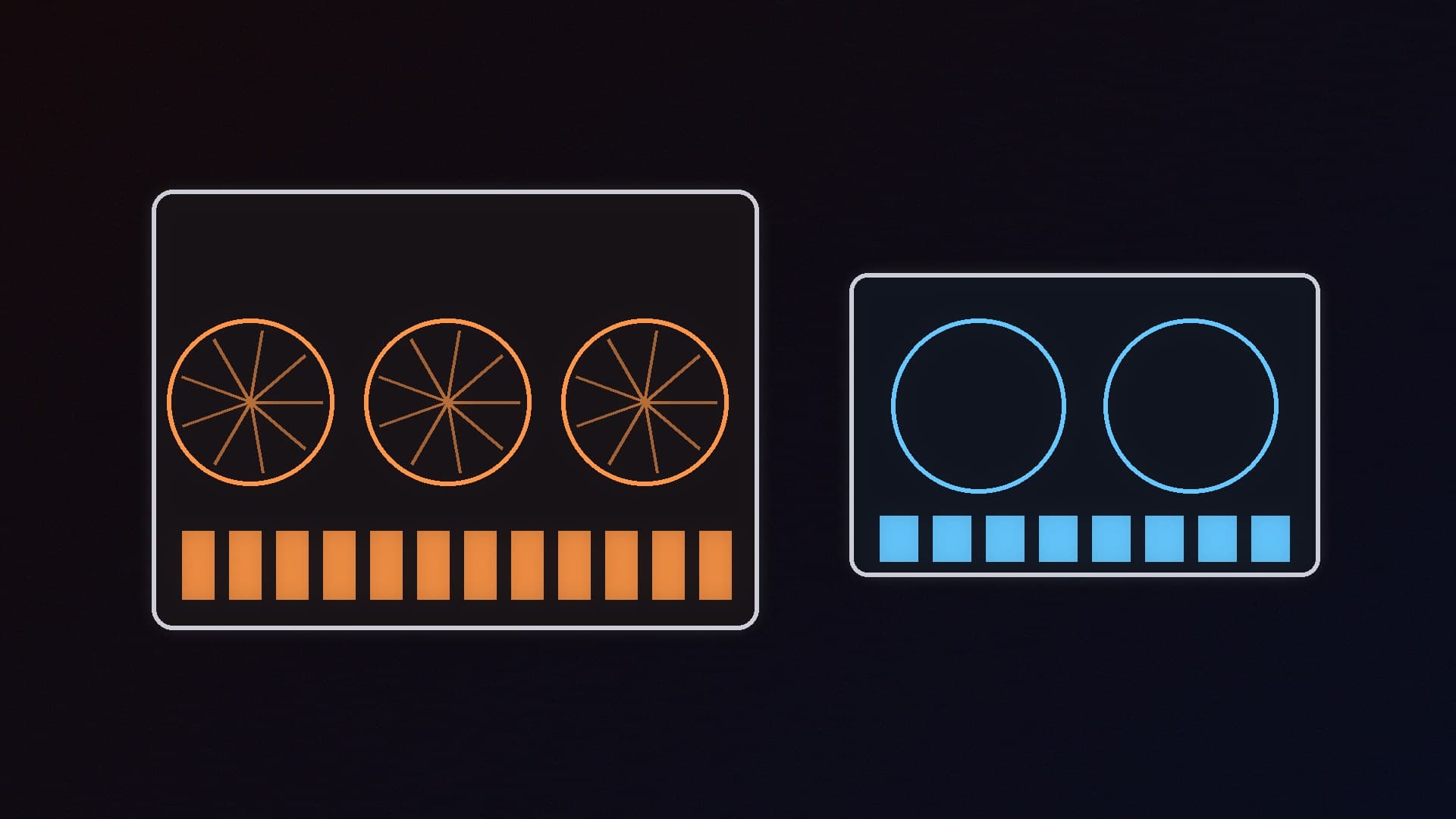
With 24GB, the RTX 4090 has 50% more room than the RTX 5070 Ti. In practice, that gives you three options the 16GB card doesn't:
Larger models. Models that fit in 24GB when quantised, but not in 16GB, run entirely on the GPU.
Higher-quality quantisation. You can choose a less compressed version of the same model.
Longer context. More memory is left over for the KV cache. Our guide to context length and VRAM explains how quickly that adds up.
The same applies to AI image and video generation. Bigger models and higher resolutions use more VRAM, and 24GB gives you more headroom before you need low-VRAM workarounds.
If you aren't sure how much memory your models need, our VRAM guide is a good starting point.
Memory bus and speed
The RTX 4090 pairs its memory with a 384-bit bus, while the RTX 5070 Ti uses a 256-bit bus with newer, faster GDDR7 memory. LLM text generation is often limited by how quickly the GPU can read the model from memory, so both the width of the bus and the speed of the memory matter. NVIDIA's pages don't list a bandwidth figure for either card, so we're not quoting one here, and we haven't measured it ourselves.
What's clear is that the RTX 5070 Ti's newer memory partly makes up for its narrower bus, but it can't add capacity. If a model doesn't fit in 16GB, faster memory won't help.
AI TOPS: why the numbers look so close
On paper, the RTX 5070 Ti's 1,406 AI TOPS beats the RTX 4090's 1,321. Don't read that as the newer card being faster for AI. NVIDIA promotes Blackwell's fifth-generation tensor cores for their FP4 (4-bit floating point) performance, and the headline figure depends on the precision being measured. The two generations' numbers aren't a like-for-like comparison.
FP4 support is a genuine advantage of the RTX 5070 Ti, but you'll only benefit if your software and model actually use it. Our explainers on TOPS vs TFLOPS and FP4 vs FP8 vs FP16 explain why.
The RTX 4090 also has nearly twice as many CUDA cores, 16,384 against 8,960, which matters for compute-heavy work such as prompt processing and image generation. But core counts across different architectures aren't directly comparable either, so treat this as a rough guide rather than a performance prediction.
Power, heat and size
This is where the RTX 5070 Ti is much easier to live with. NVIDIA rates it at 300W total graphics power with a 750W recommended system power. The RTX 4090 is rated at 450W with an 850W recommendation, and the Founders Edition is a 304mm, three-slot card.
If your local AI PC runs for hours at a time, the difference in power draw adds up. Our guide to calculating local AI electricity costs shows how to work it out for your own usage. Before you buy a used RTX 4090, check that your case has room for it and your power supply is up to the job. Our guide to choosing a PSU for a local AI PC can help.
Software support
Both cards are fully supported by today's main local AI tools. Ollama's hardware documentation lists the RTX 4090 under CUDA compute capability 8.9 and the RTX 5070 Ti under 12.0. Ollama supports NVIDIA GPUs from compute capability 5.0 upwards, with driver 550 or newer.
The RTX 5070 Ti's newer architecture is likely to be supported for longer, and it's the only one of the two with FP4 support. But the RTX 4090 sits well within current software requirements.
Buying a used RTX 4090
If you're considering a second-hand RTX 4090, the usual used-GPU checks apply. Ask how it was used, test it before you pay if you can, and check the remaining warranty and the seller's returns policy. Because the RTX 4090 draws a lot of power through its connector, check the power connector and cable carefully for any sign of damage. Our guide to buying a used GPU for local AI in the UK covers the details.
If you go for the RTX 5070 Ti, our specs database includes partner cards such as the ASUS TUF Gaming RTX 5070 Ti OC, the Gigabyte RTX 5070 Ti Eagle OC and the MSI RTX 5070 Ti Ventus 3X OC. Check each card's length, slot width and power connector against your case and PSU.
Our verdict
For local AI, the RTX 4090's 24GB of VRAM is the deciding factor: it runs larger models, higher-quality quantisations and longer contexts entirely on the GPU than the 16GB RTX 5070 Ti can, on a wider 384-bit bus. The RTX 5070 Ti is the easier card to own, with a 300W rating against 450W, a 750W PSU recommendation against 850W, faster GDDR7 memory, FP4 support and the newer architecture. Choose a used RTX 4090 if your models need more than 16GB and your PC can handle its size and power. Choose the RTX 5070 Ti if your models fit in 16GB, you want a new card with a warranty or your PC can't take a 450W card. For other options, see our RTX 3090 vs RTX 4090 and RTX 4070 Ti Super vs RTX 5070 Ti comparisons.