Glass mouse pads now sit alongside cloth ones in the big brands' ranges. Razer calls its Atlas its first-ever glass gaming mouse mat. If you're choosing a new pad, possibly in a Black Friday sale, the choice comes down to how you want your mouse to feel, how much noise and care you'll accept, and how much you want to spend. This guide compares the two using makers' official product pages: Razer's Atlas tempered-glass mat, SteelSeries' QcK cloth range and, as a middle option, Logitech's G440 hard pad. How a surface feels also depends a lot on your mouse, its feet and your grip.
The short answer
Choose cloth if you want a cheaper, softer, quieter pad that's easy to roll up or replace, or if you play games where you need fine, controlled aim. It's the safe default.
Choose glass if you want a very smooth, consistent surface that wipes clean and is built to last, and you're happy to pay more, use suitable mouse feet and keep it on a flat desk.
Consider a hard plastic pad if you want a smooth, low-friction surface without the price or weight of glass.
How they compare
| Cloth (e.g. SteelSeries QcK) | Glass (e.g. Razer Atlas) | Hard plastic (e.g. Logitech G440) |
|---|
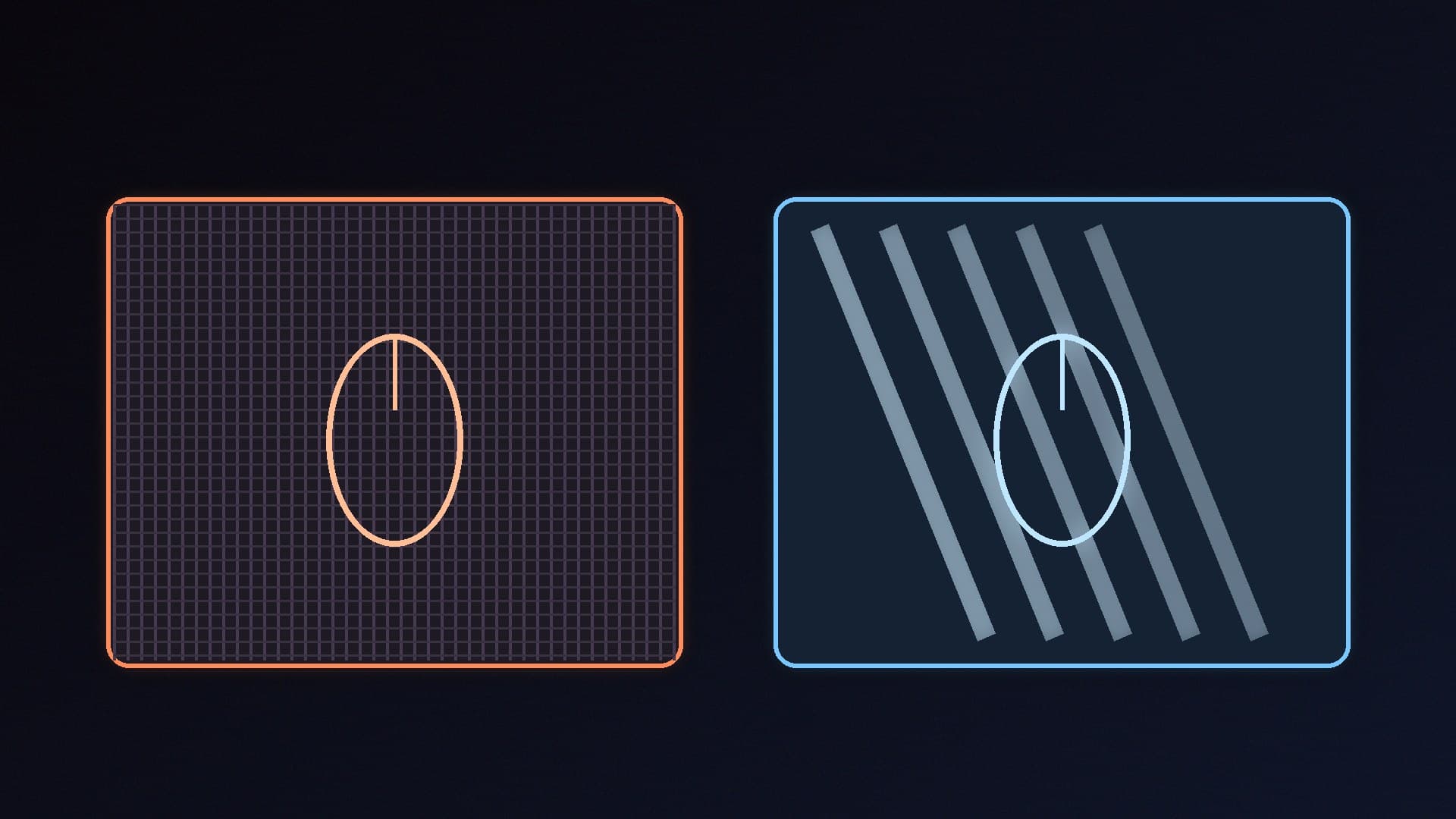
Surface | Micro-woven cloth | Tempered glass, micro-etched with 2μm texturing | Polyethylene |
Maker's pitch | All-round surface for optical and laser sensors | Ultra-smooth surface for quick, consistent swipes | Ultra-low friction for quick flicks |
Base | Non-slip rubber | Anti-slip rubber | Natural rubber bonded to a polystyrene core |
Cleaning | Check the maker's guidance | Wipe with a warm, damp cloth (Razer) | Check the maker's guidance |
Portability | Roll it up | Rigid; keep it flat | Rigid |
UK price (maker's store, 25 Nov 2026) | Varies by size | From £99.99 (approximate) | £16.99 (approximate) |
Prices are the makers' own UK store prices when we checked on 25 November 2026. They're approximate and may change over Black Friday.
Glide and control
Glass pads are sold on speed. Razer says the Atlas has an ultra-smooth surface that makes your mouse feel like there's almost no resistance, for quick swipes and consistent glides. Logitech makes a similar low-friction pitch for its hard G440, saying the polyethylene surface lets the mouse move with minimal force, which it says reduces overcompensation when starting or stopping. SteelSeries pitches the QcK as an all-round surface, noting it's been used on major esports stages.
Whether faster is better depends on you. If you play at low sensitivity with big arm movements, a low-friction surface takes less effort. If you want more friction to help you stop precisely, you may prefer cloth. Your mouse's weight, feet and sensitivity settings matter as much as the pad, so see our guide to changing mouse DPI and sensitivity if your aim feels off after switching.
Sensor tracking
Gaming glass pads aren't just smooth glass. Razer says the Atlas is micro-etched so it works with optical sensors and avoids spin-outs. SteelSeries says the QcK's high thread count and smooth surface help both optical and laser sensors track accurately. Logitech says heavy patterns and designs can interfere with sensor performance, so the G440 has a clean, consistent texture. In practice, a plain, consistent surface from a gaming brand should track well with any modern gaming mouse. Be more careful with heavily printed cloth pads and untextured glass.
Noise
Cloth pads are generally quieter, because the mouse feet slide over fabric rather than a hard surface. Glass can be louder. Razer says it treats the Atlas specifically to make swipes quieter than average glass mats. If you share a room or stream with a microphone on the desk, cloth is the safer choice.
Mouse feet and wear
Glass and hard pads are less forgiving of what's underneath your mouse. Razer recommends using the original feet from your Razer mouse or equivalent PTFE replacements on the Atlas, and warns that other materials may cause unexpected wear to the feet, the mat or both. If your mouse has worn or unusual feet, factor in the cost of a replacement set. Razer also says the Atlas has a coating that keeps the surface flawless after extended use and lets you wipe off smudges and grime.
Care, desk space and practicality
Cleaning: Razer recommends cleaning the Atlas periodically by gently wiping it with a warm, damp cloth. For a cloth pad, follow the maker's care instructions.
Your desk: Razer says to keep the Atlas on a flat, level surface to prevent accidental damage. A rigid glass pad won't sit well on an uneven desk, or one with a lip or a monitor arm clamp in the way.
Size and thickness: cloth pads come in a huge range of sizes, up to desk mats. SteelSeries says the QcK XXL is 2mm thick. The G440 is 280 x 340mm according to Logitech, which is a medium size.
Portability: you can roll up a cloth pad and take it with you. Glass pads are rigid and need careful handling.
Cost
In these examples, glass is the most expensive. Razer's UK store listed the Atlas from £99.99 when we checked on 25 November 2026, while Logitech's UK store listed the G440 hard pad at £16.99. Cloth pads cover a wide range depending on size. For specific recommendations across all three types, see our best mouse pad guide.
Which should you choose?
Your first good pad: go with cloth. It's cheap, quiet, forgiving and easy to replace.
You want maximum smoothness and a surface that lasts: choose glass, but budget for PTFE feet if your mouse needs them and make sure your desk is flat.
You want speed on a budget: try a hard plastic pad first.
Upgrading your mouse as well? Our best gaming mouse and wired vs wireless gaming mouse guides cover the other half of the setup.
Our verdict
Cloth is the better choice for most PC gamers. It's cheaper, quieter, portable and comes in every size. Glass is a premium option for players who want a very smooth, wipe-clean surface that Razer says is built to last, and who will use PTFE feet and a flat desk. If you're curious about speed but don't want to spend glass-pad money, a hard pad like the Logitech G440 is a cheaper way to try a low-friction surface.