This comparison is based on each company's official pages, checked on 25 November 2026. Prices are shown as listed on those pages on that date.
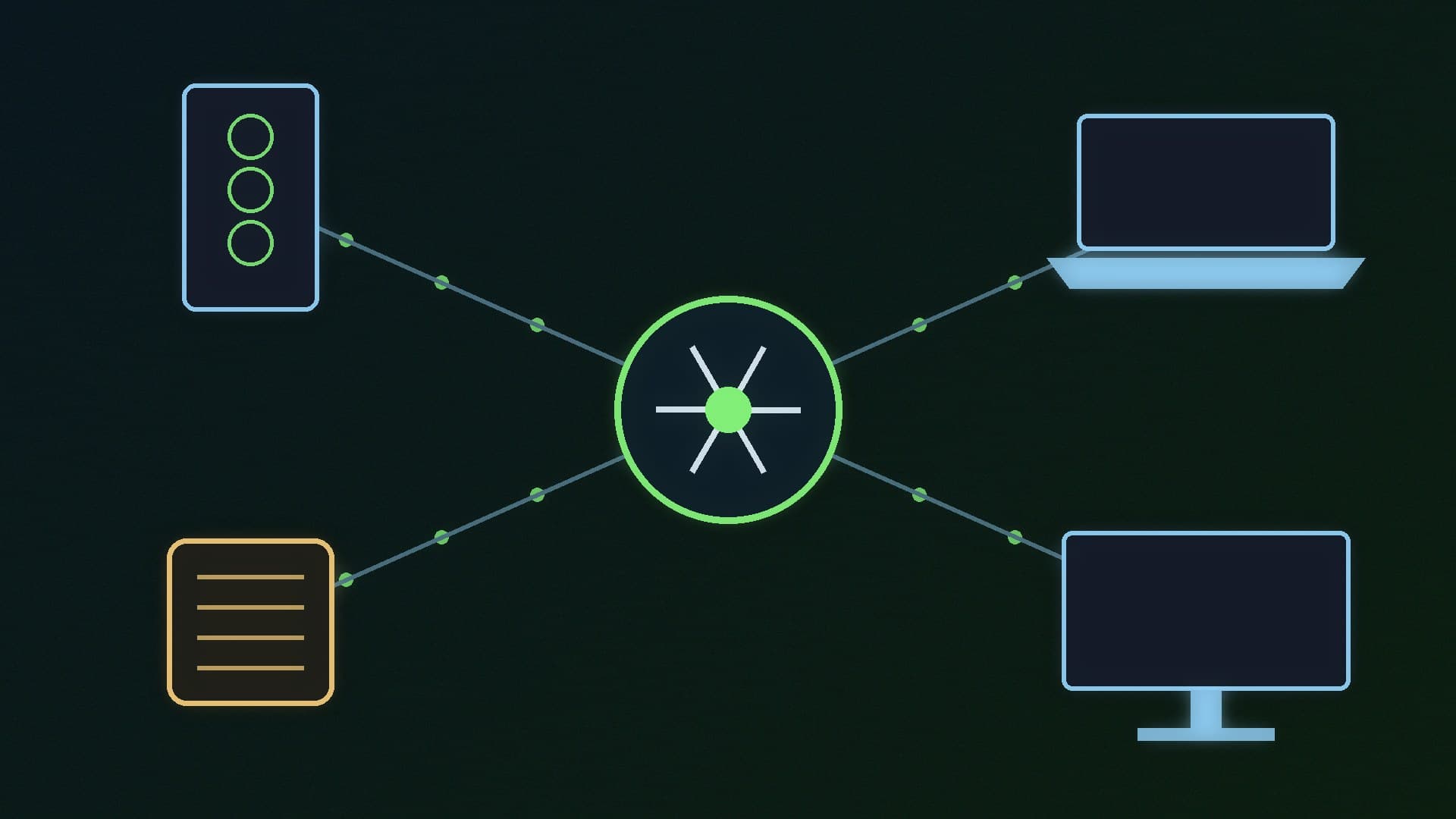
For most PC gamers, voice chat means Discord. It's where friend groups, game communities and creators hang out, and it does far more than voice. But TeamSpeak, the long-running voice app that many clans used before Discord took over, is still going and is now in the middle of a big rebuild with TeamSpeak 6. The two take very different approaches: Discord is a free, all-in-one social platform run entirely by Discord, while TeamSpeak is built around servers that you, a host or TeamSpeak itself runs for your group, with you setting the rules.
Discord vs TeamSpeak at a glance
| Discord | TeamSpeak |
|---|
Cost to use | Free; optional Nitro Basic ($2.99/month) and Nitro ($9.99/month) in US dollars as listed on Discord's Nitro page, 25 Nov 2026 | Client is free; you need access to a server |
Who runs the server | Discord | You (self-hosted), a third-party host, or TeamSpeak's own hosted Communities service |
Current client | Stable desktop and mobile apps | TeamSpeak 6 client in beta (6.0.0-beta5.1 for Windows, macOS and Linux); TeamSpeak 3 client 3.6.2 still offered |
Platforms | Windows, macOS, Linux, iOS, Android and consoles | Windows, macOS, Linux; Android and iOS mobile clients |
Encryption | Voice and video designed to be end-to-end encrypted; text and images encrypted in transit and at rest | TeamSpeak says its servers feature end-to-end encryption |
Screen sharing | Yes, with HD streaming listed as a Nitro perk | 4K at 60fps screen share listed as a beta feature |
Social features | Huge: custom emoji, stickers, soundboard, activities, game presence, server directory | Leaner: community discovery, messaging and group chats in TeamSpeak 6 |
Cost
Discord is free to download and use for voice, video and text. Its paid tiers are mostly about extras: Discord's Nitro page lists Nitro Basic at $2.99 a month with custom emoji anywhere and 50MB uploads, and Nitro at $9.99 a month with 1GB uploads, HD video streaming, custom profiles and two server Boosts. Those are the US dollar prices shown when we checked on 25 November 2026; Discord says it's expanding localised pricing, so check the app for the current UK price before subscribing. You don't need Nitro to talk to your friends.
TeamSpeak's client is free too, but a TeamSpeak setup needs a server. There are three routes:
Self-host a TeamSpeak 6 server. TeamSpeak publishes a TeamSpeak 6 server beta on GitHub. It comes with a free 32-slot beta licence that TeamSpeak says is renewed every two months during the beta, and you can't yet buy a bigger TeamSpeak 6 licence. TeamSpeak 3 server licences don't carry over to TeamSpeak 6.
Use TeamSpeak Communities, TeamSpeak's official hosted option, which it says needs no hardware, sets up instantly and starts with a free trial.
Rent from a third-party host, which TeamSpeak lists through its Find a Host page.
If your group already has a spare PC, home server or VPS, self-hosting a 32-slot server costs nothing beyond the hardware and electricity during the beta. If not, Discord is the cheaper and simpler option.
Control and privacy
This is where TeamSpeak makes its case. With a self-hosted server, the voice server runs on hardware you control, and TeamSpeak highlights a granular permission system, unlimited channels and sub-channels, server groups and ban and kick management. TeamSpeak's licensing page also says all TeamSpeak servers feature end-to-end encryption and "zero data tracking". We haven't independently audited either claim, but owning the server clearly gives you more control over where your voice traffic goes.
Discord's privacy policy says voice and video communications on Discord are designed to be end-to-end encrypted and that you can verify your calls are encrypted in the app. Text and images are encrypted in transit and at rest, using TLS in transit, according to the same policy, which is not the same as end-to-end encryption: Discord runs the servers and stores your messages. For most friend groups that's fine. For a team or community that wants its own infrastructure and rules, TeamSpeak is the better fit.
Features and day-to-day use
Discord is the clear winner if you want more than voice. Its homepage highlights drop-in voice channels you can join without calling anyone, low-latency streaming of games and video to friends, custom emoji, stickers and soundboard effects, built-in games and activities, and game presence so you can see what friends are playing and join them in supported games. There's a server directory for finding public communities, and it runs on PC, phone and console, so friends who aren't on a PC can still join. It's also where the communities for many games already live, which matters more than any feature list.
TeamSpeak 6 has closed some of the gap. TeamSpeak lists community discovery, direct messages, group chats with file and image sharing synced across devices, one-to-one voice and video calls, screen sharing at up to 4K and 60fps (in beta), adjustable audio codec selection and advanced noise suppression. It still feels more like a focused voice tool than a social network, which is exactly what some players want.
The catch is maturity. The TeamSpeak 6 client and server are both labelled beta on TeamSpeak's own download page and GitHub, and the server's readme warns that you may come across bugs. Discord, by contrast, is a stable, polished service.
Getting good voice quality on either
Whichever you use, your microphone and room make a bigger difference than the app. A decent USB mic such as the Shure MV6 Gen 2 or Elgato Wave:3 MK.2, or a headset like the Audio-Technica ATH-GL3 or Corsair HS35 V2, will usually beat a laptop's built-in mic. See our best microphone for streaming and best gaming headset guides for more options. If your friends can't hear you at all, start with how to fix a microphone not working in Windows 11, and if you want to route game, chat and music audio separately, our VoiceMeeter vs SteelSeries Sonar comparison explains the options.
Choose Discord if...
Your friends, game communities or favourite creators are already there.
You want voice, video, text, screen sharing and social features in one free app.
You play across PC, phone and console.
You don't want to run or pay for a server.
Choose TeamSpeak if...
You run a clan, team or community that wants its own server, permissions and rules.
You have a spare PC, home server or VPS and are happy to self-host.
You want a focused voice app rather than a social network.
You're comfortable using beta software while TeamSpeak 6 is finished, or you stick with TeamSpeak 3.
Our verdict
For most PC gamers, Discord is the better choice: it's free, stable, works on every device your friends use and is where gaming communities already gather. TeamSpeak is the pick for groups that value control over convenience, especially if you can self-host its free 32-slot TeamSpeak 6 beta server and want your own permissions and infrastructure. Just bear in mind that TeamSpeak 6 is still in beta, so expect rough edges until its stable release and final licensing arrive.