If you're left-handed, buying a mouse is harder than it should be. Most ergonomic and gaming mice are sculpted for the right hand, and some symmetrical mice put their side buttons only on the left side, where a left-handed user's little finger sits. The good news is that there are a few genuinely left-handed designs, plus symmetrical and ambidextrous options worth considering. Our picks are based on the makers' official product pages, and we've flagged where something is the maker's claim.
Our picks at a glance
| Best for gaming | Best ergonomic | Best symmetrical | Best ambidextrous trackball |
|---|
Model | Razer Naga Left-Handed Edition | Logitech Lift (left-handed) | Logitech G PRO X Superlight 2 | Kensington Expert Mouse Wireless |
Type | Left-handed MMO gaming mouse | Left-handed vertical mouse | Symmetrical gaming mouse | Ambidextrous finger trackball |
Connection | Wired (Speedflex cable) | Logi Bolt receiver or Bluetooth LE | Lightspeed wireless | USB nano receiver or Bluetooth LE |
Sensor | Razer Focus+, up to 20,000 DPI | Optical, up to 4,000 DPI | Check Logitech G's spec page | DiamondEye optical, 400 DPI |
Buttons | 19+1 programmable, 12-button thumb grid | 6 customisable | Check Logitech G's spec page | 4 customisable |
Figures are from Razer UK, Logitech UK and Kensington's product pages, linked in the sources.
What to look for as a left-handed user
True left-handed vs symmetrical vs ambidextrous. A true left-handed mouse is a mirror image of a right-handed ergonomic design. A symmetrical mouse has the same shape on both sides; Logitech says symmetrical mice offer flexibility for left- and right-handed players. A fully ambidextrous mouse also has buttons on both sides, or none on the sides at all.
Side-button placement. On some symmetrical gaming mice the thumb buttons are only on the left side. Left-handers can still use these mice, but those buttons end up under the ring or little finger. Check the button layout before you buy.
Software. Microsoft says you can set the primary mouse button in Windows under Start > Settings > Bluetooth & devices > Mouse, and most makers' software lets you remap side buttons. Our best free keyboard and mouse remapping software guide can help.
Hand size. Logitech says the Lift is designed for small to medium hands, while Kensington says the Expert Mouse suits average to larger hands.
1. Razer Naga Left-Handed Edition: best for gaming
Razer describes the Naga Left-Handed Edition as a true left-handed ergonomic MMO gaming mouse, and says it's the only gaming company to have designed dedicated left-handed gaming mice. Razer says it brought the model back after feedback from its community.
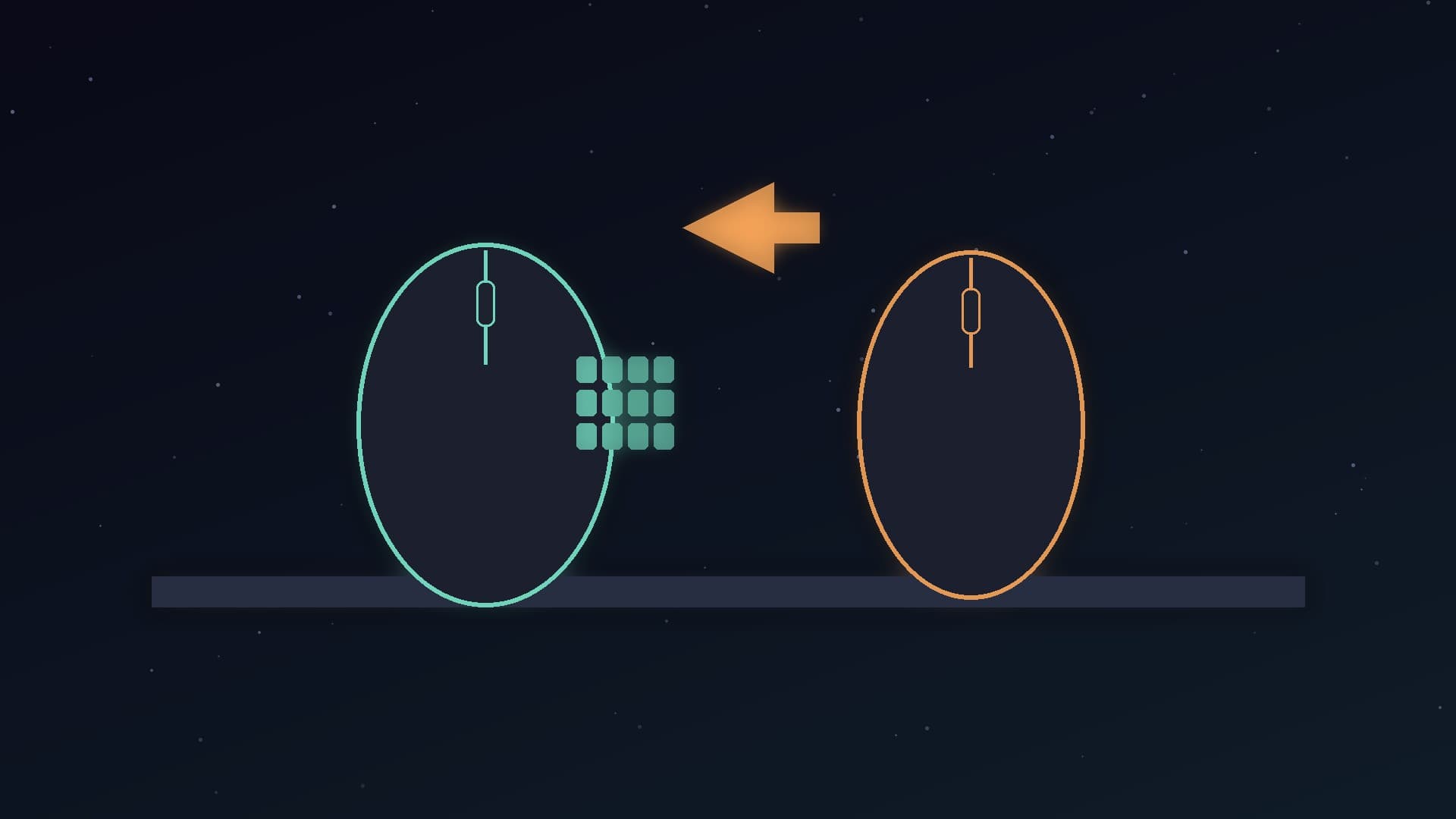
The headline feature is a programmable 12-button thumb grid, part of 19+1 programmable buttons in total. You map hotkeys and macros in Razer Synapse 3, and Razer's Hypershift feature adds a secondary button layer you toggle with a key. The mouse is shaped with added ring-finger support, according to Razer. It uses Razer's Focus+ optical sensor, rated at up to 20,000 DPI, mechanical switches rated for up to 50 million clicks, 100% PTFE feet, a tilt-click scroll wheel and Chroma RGB lighting. It stores up to five profiles in on-board memory, with a button underneath for switching between them, and it connects with Razer's Speedflex cable rather than wirelessly.
Price: Razer UK listed it from £99.99 as of 24 November 2026, and it's marked Only at Razer.
Choose it if: you play MMOs or other games with lots of keybinds and want a mouse genuinely shaped for your left hand.
2. Logitech Lift (left-handed): best ergonomic mouse for lefties
The Logitech Lift is a vertical mouse, and Logitech confirms there's a dedicated left-handed model. Logitech says its 57-degree vertical angle puts your hand in a more natural handshake position, and that it's designed for small to medium-sized hands.
It has six customisable buttons through Logi Options+, a precision optical sensor that scales up to 4,000 DPI, and Easy-Switch for pairing and toggling between up to three devices. It connects via Bluetooth Low Energy or the included Logi Bolt receiver, and runs on a single AA battery (included), which Logitech says can last up to 24 months depending on use. It weighs 125g. There's no side scroll wheel, though Logitech says you can map shortcuts in Logi Options+.
Choose it if: you want a comfortable everyday mouse for work and browsing rather than a gaming mouse. Our best ergonomic mouse guide covers the Lift and its rivals in more detail.
3. Logitech G PRO X Superlight 2: best symmetrical gaming mouse
If you want a lightweight wireless gaming mouse and don't need a mirrored ergonomic shape, a symmetrical design is the most common route for left-handers. Logitech uses the Logitech G PRO X Superlight 2 as its example of a symmetrical mouse, says symmetrical mice offer flexibility for left- and right-handed players, and recommends it for claw and fingertip grips. It uses Logitech's Lightspeed wireless.
As with most symmetrical gaming mice, check the side-button layout on Logitech's product page before you buy, and plan to remap or disable any buttons that sit under your little finger.
Choose it if: you play fast-paced games, use a claw or fingertip grip, and want a light, symmetrical shape.
4. Kensington Expert Mouse Wireless: best ambidextrous trackball
A finger-operated trackball sidesteps the handedness problem entirely. Kensington's Expert Mouse Wireless has an ambidextrous design with a 55mm ball in the centre, a patented Scroll Ring around it and four buttons you can customise in KensingtonWorks. It connects through Bluetooth LE or a USB nano receiver, uses DiamondEye optical tracking at 400 DPI, runs on AA batteries with auto-sleep, and comes with a detachable wrist rest. Kensington says it suits average to larger-sized hands.
Availability: Kensington's US store showed this model as unavailable when we checked on 24 November 2026, so check UK stock first.
Choose it if: you want to use either hand, or swap hands during the day.
Our verdict
The Razer Naga Left-Handed Edition is the standout for left-handed gamers, especially MMO players, because it's a true mirror-image design with a 12-button thumb grid. For work and everyday comfort, the Logitech Lift comes in a dedicated left-handed version and is a vertical mouse for small to medium hands. If you want a lightweight wireless gaming mouse, a symmetrical model such as the Logitech G PRO X Superlight 2 works for either hand, as long as you check the side-button layout. And the Kensington Expert Mouse Wireless is a fully ambidextrous trackball, if you can find it in stock.