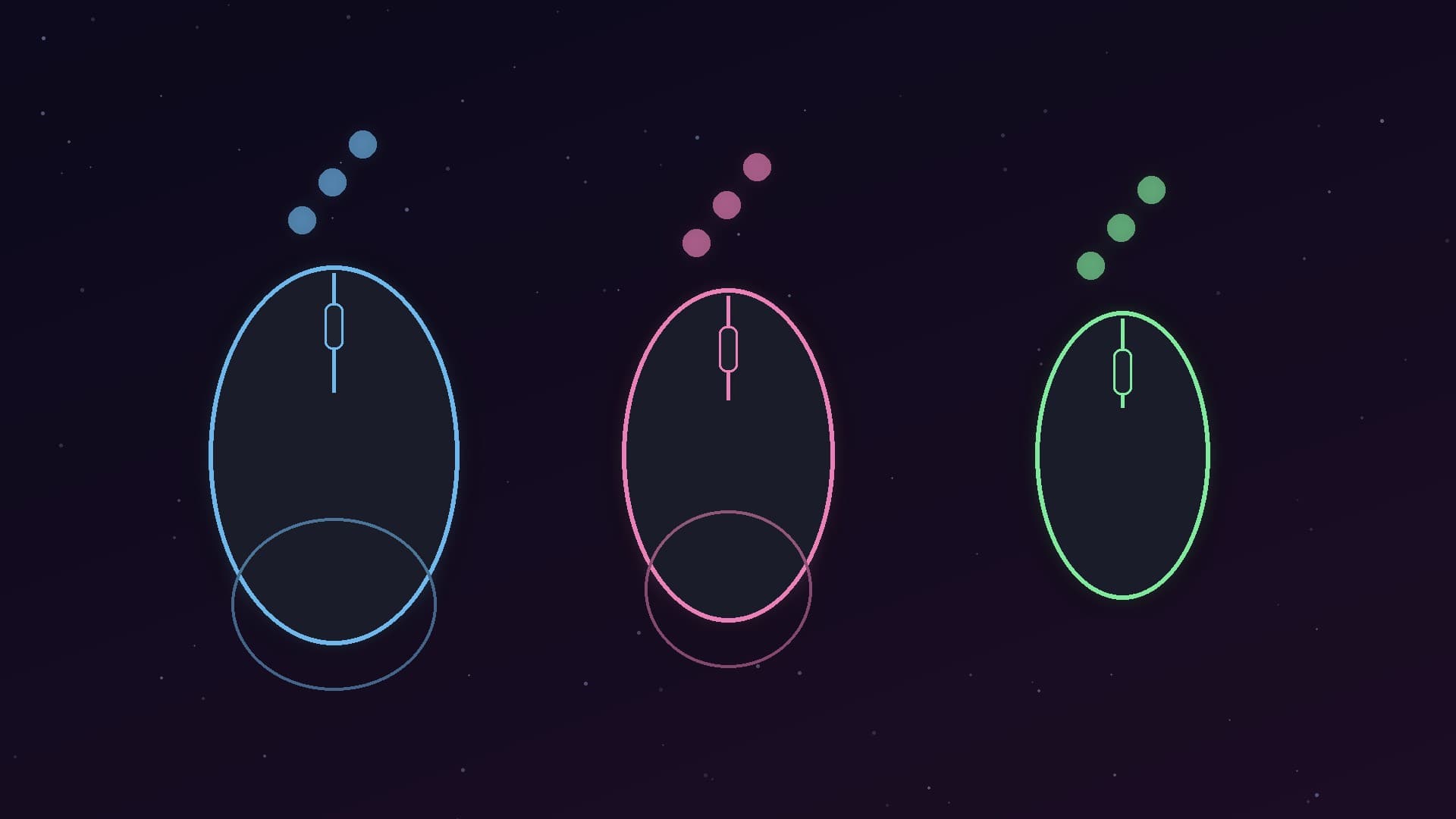
Ask a group of PC gamers how they hold a mouse and you'll hear three answers: palm, claw and fingertip. Your grip affects how comfortable a mouse feels over a long session, how you aim, and which shapes and sizes will suit you. It's also the most useful thing to know before you buy a new mouse. It's based on the published guidance from mouse makers Logitech and SteelSeries, and we've made clear where something is their recommendation rather than an established fact.
The three grips at a glance
| Palm | Claw | Fingertip |
|---|
How you hold it | Whole hand rests on the mouse | Palm rests at the back, fingers arched | Only fingertips touch the mouse |
Main movement | Mostly from the arm | Mix of wrist and fingers | Fingers and wrist |
Strengths (per Logitech/SteelSeries) | Comfort and stable control | Balance of speed and control | Speed and quick reactions |
Weaknesses (per SteelSeries) | Arm and shoulder strain with repeated movement | High finger arch can cause strain faster | Harder to master |
Suits (per Logitech) | Larger mice with higher backs, ergonomic shapes | Medium-size, lightweight mice with a rear hump | Compact, lightweight, low-profile mice |
Palm grip: comfort and stability
With a palm grip, your whole hand rests on the mouse. Logitech describes it as your palm resting against the top of the mouse with your fingers on the two buttons, and SteelSeries adds that your thumb and little finger rest on either side. SteelSeries says most of the work is done by your arm, making it ideal for large gliding motions.
Logitech says palm grip is good for gamers who want maximum control for accurate tracking, and suits games where steady control matters, such as MMORPGs and strategy games. SteelSeries lists the pros as a relaxed grip with control for both large and delicate movements, and the cons as less precision and possible arm and shoulder strain from repeated movement.
What mouse suits it: Logitech says larger mice with higher backs give palm grip users more support, and that ergonomic (asymmetrical) shapes are especially good for palm grip because your palm can rest naturally on top. It names the G502 X Plus and G703 as examples.
Claw grip: a balance of speed and control
Claw grip looks similar to palm grip from the side, but your fingers are arched. SteelSeries describes resting your palm on the mouse and arching your index and middle fingers, and Logitech describes the two fingers on the buttons being curled to resemble a claw.
Logitech says claw grip gives you a balance of speed and control. SteelSeries lists fast glide motion and better stability and precision as the pros, while warning that speed can compromise accuracy and the high finger arch can cause strain faster.
What mouse suits it: Logitech recommends a medium-size mouse with a hump towards the middle of the rear, and says claw grip mice should be lightweight to minimise hand strain and fatigue. It names the Logitech G PRO X Superlight 2 and the Logitech G305 as popular choices for claw grip.
Fingertip grip: speed and quick reactions
With a fingertip grip, only your fingertips touch the mouse and your palm stays off it. SteelSeries describes a slight arch in the hand with the tips of your fingers, but not your palm, on the mouse, and says the minimal contact allows swift movements.
Logitech says fingertip grip gives you more speed and precise control and suits lightweight, low-profile mice. SteelSeries lists faster reaction time and quick clicks as the pros, but says it is more difficult to master.
What mouse suits it: Logitech recommends compact, ultralight mice, naming the G PRO X Superlight 2 and G203 LIGHTSYNC. SteelSeries suggests smaller mice with grippy, anti-slip sides.
Which grip is best?
There isn't a single best grip. SteelSeries puts it simply: "There is no right way, just YOUR way." It says the right way to hold a gaming mouse depends on personal preference and the game you're playing, and that not every grip will suit you because of the size, weight and shape of your mouse and the size of your hands. Its advice is to experiment, for example by running the same aim-training exercise with each grip and comparing your results.
As a rough guide based on the makers' advice:
Choose palm grip if comfort over long sessions matters most, you play slower-paced games, or you have larger hands and like a full-size mouse.
Choose claw grip if you want a middle ground and play a mix of games.
Choose fingertip grip if you want the quickest, smallest movements and don't mind a grip that takes longer to master.
Match the mouse to your hand size
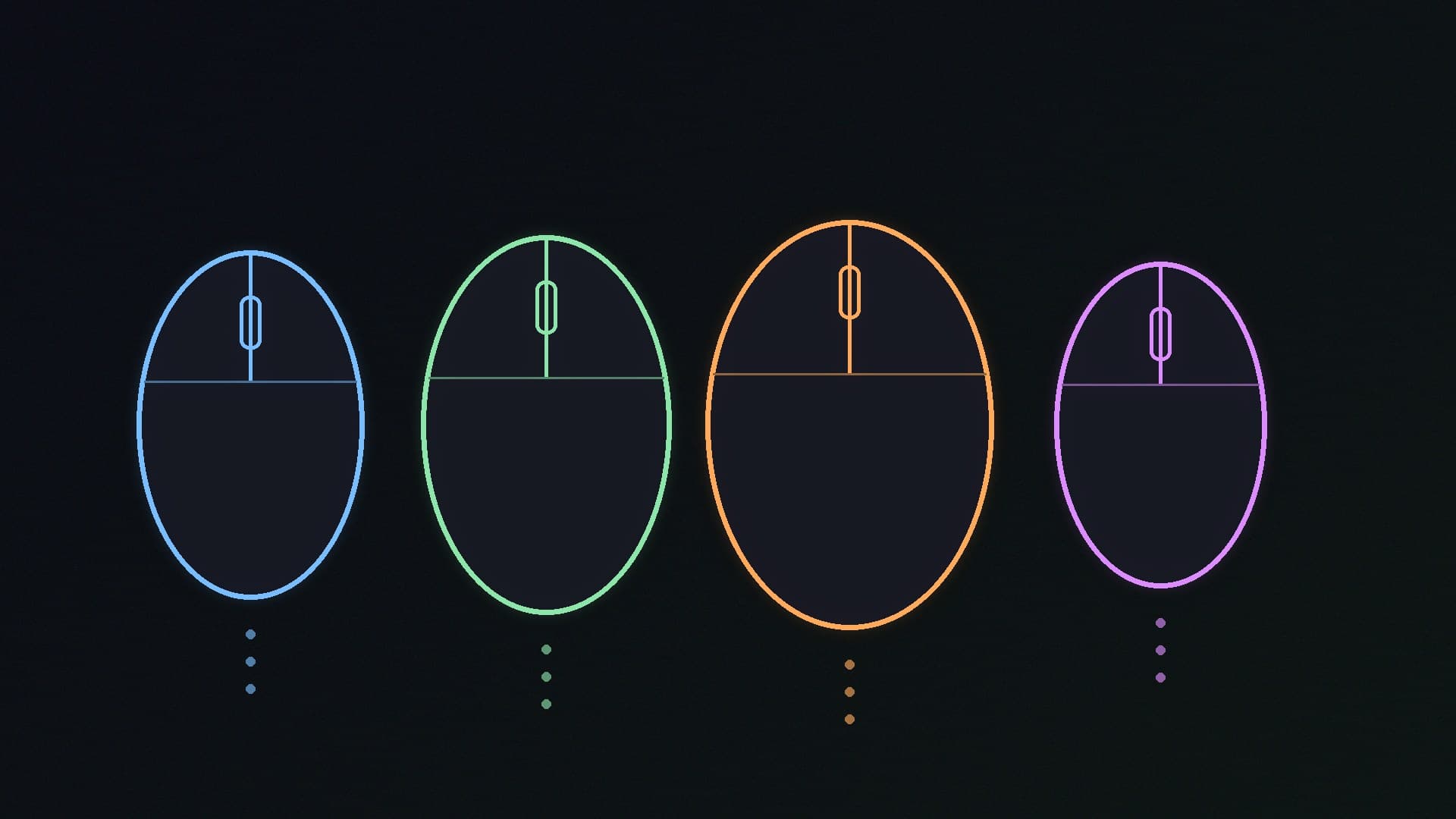
Grip is only half the picture. Logitech suggests measuring your hand from the crease below your palm to the tip of your middle finger, and gives a simple fit check: your fingers should reach the buttons and scroll wheel comfortably, your thumb should reach the side buttons naturally, your little finger shouldn't have to stretch, and the back of your palm (or, ideally, your whole palm) should be supported.
It also lists common signs of a poor fit. If your ring and little fingers rub against the desk, or your palm drags on the desk, Logitech suggests a larger mouse. If you have to stretch to reach the side buttons, the mouse is probably too large. And if your fingers feel tense, you may need either more palm support from a larger mouse or a smaller, narrower mouse that's easier to reach across.
Comfort tips whatever your grip
SteelSeries recommends gripping the mouse gently, keeping your wrist straight, resting your arm on the desk, and taking a 10-15 minute break every hour where you can to stretch your fingers, wrists and shoulders. A large mouse pad gives palm grip users room for big arm movements, and if you play with a fingertip or claw grip, a lower DPI and sensitivity setting may feel more controllable while you learn.
Our verdict
Palm grip is the comfortable, stable choice and works best with larger, higher-backed or ergonomic mice. Claw grip balances speed and control and suits medium-size, lightweight mice with a rear hump. Fingertip grip is the fastest but hardest to master, and suits small, light, low-profile mice. None is objectively better: work out which feels natural, check that a mouse fits your hand size, then pick a shape to match. Our best gaming mouse and best budget gaming mouse guides are good next steps.