Nvidia's GB10 Grace Blackwell Superchip now ships in at least eight small desktops: Nvidia's own DGX Spark plus versions from ASUS, Dell, HP, Lenovo, MSI, Gigabyte and Acer. They look almost identical on paper, and that's the point. Every one of them uses the same chip, the same memory bus and the same Nvidia DGX OS, so the choice comes down to the things that differ: memory size, how much storage you get and what kind, the power adapter, what's in the box, warranty and how each maker supports the machine.
With the same chip and the same 273 GB/s memory bandwidth listed by every maker, there's no reason in the specifications to expect one to run a given model meaningfully faster than another, and the one maker that claims an advantage (MSI) is flagged as its own claim below. Everything here comes from each manufacturer's official product or specification page, read on 26 November 2026. We haven't listed prices because we couldn't confirm current UK prices from the makers on that date; GB10 pricing has moved around this year, so check retailers before you buy.
What every GB10 system has in common
The shared core matters more than the badge on the front, so it's worth knowing what you get whichever box you pick. Nvidia's DGX Spark specification page lists:
Chip: GB10 Grace Blackwell Superchip with a 20-core Arm CPU (10 Cortex-X925 plus 10 Cortex-A725 cores) and a Blackwell GPU with 5th-generation Tensor Cores
AI performance: up to 1 petaFLOP at FP4 precision, which Nvidia's footnote describes as a theoretical figure using sparsity
Memory: 64GB or 128GB of LPDDR5x shared by the CPU and GPU, on a 256-bit interface with 273 GB/s of bandwidth. Nvidia says the 64GB configuration is sold only through its OEM partners
Networking: 10GbE Ethernet, Wi-Fi 7, Bluetooth 5.4 and a ConnectX-7 network card with two QSFP ports rated at up to 200Gb/s each
Power: a 240W supply, with a GB10 TDP of 140W
Size: 150 x 150 x 50.5mm and 1.2kg for Nvidia's own unit
Software: DGX OS, an Ubuntu-based Linux distribution, with Nvidia's AI software stack
Two things follow from that list. First, these are Arm-based Linux machines, not Windows PCs. Every tool and container you want to use needs an Arm64 build, and you won't be gaming on one. Second, unified memory is the selling point: 128GB is far more than any consumer graphics card offers, but the bandwidth is much lower than a high-end desktop GPU's. Our explainers on unified memory vs VRAM and why memory bandwidth sets local LLM speed cover that trade-off, and our RTX 5090 vs DGX Spark comparison puts it side by side with a gaming flagship.
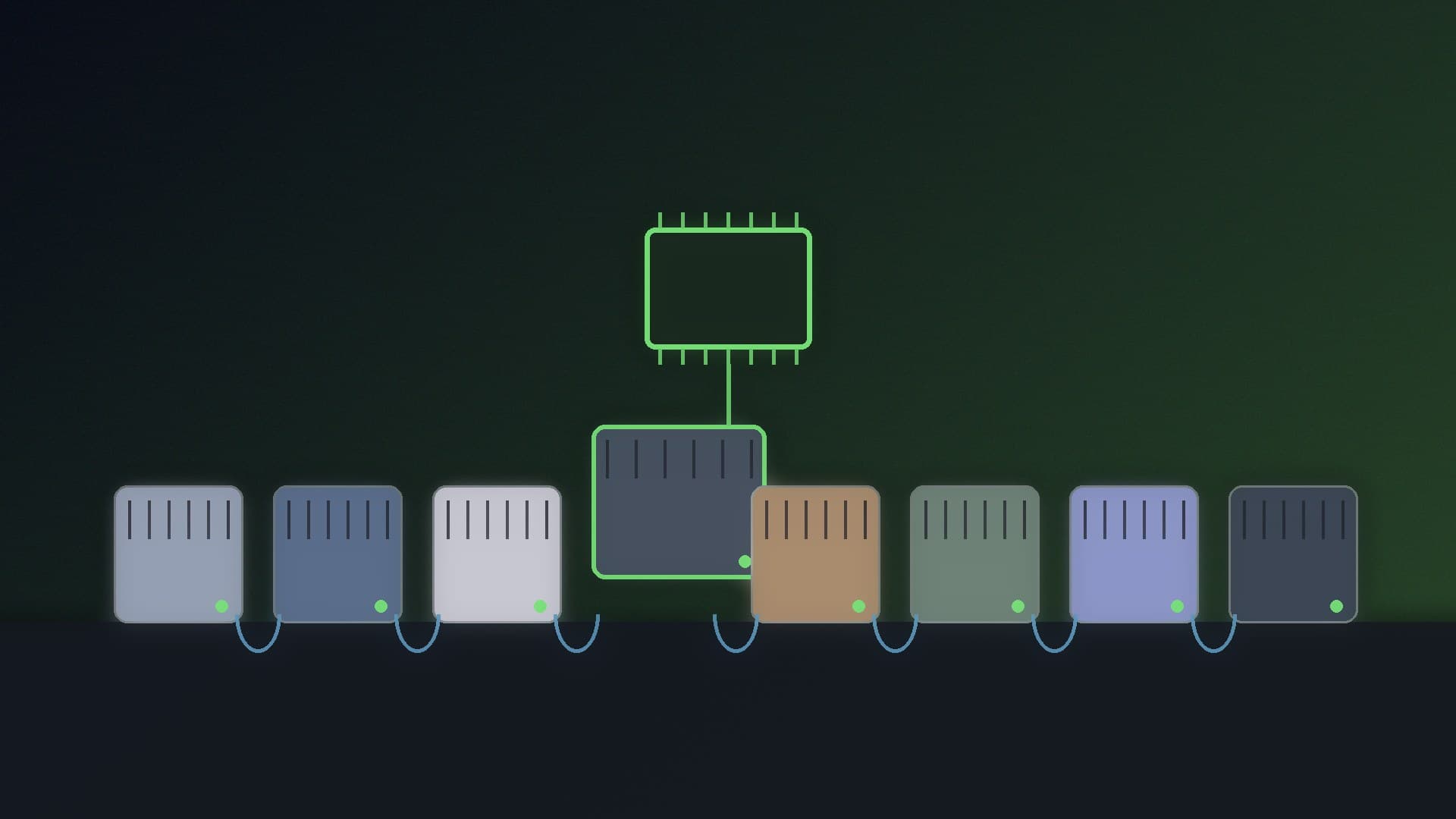
Nvidia also says you can link up to four DGX Spark systems with ConnectX-7: two or three with direct QSFP cables, while four need an external switch. MSI, HP and Lenovo describe the same clustering on their own machines.
Our picks at a glance
Pick | System | Memory | Storage options (maker's listing) | Power adapter | Stand-out detail |
|---|
Best overall | ASUS Ascent GX10 | 64GB or 128GB | 1TB or 2TB PCIe 4.0, or 4TB PCIe 5.0 | 240W | Widest choice of memory and storage |
Best reference design | Nvidia DGX Spark | 128GB | Up to 4TB, self-encrypting | 240W | Nvidia's own unit, with declared noise figures |
Best for fast storage | Gigabyte AI TOP ATOM | 64GB or 128GB | 1TB, 2TB or 4TB PCIe 4.0, or 4TB PCIe 5.0 | 240W | Six listed models, two already in our database |
Best for cooling claims | MSI EdgeXpert MS-C931 | 64GB (coming soon) or 128GB | 1TB, 2TB or 4TB, self-encrypting on 128GB | Not listed on the spec page | Extra cooling hardware and raised feet for stacking |
Best for remote work from a Windows PC | HP ZGX Nano G1n | 128GB | 2TB or 4TB, self-encrypting | Not listed on the page we read | Free HP Z Toolkit for Windows 11 or Ubuntu clients |
Best for IT departments | Lenovo ThinkStation PGX | 128GB | 1TB or 2TB PCIe 4.0, or 4TB PCIe 5.0 (M.2 2242) | 240W | Full PSREF model list and 1-year onsite warranty |
Best for business support | Dell Pro Precision with GB10 | 128GB | 2TB on the configuration we read (M.2 2230) | 280W USB-C | Onsite support after remote diagnosis |
Best UK box contents | Acer Veriton GN100 | 128GB | 4TB PCIe 4.0 on the UK model | 240W | UK listing includes a QSFP cable and a keyboard |
Best overall: ASUS Ascent GX10
The ASUS Ascent GX10 earns the top spot because it covers the most ground. ASUS's technical specification page lists the GX10 with 64GB or 128GB of LPDDR5X-8533 and three storage choices: 1TB or 2TB PCIe 4.0 drives, or a 4TB PCIe 5.0 drive, all in a single M.2 slot. That means you can buy a cheaper 64GB machine if your models are small, or go to the full 128GB if you want to load large models or several smaller ones at once.
The ports are the standard GB10 set: three USB 3.2 Gen 2x2 Type-C ports at 20Gbps with DisplayPort 2.1 alternate mode, a fourth Type-C port for power input (USB PD 3.1 EPR), HDMI 2.1a, 10G Ethernet and the ConnectX-7 SmartNIC, plus Wi-Fi 7 and Bluetooth 5.4. ASUS lists a 240W adapter, 150 x 150 x 51mm and 1.48kg, the heaviest of the weights listed in this guide, along with a Kensington lock slot.
Choose it if: you want the flexibility to pick 64GB or 128GB and the storage size that suits you, from one of the bigger PC brands.
Best reference design: Nvidia DGX Spark
Nvidia's own DGX Spark is the machine the partners are built around. Its specification page lists 128GB of memory, up to 4TB of self-encrypting NVMe storage, four USB Type-C ports, HDMI 2.1a, up to three DisplayPort outputs over USB-C, 10GbE, ConnectX-7, Wi-Fi 7 and Bluetooth 5.4, in a 150 x 150 x 50.5mm, 1.2kg chassis powered by a 240W supply.
What sets Nvidia's page apart is that it publishes declared acoustic figures: a declared sound power level of 35dB in its operating mode (maximum GPU stress at 25°C) and 19dB at idle, with sound pressure figures of 29dB and 13dB. Those are Nvidia's declared values, not our measurements, and none of the partner pages we read gave comparable figures, so you can't use them to rank the boxes against each other. Nvidia's page also points to its curated playbooks and a companion app for monitoring the system and launching tools such as VS Code or Cursor remotely.
Choose it if: you want the reference design straight from Nvidia, with 128GB and up to 4TB of encrypted storage.
Best for fast storage: Gigabyte AI TOP ATOM
Gigabyte's specification page lists six AI TOP ATOM models, from ATAGB10-9000 to ATAGB10-9005. The 128GB versions come with a 4TB PCIe 5.0 drive, a 4TB PCIe 4.0 drive, or 1TB or 2TB PCIe 4.0 drives; the two 64GB versions have 1TB or 2TB PCIe 4.0 drives. Everything else follows the GB10 template: a rear USB-C power-in port plus three 20Gbps USB-C ports, two 200Gb/s QSFP ports, 10GbE, HDMI 2.1a, Wi-Fi 7 and Bluetooth 5.4, a 240W adapter, 150 x 150 x 50.5mm and 1.2kg, plus a Kensington Nano slot on the side.
Two of these are already in the Forge PC specs database: the Gigabyte AI TOP Atom 4TB GEN5 (ATAGB10-9000) and the Gigabyte AI TOP Atom 4TB GEN4 GB10 DGX (ATAGB10-9001). The PCIe 5.0 model is the one to pick if you move large model files on and off the machine regularly; for most people running models already on the drive, the 4TB PCIe 4.0 version gives the same capacity. If you're unsure how much storage AI models need, our best SSD for local AI models guide explains the trade-offs.
Choose it if: you want 4TB of PCIe 5.0 storage, or a 64GB model from a brand that lists its full range in one place.
Best for cooling claims: MSI EdgeXpert MS-C931
MSI is the only maker here that claims its GB10 box is faster than the reference design. Its product page describes a patented FanDock airflow design, a copper-nickel vapour chamber for the SSD and higher footpads for stacking units, and says this lets the EdgeXpert sustain more than 200W of system power without downclocking. MSI claims about 10% faster GPT-OSS 120B inference than the reference design, SSD temperatures 9°C lower and rear chassis temperatures up to 15°C lower when units are stacked. These are MSI's own figures; we haven't seen independent testing that confirms them.
The specification table lists 64GB (marked as coming soon) and 128GB models, with a 2TB drive on the 64GB version and 1TB or 4TB self-encrypting drives on the 128GB version (MSI's FAQ also mentions 2TB). The chassis is slightly larger at 151 x 151 x 52mm and 1.2kg, and the I/O is four USB 3.2 Type-C ports at up to 20Gb/s, HDMI 2.1, up to four DisplayPort 1.4a outputs over USB-C, 10GbE and ConnectX-7. Watch for small inconsistencies on MSI's page: its FAQ quotes Bluetooth 5.3 and USB at up to 40Gb/s, while the specification table says Bluetooth 5.4 and 20Gb/s. We'd go by the table.
Choose it if: the machine will run all day under load, or you plan to stack several units, and you're happy to trust MSI's thermal claims until independent tests appear.
Best for remote work from a Windows PC: HP ZGX Nano G1n
The HP ZGX Nano G1n comes with 128GB of unified memory and a choice of 2TB or 4TB of self-encrypted NVMe storage, which HP says must be chosen at the time of purchase. HP lists the usual rear ports: a USB-C power connector, three 20Gbps USB-C ports, HDMI 2.1a, a 10Gbps RJ-45 port and two 200Gbps QSFP ports. It measures 150 x 150 x 51mm without its feet.
The reason to pick HP is its software. HP's free Z Toolkit is designed to handle device discovery, pairing and installing open-source tools on the ZGX Nano from another computer. HP says the client needs to run Windows 11 or Ubuntu 24.04 or later with Visual Studio Code installed, and must be x86-based. If you plan to keep the GB10 box in a cupboard and work on it from your usual Windows laptop, that's a practical advantage. HP also says linking two units over a QSFP cable (sold separately) lets you work with models of up to 405 billion parameters.
Choose it if: you already work in VS Code on a Windows or Ubuntu x86 machine and want a vendor-supported way to drive the GB10 box remotely.
Best for IT departments: Lenovo ThinkStation PGX
Lenovo's PSREF product specification lists the ThinkStation PGX with 128GB of LPDDR5X and a long list of regional model numbers. Storage is M.2 2242: 1TB or 2TB PCIe 4.0 drives, or a 4TB PCIe 5.0 "Performance" drive, all with Opal self-encryption. Every model uses a 240W adapter and measures 150 x 150 x 50.5mm and 1.2kg. The rear ports are one USB-C with USB PD 3.1 power-in and DisplayPort 2.1, three more USB-C ports with DisplayPort 2.1, HDMI, 10GbE and two 200Gbps QSFP ports.
PSREF lists a 1-year limited onsite base warranty and an optional Lenovo ConnectX-7 cable for linking two PGX units. Lenovo says one unit supports models of up to 200 billion parameters and two linked units up to 405 billion. If your company already buys ThinkStations, the exact model numbers and warranty terms in PSREF make the PGX the easiest to order and support.
Choose it if: you're buying through a business that standardises on Lenovo, or you want an onsite warranty listed up front.
Best for business support: Dell Pro Precision with GB10
Dell has renamed its GB10 machine: the page we read calls it the Dell Pro Precision with GB10, though the web address and image labels still say Dell Pro Max, so search for both names. The configuration we read was the US model with 128GB of LPDDR5x at up to 8533 MT/s, a 2TB M.2 2230 PCIe Gen4 QLC drive and DGX OS 7. Two details stand out: Dell lists a 280W USB-C adapter rather than the 240W unit most others quote, and it uses a smaller M.2 2230 drive. The ports are a USB-C power-in, three USB-C Gen 2x2 ports with DisplayPort alternate mode, HDMI 2.1b, 10GbE and ConnectX-7 with two 200G QSFP ports. Dell lists the weight from 1.31kg and the height as 51mm at its peak.
The base warranty on that configuration is 12 months of basic hardware service with onsite support after remote diagnosis, and Dell offers ProSupport Plus upgrades. The configuration we read was a US listing, so check Dell UK for the exact options and warranty here.
Choose it if: your organisation already uses Dell support contracts and wants the GB10 box on the same terms.
Best UK box contents: Acer Veriton GN100
Acer's UK listing for the Veriton GN100 (part DT.R6LEH.002) is a 128GB model with a 4TB PCIe 4.0 SSD, DGX OS, Wi-Fi 7, Bluetooth 5.4, four USB ports, HDMI and the ConnectX-7 card with two 200G QSFP ports. Acer gives a maximum power supply rating of 240W, 150 x 150 x 50.5mm and approximately 1.2kg.
The detail that sets it apart is the package contents. Acer UK lists a keyboard, a QSFP cable, the power adapter and a UK/EU power cord in the box. Other makers sell the QSFP cable separately or don't list it, so if you plan to link two GB10 machines, that saves buying one. Acer's UK spec table describes the Ethernet as "Gigabit Ethernet", whereas the other makers list 10GbE, so check with Acer or the retailer if fast wired networking matters to you.
Choose it if: you want a 4TB, 128GB model sold in the UK with a cable for linking two units included.
How to choose
Pick the memory first. 128GB is the reason most people buy a GB10 system, because it lets you load models that won't fit on a consumer graphics card. MSI's own guidance pairs 64GB with roughly 15-35B models and 128GB with roughly 70-120B models. A 64GB box only makes sense if you're sure your models are small; for those, a desktop graphics card with enough VRAM may be the better buy.
Then storage. Model files are large. 4TB is worth having if you keep several big models. PCIe 5.0 drives (ASUS, Gigabyte, Lenovo) mainly help when copying or loading large files, not when generating text.
Check the drive size if you plan to upgrade. Dell uses M.2 2230 and Lenovo M.2 2242, and ASUS says its machine has a single M.2 slot. Confirm the drive length before buying a replacement SSD.
Think about how you'll use it. These are Linux appliances you'll often reach over the network. HP's Z Toolkit, Nvidia's companion app and the makers' clustering guides matter more day to day than small differences in weight.
Consider the alternatives. If you'd rather have Windows and x86 compatibility, our best mini PC for local AI guide covers RTX Spark and Ryzen AI Max machines, and DGX Spark vs Ryzen AI Max+ 395 and RTX Spark vs DGX Spark compare them directly.
Our verdict
Because every GB10 system uses the same chip, memory and DGX OS, buy on configuration, support and price rather than expected speed. The ASUS Ascent GX10 is our pick for most buyers because it offers both 64GB and 128GB and three storage sizes. Gigabyte's AI TOP ATOM is the one to get for 4TB of PCIe 5.0 storage, HP suits people who will work on it from a Windows PC, Lenovo and Dell suit businesses with existing support contracts, and Acer's UK model includes a QSFP cable for linking two units. Nvidia's own DGX Spark remains the reference, and MSI's cooling claims are worth watching for independent confirmation.