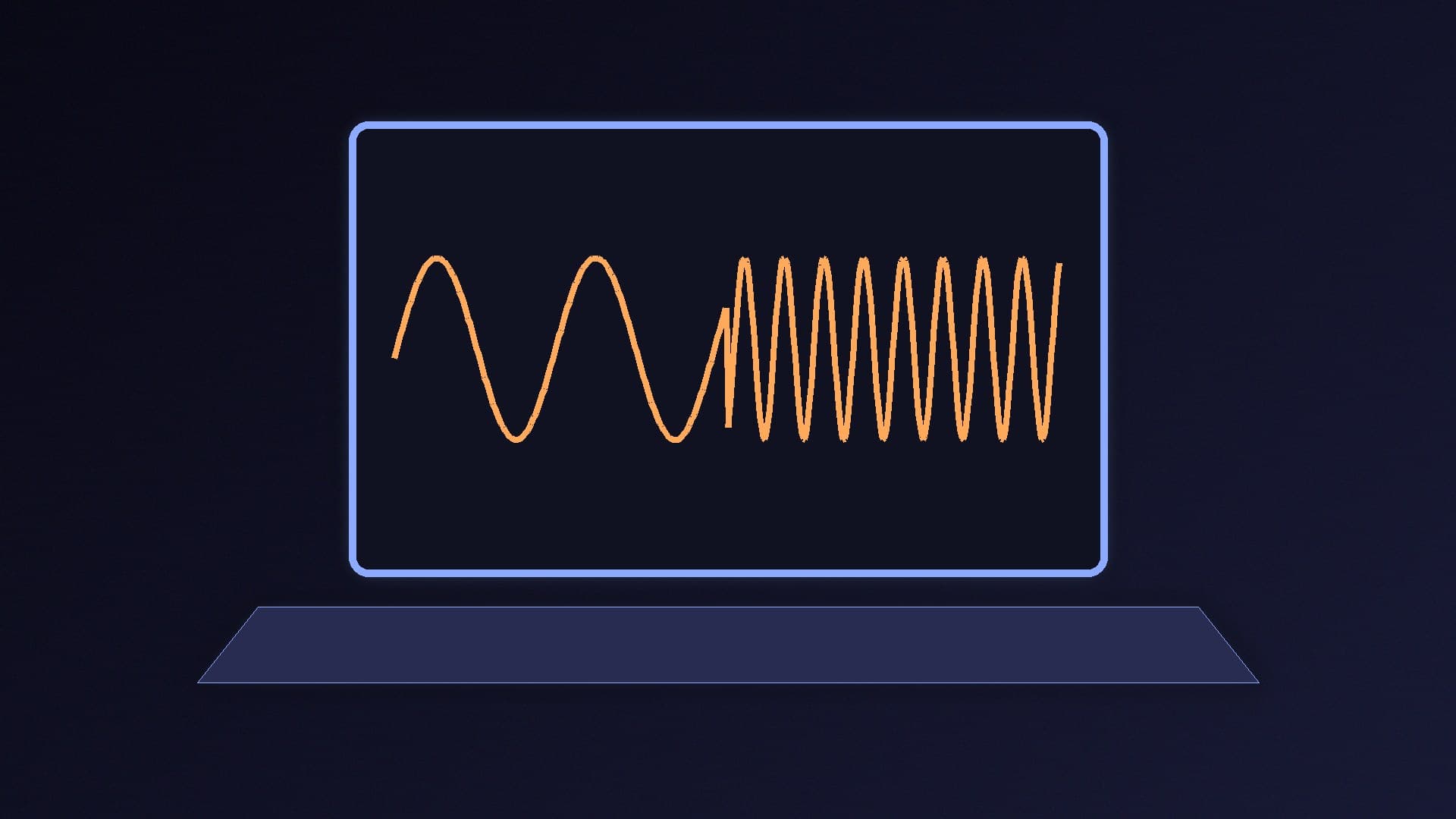
If you've looked at a fast 4K gaming monitor's spec sheet, you've probably seen "DSC" listed next to the DisplayPort or HDMI input. Display Stream Compression is the VESA standard that lets a display connection carry more pixels, higher refresh rates or deeper colour than its raw bandwidth would otherwise allow. This explainer covers what DSC does, whether you can see it, and what to check when buying a monitor or graphics card. It's based on VESA's own DSC page and DisplayPort FAQ.
What DSC is
VESA, the Video Electronics Standards Association that also manages DisplayPort, published the DSC standard in 2014. It compresses the video signal on its way across the cable and decompresses it in the display, increasing the amount of picture data a display interface can carry. VESA describes it as a low-latency, visually lossless compression standard for video interfaces.
DSC was developed in liaison with the MIPI Alliance as a general-purpose display interface compression standard. VESA's FAQ says it's included for optional use in VESA's Embedded DisplayPort (eDP) standard, in HDMI and in MIPI's DSI specification for mobile displays. VESA's DSC page says DisplayPort 1.4a was the first DisplayPort standard to take advantage of DSC 1.2b.
What "visually lossless" means
DSC is not mathematically lossless, so the decompressed image isn't bit-for-bit identical to the original. VESA defines visually lossless as meaning that a typical observer, under typical viewing conditions, would in most cases not notice any difference or degradation compared with the uncompressed image or video.
VESA says its member companies ran ongoing visual tests during development to find compression artefacts across different image types and motion, and that the final codec was evaluated through clinical testing with a statistically significant number of observers. VESA says the test images spanned four categories, ranging from artificial engineered images and text and graphics, such as street maps and printed material, to people, landscapes, animals and stills.
How much it compresses, and does it add lag?
| VESA figure |
|---|
Typical compression ratio | From 1:1 to about 3:1 |
Added latency | No more than one raster scan line (less than 8 microseconds in a 4K 60Hz system) |
Decoder size | Typically less than 100k gates |
Colour depth (DSC 1.2) | 8, 10, 12, 14 or 16 bits per colour |
Pixel formats (DSC 1.2) | RGB plus native 4:2:2 and 4:2:0 coding |
The low compression ratio is the point. VESA says that compared with image compression standards such as JPEG or AVC, DSC achieves visually lossless quality at a low compression ratio using a much simpler codec circuit, which keeps cost and power down. The added delay of under one scan line is tiny compared with a frame, which at 60Hz lasts about 16.7 milliseconds.
Why it matters for PC monitors
DSC is how many high-resolution, high-refresh monitors work over connections that would otherwise run out of bandwidth. VESA gives an example: DisplayPort 1.4a supports 8K at 60Hz with 24-bit colour using a low 2:1 compression ratio, or with 30-bit colour using 2.5:1, and VESA says this keeps visually lossless quality, unlike chroma subsampling.
It also matters for the newest DisplayPort versions. VESA's FAQ says DisplayPort 2.1b mandates support for DSC with Forward Error Correction, and that devices must support at least HBR2 with DSC to be certified to DisplayPort 2.1b. Some of VESA's headline DisplayPort 2.1b configurations rely on it, such as one 16K (15360x8640) display at 60Hz with 30-bit 4:4:4 HDR, or two 8K displays at 120Hz. Our DisplayPort 2.1 vs DisplayPort 1.4 explainer covers how DSC and the newer UHBR link rates fit together.
DSC is also open: VESA says it does not charge royalties for the standard and makes the DSC standard available for free.
What to check when buying
Both ends need it. DSC compresses in the source and decompresses in the display, so check that both your graphics card and the monitor list DSC support on their official spec pages for the mode you want to run.
Check the input. Monitors may list different maximum refresh rates for different inputs, so look at the DisplayPort and HDMI figures separately. Our DisplayPort vs HDMI for gaming and HDMI 2.1 vs HDMI 2.2 explainers help here.
Set the refresh rate. Once everything is connected, make sure Windows is actually using the monitor's top refresh rate; our guide to changing monitor refresh rate shows how.
Multiple monitors. If you're planning a DisplayPort daisy chain, see our daisy-chaining guide for what's needed.
Our verdict
Display Stream Compression is VESA's low-latency, visually lossless compression standard that lets DisplayPort and HDMI carry higher resolutions, refresh rates and colour depths than their raw bandwidth allows, typically at up to about 3:1 and adding less than one scan line of delay. For most buyers it's a feature to look for rather than avoid: if a monitor's top mode relies on DSC, check that your graphics card supports DSC too.