If you want to teach a local AI model a new style, format or task, fine-tuning is how you do it, and on a home PC that almost always means LoRA or QLoRA. Both avoid retraining the whole model. The difference is how much graphics memory (VRAM) they need, and that decides what you can fine-tune on your card. This explainer is based on the original QLoRA research paper and documentation from Hugging Face and Unsloth.
If you're not sure fine-tuning is what you need at all, read our RAG vs fine-tuning comparison first: for answering questions about your own documents, RAG is usually the better starting point.
The short version
| LoRA | QLoRA |
|---|
What it trains | Small low-rank adapter layers; the base model is frozen | The same adapters, on a frozen base model quantised to 4-bit |
Base model precision during training | 16-bit | 4-bit (NF4) |
VRAM use | Higher: Unsloth says about 4 times more than QLoRA | Lower: Unsloth says about 4 times less than LoRA |
Speed and accuracy | Unsloth says slightly faster and slightly more accurate | Unsloth says slightly slower and marginally less accurate |
Best for | Cards with plenty of VRAM, or when maximum accuracy matters | Most home GPUs, and larger models than would otherwise fit |
How LoRA works
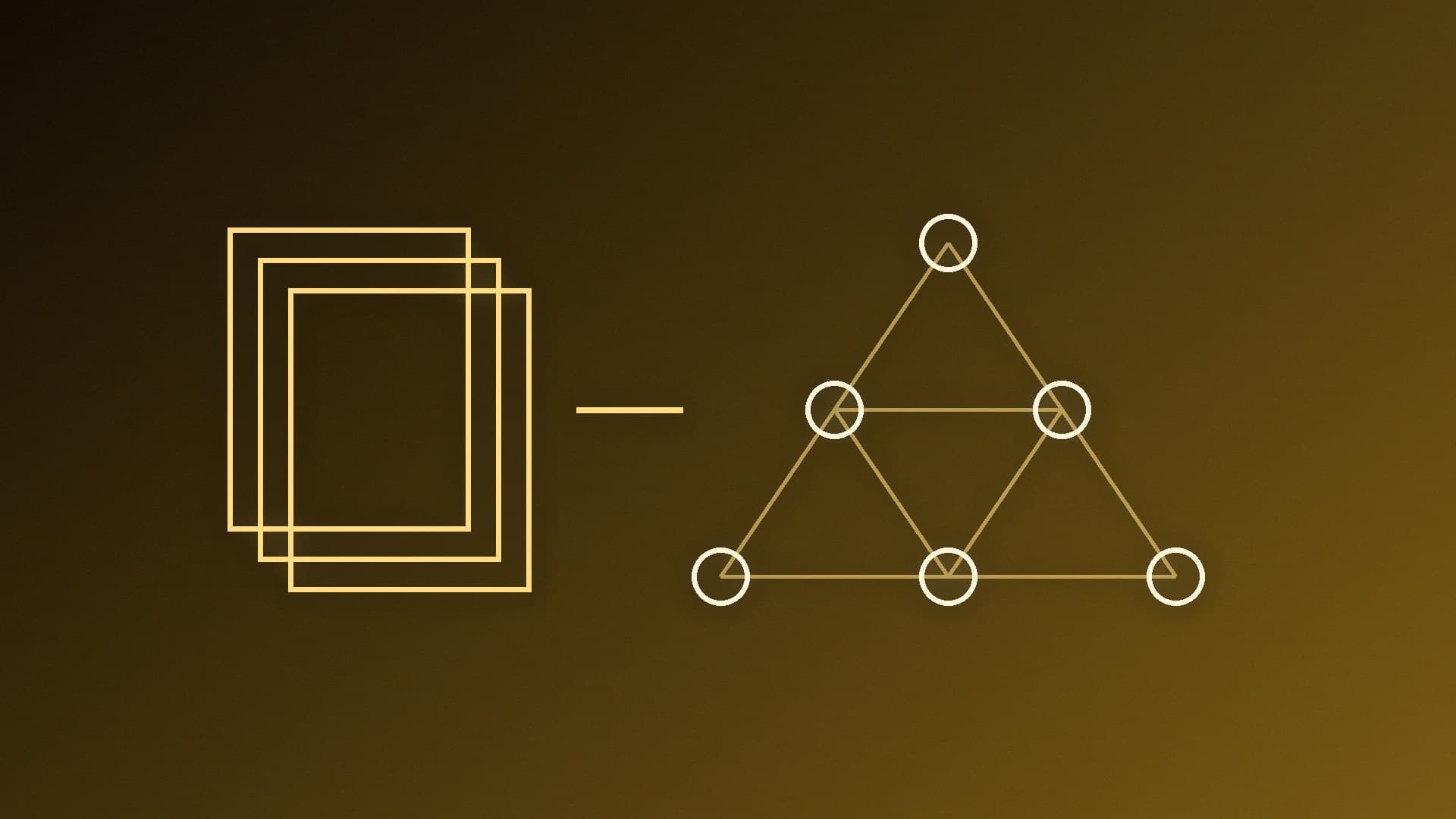
LoRA (Low-Rank Adaptation) freezes the original model's weights and trains small extra matrices, called adapters, that adjust the model's behaviour. Because only the adapters are trained, it needs far less memory than full fine-tuning, and the result is a small adapter file rather than a whole new copy of the model. Unsloth says that, done well, LoRA can match full fine-tuning performance while using about 4 times less VRAM. Unsloth describes LoRA as 16-bit fine-tuning: the frozen base model is held in 16-bit precision.
How QLoRA works
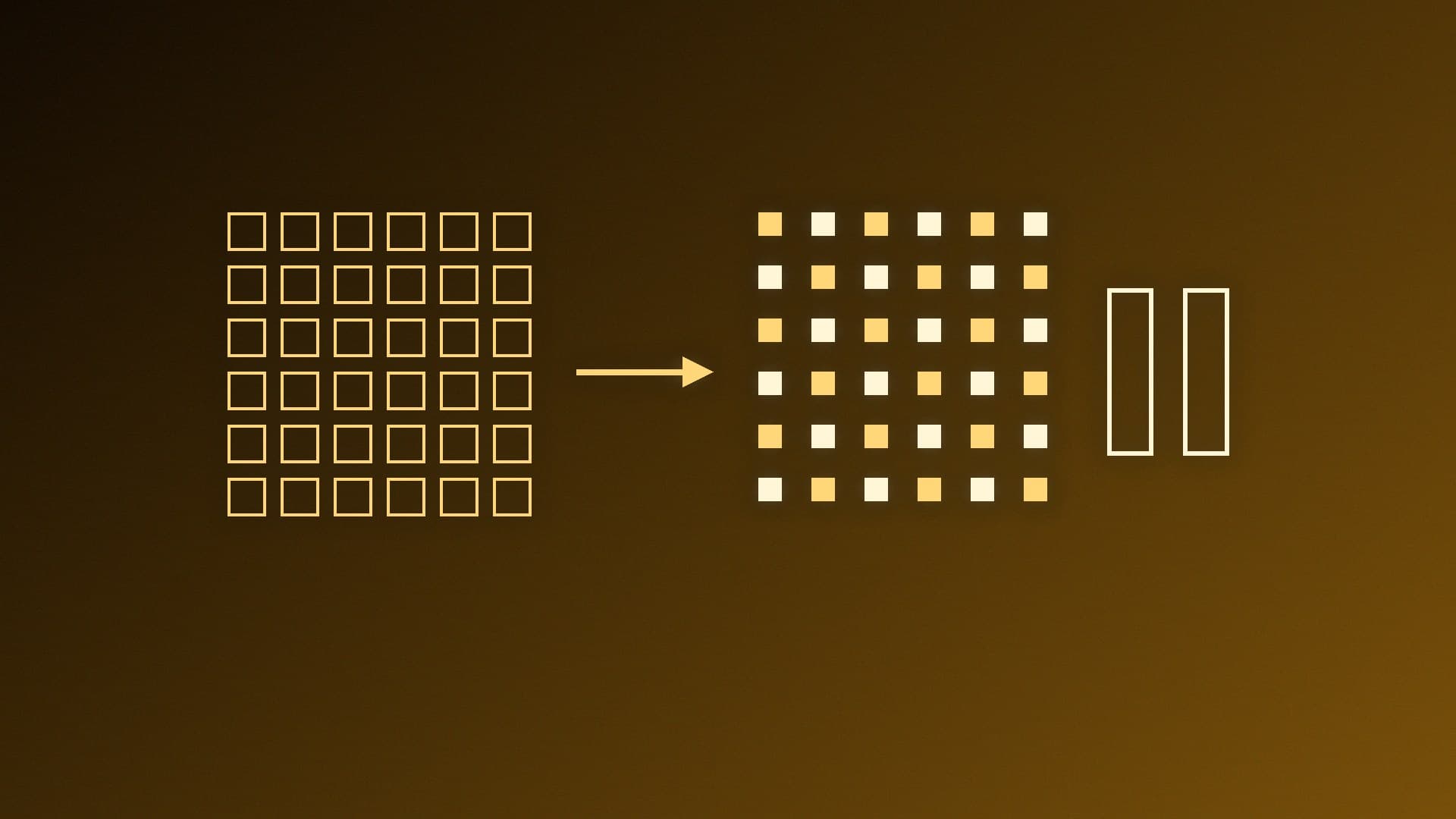
QLoRA, introduced in a 2023 research paper by Tim Dettmers and colleagues, keeps the LoRA adapters but loads the frozen base model in 4-bit precision. The paper says it reduces memory use enough to fine-tune a 65-billion-parameter model on a single 48GB GPU while preserving full 16-bit fine-tuning task performance. It introduced three memory-saving techniques:
4-bit NormalFloat (NF4), a data type designed for the way model weights are typically distributed;
Double quantisation, which also compresses the quantisation constants themselves;
Paged optimisers, which manage memory spikes during training.
Hugging Face's PEFT documentation describes QLoRA the same way, as quantising a model to 4-bit and then training it with LoRA, and notes that combining quantisation with adapters can be a good strategy for training even the largest models on a single GPU. Unsloth says a 70B Llama model fits in under 48GB of VRAM with QLoRA in its tools.
Which should you use?
Choose QLoRA if VRAM is your limit, as it is on most gaming graphics cards. It lets you fine-tune a bigger model than LoRA would on the same card, and Unsloth's figures suggest the accuracy cost is marginal.
Choose LoRA if your GPU has plenty of VRAM for the model you're training, or you want the slightly better accuracy and speed Unsloth describes.
Start small either way. Fine-tuning a small model first is the quickest way to learn whether your dataset works. Our how-to on fine-tuning an LLM locally with Unsloth walks through the process.
The settings that drive VRAM use most aren't only LoRA vs QLoRA. Unsloth's guide says batch size is the primary driver of VRAM usage, and suggests gradient accumulation to simulate a larger batch while conserving memory. It recommends a LoRA rank of 16 or 32 as a starting point, and a learning rate of 2e-4 for normal LoRA or QLoRA fine-tuning.
What it means for your hardware
VRAM is the limit for local fine-tuning, just as it is for running models. If you're choosing a card with AI in mind, our best GPU for local LLMs guide and how much VRAM you need explain the trade-offs. The 4-bit idea behind QLoRA is related to the quantised models you run day to day; our LLM quantisation explainer covers that side.
Our verdict
QLoRA is the right default for fine-tuning on a home PC: by loading the base model in 4-bit, it cuts VRAM use by around three-quarters compared with LoRA, according to Unsloth, with only a marginal accuracy cost. Use plain LoRA if you have VRAM to spare or need every last bit of accuracy. Either way, the adapter you produce is small, and you can start with a small model and a modest dataset.