It's based on Lemonade's official documentation and GitHub README and on LM Studio's official documentation and blog, all read on 27 November 2026.
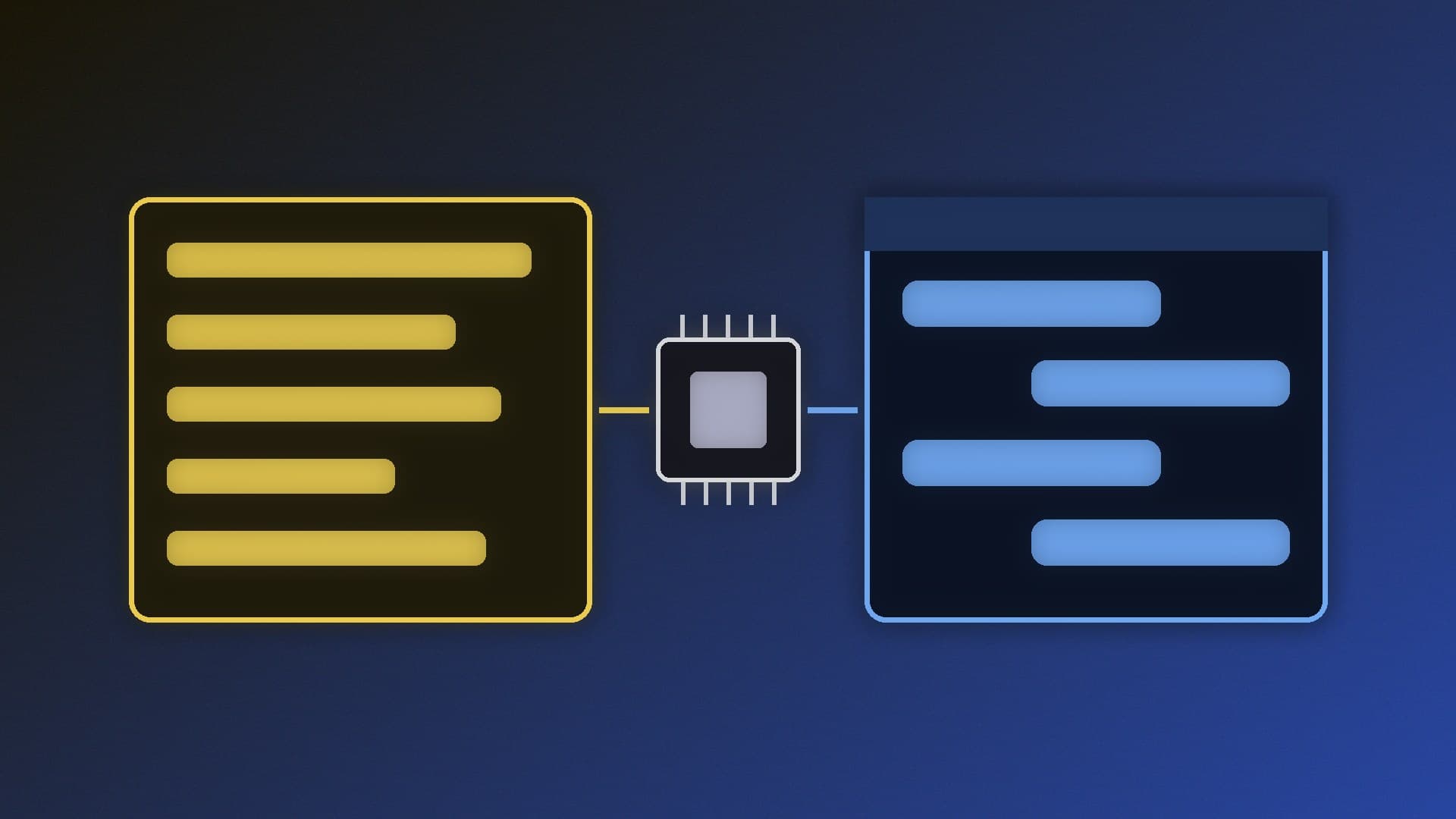
LM Studio is one of the most familiar ways to run large language models on a PC: download it, pick a model and start chatting. Lemonade is an open-source local AI server built by its community with optimisations from AMD engineers, and as well as LLMs it handles speech, image generation and more. Both are free, both have a desktop app and both can serve models to other software, but they're built around different priorities. If you're weighing Lemonade against Ollama instead, see our Lemonade vs Ollama comparison.
At a glance
| Lemonade | LM Studio |
|---|
Cost and licence | Free; open source under Apache 2.0 | Free for use at home and at work |
Platforms | Windows (MSI installer), Linux, macOS on Apple Silicon | Windows (x64 and ARM), macOS on Apple Silicon (macOS 14 or newer), Linux (x64 and ARM64) |
Main LLM engine | llama.cpp, plus NPU engines for Ryzen AI and several AMD-specific backends | llama.cpp, plus Apple's MLX on Apple Silicon Macs |
NPU support | Yes, on AMD Ryzen AI 300-series and newer (XDNA2) | Not listed in its documentation |
Other modalities | Speech-to-text, text-to-speech, image, audio and 3D generation | Focused on language models |
APIs | OpenAI-, Anthropic- and Ollama-compatible | OpenAI-compatible endpoints and its own REST API |
Model formats | GGUF, ONNX and FLM, plus Whisper and Stable Diffusion models | GGUF, and MLX on Apple Silicon |
Hardware support: Lemonade goes deeper on AMD
This is the biggest difference. Lemonade's README describes it as "built by the community for every PC, with optimizations by AMD engineers to get the most from Ryzen AI, Radeon, and Strix Halo PCs", and its support table reflects that. For text generation, its llama.cpp engine can use CUDA on NVIDIA GPUs (Turing, or RTX 20-series, and newer), Vulkan on AMD and other GPUs, ROCm on supported AMD Radeon cards and Ryzen AI Max (Strix Halo) chips, Metal on Apple Silicon, or the CPU.
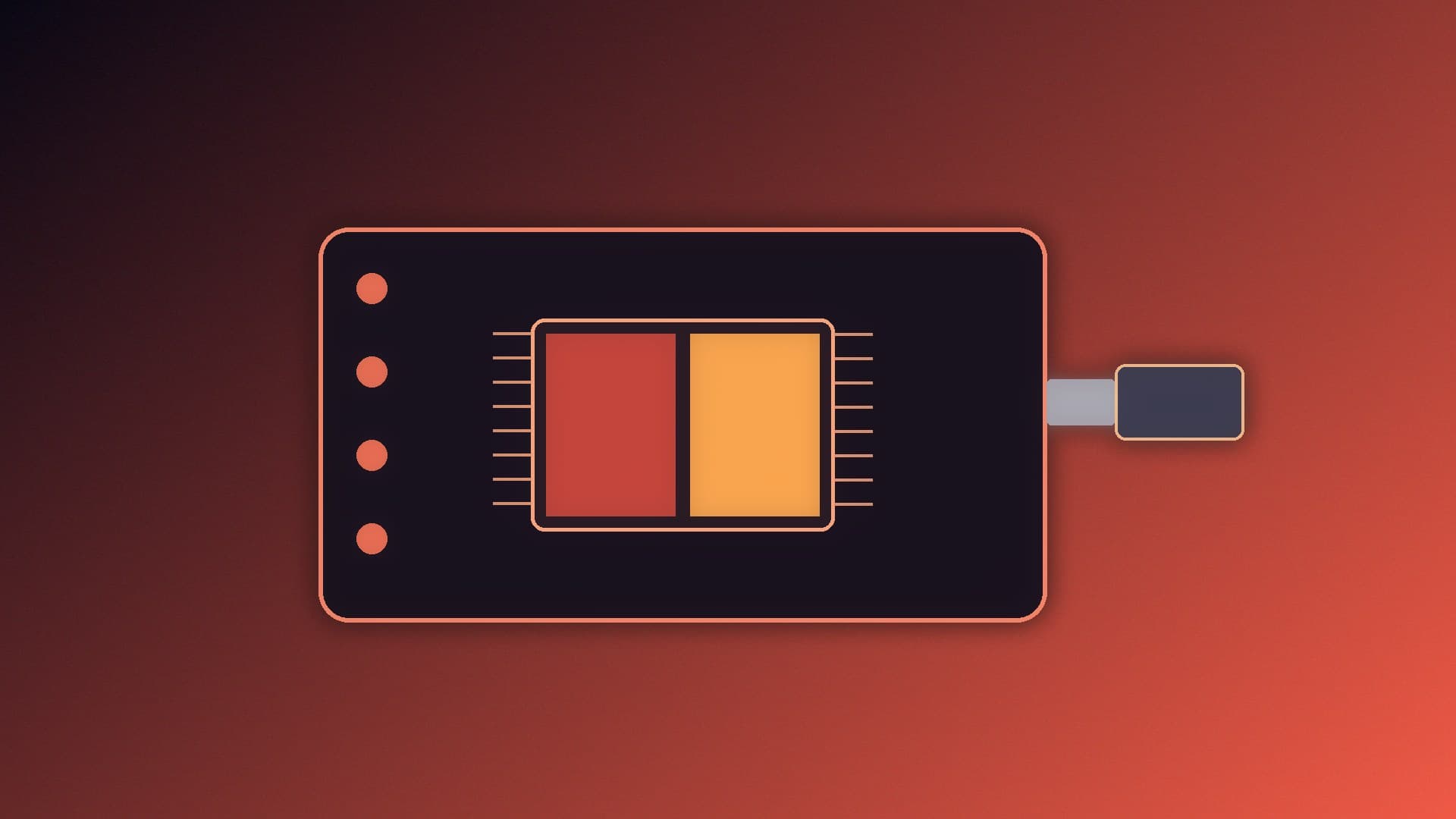
Lemonade can also run LLMs on the NPU in AMD's Ryzen AI chips. It lists two NPU engines for XDNA2 NPUs: FastFlowLM (Windows and Linux) and AMD's Ryzen AI software (Windows only). In hybrid mode, the documentation explains, the NPU handles prompt processing and the GPU handles token generation. Lemonade's FAQ is clear that NPU support stops at the Ryzen AI 300 series: no inference engine providers have plans to support NPUs in older Ryzen AI 7000, 8000 and 200-series chips, which instead use GPU acceleration through llama.cpp and Vulkan. Our guide to the best Ryzen AI 300 processors for local AI covers chips with a supported NPU.
AMD's newest workstation cards are covered too. Lemonade's ROCm support list includes the Radeon AI PRO R9700, RX 9070 and 9060 XT families and RX 7900-series cards, and an experimental backend lists the 32GB AI PRO R9700 by name. If you're building around a card such as the PowerColor AI Pro R9700 32GB, Lemonade gives you more AMD-specific options to try.
LM Studio takes a simpler, broader approach. Its documentation says it runs LLMs using llama.cpp on Mac, Windows and Linux, and also supports Apple's MLX on Apple Silicon Macs. On Windows it supports both x64 PCs and ARM-based Snapdragon X Elite systems. You can install or manage its runtimes with Ctrl+Shift+R. Its system requirements recommend at least 16GB of RAM and 4GB of dedicated VRAM on Windows, and x64 processors must support the AVX2 instruction set. NPU support isn't mentioned in the documentation we read.
Beyond chat: Lemonade does more than text
LM Studio is focused on language models. You can chat with documents offline, use MCP servers with local models and download models from Hugging Face, all inside a polished app.
Lemonade covers more ground. As well as LLMs, its README lists Whisper speech-to-text, Kokoro text-to-speech, Stable Diffusion image generation and experimental audio and 3D generation engines, all served from the same local server. The command line shows the range: lemonade run SDXL-Turbo for images, lemonade run kokoro-v1 for speech and lemonade run Whisper-Large-v3-Turbo for transcription. If you want one local server to feed text, voice and images to your other apps, that's a real advantage.
Apps and interface
Both have a graphical app. LM Studio is primarily a desktop chat app, with model search and download, chat management, presets and per-model settings built in. Its documentation also covers LM Link for routing work across devices, and llmster, a headless version for servers and machines where you don't need the GUI (see our guide to running LM Studio headless).
Lemonade is a server first, with the Lemonade App as its graphical client. The app has sections for Chat, Models (search, download, load and configure), Backends (install and update inference runtimes), Apps, Monitor (performance, request telemetry and logs) and Settings. On Windows you open it from the Lemonade tray menu, and the server keeps running when you close the app. The same interface is available in a browser from the server's address. There's also a full command-line tool, including lemonade backends to see which engines your PC supports.
Connecting other software
If you mainly want to plug local models into other tools, both work. LM Studio can serve local models on OpenAI-like endpoints, locally or across your network, and also has its own REST API plus Python and TypeScript SDKs. Our guide to using LM Studio's server shows how.
Lemonade offers OpenAI-, Anthropic- and Ollama-compatible APIs, so it can stand in for any of those services in apps that support them. Its documentation includes integration guides for apps such as Open WebUI, AnythingLLM and Continue, and the README's command for coding with Lemonade models is lemonade launch claude. Our guide to running local AI with Lemonade Server covers setup.
We can't tell you which is faster, because we haven't tested them side by side, and we didn't find a head-to-head comparison in either project's documentation. What the documentation does tell you is that both rely heavily on llama.cpp for GGUF models. Lemonade's FAQ says its performance is "similar" to llama.cpp when using the same model and quantisation. So when both apps run the same GGUF file through llama.cpp, it's reasonable to expect the choice of model and quantisation to matter more than the choice of app. The differences are more likely to show on AMD hardware, where Lemonade offers NPU, ROCm and AMD-specific backends.
Which should you choose?
Choose LM Studio if:
You want the simplest, most polished chat app for local LLMs.
You use a Snapdragon X laptop, or an Apple Silicon Mac where LM Studio can also run MLX models.
You want built-in document chat, MCP tools and an easy way to browse Hugging Face.
Choose Lemonade if:
You have a Ryzen AI 300-series or newer laptop and want to use its NPU.
You have an AMD Radeon card or a Ryzen AI Max (Strix Halo) system and want ROCm or AMD-tuned backends.
You want one open-source local server for chat, transcription, text-to-speech and image generation, with OpenAI-, Anthropic- and Ollama-compatible APIs.
There's nothing stopping you from installing both and trying the same model in each.