It's based on the official Fooocus and ComfyUI GitHub pages and ComfyUI's system requirements documentation, all read on 25 November 2026. Neither app has a fee for local use, though ComfyUI also offers optional paid cloud services.
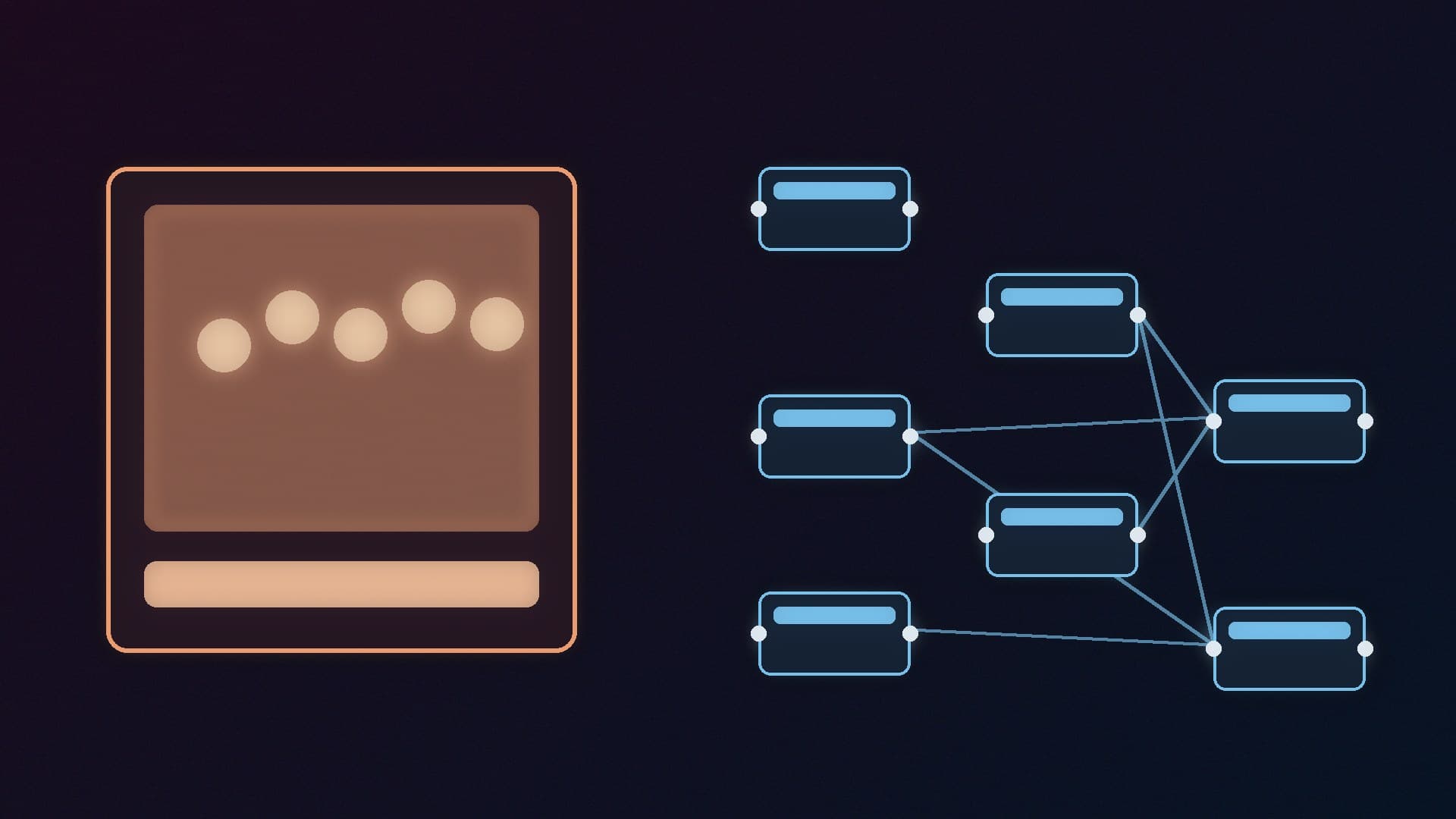
If you want to make AI images on your own graphics card rather than through an online service, two names come up again and again: Fooocus and ComfyUI. Both are free, both run locally and both can produce high-quality images. But they're built on very different ideas. Fooocus hides almost everything behind a simple prompt box, while ComfyUI shows you the whole generation process as a graph of connected nodes. And in 2026 there's an even bigger difference: one is still being actively developed, and the other isn't.
Quick comparison
| Fooocus | ComfyUI |
|---|
Interface | Simple prompt box with optional advanced settings | Visual node graph, with App Mode for simple front ends |
Image models | Stable Diffusion XL (SDXL) only | SD 1.5, SDXL, SD3.5, Flux.1, Flux.2, Qwen Image and many more |
Video, audio and 3D | No | Yes, including Wan 2.1 and 2.2 and LTX-Video |
Minimum hardware (developer) | 4GB NVIDIA VRAM and 8GB system RAM | As low as 4GB VRAM and 8GB RAM, per the README |
GPUs | NVIDIA; AMD in beta; Apple silicon unofficial | NVIDIA, AMD, Intel Arc, Apple silicon and more |
Platforms | Windows, Linux, Mac (not intensively tested) | Windows, Linux and macOS |
Extensions | Limited | Custom nodes via ComfyUI-Manager |
Development status | Limited long-term support, bug fixes only | Still developed, adding new models |
Licence | GPL-3.0 | GPL-3.0 |
Ease of use: Fooocus wins
Fooocus was designed to be the easiest way to get good images from Stable Diffusion. Its GitHub page says that between pressing download and generating your first image, the number of mouse clicks needed is "strictly limited to less than 3". On Windows you download a file, extract it and run run.bat; the first launch downloads the models it needs automatically.
Once it's running, you type a prompt and press Generate. Fooocus includes an offline GPT-2-based prompt processing engine, which the developer says helps short prompts such as "house in garden" produce good results without careful prompt writing. Tick Advanced and you get styles, aspect ratios, image quality settings and more, but you never have to touch them.
It also packs in a lot of useful features without any setup: upscaling and variations, inpainting and outpainting with its own inpaint models, image prompts, a FaceSwap option using InsightFace, and a Describe tool that writes a prompt from an existing image. There are separate presets for realistic and anime styles, which you can switch between in the browser since version 2.3.0. If you're new to local AI images, our guide to generating AI images with Fooocus walks through it step by step.
Power and flexibility: ComfyUI wins
ComfyUI describes itself as "the most powerful and modular AI engine for content creation". Instead of a prompt box, you build a workflow from nodes: one loads a model, another encodes the prompt, another samples the image, another saves it, and so on. That looks intimidating at first, but it means you can see and change every step, save whole workflows and share them with others.
ComfyUI has softened the learning curve. It ships with ready-to-run workflow templates, and its App Mode can expose even complex workflows through a simple user interface. You can also extend it with custom nodes, installed and updated through ComfyUI-Manager. Our guide to installing ComfyUI on Windows covers the setup.
Model support: ComfyUI by a long way
This is the biggest practical difference. Fooocus is built entirely on the Stable Diffusion XL architecture. It works with SDXL models, including the many community SDXL checkpoints, but that's it.
ComfyUI's README lists a very long range of natively supported models. For images, that includes Stable Diffusion 1.5, SDXL, SD3.5, Flux.1, Flux.2, Qwen Image, Z-Image and HiDream, plus image editing models such as Flux Kontext and Qwen Image Edit. It also supports video generation models such as Wan 2.1 and 2.2, LTX-Video and HunyuanVideo 1.5, and even text models such as Gemma and Qwen3. Of these two apps, only ComfyUI can run models newer than SDXL, such as Flux.2.
Development status: a crucial difference
Fooocus's GitHub page says the project is now in "limited long-term support (LTS) with bug fixes only". Its existing features are considered nearly free of problems, and future updates will focus only on fixing bugs. In other words, Fooocus won't get support for new models or new features.
ComfyUI, by contrast, is still being developed: its README lists support for many models released long after SDXL, along with newer additions such as App Mode, Comfy Desktop and an MCP integration. If you want to try the latest open image and video models as they're released, ComfyUI is the app to use.
That doesn't make Fooocus useless. SDXL remains a capable model with a huge library of community checkpoints, and Fooocus still does what it always did. But anyone choosing an image generator to learn for the long term should take its status into account.
Hardware requirements
Both apps are relatively forgiving. Fooocus's GitHub page says the minimum requirement is a 4GB NVIDIA graphics card and 8GB of system RAM on Windows, relying on Windows' virtual memory (swap). Support for AMD graphics cards is listed as beta and "not intensively tested", using DirectML on Windows and ROCm on Linux. Fooocus can also run on Apple silicon Macs via PyTorch's MPS acceleration, but the developer calls the Mac instructions an unofficial guideline.
ComfyUI's README says it can run even the biggest open-source models on as little as 4GB of VRAM and 8GB of RAM, thanks to its weight-streaming and memory management, though bigger models will naturally run faster with more VRAM. Its system requirements documentation says the manual installation supports NVIDIA, AMD, Intel and Apple silicon, among others, and that the desktop app runs on Windows 10 or later, macOS on Apple silicon and Linux. The Windows portable version is for NVIDIA graphics cards or CPU-only use.
Neither project gives a recommended VRAM figure beyond those minimums. If you're short of VRAM, our guide to running ComfyUI on low VRAM explains the options.
Which should you choose?
Choose Fooocus if you want to make good-looking images with as little effort as possible, you're happy with SDXL models, and you don't need the newest models. It's a gentle introduction to local AI images and needs almost no learning.
Choose ComfyUI if you want access to the latest image and video models, you'd like full control over how images are made, or you want to build and share workflows. It takes longer to learn, but templates and App Mode make the first steps much easier than they used to be.
There's nothing stopping you installing both. Many people start with Fooocus to learn what prompts and settings do, then move to ComfyUI when they want more. If you're weighing up other options, see our comparison of ComfyUI and Forge WebUI and our roundup of the best local AI image generators.
Our verdict
Fooocus is still the easiest way to make SDXL images on your own PC, with good results from short prompts and almost no setup. But it's now in bug-fix-only long-term support and limited to SDXL, so it won't gain newer models. ComfyUI is harder to learn, yet it supports a far wider range of image, video and other models, still adds new features and offers templates and App Mode to make it easier. For most people starting out in 2026, ComfyUI is the better long-term choice; pick Fooocus if simplicity matters more than having the latest models.